

Carousels that connect as you swipe
4 to 8 slides, every one readable alone. 2 to 4 in a planned week.
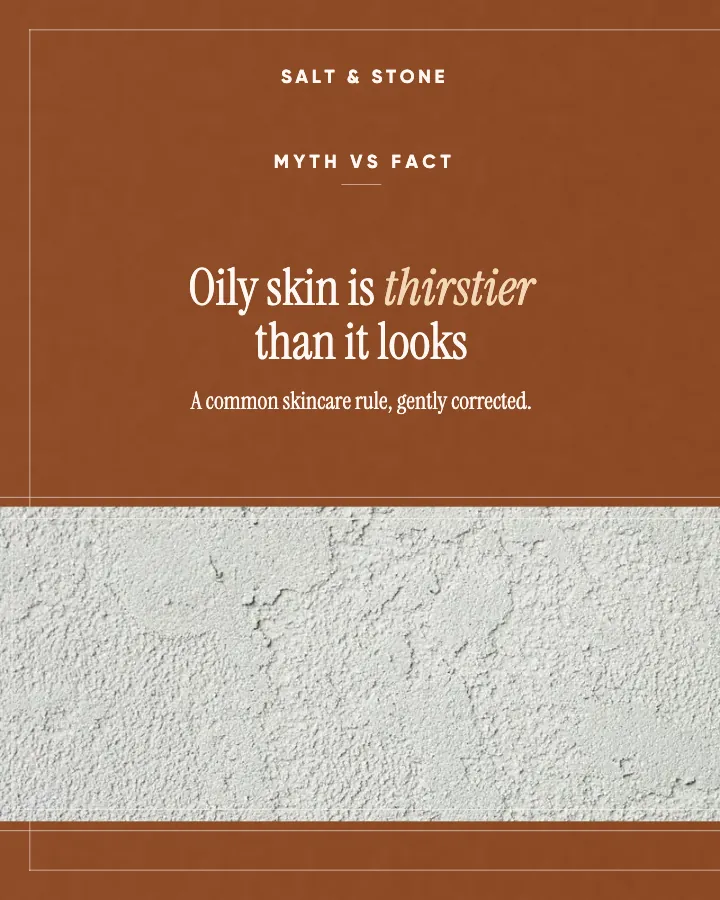
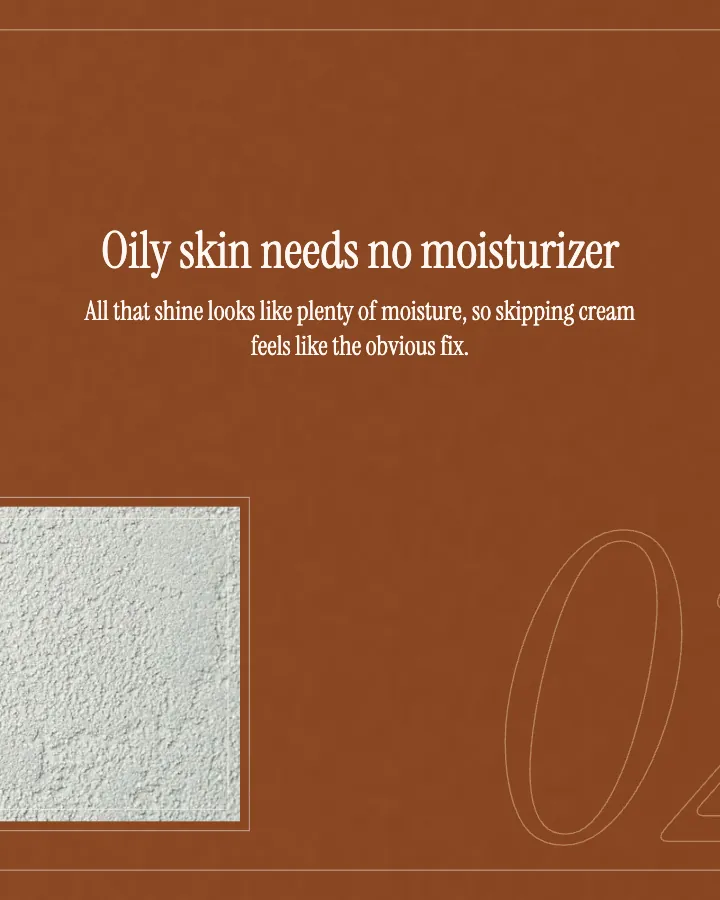
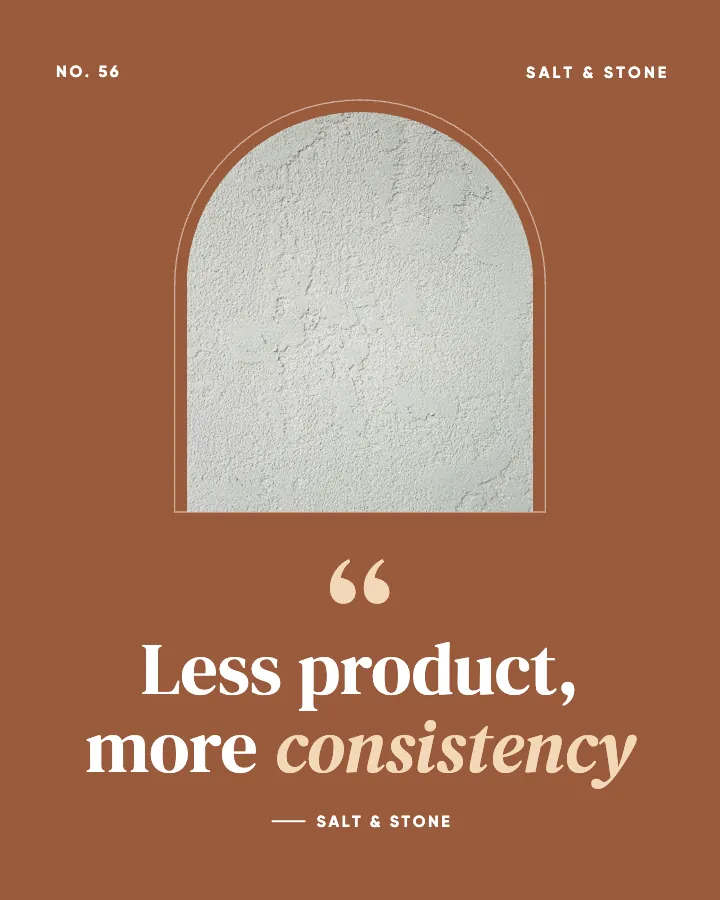
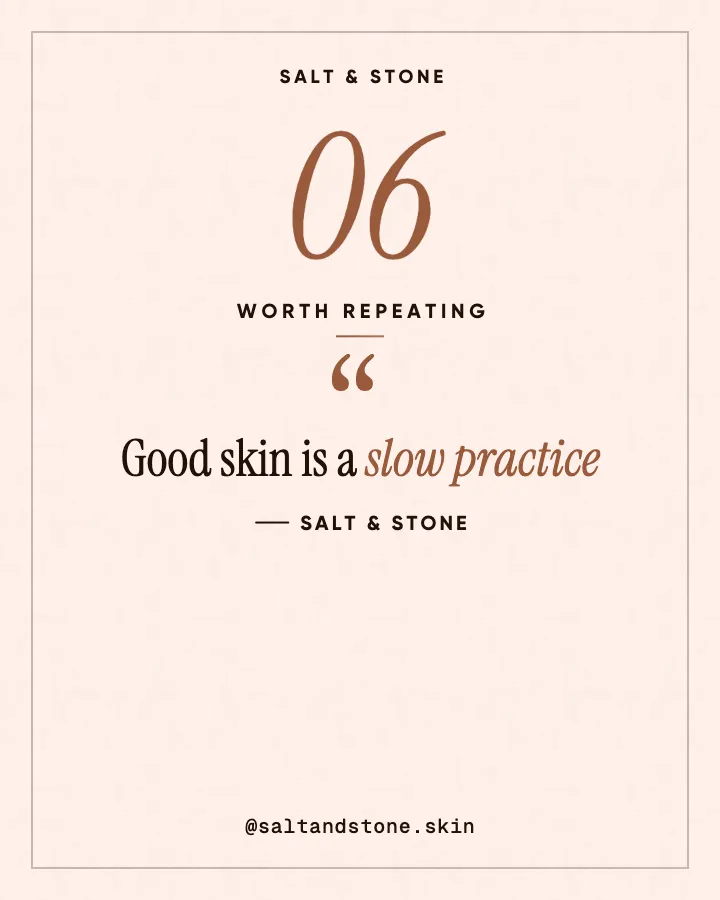
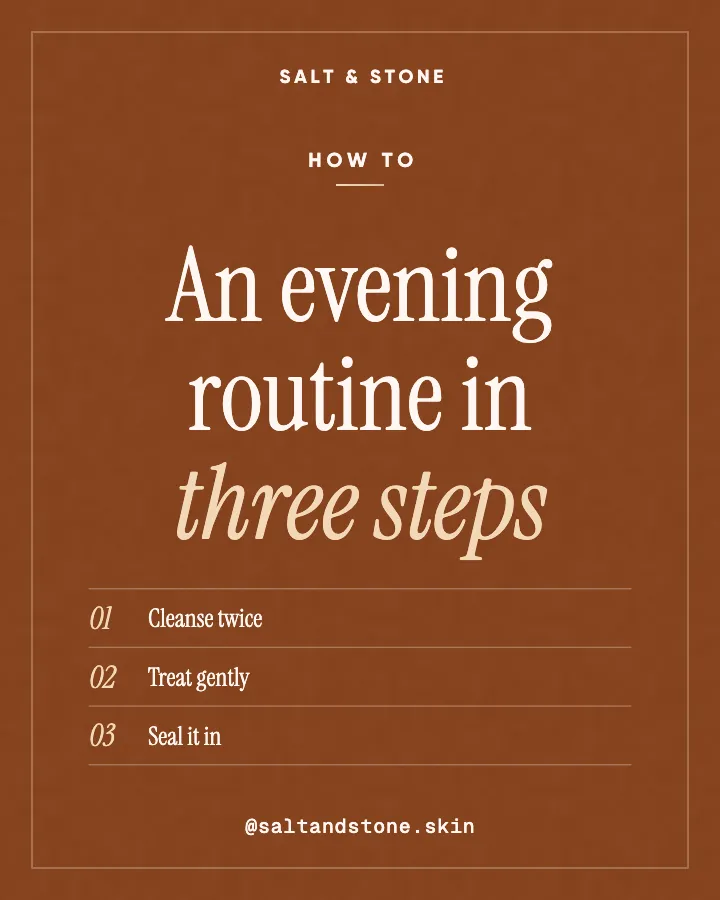
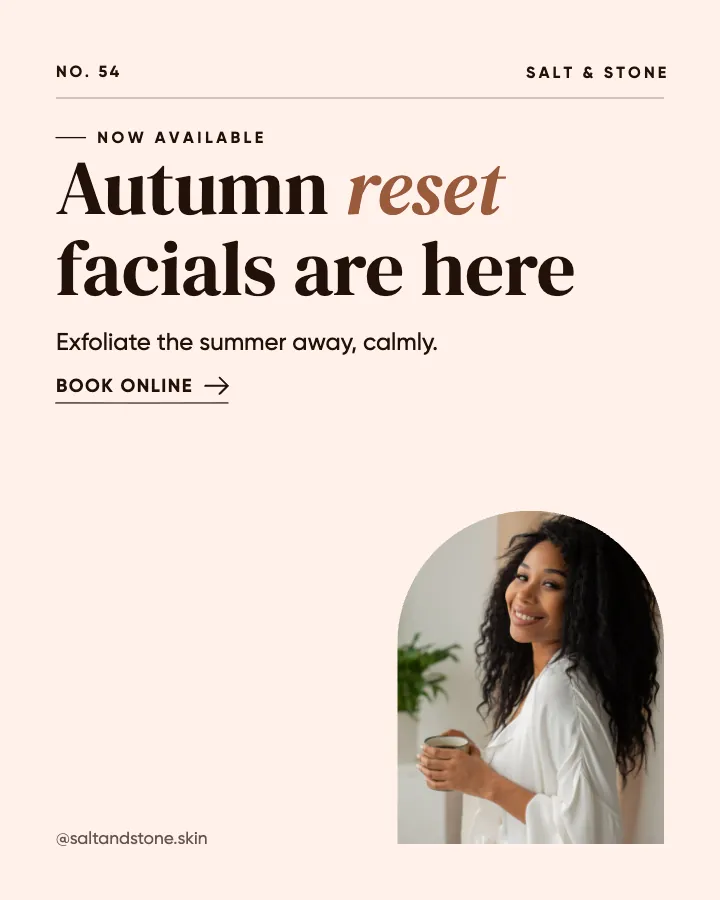
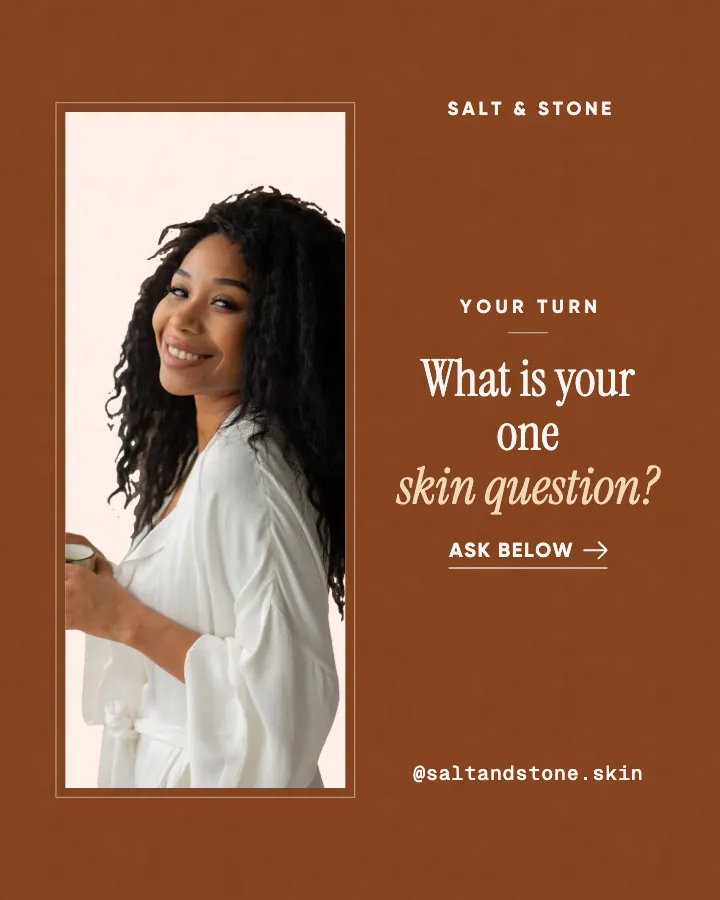
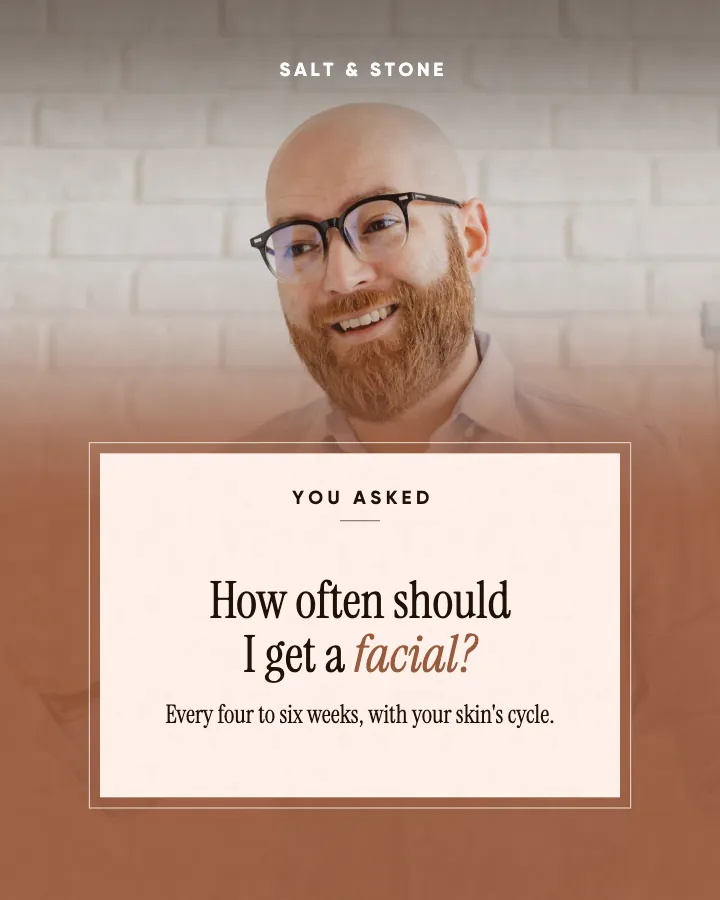
The first slides of Salt & Stone's carousel, a fictional business.
Instagram templates for small business
Like a template pack that fills itself in: posts about your business, in your colors and your voice, laid out as one planned grid. Nothing to edit.
Creobee works like a template pack that fills itself in: it picks the layout for each post, writes the words and applies your logo and colors.
No card to make your first posts7-day money-back guaranteeSee plans
Anyone who has used a pack for a few months knows the routine. The layouts are done; the posts are not. For every single post you still have to:
Creobee keeps the part of a template pack that works, the consistent design, and does the weekly part for you. You describe your business once. It plans the month around your goal, mixing dozens of post types so the feed has range, and it steers clear of headlines from your recent batches. It writes each post's headline and caption in your voice. Then it designs every post in your chosen style, with a layout picked for the kind of post: a checklist becomes a numbered list, a myth gets both sides, a question gets a reply prompt, an offer gets a button. The words can be in English, Spanish, Portuguese, French, German and Turkish, written in that language rather than translated, something a template pack leaves to you.
Your brand color is used exactly, never nudged, and every word meets the WCAG AA contrast standard. Your logo goes on every post. The art is one of 124 backgrounds or your own photo, and "Add people" can put photos from a library of 30 real people on some posts, tinted in your colors. No picture is AI-generated, so there is nothing AI-made to spot. Finally, the posts are laid out as a grid, in a checkerboard, columns or diagonal pattern that keeps its shape as you post, which no single template file can do.
How it works
Salt & Stone is a fictional skin studio and esthetician. This is the first week of the month Creobee made for it.
Describe it onceYour website, or a few words.
Get the weekEvery post written and designed in your colors.
Approve, then postScheduled for you on Autopilot and Pro, or downloaded.
BriefSkin studio for facials and consultations. Calm voice.
Regular · 16 a week
Salt & Stone's week is ready@saltandstone.skin
8 networks, one schedule
Each post goes out on its day, after your OK.
Example week for a fictional skin studio and esthetician, made with Creobee. Stories go to Instagram; animated posts only if you want them.
About 70 posts a month, stories included. Autopilot's 100 posts cover it.
$39 a month · about $0.39 a post
Your first 3: a post, a carousel and a story.
Template buyers shop by look: bold, clean, soft, playful, editorial. Each style in Creobee is a complete design language, the way a pack is, and your voice picks the one that fits unless you choose another in a tap:
Huge condensed capitals, a highlight in color, a starburst badge. Picked for a bold voice. Trainers, barbers, anything with energy.
Notched blocks, an accent subtitle and a footer bar with your call to action on every post. Picked for a professional voice. Accountants, consultants, clinics.
Minimal and photo-first, one big headline and plenty of air. Picked for a friendly voice. Coaches, cafes, makers.
Sticker highlights, waves and confetti. Picked for a playful voice. Bakeries, kids' classes, pet businesses.
Serif headlines with an italic highlight, arch frames and thin rules. Picked for a calm voice. Skin studios, wellness, interiors.
A template pack is the better choice when you enjoy designing, want to move every element yourself, or need formats Creobee does not make: Reels covers, flyers and print. A pack is also cheaper up front, and you pay for it once.
Creobee is the better choice when the empty layout is the problem: when you have the pack and still do not post, because deciding and writing every week is the hard part. You cannot open a Creobee post in Canva and drag things around. You change the style, pattern, colors or background and make the next batch, and the design follows.
Both give you a consistent, professional look. The difference is who does the weekly work. Pack prices are Etsy listings as of September 2026.
Carousels that connect as you swipe
4 to 8 slides, every one readable alone. 2 to 4 in a planned week.
The first slides of Salt & Stone's carousel, a fictional business.
Posts that move
Animated from the post's own design, with sound effects you can turn off.
Your brand
Your logo and colors on every post
Salt & Stone uses the Editorial style, the columns grid pattern and its own colors. No AI-generated images.
Posted for you, on its day
On Autopilot and Pro, each post goes out at its time to the accounts you connect, and stories go to Instagram. On the other plans you download the week.
Pricing
Every plan designs your feed. Pick how many posts, and whether we post them too.
Not sure yet? First 3 posts made free, no card neededFor making your posts and posting them yourself
$19/month
7-day money-back guarantee. Cancel anytime.
For handing the whole job over
$39/month
7-day money-back guarantee. Cancel anytime.
For posting every day across several accounts
$79/month
7-day money-back guarantee. Cancel anytime.
For comparison: freelancers usually charge $300 to $1,500 a month for 8 to 16 posts.
Straight answers on pricing, posts, and what Creobee does and does not do.
No. Creobee does not give you editable template files. It gives you finished posts: designed in one of 5 styles, filled with posts about your business written in your voice, in your logo and colors, with a caption for each one. Think of it as a template pack that fills itself in.
Not element by element: there is no drag-and-drop editor. You control the design at the level of the whole feed (style, grid pattern, brand color, background, logo, people) and each new batch follows it. On Autopilot you can change a caption when you schedule a post.
Bold, high-energy packs are closest to Poster; clean corporate packs to Block; minimal, airy packs to Studio; bright, fun packs to Playful; soft serif packs to Editorial. If you do not choose, your voice suggests one: bold picks Poster, professional picks Block, friendly picks Studio, playful picks Playful and calm picks Editorial. You can switch in a tap and preview how your next nine posts will look in the new style before you make anything.
Your main brand color, yes: it is used exactly as you enter it, and the rest of the palette is built around it so every word stays readable. Your logo goes on every post; without one, your business name or handle is used instead.
Packs often include Reels covers, flyers, print designs and video templates. Creobee makes none of those, and never creates AI-generated pictures. If you need those formats, a pack alongside Creobee covers them.
No editable files: it makes the finished posts instead, with 2 to 4 carousels in every planned week. With animated posts on, each single post can also come as a 6 to 12 seconds video animated from its design, with sound effects you can turn off. On Autopilot and Pro, Instagram gets the carousel and every other network a single-image version of the same post.
No. Start from your website, or a few words. Creobee reads your website's home page for your kind of business, what you offer, your name, language and brand colors, and you check what it found; you add your logo and a photo yourself. Without a website, tap your kind of business and pick what the posts are about. Either way it is saved, so you do it once.
Describe your business once and get finished posts in your style, voice and colors, laid out as one feed. First 3 posts made free, no card needed.
Make 3 posts freeYour first 3: a post, a carousel and a story.
The guide
Most Instagram templates for small business are empty layouts you fill in every week. Creobee works like a template pack that fills itself in: start from your website or a few words, and its 5 designed styles act like 5 packs. The one you pick comes back as up to 30 posts about your business, written in your voice, in your logo and colors, laid out as a planned Instagram grid. It is not a Canva file or an editable template: you get finished 1080x1350 posts with captions, ready to post.
5 chapters · 6 min read · Updated
1. Tell it about your business
Your website, or a few words on what you do and who it is for, replaces the brief you would give a designer. You check what it found, and it is saved, so you do it once.
2. Pick your pack
Choose a style (Poster, Block, Studio, Playful and Editorial), or keep the one your voice suggests. Add your brand color and logo, and choose a grid pattern. A live preview shows how your next nine posts will look.
3. Get it filled in
Up to 30 finished posts per batch, each with its caption and a layout that fits its kind of post, plus carousels in every planned week and animated versions if you switch them on. Download them, or on Autopilot schedule them and they go out on the days you set.
Template packs are how many small businesses first get a professional-looking feed. On Etsy, packs that rank for "instagram templates for small business" were listed at about $3.50 to $26 each as of September 2026, and Creative Market sells similar kits. For that you get dozens or hundreds of editable layouts, usually for Canva, all in one look: the same fonts, the same shapes, a palette someone with taste chose.
That is real value. A good pack gives your posts the consistency a designer would, for the price of lunch. It is also where the value stops, because a template is an empty layout. Every week, the pack is waiting for you to decide what to say.
Many packs now sell Instagram carousel templates and animated templates as extras you still fill in by hand. In Creobee both come in every style, filled in like the single posts. Switch Carousels on before a batch and about one in three posts becomes a carousel of 4 to 8 slides: a cover, the content and a closing slide with the next step. Creobee picks which posts suit a carousel (how-tos, checklists, myth vs fact, before and after) and how many slides each one gets. The slides connect as you swipe, each one also reads on its own, and the cover is the tile in your grid. A carousel counts as one post.
Switch on animated posts and each single post can also come as a short video, 6 to 12 seconds long, animated from your post's design with one of 19 motion templates and sound effects you can turn off. It starts and ends on the post, so the grid stays as planned. Carousels stay still, and both options are on every plan at no extra cost.
A pack is a one-off purchase that needs your time every week. Paying a person instead costs more per post: ManyPixels' September 2026 guide puts a single post design on Fiverr or Upwork at about $5 to $20, for the design alone, with no plan and no caption. Creobee is a monthly plan that includes the words, the planning and the grid: Solo is $19 a month for 40 finished posts, about $0.48 a post, and Autopilot is $39 for 100 posts, posted for you on 8 networks. A carousel or an animated version costs the same one post.
Here is part of a filled-in month for an imaginary lash and brow studio. With a template pack, you would decide each of these topics, write the words and type them into a layout yourself. Here the topic, the words and the layout arrive together, and the caption comes with them.
Educate / Tip
Keep new lashes dry for 48 hours
Fresh extensions need two days before they meet water, steam or oil. Wash around your eyes with a damp pad, skip the sauna and the hot yoga class, and sleep on your back if you can. It is the easiest way to get the most out of a new set.
Educate / Myth vs fact
Brow lamination ruins your natural brows
Not when it is done properly and not too often. We check your brows first, time the solution to your hair type and space treatments at least six weeks apart. Healthy brows are the whole point, so we will tell you honestly if yours need a break first.
Engage / This or that
Natural set or full volume?
We do both every week, and the choice usually says a lot about how you wear makeup the rest of the time. Which one are you? Vote in the comments, and tell us if you ever switched from one to the other and never looked back.
Behind the scenes / Process
Every appointment starts with a map
Before a single lash goes on, we map your eye shape and talk about how you want to look at work, at the gym and on a night out. Ten minutes of planning saves weeks of a set that is almost right. It is also the best time to ask us anything.
Promote / Availability
Saturday spots go first every month
Weekends book up before weekdays, every single month. If you want a fresh set before a wedding or a trip, book your Saturday now through the link in our bio, or reply to this post and we will find you a weekday evening instead. Refills for regulars are open all week.
Inspire / Reminder
Your natural lashes need rest days too
A few weeks off between sets, once or twice a year, lets your natural lashes recover. It feels strange for the first few days, and then it feels like freedom. Ask us about a lift and tint if you want a little help in the weeks in between.