

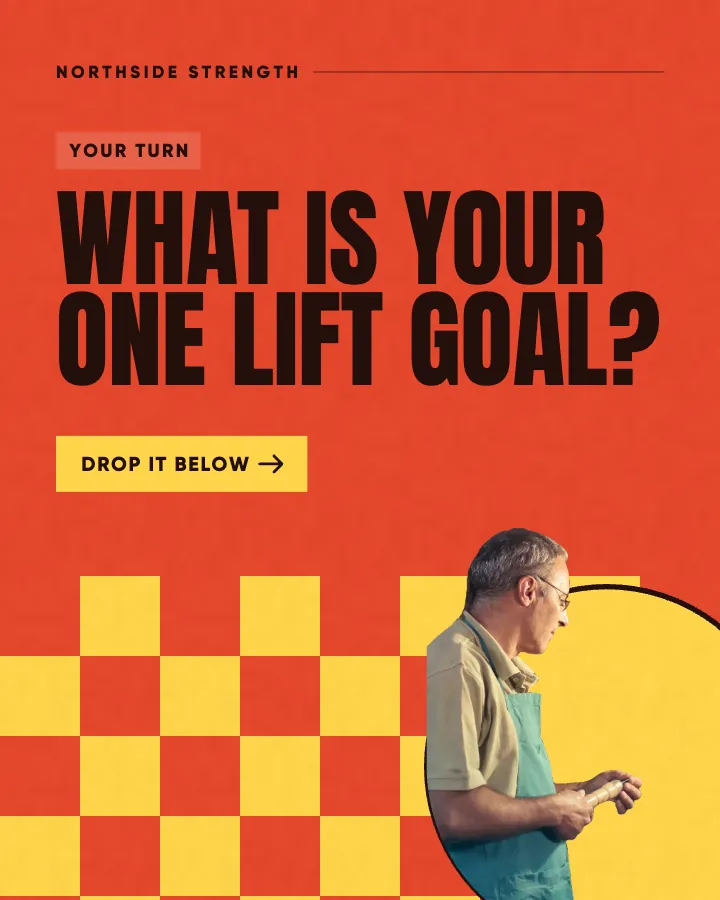
Carousels that connect as you swipe
4 to 8 slides, every one readable alone. 2 to 4 in a planned week.
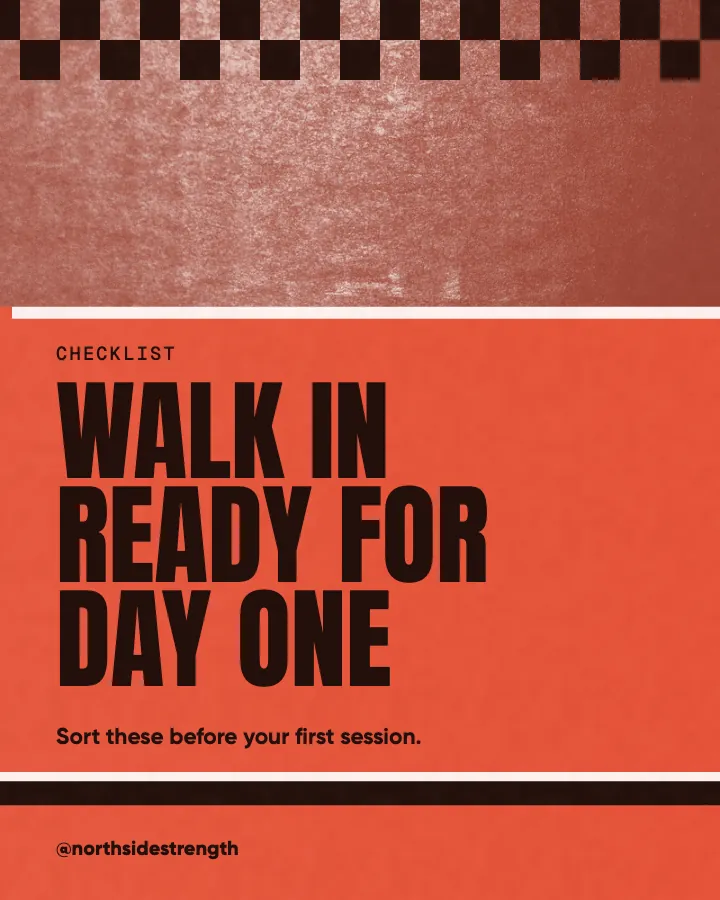

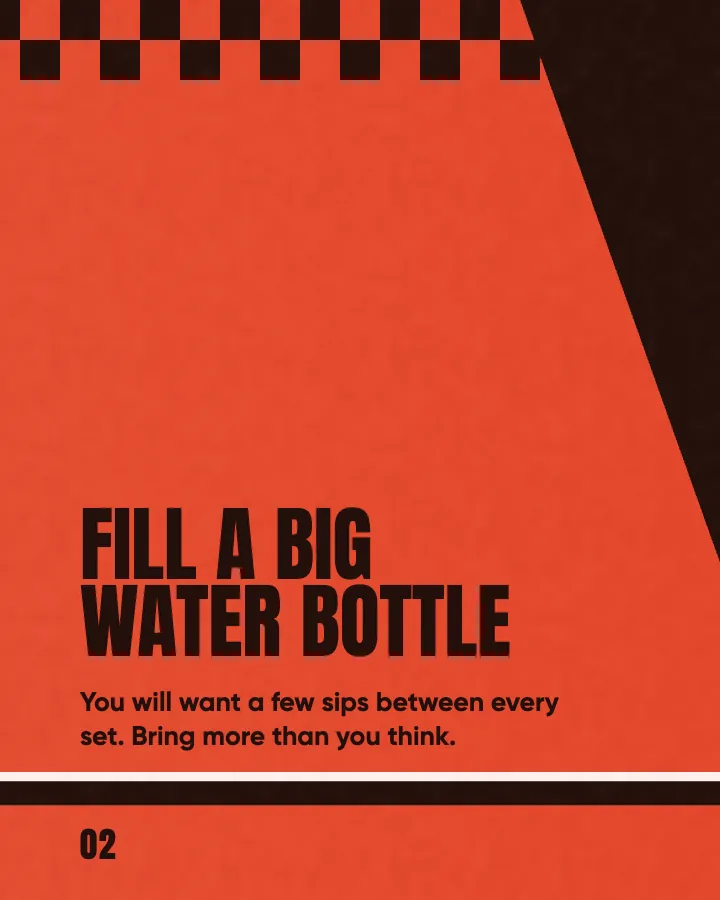
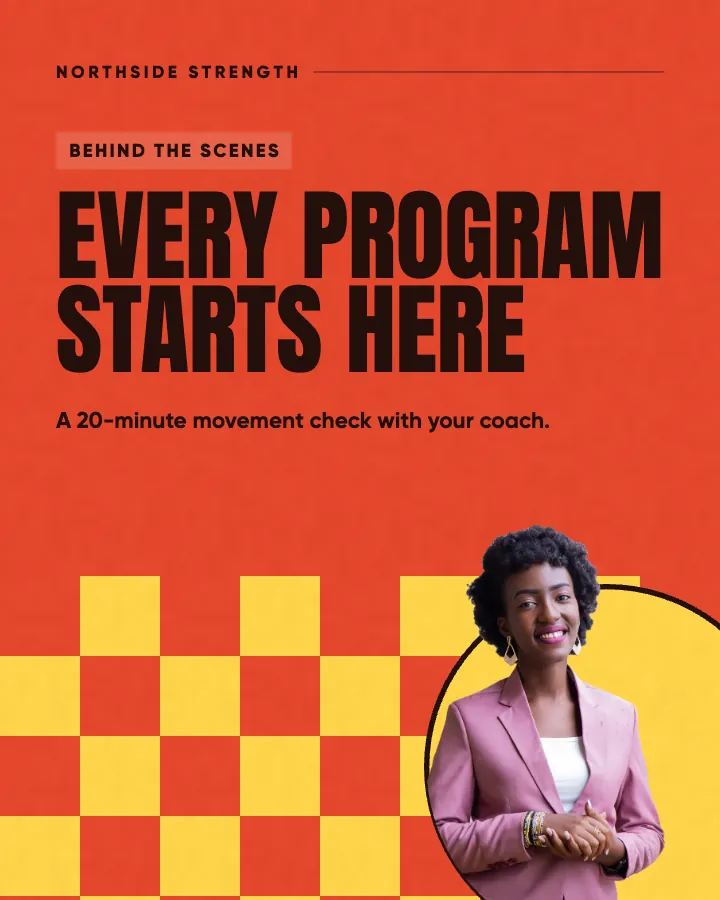
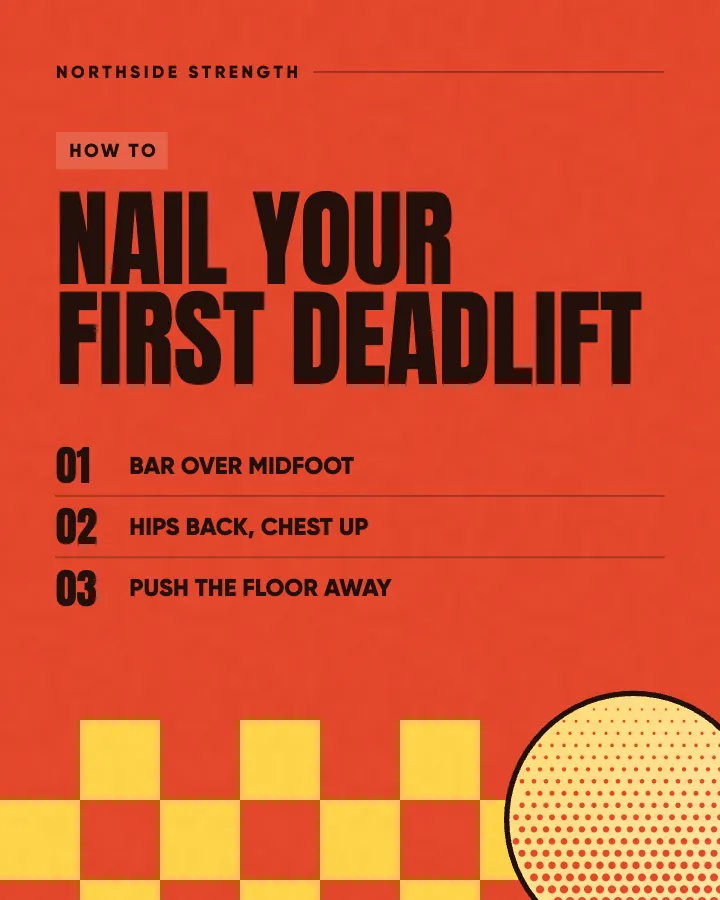
The first slides of Northside Strength's carousel, a fictional business.
Animated social media posts
Each post is designed first, then animated from its own design. No motion designer, no timeline to edit, and your brand in every frame.
No card for the free posts7-day money-back guaranteeSee plans

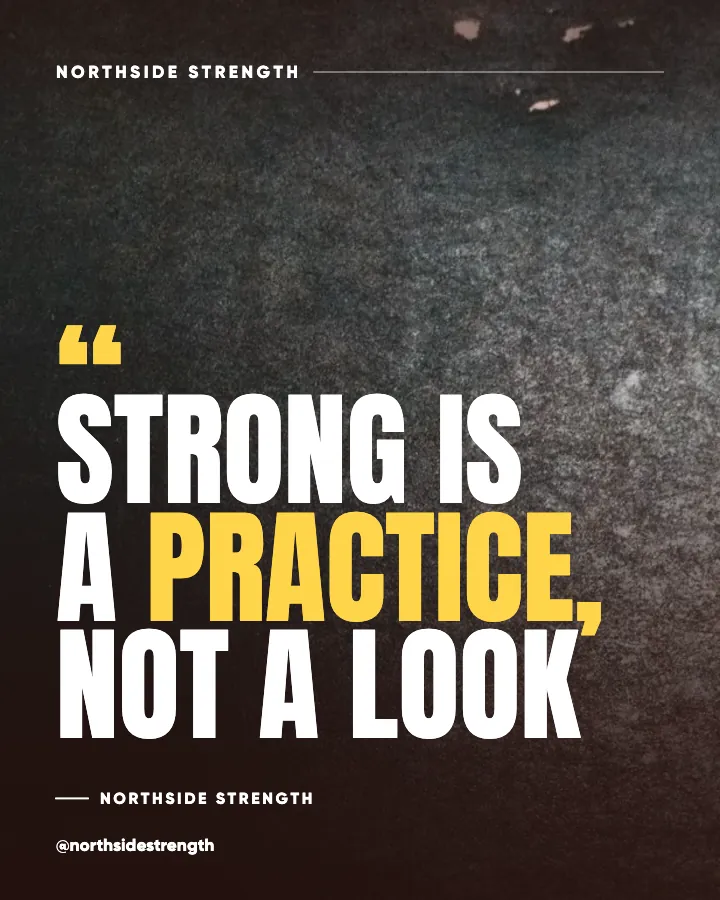
Example posts for a fictional gym and personal training studio, made with Creobee.
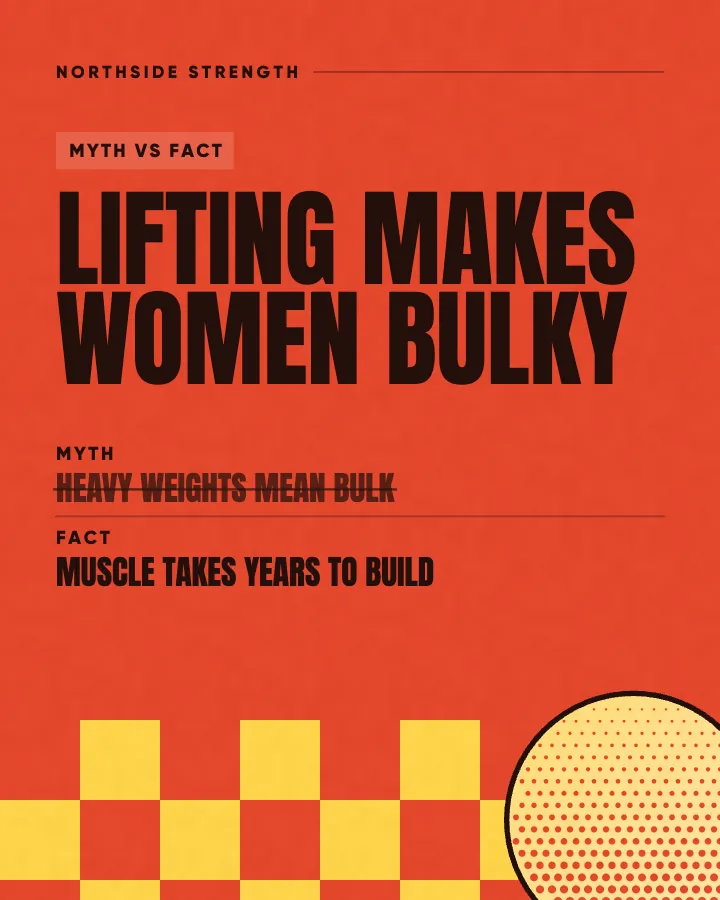
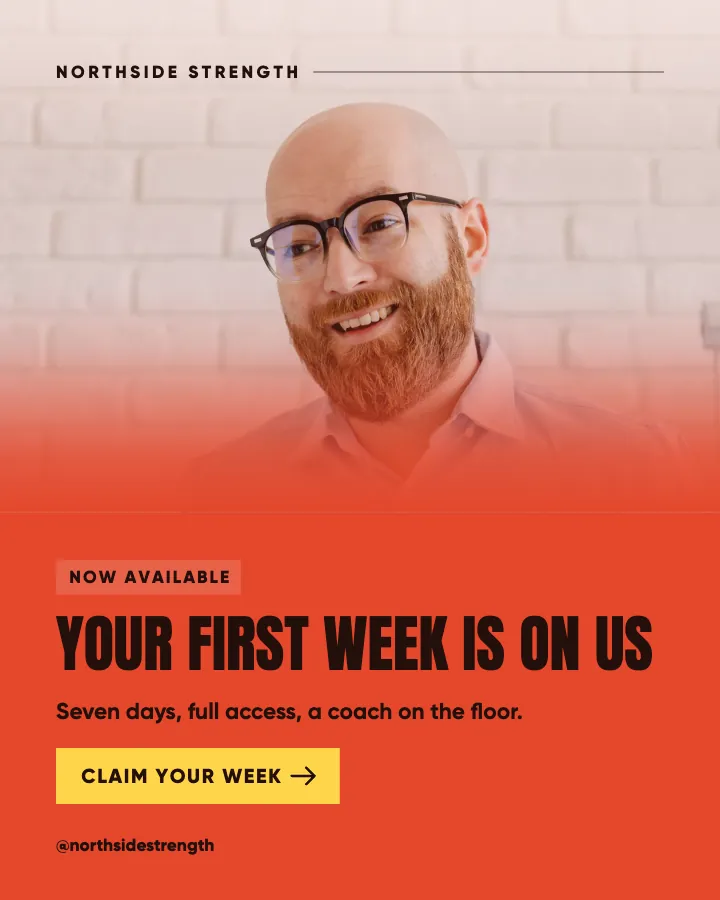
An offer, a myth and its fact, and a valuation call, each animated from its own design in a different style. The words, colors and logo are the post's own, and every video ends on the post.
On every plan, at no extra cost. Sound effects you can turn off.
Animated versions of example posts for fictional businesses, made with Creobee.
How it works
Northside Strength is a fictional gym and personal training studio. This is the week Creobee made for it.
Describe it onceYour website, or a few words.
Get the weekEvery post written and designed in your colors.
Approve, then postScheduled for you on Autopilot and Pro, or downloaded.
BriefStrength gym with small-group coaching. Bold, no-nonsense voice.
Regular · 16 a week
Northside Strength's week is ready@northsidestrength
8 networks, one schedule
Each post goes out on its day, after your OK.
Example week for a fictional gym and personal training studio, made with Creobee. Stories go to Instagram; animated posts only if you want them.
About 70 posts a month, stories included. Autopilot's 100 posts cover it.
$39 a month · about $0.39 a post
Your first 3: a post, a carousel and a story.
4 to 8 slides, every one readable alone. 2 to 4 in a planned week.
The first slides of Northside Strength's carousel, a fictional business.
Your brand
Northside Strength uses the Poster style, the checkerboard grid pattern and its own colors. No AI-generated images.
On Autopilot and Pro, each post goes out at its time to the accounts you connect, and stories go to Instagram. On the other plans you download the week.
Animated template tools are a big category. As of October 6, 2026, PosterMyWall lists more than 2,280 Instagram animation templates you customize with your own logo, images and audio, and editors such as Canva work the same way: you start from a template and fill it in. Here is what changes when the post is planned and designed for you first.
Facts about other tools read on their own pages, checked . Sources: PosterMyWall pricing.
Pricing
Every plan designs your feed. Pick how many posts, and whether we post them too.
Not sure yet? First 3 posts free, no card neededFor making your posts and posting them yourself
$19/month
7-day money-back guarantee. Cancel anytime.
For handing the whole job over
$39/month
7-day money-back guarantee. Cancel anytime.
For posting every day across several accounts
$79/month
7-day money-back guarantee. Cancel anytime.
For comparison: freelancers usually charge $300 to $1,500 a month for 8 to 16 posts.
Straight answers on pricing, posts, and what Creobee does and does not do.
Short videos of a designed post: the words, shapes and photo of a graphic move into place, rather than a filmed clip. Creobee's are 6 to 12 seconds long, animated from the post's own design, and they start and end on the still post.
On Autopilot and Pro, schedule an animated post and it goes to Instagram as a Reel shared to your grid, and as a video post to your Facebook Page, LinkedIn, Threads, Pinterest, Bluesky and TikTok, with its picture on X. On every plan you can download the MP4 and post it anywhere yourself.
No. Switch on animation and each single post gets a motion template that fits what it says (carousels stay still): a checklist builds row by row, a number counts up, a question gets its own beat. If you would rather a post moved differently, open it and pick another template from the ones that fit it.
A 1080 by 1350 MP4, 6 to 12 seconds long, with sound effects unless you turned them off. You can also download the post as an image. When a video is scheduled, the still goes with it as the cover, and its first frame is the still too.
Yes. The motion is built from the post itself, so your brand color stays exact, the type matches the still and your logo never leaves the frame. Your own photo stays put too: it never zooms or pans.
Yes. When you schedule an animated post on Autopilot or Pro, choose Video or Image for that post. The image is the same designed post, so your feed looks the same either way.
No. An animated post counts as one post, the same as its still, and animation is on every plan, Solo included. Partly. Every new account gets 3 finished posts free, a post, a carousel and a story from its first week, with no card and no watermark, so you can see your own brand on real posts before paying anything. After that, plans start at $19 a month for 40 posts, with a 7-day money-back guarantee.
Yes. One animated post works on both: a 4:5 MP4 that starts and ends on the designed post. On Autopilot and Pro it goes out as a video post on Facebook or LinkedIn; on Solo, download it and upload it yourself.
Yes. Posts are written natively in English, Spanish, Portuguese, French, German and Turkish, and the animation moves those words as written, with the same templates and sound effects.
Describe the business and add your logo. Creobee plans, writes and designs the posts, and with animated posts turned on, each one can also come as a short animated version. First 3 posts free, no card needed.
Make 3 posts freeYour first 3: a post, a carousel and a story.
The guide
Creobee makes animated social media posts for businesses without a motion designer. It designs each post first, in your colors and with your logo; turn on animation and each single post can also come as a 6 to 12 seconds video that moves the post's words and shapes, with sound effects you can turn off. It starts and ends on the post itself, and your own photo stays still.
9 chapters · 10 min read
1. Start from your website, or a few words
Paste your website and Creobee reads what you do, your offers, your brand color, logo and photos, and you check every answer. No website? Tap your kind of business and pick what your posts are about. That brief is what every post is written from.
2. Pick the look, then switch on animation
Choose one of 5 styles (Poster, Block, Studio, Playful and Editorial), your brand color and logo, and turn on Animated posts. Animation is off until you switch it on, and sound effects come on with it. You can turn them off with one switch.
3. Watch, then download or schedule
Up to 30 designed posts with captions in one batch. Each animated post plays when you open it. Download the video or the image, one post at a time or several in a ZIP, or on Autopilot schedule them in order. Nothing goes out without your OK.
Each animated post is a 1080 by 1350 MP4 in the tall 4:5 shape, 6 to 12 seconds long. On Autopilot and Pro, schedule it and it goes to Instagram as a Reel shared to your grid, so it sits in your profile beside your other posts, and as a video post to your Facebook Page, LinkedIn, Threads, Pinterest, Bluesky and TikTok, all from the same design (X gets its picture). You choose per post whether it goes out as the video or as its image.
On every plan, Solo included, download the MP4 and post it wherever you like, by hand or with the scheduler you already use. If your Instagram grid matters most to you, the animated Instagram posts page goes into how the pattern holds when videos join it.
With Carousels switched on, about one in three posts becomes a still carousel of 4 to 8 slides instead. Carousels never move: Instagram gets the carousel, and every other network gets a single-image version of the same post.
Every animated post opens on the exact designed post, pixel for pixel, and ends on it after a short hold. The motion happens in between. That matters more than it sounds, because many networks show the first frame of a video before anyone presses play, and some ignore a custom cover altogether.
So wherever the video lands, the thumbnail people see is the post you approved, not a blurred frame from the middle of a move. When Creobee schedules a video, the still goes with it as the cover. And because the last frame matches the first, a video that loops plays on without a jump.
If you want to animate every element yourself, add your own music, edit filmed clips or make a one-off promo for an event, a template editor gives you more control. Many businesses keep one open for those jobs. If you are weighing one up, see how Creobee compares with PosterMyWall and with Adobe Express.
Creobee is for the steady part of the week: tips, answers, offers and stories, designed as one set and moving in your colors. Creobee makes designed 4:5 posts, 9:16 stories, still carousels and short animated versions of single posts with sound effects you can turn off: no filmed or AI video, no voice or music, no replies to comments or DMs and no analytics.
Six post ideas for an imaginary neighborhood bike repair shop, one for each kind of post. The motion follows what the post says: a checklist builds row by row, a myth is crossed out before the fact lands, a number counts up, a question gets a beat of its own, an offer arrives with a flourish and a line of copy is revealed as a quote. Which template a post gets depends on its layout and style, so yours may move differently.
Educate / Checklist
Before your first spring ride
Pump the tires to the pressure printed on the side. Squeeze both brakes hard and check the bike stops before the levers touch the bars. Spin each wheel and watch for a wobble. Run a rag along the chain and add a drop of oil to every link. Five minutes in the hallway saves a long walk home.
Educate / Myth vs fact
A noisy chain just needs more oil
More oil usually means more noise a week later, because it picks up grit and turns into paste. Wipe the chain clean first, oil each link once, then wipe off what sits on the outside. If it still clicks after that, the chain may be stretched, and that is a quick check at the counter.
Educate / Number
2 minutes a week keeps your chain quiet
A quick wipe and a drop of oil every week does more for your drivetrain than a big clean twice a year. Keep a rag and a small bottle by the door, and do it when you bring the bike in after a wet ride.
Engage / Question
What noise is your bike making?
A tick on every pedal stroke, a squeal when you brake, a rattle over bumps. Each one points somewhere different, and most are small fixes. Tell us in the comments and we will reply with what it probably is.
Promote / Offer
Spring tune-ups, booked in 48 hours
Gears, brakes, wheels and a safety check, back to you within two working days. Book a slot from the link in our bio, or drop the bike off any morning before ten and we will call you when it is ready.
Inspire / Original line
The best bike is the one you ride
We fix carbon race bikes and thirty-year-old town bikes on the same stand, and we are happy to see both. If yours has been in the shed since last summer, bring it in. Most of them need less than you think.
How to make animated Instagram posts: the size and length to use, how to animate one in Canva step by step, and how to keep your grid looking planned.
12 min read
Cross-posting on social media without looking lazy: keep one branded graphic, rewrite the caption for Instagram, LinkedIn, Pinterest and Facebook in 20 minutes.
6 min read
Instagram Reel cover design best practices: design for the cropped grid tile first, keep text in the 9:16 safe zone, and reuse the template your feed uses.
7 min read
Facebook for small business, honestly: when a Page is worth posting to, when to skip it, and how to keep one alive in ten minutes a week with cross-posts.
6 min read