
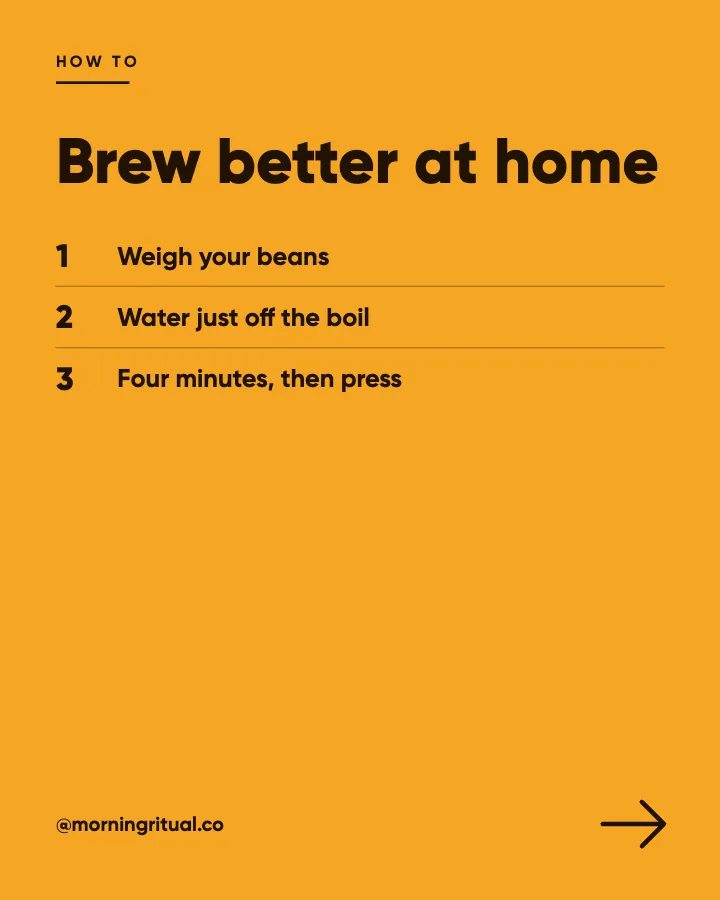
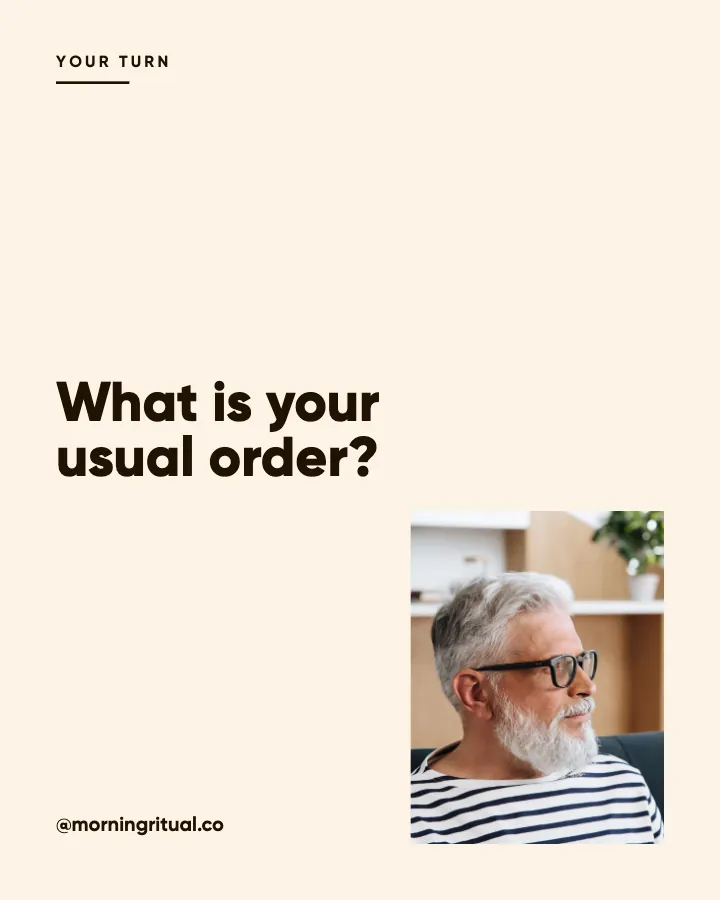
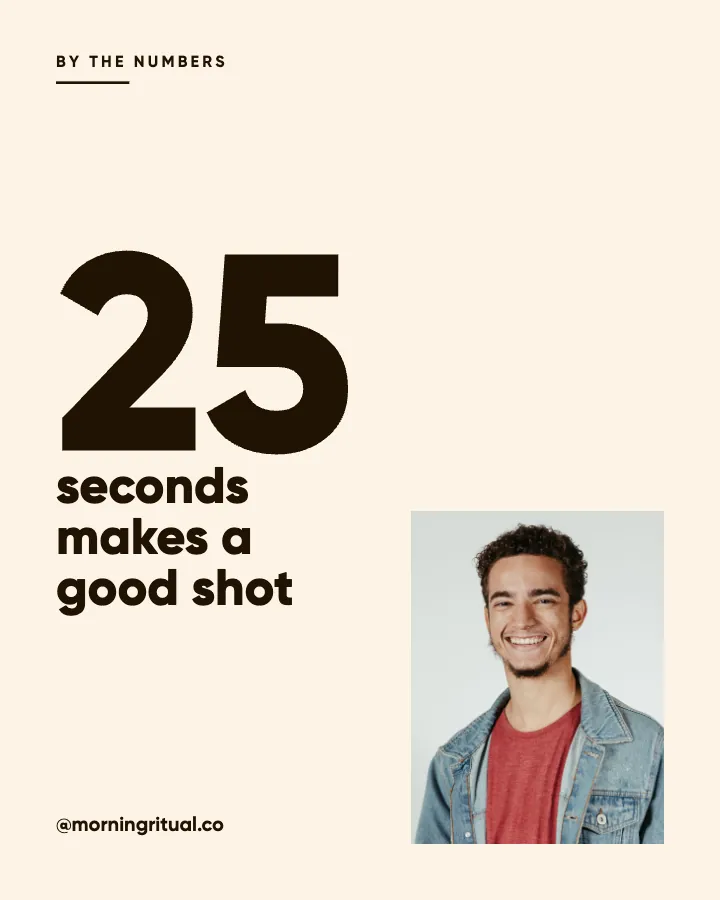
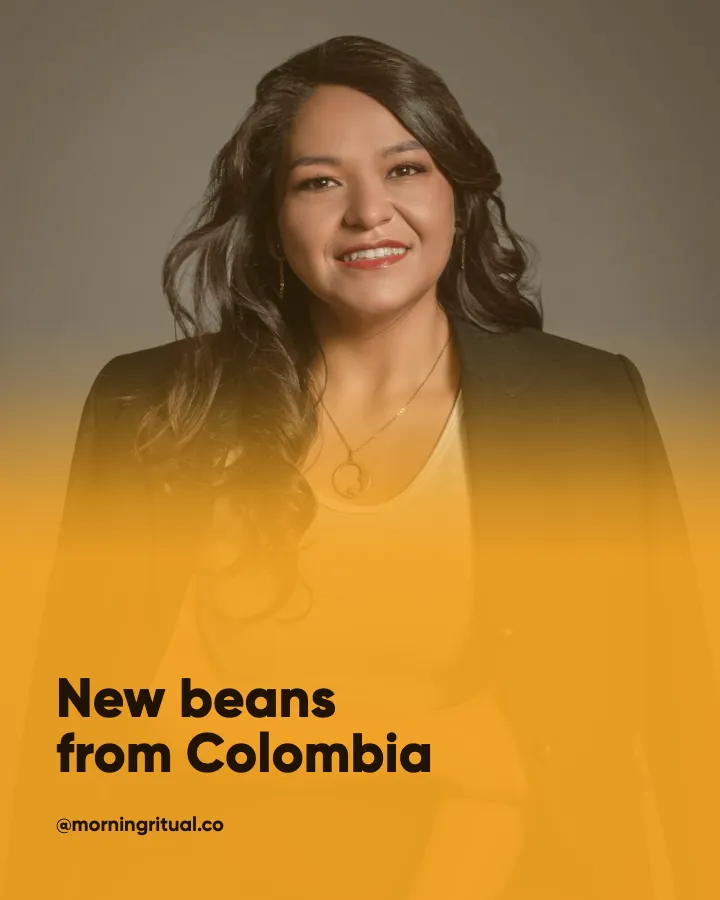
Carousels that connect as you swipe
4 to 8 slides, every one readable alone. 2 to 4 in a planned week.
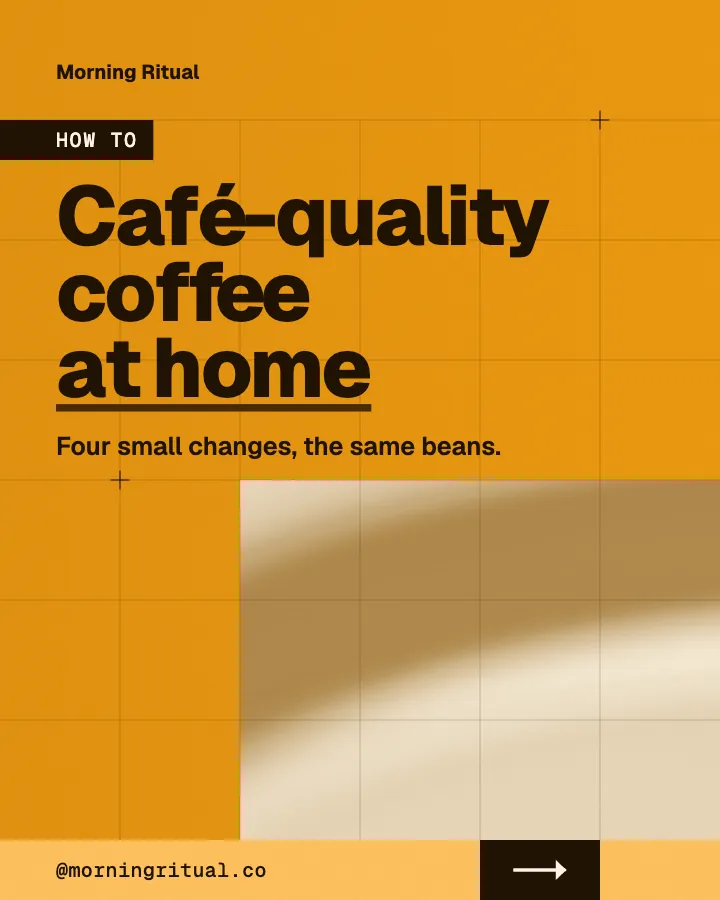
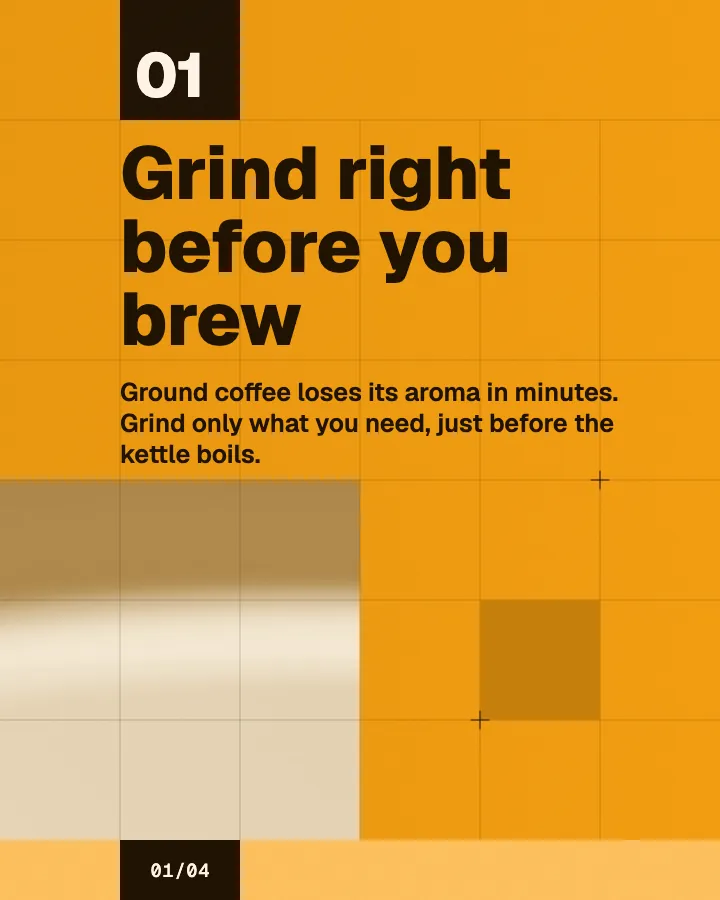
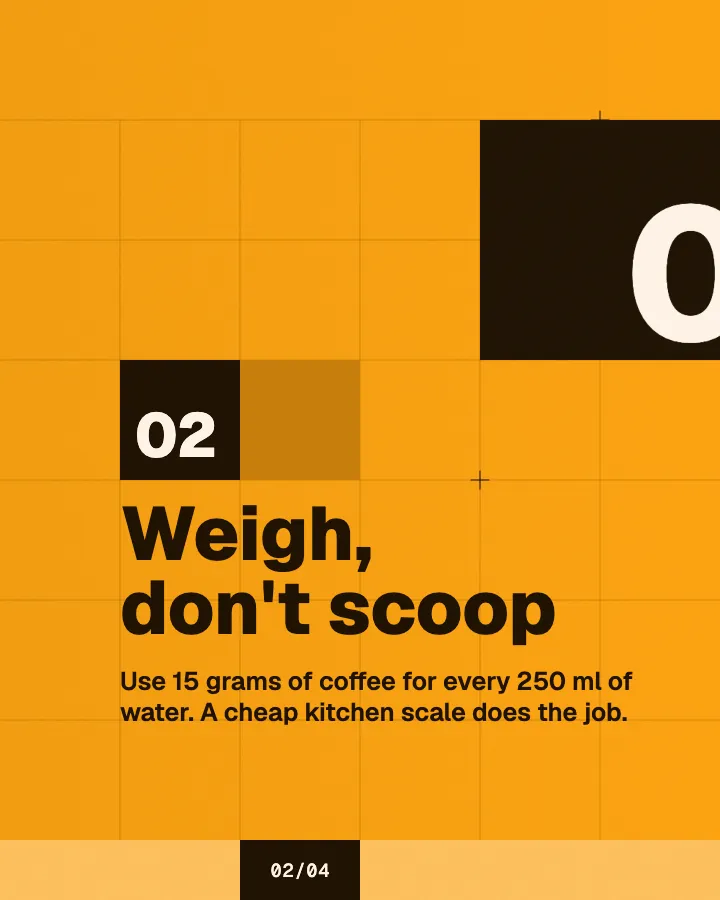
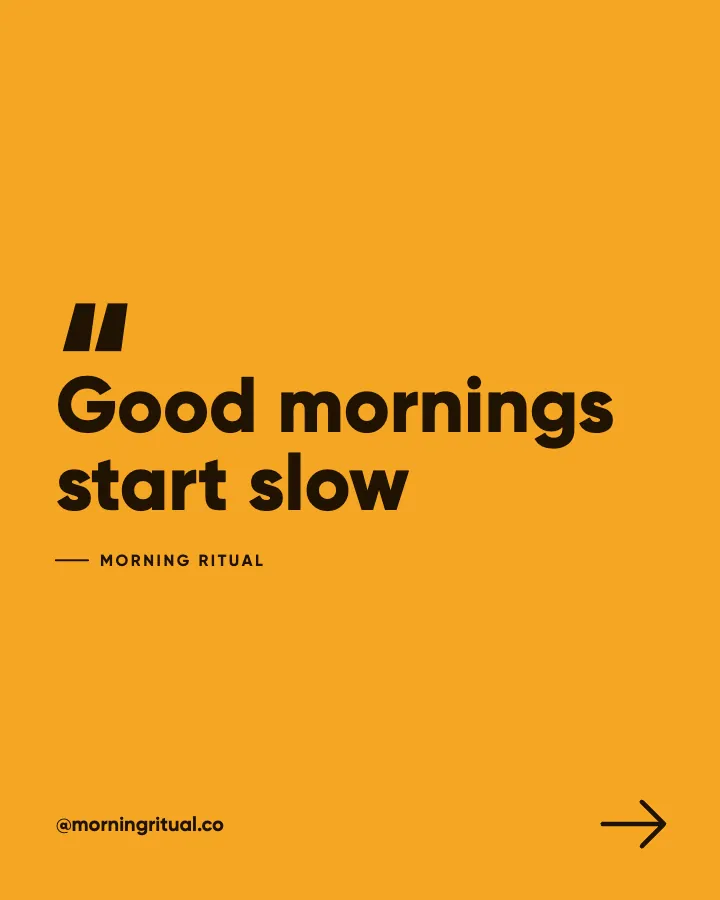
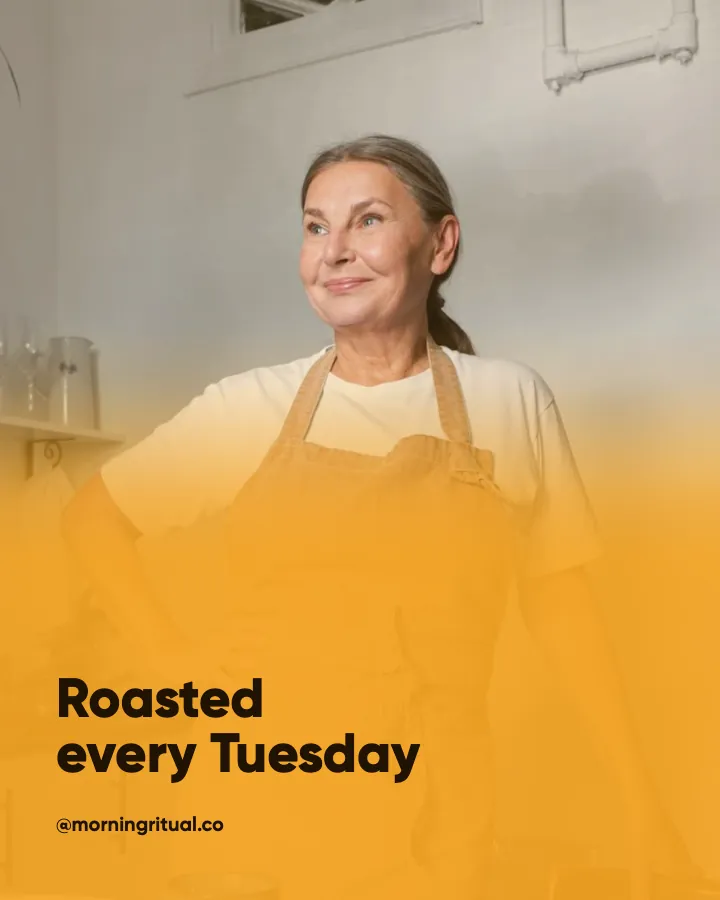
The first slides of Morning Ritual's carousel, a fictional business.
AI Facebook post generator
Page posts that keep your business looking open: images designed, captions written, in your logo and colors, and posted for you on Autopilot.
No card for the free posts7-day money-back guaranteeSee plans
How it works
Morning Ritual is a fictional café and coffee roaster. This is the week Creobee made for it.
Describe it onceYour website, or a few words.
Get the weekEvery post written and designed in your colors.
Approve, then postScheduled for you on Autopilot and Pro, or downloaded.
BriefCoffee shop that roasts its own beans. Friendly voice.
Regular · 16 a week
Morning Ritual's week is ready@morningritual.co
8 networks, one schedule
Each post goes out on its day, after your OK.
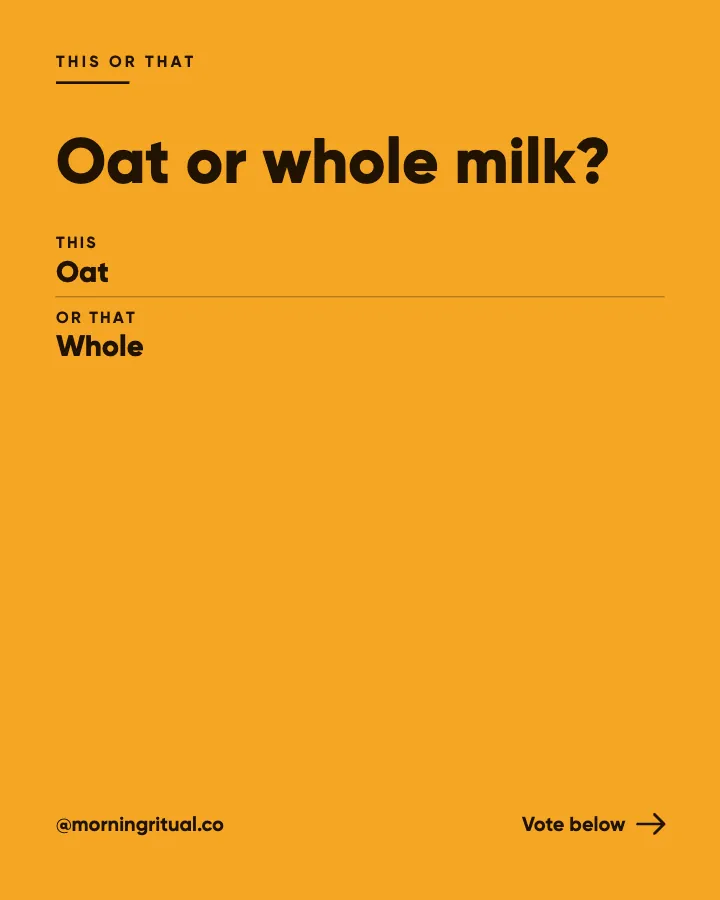
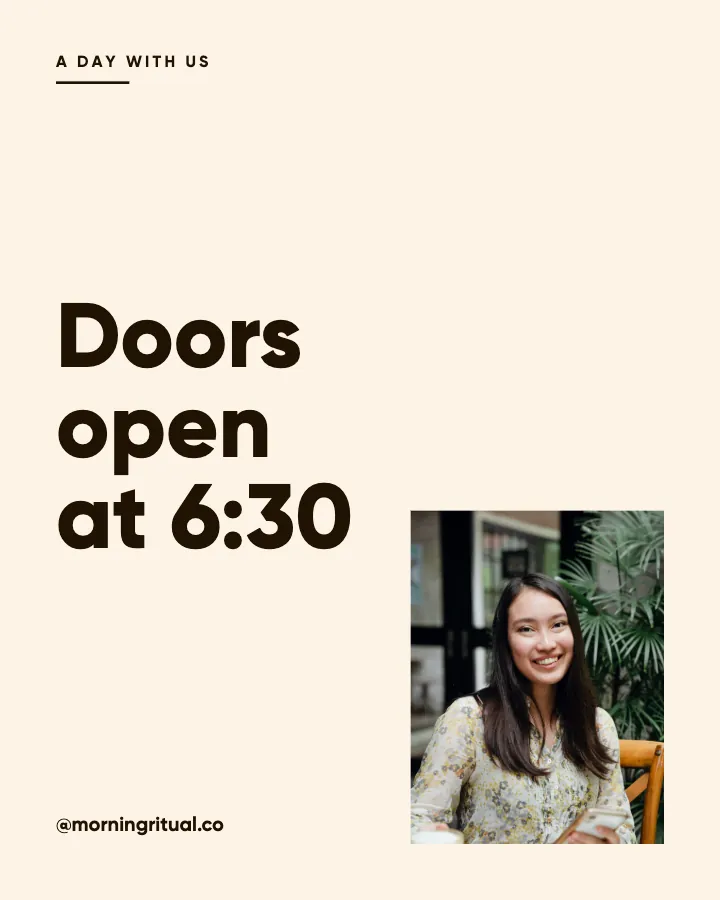
Example week for a fictional café and coffee roaster, made with Creobee. Stories go to Instagram; animated posts only if you want them.
About 70 posts a month, stories included. Autopilot's 100 posts cover it.
$39 a month · about $0.39 a post
Your first 3: a post, a carousel and a story.
4 to 8 slides, every one readable alone. 2 to 4 in a planned week.
The first slides of Morning Ritual's carousel, a fictional business.
Animated from the post's own design, with sound effects you can turn off.
Your brand
Morning Ritual uses the Studio style, the columns grid pattern and its own colors. No AI-generated images.
On Autopilot and Pro, each post goes out at its time to the accounts you connect, and stories go to Instagram. On the other plans you download the week.
Three kinds of tool rank for this search: mockup makers, caption tools and template makers. Here is what the last two leave you to do.
Pricing
Every plan designs your feed. Pick how many posts, and whether we post them too.
Not sure yet? First 3 posts free, no card neededFor making your posts and posting them yourself
$19/month
7-day money-back guarantee. Cancel anytime.
For handing the whole job over
$39/month
7-day money-back guarantee. Cancel anytime.
For posting every day across several accounts
$79/month
7-day money-back guarantee. Cancel anytime.
For comparison: freelancers usually charge $300 to $1,500 a month for 8 to 16 posts.
Straight answers on pricing, posts, and what Creobee does and does not do.
Yes. Every post is a designed 1080 by 1350 image with the headline on it, plus a caption. Facebook shows a single 4:5 image uncropped in the feed, so on a phone it takes more of the screen than a square or landscape image. With Carousels switched on, some posts come as carousels of 4 to 8 slides for Instagram, and Facebook gets a single-image version of the same post. There is no separate image step and nothing to design by hand.
No. Creobee makes real posts for your own business Page, not screenshots that imitate someone else's. If you need a mockup of a post for a presentation, a mockup tool is what you want.
On Autopilot and Pro, yes, once you schedule them. Connect your Facebook Page and schedule the batch in order, up to 300 scheduled posts a month on Autopilot, one per account a post goes to. Nothing goes out without your OK. On Solo, publish or schedule with Meta's own tools or your usual scheduler.
Partly. Every new account gets 3 finished posts free, a post, a carousel and a story from its first week, with no card and no watermark, so you can see your own brand on real posts before paying anything. After that, plans start at $19 a month for 40 posts, with a 7-day money-back guarantee. The free tools under /tools, such as the image resizer and compressor, need no account but do not make posts.
Yes. Upload one photo per batch and it is used across the posts, cropped differently on each, with the words always readable over it. You can also pick one of 124 preset backgrounds or switch on "Add people".
Creobee makes designed 4:5 posts, 9:16 stories, still carousels and short animated versions of single posts with sound effects you can turn off: no filmed or AI video, no voice or music, no replies to comments or DMs and no analytics. It does not make cover photos or event banners, and one account holds one business. It writes posts in English, Spanish, Portuguese, French, German and Turkish, and no other languages.
Solo is $19 a month for 40 designed posts, Autopilot is $39 for 100 posts and posts them for you on Instagram, Facebook Page, LinkedIn, Threads, Pinterest, Bluesky, TikTok and X, and Pro is $79 for 300 posts and up to 15 connected accounts. If a month runs long, plan holders can add 30 more posts for $15. Billing is monthly and there is a 7-day money-back guarantee. For comparison, done-for-you services such as Feedbird start at $99 a month for 10 posts (its pricing page, October 8, 2026).
Yes, as an option. Switch on animated posts and each single post in a style can also come as a 6 to 12 seconds 4:5 video animated from its own design, with sound effects you can turn off, on every plan at no extra cost. On Autopilot and Pro it goes to your Facebook Page as a video post, with the still post as its cover. Carousels stay still.
Yes. Describe the business in your own words and include the town, the neighborhood and the events you take part in; the captions will use those details. Seasonal posts follow the calendar, not the news, so add anything specific to your description.
Describe the business, add your logo, and Creobee plans, writes and designs the posts. First 3 posts free, no card needed.
Make 3 posts freeYour first 3: a post, a carousel and a story.
The guide
Creobee is an AI Facebook post generator for local and small businesses, from cafes and salons to clinics and trades, and it makes real posts for your Page, not mockups. Start from your website or a few words about the business, and it plans up to 30 Page posts, writes each caption and designs every image as one set in your logo and colors, in the tall 4:5 shape the mobile feed shows in full. On Autopilot it posts them to your Facebook Page for you, once you approve them.
9 chapters · 10 min read
1. Describe the business
Your website, or a few words on what you sell, where, and who buys it. Local details (the town, the market you trade at, the busy season) are what make Page posts sound like you.
2. Set your Page's look
A style picked from your voice, your brand color used exactly, your logo on every post, and a photo of your shop or your work if you have one. A preview shows the next nine posts before you make them.
3. Get the week, then post it
Pick a pace and the week comes back written and designed, or make a custom batch of up to 30 Page posts with captions. Download the ZIP, or connect your Facebook Page on Autopilot and schedule them in order. Nothing goes out without your OK.
Search for a Facebook post generator and about half of what comes up makes fake screenshots of posts, for mockups. The rest are caption tools that write text and stop, or template makers that give you a blank design and a font menu.
Creobee is none of those. It is an AI Facebook post generator for real business Pages that designs the image and writes the caption in one step: it decides what each post is for, writes the caption, designs the image with your logo and colors, and hands you up to 30 posts in one go. You end up with a how-to, a customer question answered, a behind-the-scenes post, a seasonal reminder and an offer, rather than a month of "check out our page".
For local and service businesses, usually yes. In LocaliQ's 2026 small business marketing trends report, more than 90 percent of the owners surveyed used Facebook, more than any other network. It is where customers check your hours, where local groups trade recommendations, and where a Page that posted last week looks open for business.
What does not help is a bare link with no image, or a Page whose last post is from March. A clear designed image with a specific, local caption, every week, is what makes a Page look cared for. Creobee makes both without you opening a design tool.
A Page lives on practical posts: an offer, a new service or a change in how you work, a reminder, a few spots left. Creobee has post types for each, and the layout follows the job: an offer, an announcement or an availability post gets a button with the next step, and a how-to becomes a numbered list someone can follow in their kitchen. Choose the "Sell and launch" mix when you have something to sell. Dates, prices and opening hours come only from what you tell it, never made up.
In a larger batch, a post or two follows the calendar: a seasonal reminder, planning ahead for the busy month, what changes when the weather turns. They follow the season, not the news, so if a local event matters to you, mention it in your description and the captions will use it.
A Page that looks different every week reads as a business that is not sure of itself. Creobee designs each batch as one set: one of 5 styles picked from your voice, a palette from your brand color (used exactly), your logo on every post, and looks that take turns in a pattern, so your Page and your Instagram grid both look planned.
Use your own photo of the shop, the van, the counter or your work, and it runs through the batch, its subject kept clear of the words; light posts show a soft tint of your colors instead, so the same photo is not on every post. Or pick one of 124 preset backgrounds, or switch on "Add people" for real people photos tinted in your colors. No image is AI-generated, so there is nothing odd for a customer to spot.
Many local businesses run a Facebook Page and an Instagram account side by side, and one Creobee post covers both: Facebook shows a single 4:5 image uncropped, and it is the shape Instagram's feed is built around. Autopilot publishes to both for you. Google Business Profile is the exception: its post card is 4:3, so it trims the top and bottom of a 4:5 post, and Creobee does not make a separate size for it.
Mention the town, the neighborhood and the markets or events you take part in when you describe the business. The captions use those details, and local detail is what makes a customer think of you as the place around the corner.
Two options change what each network gets. With Carousels on, about one in three posts comes as a carousel of 4 to 8 slides: Instagram gets the carousel and your Facebook Page a single-image version of the same post, drawn in the same style, still one post. With animated posts on, a single post can also go to your Page as a video post, 6 to 12 seconds long and animated from your post's design, with sound effects you can turn off.
Google Business Profile posts and Instagram: the local stack
On Autopilot, connect your Facebook Page alongside any of Instagram, LinkedIn, Threads, Pinterest, Bluesky, TikTok and X, and schedule the batch in one go, up to 45 days ahead. Posts go out in the order they were made, you can edit a caption while you schedule, and nothing is published without your OK. Autopilot includes 100 posts, 10 connected accounts and 300 scheduled posts a month.
On Solo, download the ZIP and schedule the posts with Meta's own tools or the scheduler you use now. Either way, replying to comments and messages stays with you. Creobee makes designed 4:5 posts, 9:16 stories, still carousels and short animated versions of single posts with sound effects you can turn off: no filmed or AI video, no voice or music, no replies to comments or DMs and no analytics.
Facebook Pages live on practical updates, useful tips and a little personality. Six examples for an imaginary family-run plumbing and heating company, each with its own job and post type.
Educate / Tip
Bleed your radiators before the first cold night
If the top of a radiator stays cold while the bottom is hot, there is air trapped inside. Turn the heating off, hold a cloth under the valve, and open it a quarter turn with a radiator key until water appears. Five minutes a radiator, and the house warms faster. If a valve will not turn, leave it rather than force it.
Timely / Plan ahead
Book your boiler service before October
Every autumn the same thing happens: the first cold week arrives and every boiler in town gets switched on at once. The serviced ones start. The others become emergency calls with a waiting list. A service now takes about an hour and costs far less than a breakdown in November. Booking in September also means you choose the day, instead of waiting for whatever is left.
Engage / Question
What noise is your heating making?
Banging, gurgling, whistling, or a tap-tap-tap in the walls at night. Every noise means something different, and most of them are easy fixes. We will reply with what it probably is and whether it needs a visit, with no sales pitch. So tell us in the comments: what does yours sound like?
Behind the scenes / Day in the life
What is in the van at 7am
Every van leaves the yard with the same kit: the parts we fit most often, drop cloths, shoe covers and a vacuum. That last one matters. We would rather spend ten minutes cleaning up than leave your kitchen floor worse than we found it. Carrying the common parts is also why so many jobs get finished on the first visit.
Social proof / Client voice
The thing customers mention most
When customers leave us a note, it is rarely about the pipework. It is that we arrived when we said we would, and called ahead when a job ran over. It sounds basic, and it is, but it is the thing people remember. We would rather be known for that than for the lowest price in town.
Promote / Announcement
Saturday service calls start this month
From this month we cover Saturday mornings for urgent jobs: leaks, no heating, no hot water. Same prices as a weekday, no weekend surcharge. Thank you to everyone who asked for this; it took a while to staff it properly. For an urgent job on a Saturday, call the office number on our Page and the technician on call will phone you back.
Facebook for small business, honestly: when a Page is worth posting to, when to skip it, and how to keep one alive in ten minutes a week with cross-posts.
6 min read
Instagram for local businesses in 30 minutes a week: location tags, neighborhood keywords, three batched posts and a Google Business Profile that reuses them.
7 min read
Google Business Profile posts and Instagram from one branded 4:5 image: Google's photo rules, when captions differ, and a monthly local visibility routine.
7 min read
How to make a promotional post that sells with no discount: the six-line offer post (who, outcome, inclusions, proof, one CTA, a real deadline) and its design.
7 min read