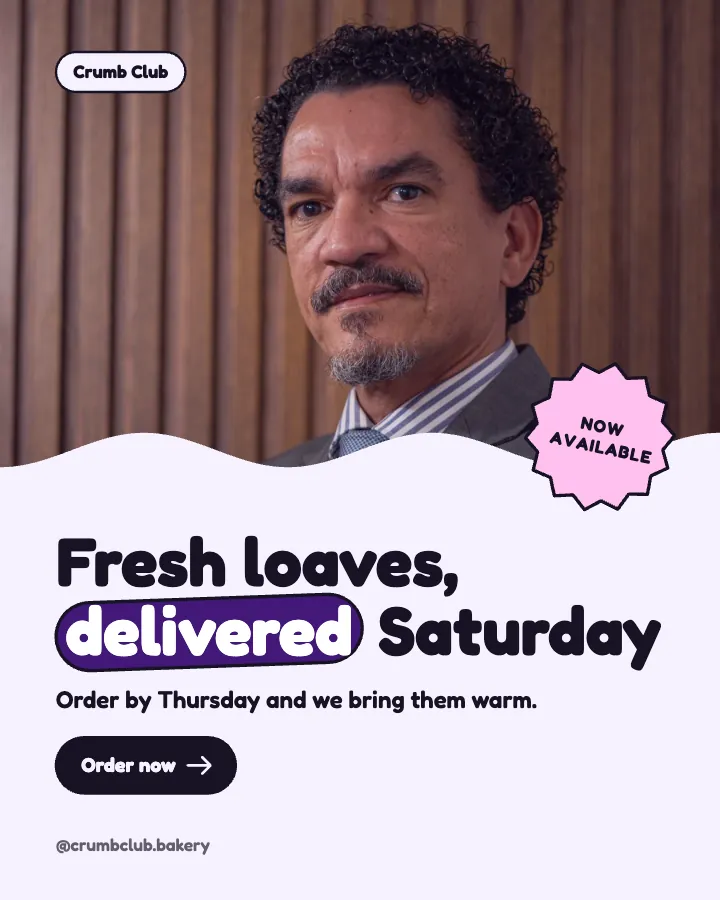
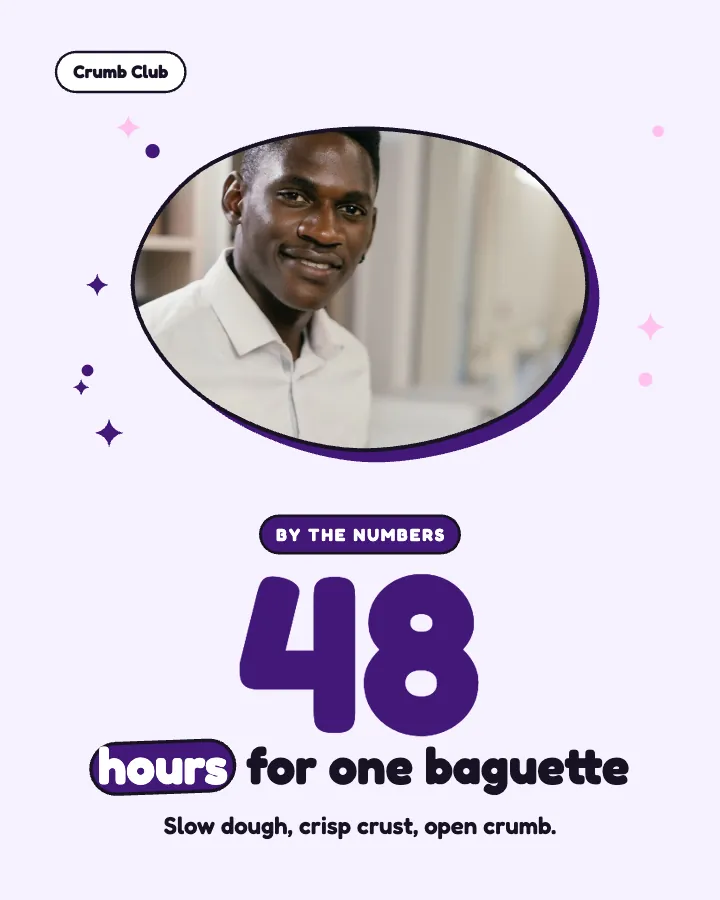
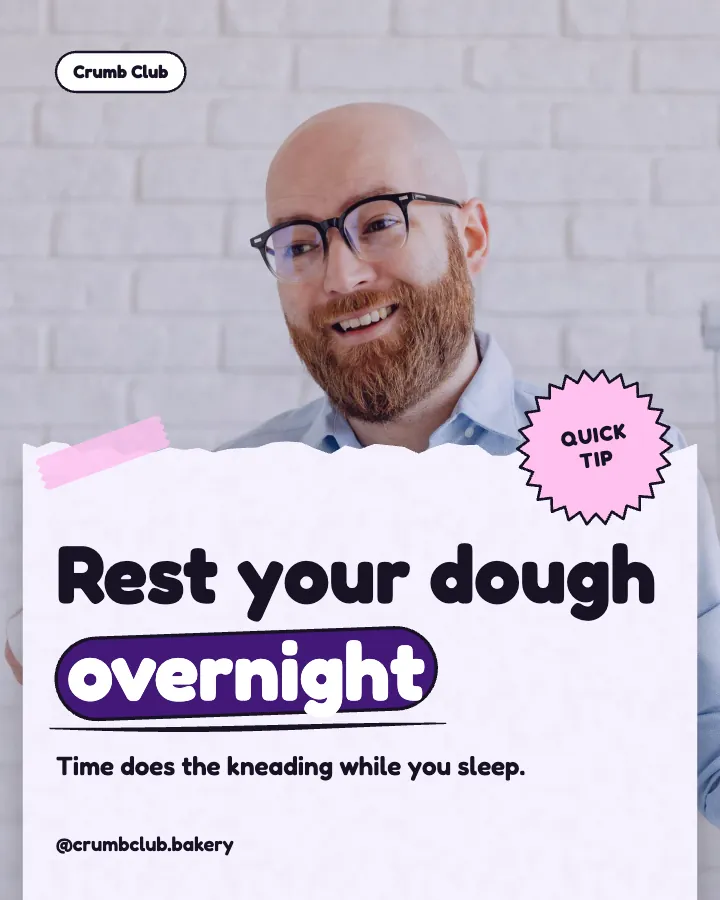
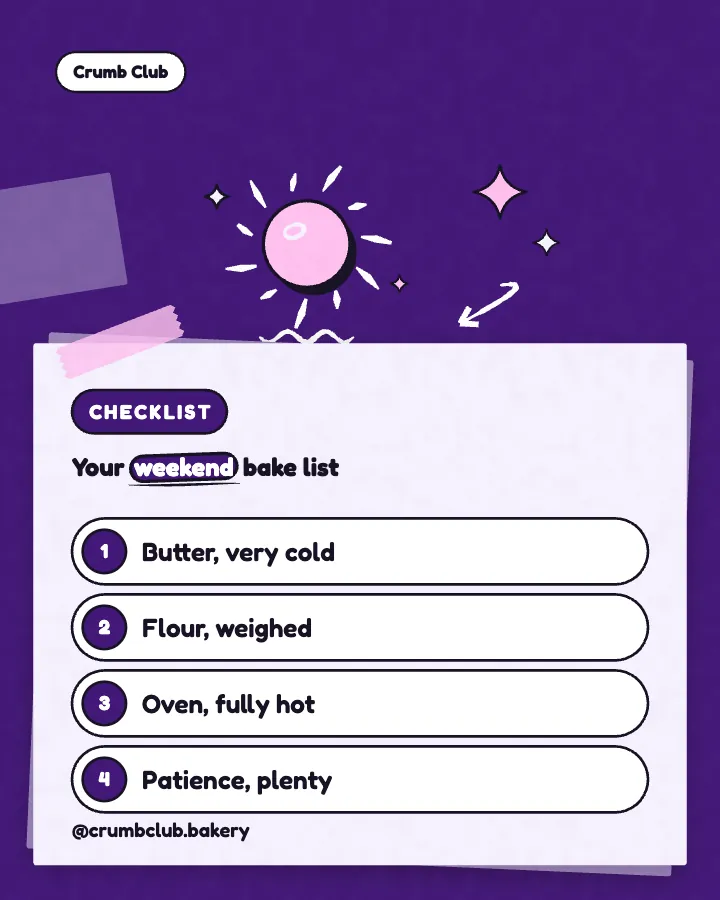
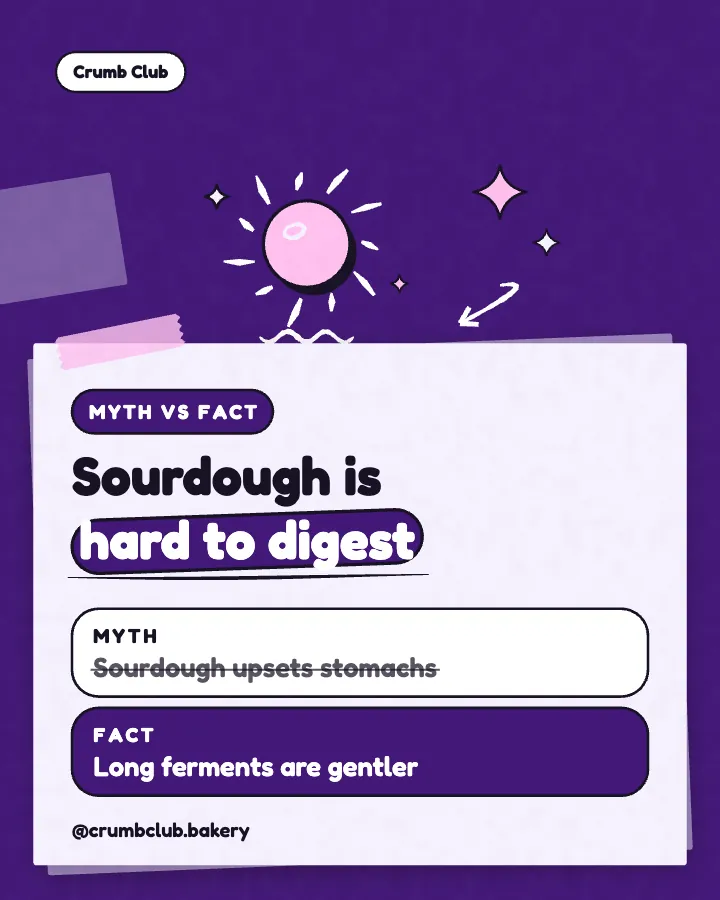
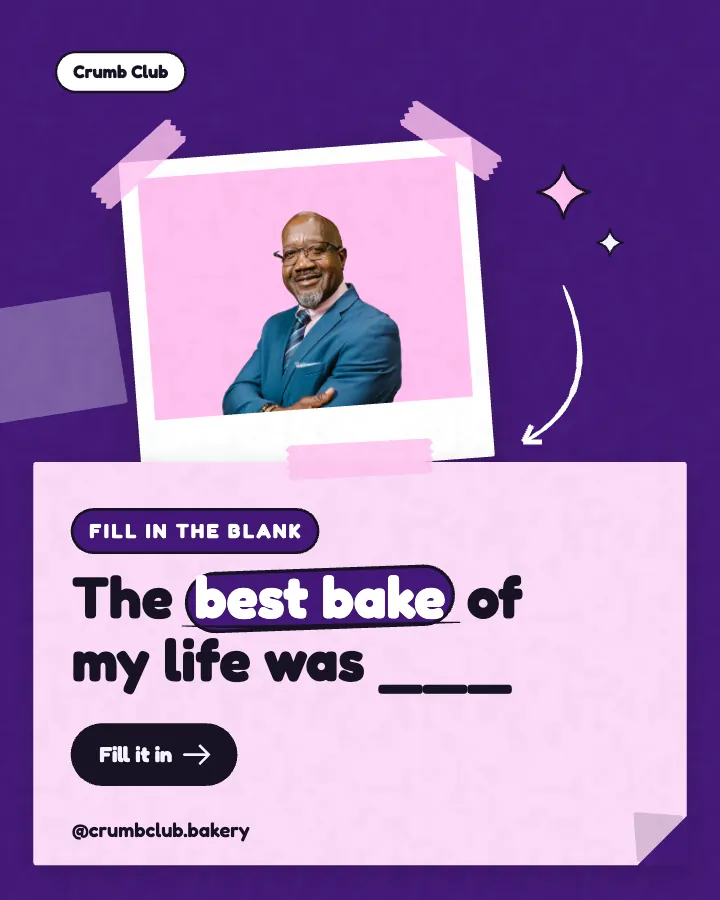
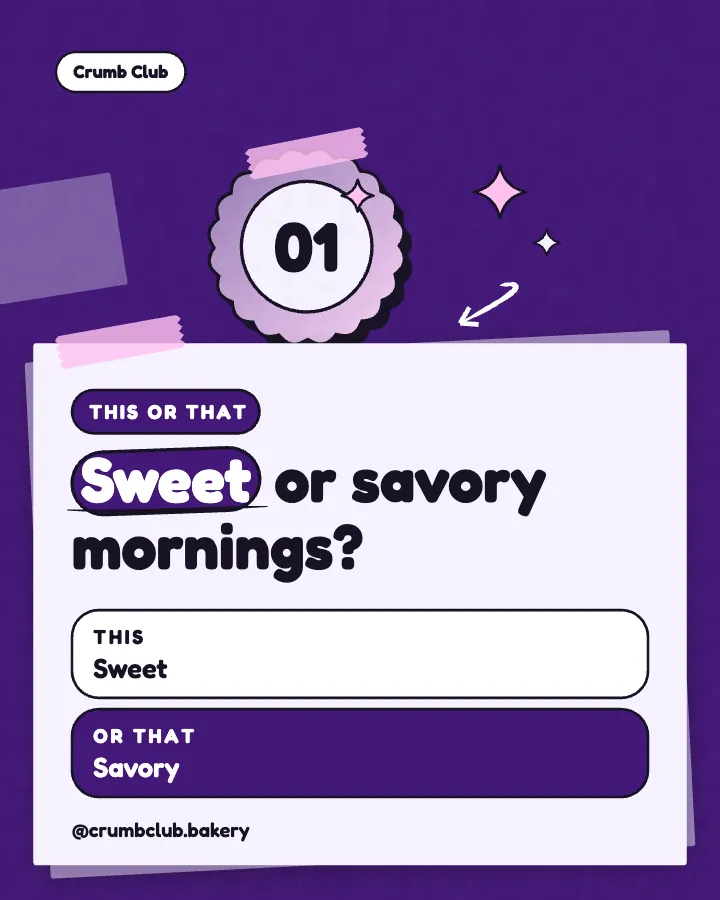
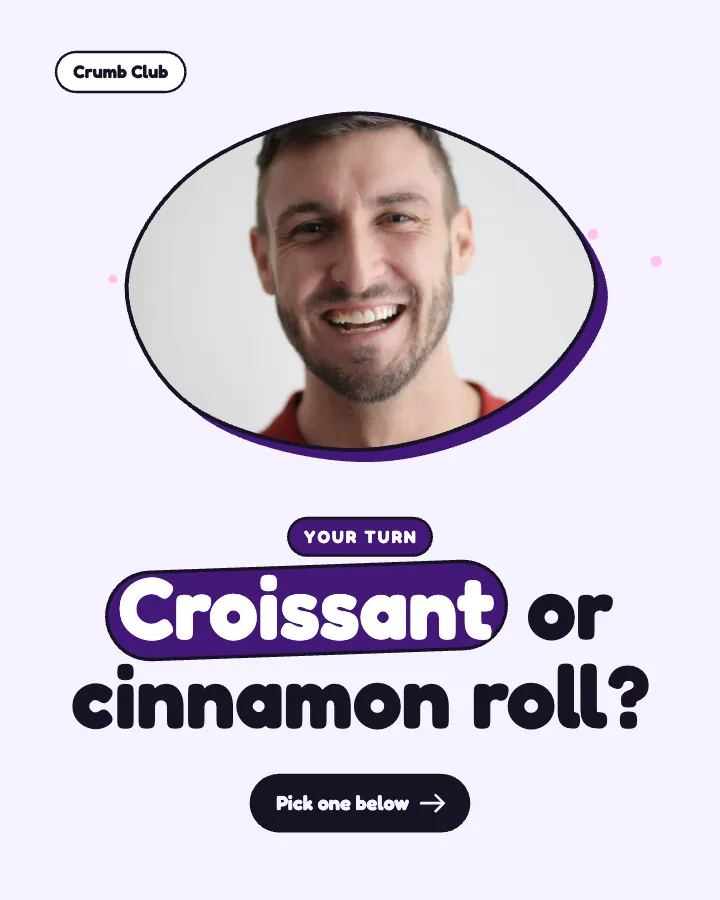
Carousels that connect as you swipe
4 to 8 slides, every one readable alone. 2 to 4 in a planned week.
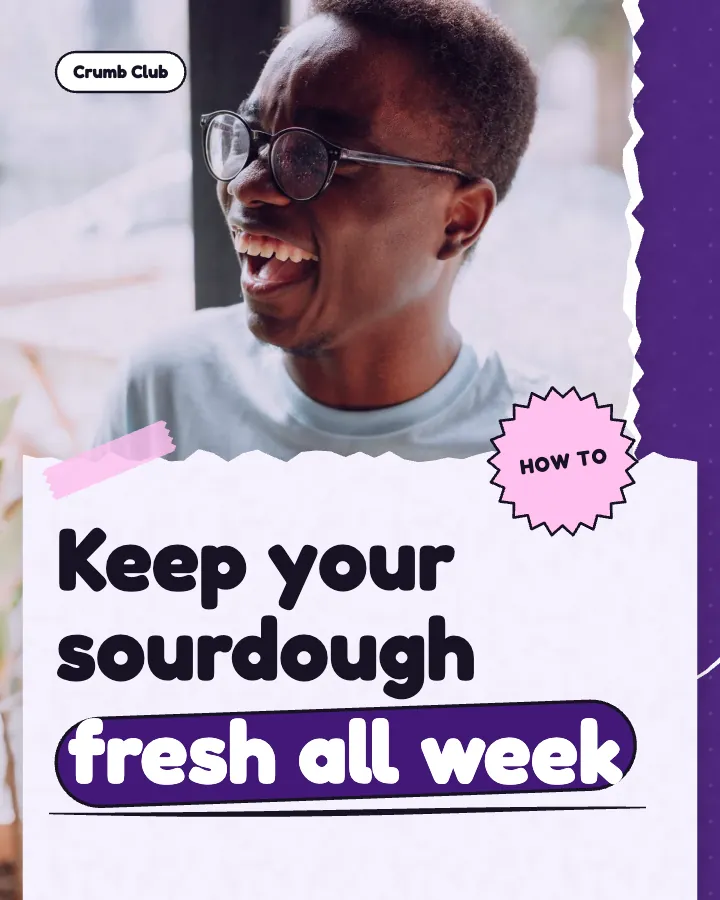
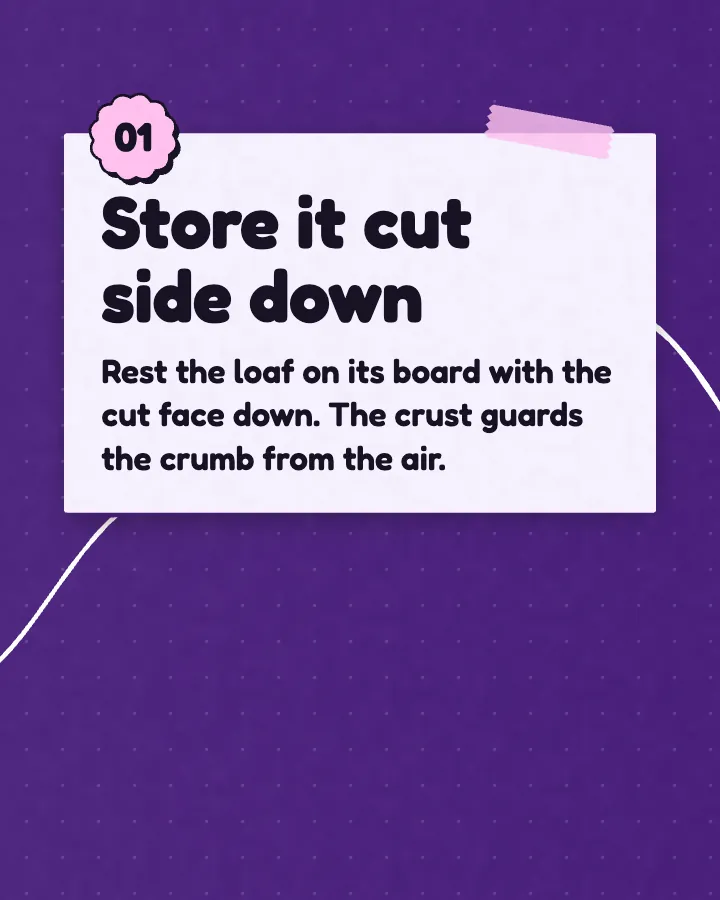
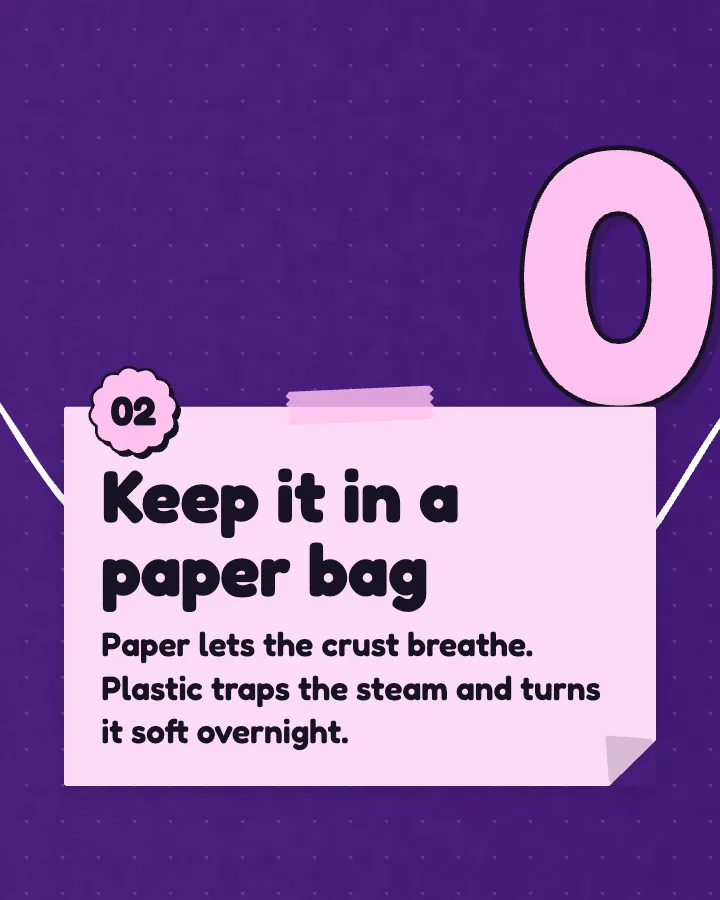
The first slides of Crumb Club's carousel, a fictional business.
Animated Instagram posts
Your designed posts, moving: short videos with sound effects you can turn off, each starting and ending on the post, so your grid stays as planned.
No card for the free posts7-day money-back guaranteeSee plans
Real animated versions of example posts for three fictional businesses, each in a different style. Every one starts on its post, moves, and settles back on the same post, so the grid tile never changes.
On every plan, at no extra cost. Sound effects you can turn off.
Animated versions of example posts for fictional businesses, made with Creobee.
How it works
Crumb Club is a fictional bakery. This is the week Creobee made for it.
Describe it onceYour website, or a few words.
Get the weekEvery post written and designed in your colors.
Approve, then postScheduled for you on Autopilot and Pro, or downloaded.
BriefNeighborhood sourdough bakery with weekend delivery. Playful voice.
Regular · 16 a week
Crumb Club's week is ready@crumbclub.bakery
8 networks, one schedule
Each post goes out on its day, after your OK.
Example week for a fictional bakery, made with Creobee. Stories go to Instagram; animated posts only if you want them.
About 70 posts a month, stories included. Autopilot's 100 posts cover it.
$39 a month · about $0.39 a post
Your first 3: a post, a carousel and a story.
4 to 8 slides, every one readable alone. 2 to 4 in a planned week.
The first slides of Crumb Club's carousel, a fictional business.
Your brand
Crumb Club uses the Playful style, the diagonal grid pattern and its own colors. No AI-generated images.
On Autopilot and Pro, each post goes out at its time to the accounts you connect, and stories go to Instagram. On the other plans you download the week.
Canva and Adobe Express are fine editors with animation built in, and they win when you want to animate any design, any way you like. Adobe Express facts come from its own pricing page, read on October 6, 2026; Canva's are as of September 2026, when its scheduler (Content Planner) came with its paid plans. Check canva.com and adobe.com for today's prices in your country.
Facts about other tools read on their own pages, checked . Sources: Adobe Express pricing.
Pricing
Every plan designs your feed. Pick how many posts, and whether we post them too.
Not sure yet? First 3 posts free, no card neededFor making your posts and posting them yourself
$19/month
7-day money-back guarantee. Cancel anytime.
For handing the whole job over
$39/month
7-day money-back guarantee. Cancel anytime.
For posting every day across several accounts
$79/month
7-day money-back guarantee. Cancel anytime.
For comparison: freelancers usually charge $300 to $1,500 a month for 8 to 16 posts.
Straight answers on pricing, posts, and what Creobee does and does not do.
Yes. It is the same 4:5 size, it starts and ends on the still post, and when it is scheduled its cover is the still. So the 3:4 tile in your grid is the post you planned, and your grid pattern keeps its shape. If you post the video yourself, keep the first frame as the cover.
No. An animated post counts as one post, the same as its still, and animation is on every plan, Solo included. Scheduling one as a video on Autopilot or Pro counts as one scheduled post, like an image.
Only once you turn on animated posts, which are off until you switch them on. Carousels have no animated version, and an older browser may offer the image only. You can change any post's animation or remove it from the post's preview.
Yes. Sound effects come on with animated posts and switch off in one tap, for every post at once. They are soft clicks and one short note timed to the motion, with no voice or music, and the posts read just as well without them.
No. The AI plans your month and writes the words. The motion comes from each post's own design: a template brings in the headline, rows, shapes and your photo, then settles them into the finished post, so nothing in the video is generated. Creobee makes designed 4:5 posts, 9:16 stories, still carousels and short animated versions of single posts with sound effects you can turn off: no filmed or AI video, no voice or music, no replies to comments or DMs and no analytics.
Each post gets the motion template that fits what it says, so you never have to choose. If you prefer another, open the post's preview and tap Change: it lists only the templates that fit that post, with a small moving preview of each, plus no animation at all.
On Autopilot and Pro, yes: schedule them and they go to Instagram as Reels that stay in your grid, and as video posts to your Facebook Page, LinkedIn, Threads, Pinterest, Bluesky and TikTok, with the picture going to X. On Solo, download the video and post it yourself, keeping the first frame as the cover.
No. There is no timeline, keyframe or export setting to learn. Creobee designs the post, and a motion template animates it from that design in your browser when you download or schedule it. You can preview each post's animation first, and switch it to another template that fits the post.
No. It animates the posts it designs for you, because the motion is built from each post's own headline, rows and shapes, and a picture made elsewhere has none of those parts to move. You can still use your own photo as the art on the posts it designs.
6 to 12 seconds, as a 1080 by 1350 MP4 at 4:5, with sound effects unless you turn them off. A short statement plays quicker than a list of steps, and the last second and a half or more always holds the still post.
Describe your business once. Creobee designs your first 3 posts in your colors: a post, a carousel and a story. Turn on animated posts for your weeks, and each post can also come as a short video that starts and ends on the post. First 3 posts free, no card needed.
Make 3 posts freeYour first 3: a post, a carousel and a story.
The guide
Animated Instagram posts, made from your own designed feed. Creobee plans, writes and designs your week of posts in your colors, and once you turn on animated posts each single post can also come as a 6 to 12 seconds video, animated from its own design, with sound effects you can turn off. Every video starts and ends on the exact post, so your grid stays as planned. On every plan, at no extra cost.
9 chapters · 9 min read
1. Describe your business once
Paste your website or say what you do in a few words. Creobee plans the week, writes every headline and caption in your voice, and designs the posts as one feed in your brand color and logo.
2. Turn on animated posts
One switch in your feed's look. Each post gets the motion template that fits what it says, and sound effects come on with it. You can turn the sound off, or change any post's animation from its preview.
3. Download or schedule
Download each post as an image or a video, one at a time or several at once as a ZIP. On Autopilot and Pro, schedule them and animated posts go to Instagram as Reels that stay in your grid.
The usual way to create animated Instagram posts is a design app: open a template, pick an animation for the page or for each element, set the timing, add audio, export, and do it all again for the next post. Canva and Adobe Express both work this way. It works, and it takes an evening for a week of posts. Most small businesses try it once and go back to still pictures.
Creobee does the design first and the motion follows from it. Your posts are planned and designed as one feed, so every post already has its headline, highlight, list rows, numbers, photo, logo and colors in place. When animated posts are on, a motion template brings in those same parts, then settles them into the finished post. There is nothing to keyframe and no timeline to edit. You can preview any post's animation before you download or schedule it.
Each animated version runs 6 to 12 seconds at 4:5, 1080 by 1350 pixels, the same size as the post. For a feed that also goes to Facebook and other networks, the page on animated social media posts covers the rest.
A good Instagram post animation follows what the post says. A list should arrive one row at a time; a number should count up; an offer should feel like an offer. That is why there is no single animation stamped on every post. There is a library of 19 motion templates, and each post gets the one that fits its layout and your style:
This is the part that matters for your profile. The first frame of every animated version is your designed post, pixel for pixel, and so is the last. The motion happens in between, and the final second and a half or more holds the post itself. Played on a loop, it never jumps.
Your Instagram grid shows each post as a 3:4 tile, cut from the middle of the 4:5 post, about 34 pixels off each side. An animated post is the same 4:5 size, its cover is the still post, and every word sits clear of that crop. So the tile in your grid is exactly the post you planned, and your checkerboard, columns or diagonal pattern keeps its shape whether a post goes up as an image or as a Reel.
Animated posts come with sound effects timed to the motion: soft, tactile clicks as the parts land and one short, bright note as the post settles. Each style has its own family of sounds, taken from real recordings, so a Poster feed sounds different from an Editorial one. There is no voice and no music, so nothing competes with your caption, and the sounds are tuned to carry on a phone speaker.
Sound effects come on when you turn on animated posts and switch off in one tap. Plenty of people scroll with the sound off, and every animated post reads without it.
Template galleries give every shop the same moving shapes. Here the motion comes from your own feed: your exact brand color, your logo, your headline in your voice, and the art you chose. Pick one of 5 styles (Poster, Block, Studio, Playful and Editorial), a grid pattern (columns, checkerboard and diagonal), and a preset background from 124 or your own photo, with real people from a library of 30 if you switch them on.
Your own photo never zooms or pans. Only the words, shapes, frames and light around it move, so a picture of your shop, your product or your team looks the way you took it. The motion suits the style too: Poster lands with weight, Studio stays calm, Playful bounces a little, and Editorial swings its italics.
Posts are written in English, Spanish, Portuguese, French, German and Turkish, natively and never translated, and the motion moves those words as they are. With Carousels switched on, some posts come as still carousels instead; carousels never move, so the animated posts are the single posts around them.
On Autopilot and Pro, an animated post can be scheduled as a video. It goes to Instagram as a Reel that also stays in your profile grid, with the still post as its cover, and as a video post to your Facebook Page, LinkedIn, Threads, Pinterest, Bluesky and TikTok; X gets its picture. You can still send any animated post as an image instead, one post at a time. Scheduling a video counts as one scheduled post, the same as an image.
On Solo, you download the video and post it yourself. When Instagram asks for a cover, keep the first frame: it is the post itself, so the grid tile matches the rest of your feed. Leave the Reel showing in your profile grid. In the Reels tab a 4:5 video plays with space above and below it; the size guide for Instagram Reels has the exact numbers.
Animation is on every plan, Solo included, and it costs no extra posts: an animated post counts as one post, the same as its still. Solo is $19 a month for 40 designed posts, Autopilot is $39 for 100 posts and posts them for you on Instagram, Facebook Page, LinkedIn, Threads, Pinterest, Bluesky, TikTok and X, and Pro is $79 for 300 posts and up to 15 connected accounts.
Creobee makes designed 4:5 posts, 9:16 stories, still carousels and short animated versions of single posts with sound effects you can turn off: no filmed or AI video, no voice or music, no replies to comments or DMs and no analytics. If you need filmed clips of your work, pair Creobee with your own Reels; the page on faceless Instagram Reels covers what you can post without being on camera.
How to make animated Instagram posts: the size and length to use, how to animate one in Canva step by step, and how to keep your grid looking planned.
12 min read
How to turn an Instagram post into a Reel: what Instagram does for carousels, the manual way for single posts, and how to keep your grid tile intact.
11 min read
Instagram Reel cover design best practices: design for the cropped grid tile first, keep text in the 9:16 safe zone, and reuse the template your feed uses.
7 min read
Instagram image sizes for 2026 in one list: 1080x1350 portrait, 3:4, square, landscape, Stories and Reels, plus safe zones and export settings for sharp text.
8 min read