Carousels that connect as you swipe
4 to 8 slides, every one readable alone. 2 to 4 in a planned week.
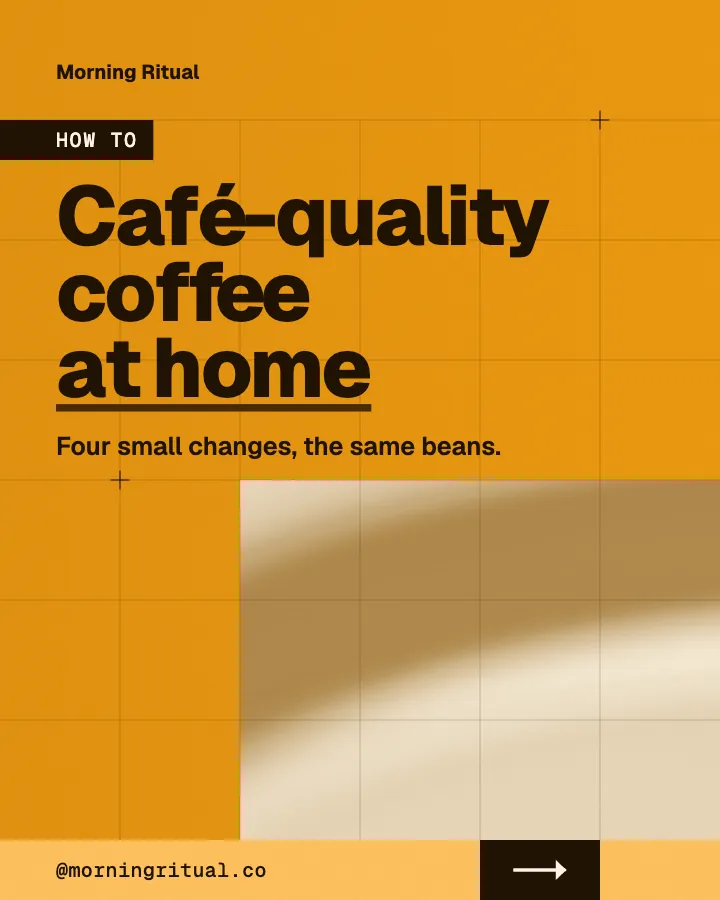
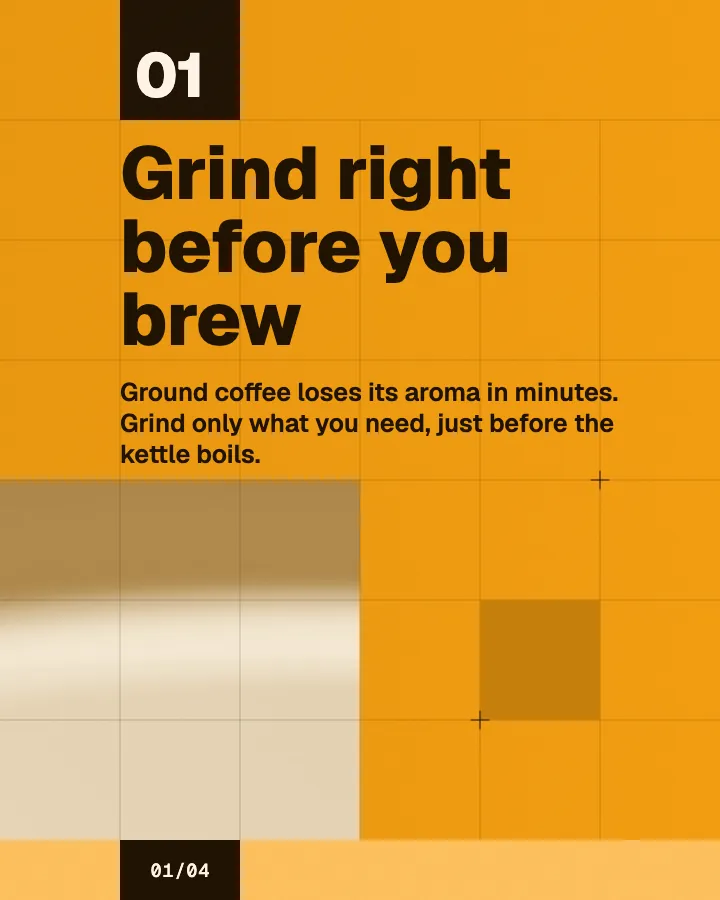
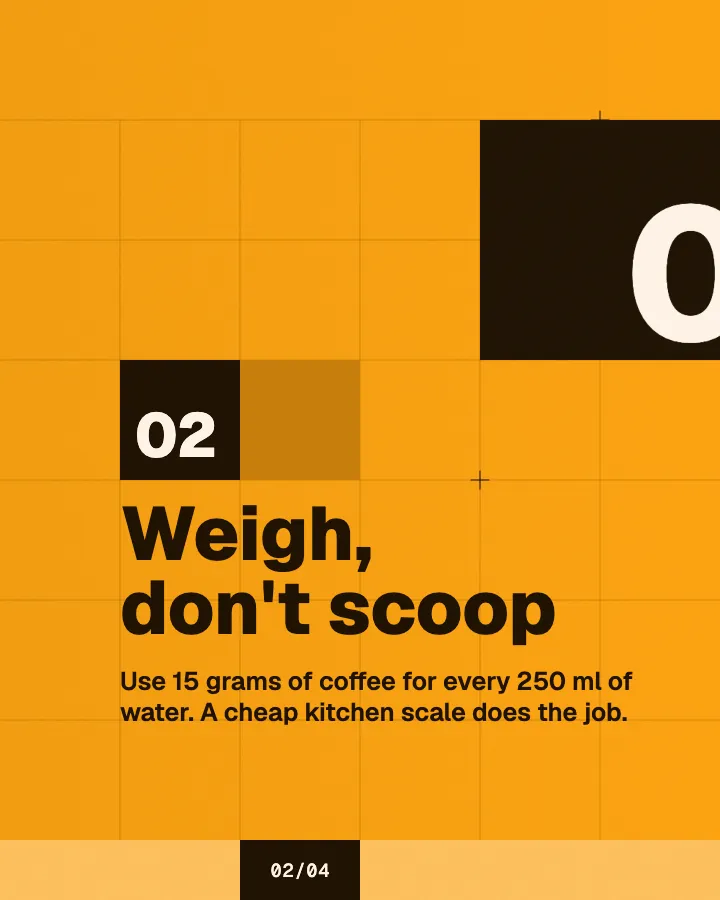
The first slides of Morning Ritual's carousel, a fictional business.
LinkedIn post generator
A LinkedIn post image generator that writes a month of posts and designs a professional image for each one, in your logo and colors.
No card for the free posts7-day money-back guaranteeSee plans
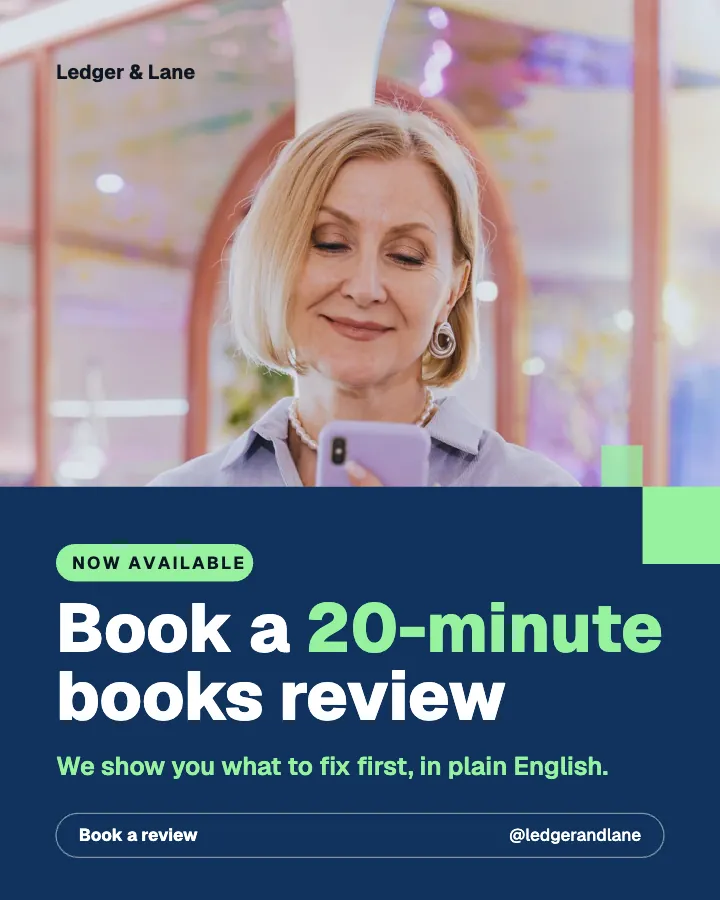
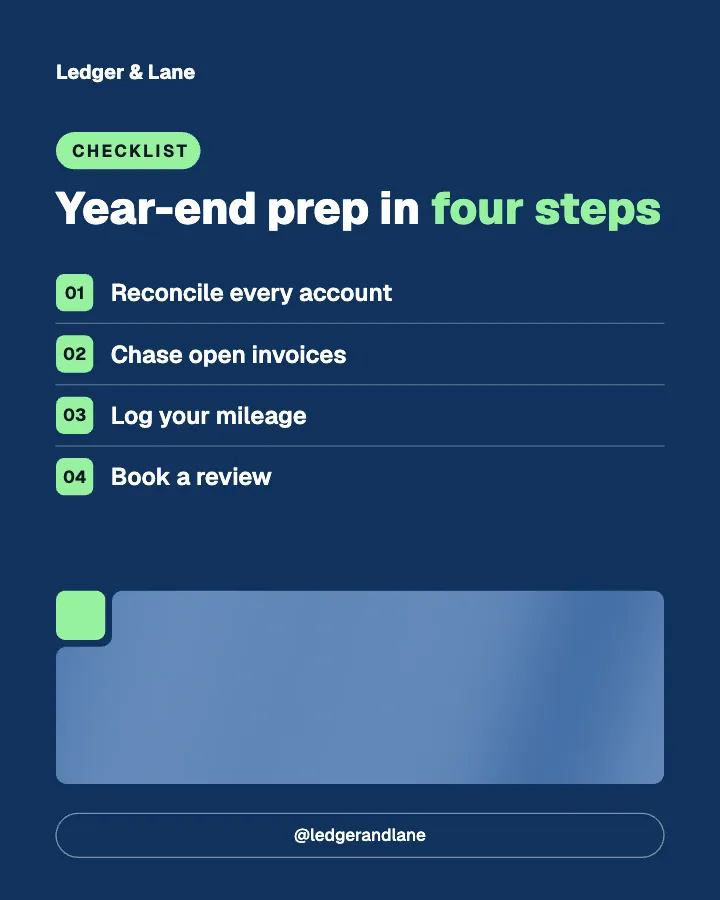
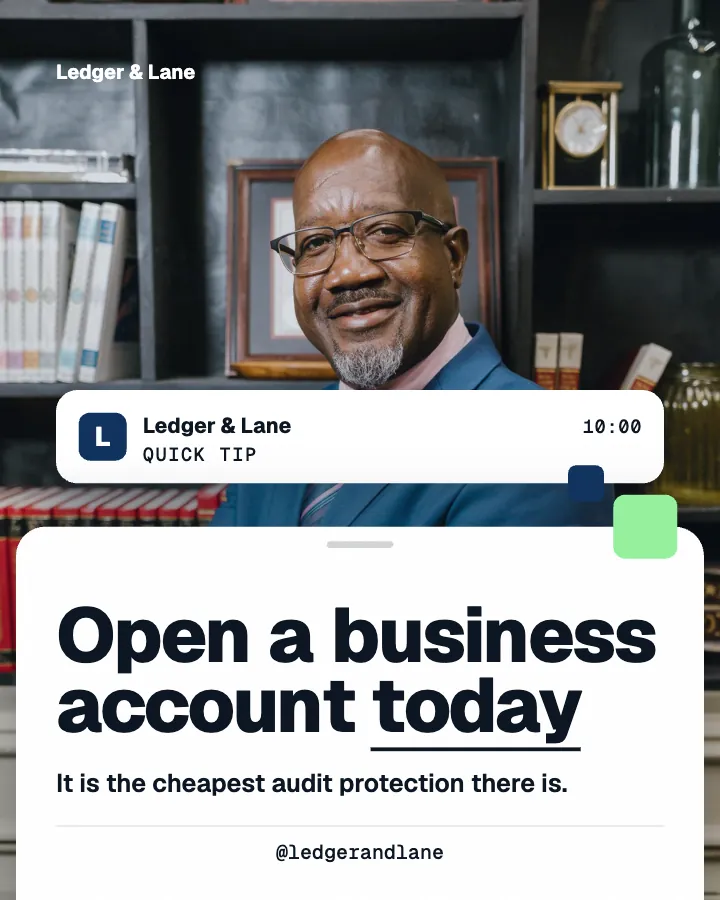
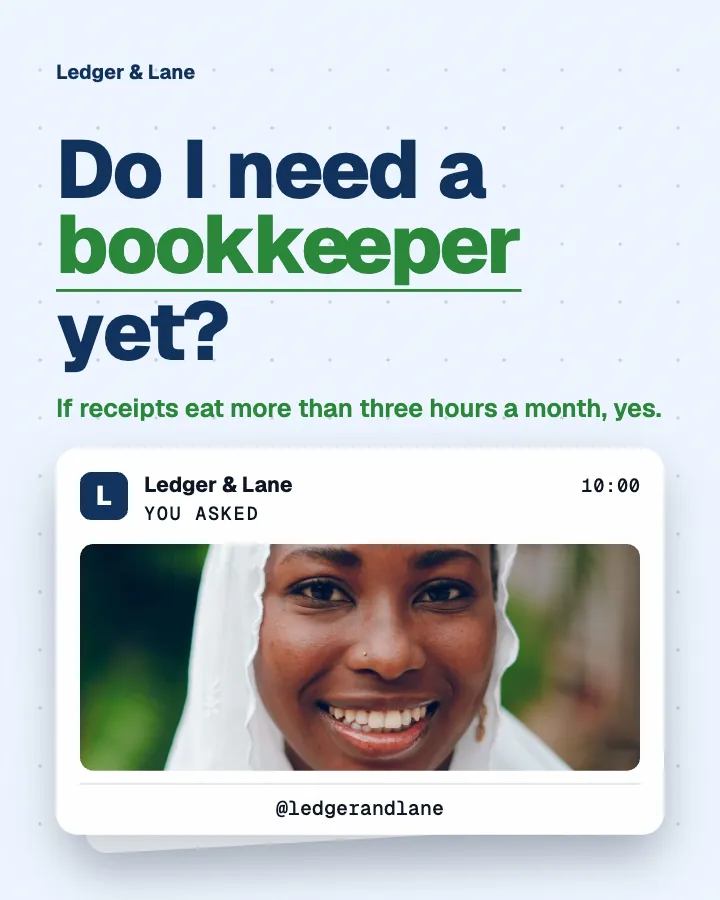
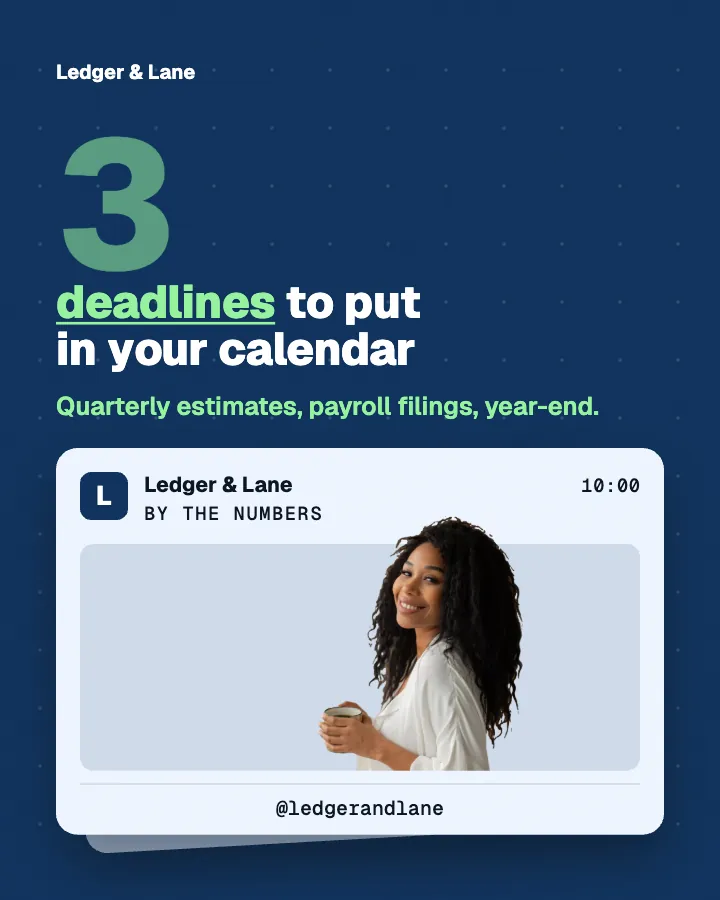
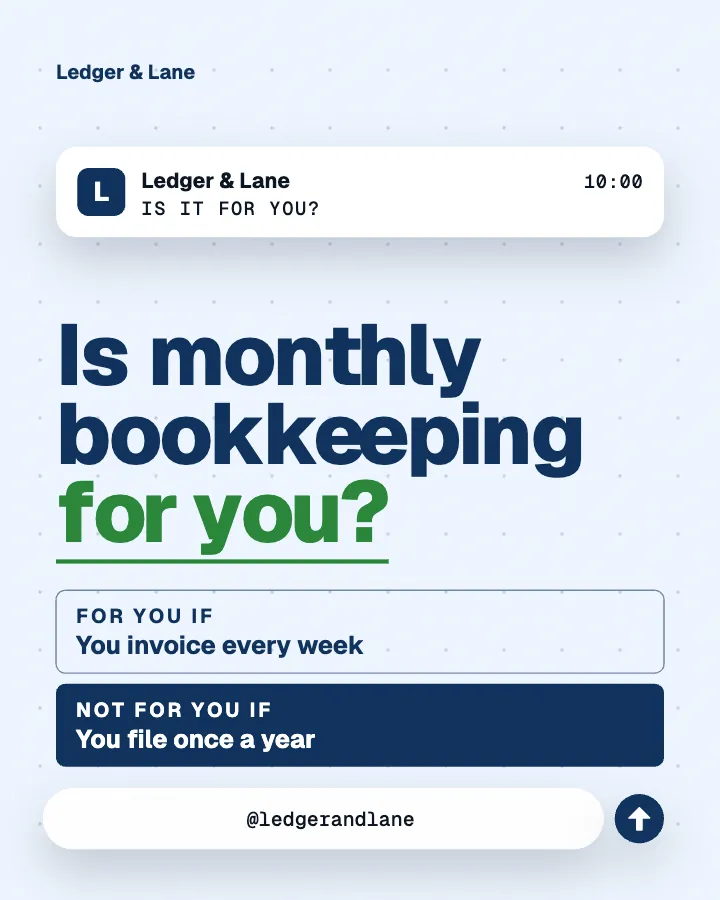
Example posts for a fictional bookkeeping and accounting firm, made with Creobee.
How it works
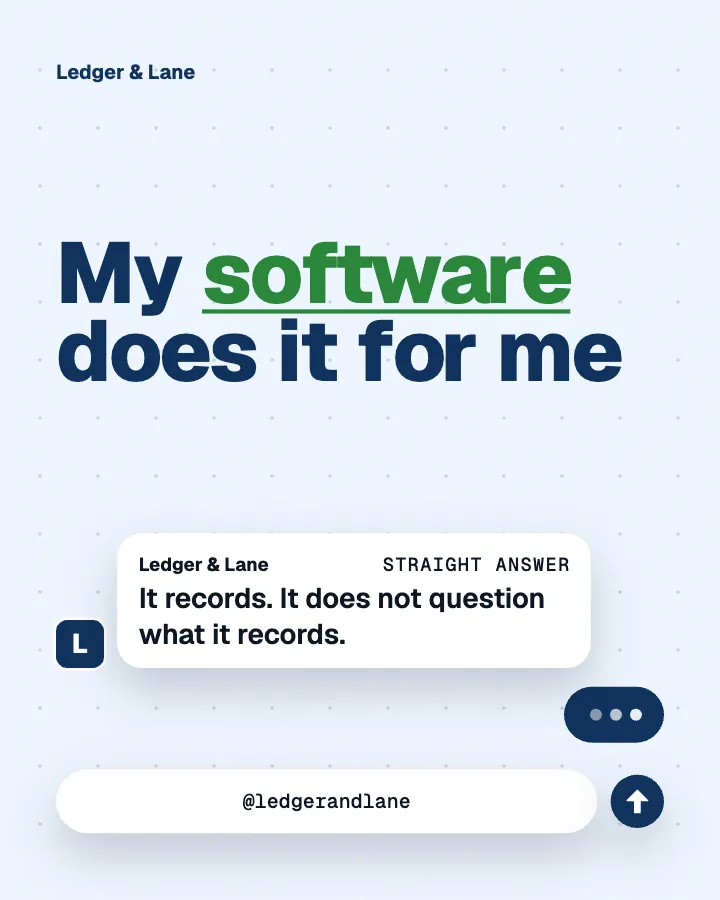
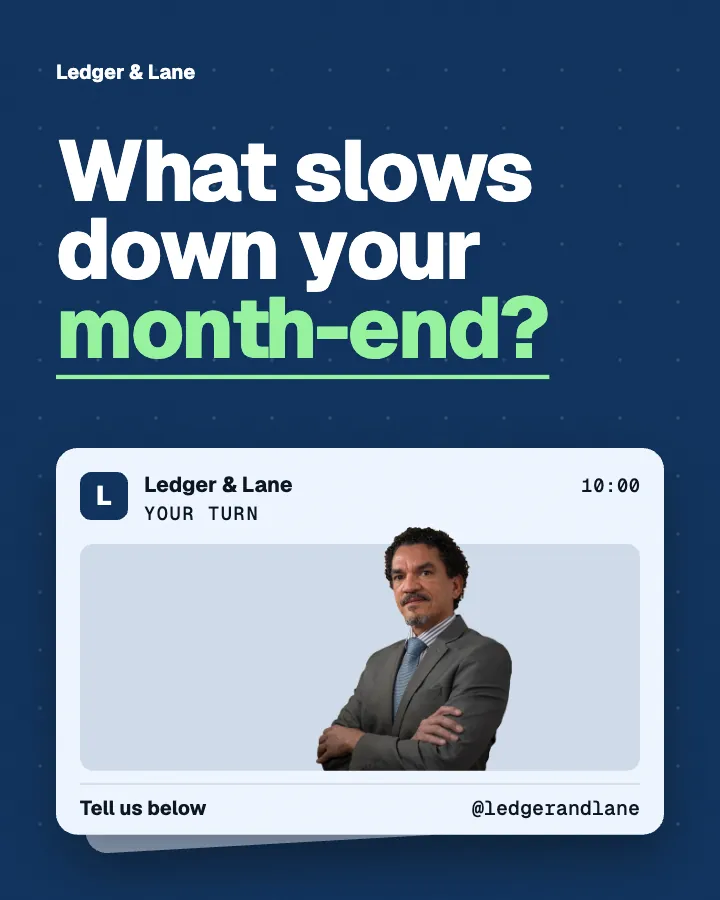
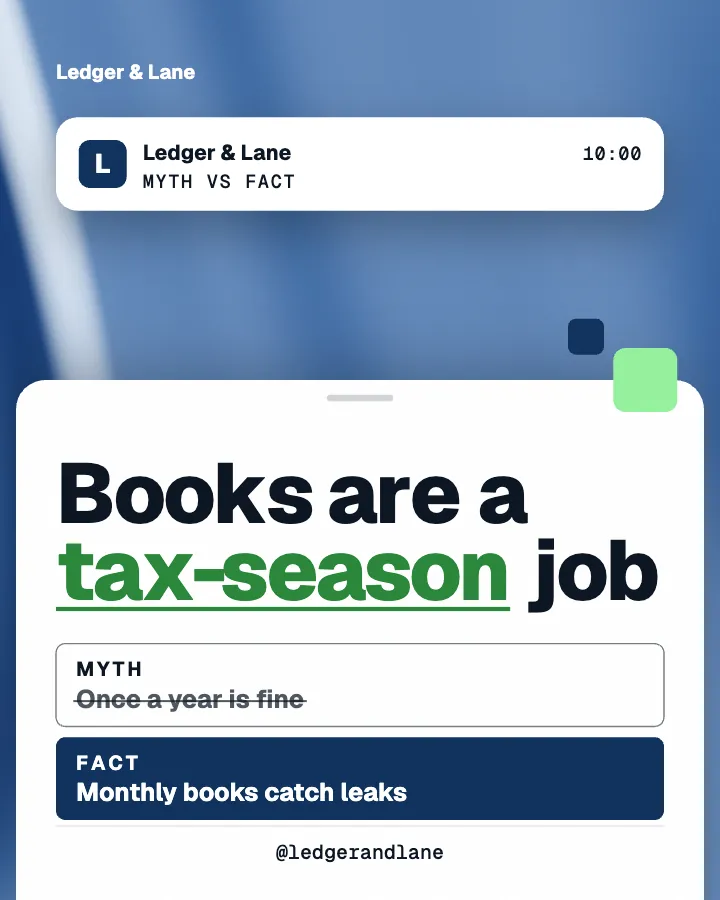
Ledger & Lane is a fictional bookkeeping and accounting firm. This is the week Creobee made for it.
Describe it onceYour website, or a few words.
Get the weekEvery post written and designed in your colors.
Approve, then postScheduled for you on Autopilot and Pro, or downloaded.
BriefBookkeeping for small businesses. Clear, professional voice.
Regular · 16 a week
Ledger & Lane's week is ready@ledgerandlane
8 networks, one schedule
Each post goes out on its day, after your OK.
Example week for a fictional bookkeeping and accounting firm, made with Creobee. Stories go to Instagram; animated posts only if you want them.
About 70 posts a month, stories included. Autopilot's 100 posts cover it.
$39 a month · about $0.39 a post
Your first 3: a post, a carousel and a story.
4 to 8 slides, every one readable alone. 2 to 4 in a planned week.
The first slides of Morning Ritual's carousel, a fictional business.
Your brand
Ledger & Lane uses the Block style, the columns grid pattern and its own colors. No AI-generated images.
On Autopilot and Pro, each post goes out at its time to the accounts you connect, and stories go to Instagram. On the other plans you download the week.
A checklist that builds row by row and a myth struck through before the fact lands, each the animated version of an example post, moved from its own design. On LinkedIn an animated post goes out as a video post that starts and ends on the image.
On every plan, at no extra cost. Sound effects you can turn off.
Animated versions of example posts for fictional businesses, made with Creobee.
Many AI LinkedIn post generators write the text and leave the image to you. This is where each one stops.
Pricing
Every plan designs your feed. Pick how many posts, and whether we post them too.
Not sure yet? First 3 posts free, no card neededFor making your posts and posting them yourself
$19/month
7-day money-back guarantee. Cancel anytime.
For handing the whole job over
$39/month
7-day money-back guarantee. Cancel anytime.
For posting every day across several accounts
$79/month
7-day money-back guarantee. Cancel anytime.
For comparison: freelancers usually charge $300 to $1,500 a month for 8 to 16 posts.
Straight answers on pricing, posts, and what Creobee does and does not do.
For a single image in the feed, 1080 by 1350 pixels (4:5 portrait) takes the most room on a phone, and it is the size Creobee makes. LinkedIn's official Page size is 1200 by 627 landscape, which shows less than half as tall, and a square 1080 by 1080 shows 20 percent shorter than 4:5. LinkedIn shows a post with two or more images as a cropped collage, so a Creobee carousel goes to LinkedIn as a single-image version of the same post, and for a single point a designed image on its own reads best.
Yes. Each post comes with a short line for the image and post text that expands on it, written from your brief in your voice. Use it as it is or add a paragraph of your own; on LinkedIn a personal detail from your week goes a long way.
Yes, on Autopilot and Pro. LinkedIn is one of the connected networks (Instagram, Facebook Page, LinkedIn, Threads, Pinterest, Bluesky, TikTok and X), with 300 scheduled posts a month across 10 accounts on Autopilot. Nothing goes out without your OK. On Solo, download the images and post with LinkedIn's own scheduler.
Partly. Every new account gets 3 finished posts free, a post, a carousel and a story from its first week, with no card and no watermark, so you can see your own brand on real posts before paying anything. After that, plans start at $19 a month for 40 posts, with a 7-day money-back guarantee. The free tools under /tools, such as the character counter for checking post length, need no account but do not make posts.
Block if you want to look like a firm: structured, with a footer bar carrying your call to action on every post. Editorial if you want to look like a trusted adviser: serif type, calm frames. Studio if your LinkedIn is more personal. The voice you pick chooses one for you, and you can switch in one tap.
Creobee makes designed 4:5 posts, 9:16 stories, still carousels and short animated versions of single posts with sound effects you can turn off: no filmed or AI video, no voice or music, no replies to comments or DMs and no analytics. It does not make LinkedIn document (PDF) carousels either: its carousels are image slides. It also never makes AI-generated pictures and holds one business per account. It writes posts in English, Spanish, Portuguese, French, German and Turkish, and no other languages.
Solo is $19 a month for 40 designed posts, Autopilot is $39 for 100 posts and posts them for you on Instagram, Facebook Page, LinkedIn, Threads, Pinterest, Bluesky, TikTok and X, and Pro is $79 for 300 posts and up to 15 connected accounts. Billing is monthly and there is a 7-day money-back guarantee. For comparison, Social Champ's and Ordinal's 2026 pricing guides put a freelance social media manager at about $300 to $1,500 a month for a basic package, and done-for-you services such as Feedbird start at $99 a month for 10 posts (its pricing page, October 8, 2026). A freelancer can also reply to comments and engage for you, which Creobee does not.
Yes. It writes posts in English, Spanish, Portuguese, French, German and Turkish, and no other languages. You pick the post language when you describe the business, and each post is written in it rather than translated, with one form of address per batch: "Sie" in German for a professional or calm voice, "vous" in French and "tú" in Spanish.
Yes. The 4:5 image is the native Instagram feed shape, and the Block and Editorial styles read well on both. Each post has one caption, used on every network you send it to; you can edit it before you schedule on Autopilot, and Creobee does not write a separate version per network.
Describe what you do and Creobee plans, writes and designs the posts, image and text together. First 3 posts free, no card needed.
Make 3 posts freeYour first 3: a post, a carousel and a story.
The guide
Creobee is a LinkedIn post generator with image for people who sell their expertise. Start from your website or a few words about your business, and it plans up to 30 posts, writes the post text, and designs a 1080 by 1350 image for each one in a professional style with your logo and colors. On Autopilot it can publish them to LinkedIn for you, once you approve them, as images or, with animation on, as short video posts.
9 chapters · 10 min read
1. Brief it like an expert
Start from your website, or say who you help, what you believe and the mistakes you keep seeing. Pick the "Be seen as the expert" goal and the batch leans toward teaching, opinions and proof.
2. Keep the look professional
Choose a Professional voice and Creobee designs in Block; choose Calm and you get Editorial. Your brand color is used exactly and your logo sits on every post.
3. Post it on LinkedIn
Up to 30 images with post text. Download them, or on Autopilot schedule them to LinkedIn in order, with your OK before anything goes out.
LinkedIn is a text platform with pictures attached, which is why a LinkedIn post image generator on its own is only half the job. The written post carries the argument; the image has one job, which is to make someone stop and read. A good LinkedIn image is one clear line, set large, in a calm look, with your name or logo in a corner. Busy graphics read as ads.
Creobee writes both halves together. Each post gets a short line for the image and post text that expands on it, from a plan that decides what the post is for before a word is written. Use the text as it comes, or add a paragraph from your own week. Either way you start from a finished draft, not a blank box.
Of Creobee's 5 styles, two suit LinkedIn best. Block is the professional one: notched color blocks with small accent squares, the supporting line as an accent subtitle, and a footer bar with your call to action and handle on every post. It is picked automatically when your voice is Professional, and it fits accountants, consultants, lawyers and B2B services.
Editorial is the quieter one: serif headlines with an italic highlight, arch frames, thin rules and issue numbers, like a well-made newsletter. It is picked for a Calm voice and fits coaches, advisers and therapists. Studio, minimal and photo-first, works too if your feed is more personal. Whichever you choose, your brand color is used exactly and every word meets the WCAG AA contrast standard.
Yes. LinkedIn shows a single 4:5 portrait image uncropped in the feed. On a phone, a 1080 by 1350 image fills the width of the screen and stands more than twice as tall as a landscape one, so it stays in view longer as people scroll. It is also the file Instagram wants, so one batch covers both.
Every post keeps its words inside a safe margin, so nothing important sits at the edges. And LinkedIn is not only for big companies: in LocaliQ's 2026 small business marketing trends report, 48 percent of the 300-plus owners surveyed used it.
The same post can also go out as a short video. Switch on animated posts and each single post can come as a 6 to 12 seconds 4:5 video animated from your post's design, with sound effects you can turn off; on Autopilot and Pro it goes to LinkedIn as a video post. Posts can be written in English, Spanish, Portuguese, French, German and Turkish, natively rather than translated, with "Sie" in German and "vous" in French for a professional voice.
The quickest way to sound generic on LinkedIn is advice anyone could have written. Creobee plans every post before writing it: a hot take, a myth versus fact, a lesson learned, a client story, an answered objection, a short checklist. The "Build authority" mix leans the batch toward teaching, opinions and proof, with a little promotion, and headlines you have used before stay out of the next batch, so a consultant or an accountant never runs short of ideas.
It never invents numbers, client names or quotes. A client story describes the kind of result you deliver without a name or a figure, what clients tell you is paraphrased rather than put in quote marks, and library photos of people never appear next to either, so no stranger's face reads as your client.
On Autopilot, LinkedIn is one of the 8 networks Creobee publishes to, alongside Instagram, Facebook Page, Threads, Pinterest, Bluesky, TikTok and X. Connect it, schedule the batch, and posts go out in order at the times you pick. You can edit the post text while you schedule, and nothing is published without your OK. Autopilot includes 100 posts, 10 connected accounts and 300 scheduled posts a month. On Solo, download the images and use LinkedIn's own scheduler.
A LinkedIn-only tool is the better choice if you want document carousels or a coach that follows what is trending in your niche. As of October 8, 2026, Postiv's pricing page lists a "Carousel generator and editor" on its Creator Pro plan, from $49.50 a month billed yearly. Creobee makes designed posts, short animated versions of them and carousels of 4 to 8 image slides for Instagram (LinkedIn gets a single-image version of the same post, not a document), and it does not reply to comments for you.
People who sell their expertise and post under their own name or a small firm's: consultants, fractional executives, accountants and bookkeepers, coaches, advisers, and small agencies posting for themselves. If your LinkedIn is product screenshots and company photos, a design tool will serve you better. If you post an opinion or a lesson a few times a week and want it to look consistent, this is built for you.
The "Build authority" mix leans on teaching, opinions and proof. Six examples for an imaginary HR consultant who works with small companies: the line on the image and the post text that goes with it.
Engage / Hot take
Your first HR hire should be a process
Before you hire an HR manager, write down how someone joins, gets paid, asks for leave and leaves. Most small companies skip this and hire a person to invent it under pressure. Four one-page documents prevent a lot of the problems I get called in for. Hire the person after the process exists, not instead of it. Agree or disagree?
Educate / Myth vs fact
Small teams do not need reviews
Small teams need reviews more than big ones, because in a team of four one unhappy person is a quarter of the company. A review does not need a form or a rating scale. Twenty minutes every quarter, three questions, written down: what went well, what got in the way, what we change next. Skipping it is how good people leave quietly.
Behind the scenes / Lesson learned
The onboarding day I would redo
Early on I helped a client plan a new hire's first day down to the minute. Laptop, logins, lunch, a welcome from the founder. By eleven the new hire had nothing to do and nobody to ask. Now every plan gives the first week one real piece of work and one named person to go to. Structure beats a nice lunch.
Social proof / Result story
From handshake deals to signed contracts
A typical first month with a small company looks like this. We find the people working without a signed contract, usually more than the founder thinks. We agree one template with a lawyer and roll it out within a week. Nobody gets a scary email, and the founder stops lying awake about it. Quiet work, big relief.
Educate / How-to
How to run a two-minute check-in
Three questions, every Monday, in writing. 1. What are you working on this week? 2. What might get in your way? 3. What do you need from me? Answers go in one shared document. It takes two minutes to write and a few to read, and it catches problems while they are still small enough to fix over coffee.
Promote / Who it's for
Who fractional HR is really for
If you have fewer than five people, a good contract template and an accountant will carry you. If you have more than eighty, hire a full-time HR lead. In between, where people problems eat your week but a department would be overkill, is where fractional HR earns its fee. Send me a message if that sounds like you.
LinkedIn image posts for founders: the 4:5 size that works, the file types LinkedIn accepts, text-first writing with one graphic, and a calmer palette.
7 min read
LinkedIn thought leadership for founders: build a point of view from real wins and losses, turn posts into quote graphics, and keep a weekly posting ritual.
4 min read
Personal brand vs business brand: five criteria for choosing as a solopreneur, the hybrid most one-person companies should use, and what it means for your logo.
6 min read
Minimalist social media design, explained: why two-to-five-word posts survive the scroll, how to write a three-word headline, and how whitespace does the work.
7 min read