Carousels that connect as you swipe
4 to 8 slides, every one readable alone. 2 to 4 in a planned week.

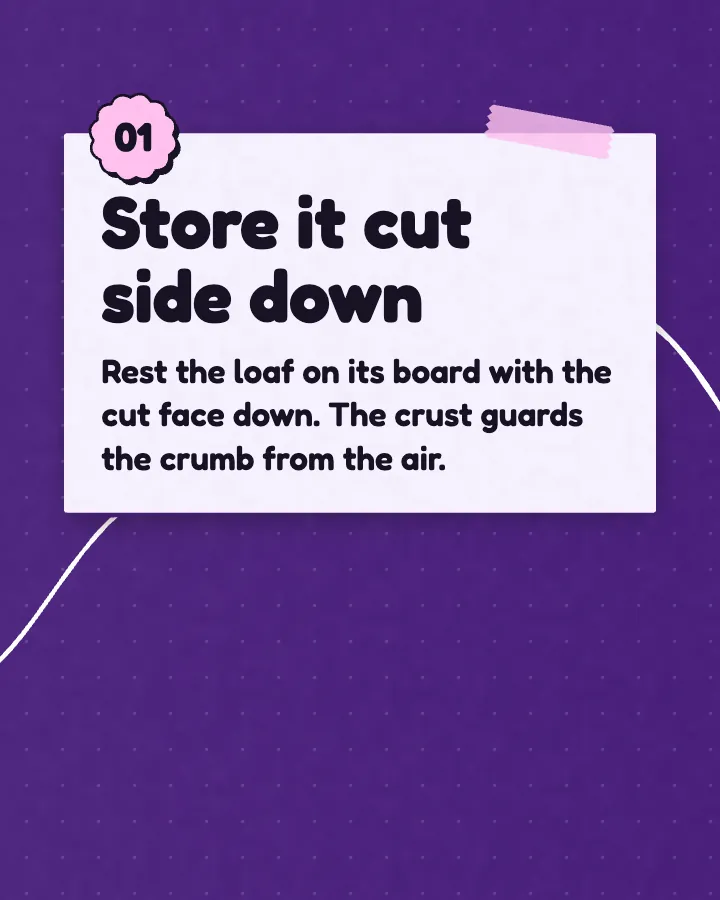
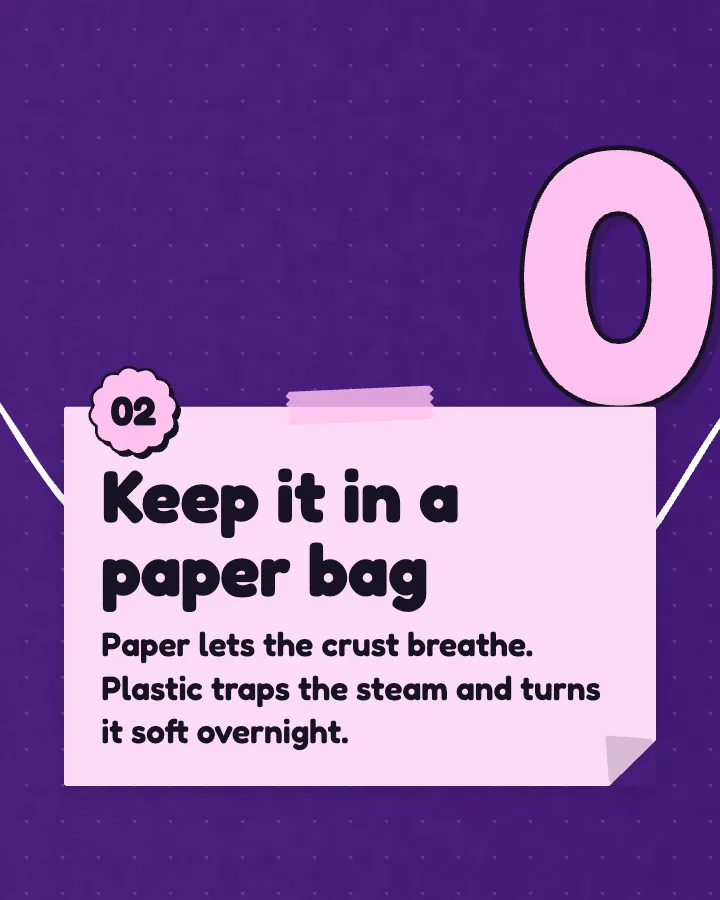
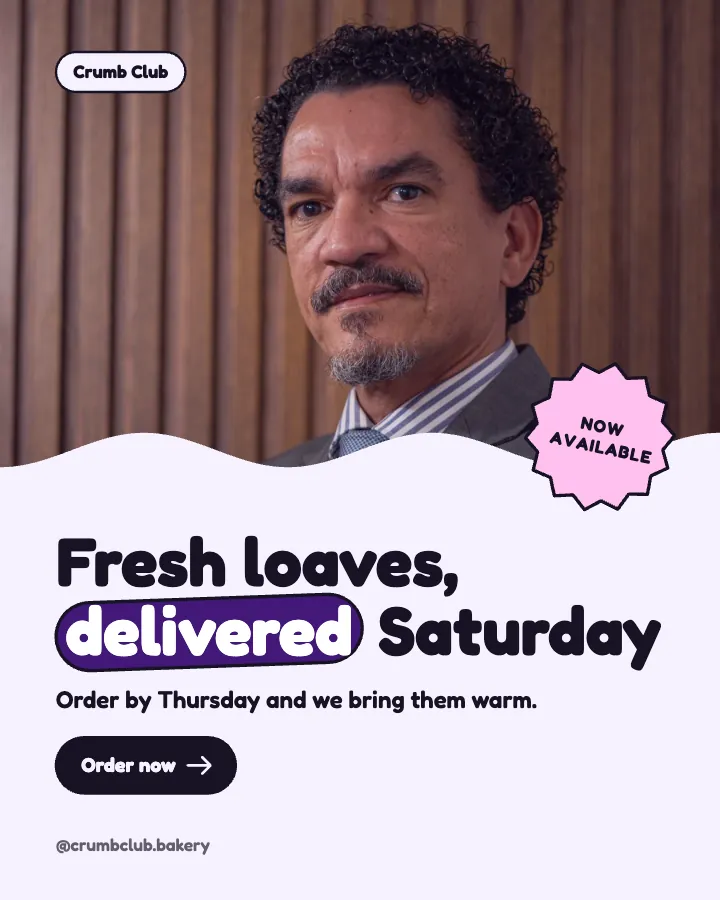
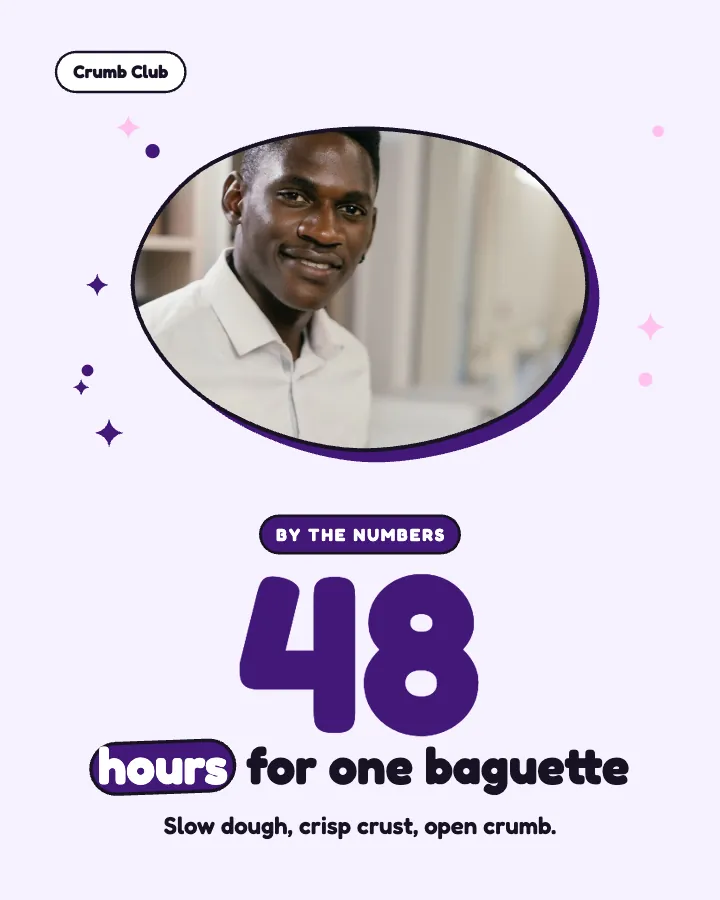
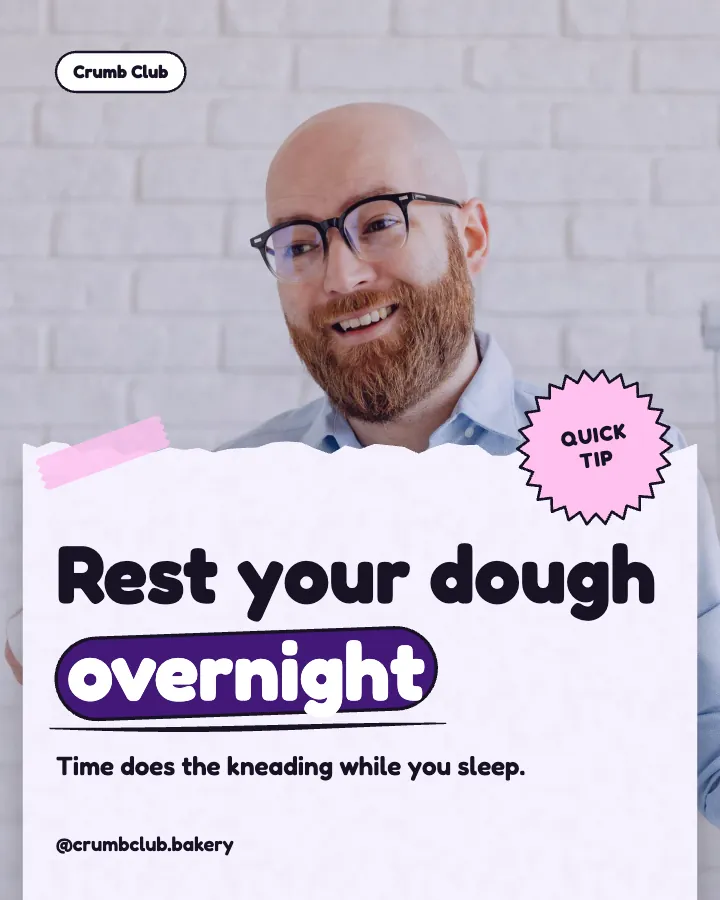
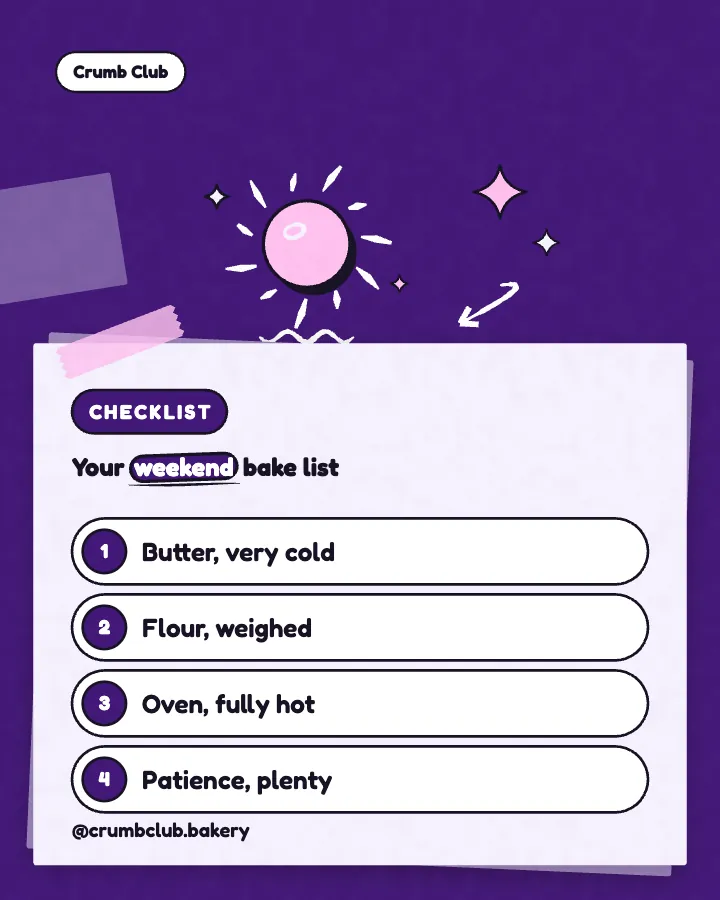
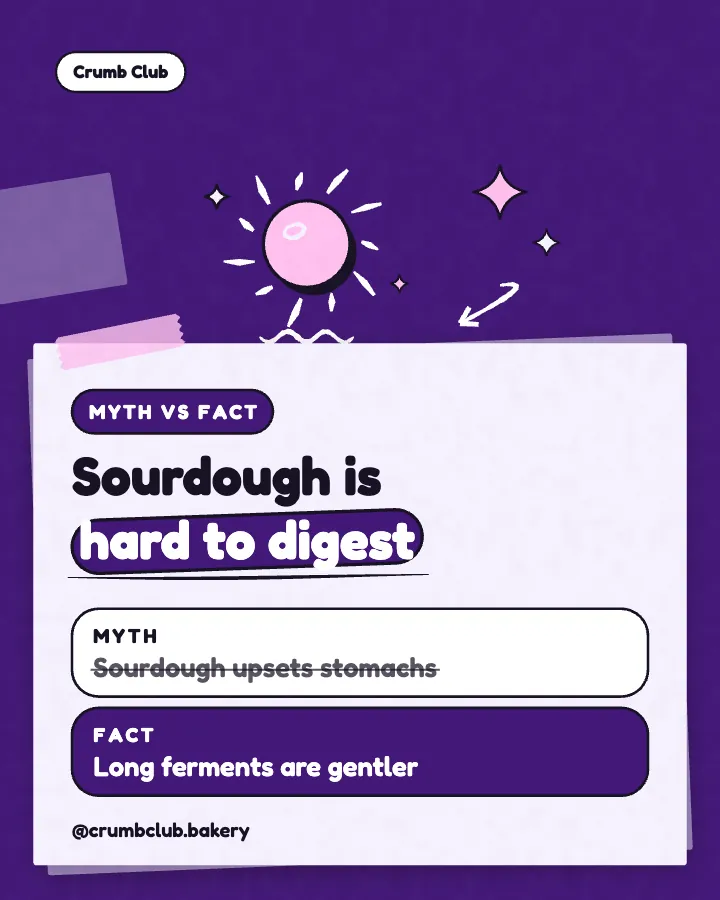
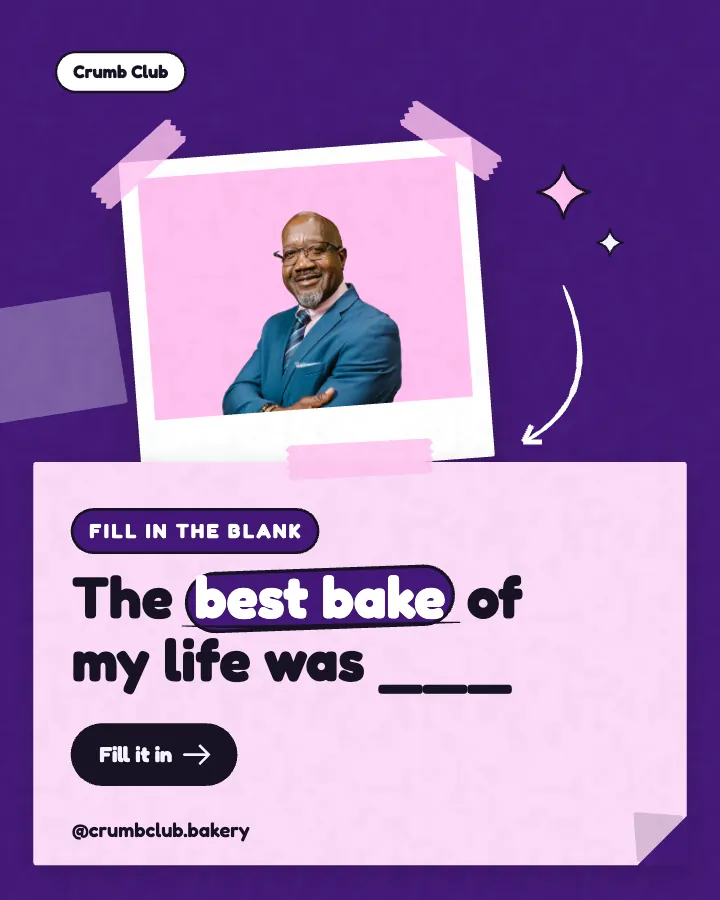
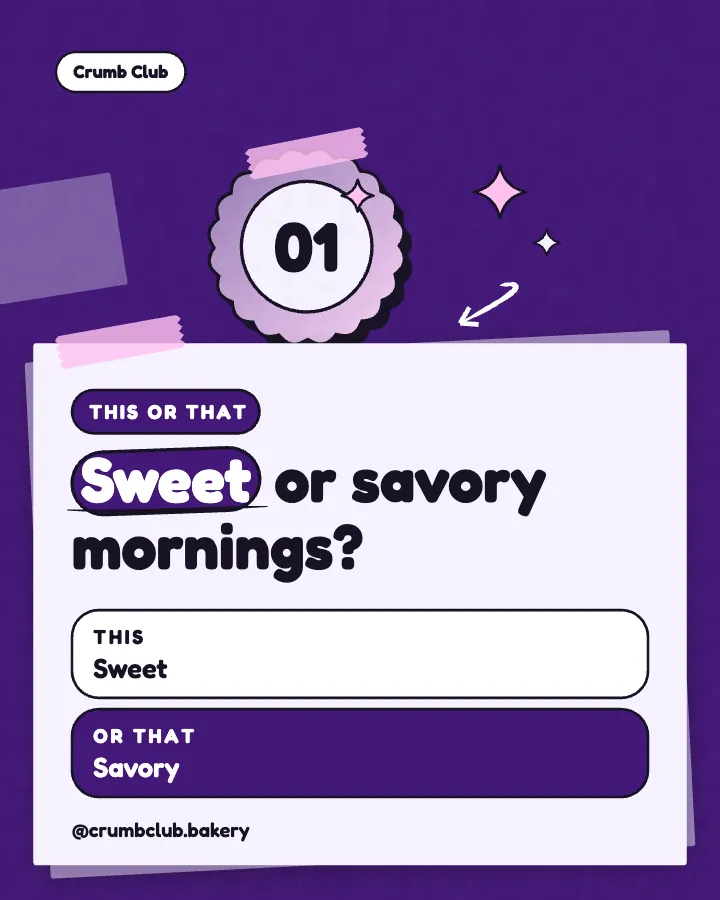
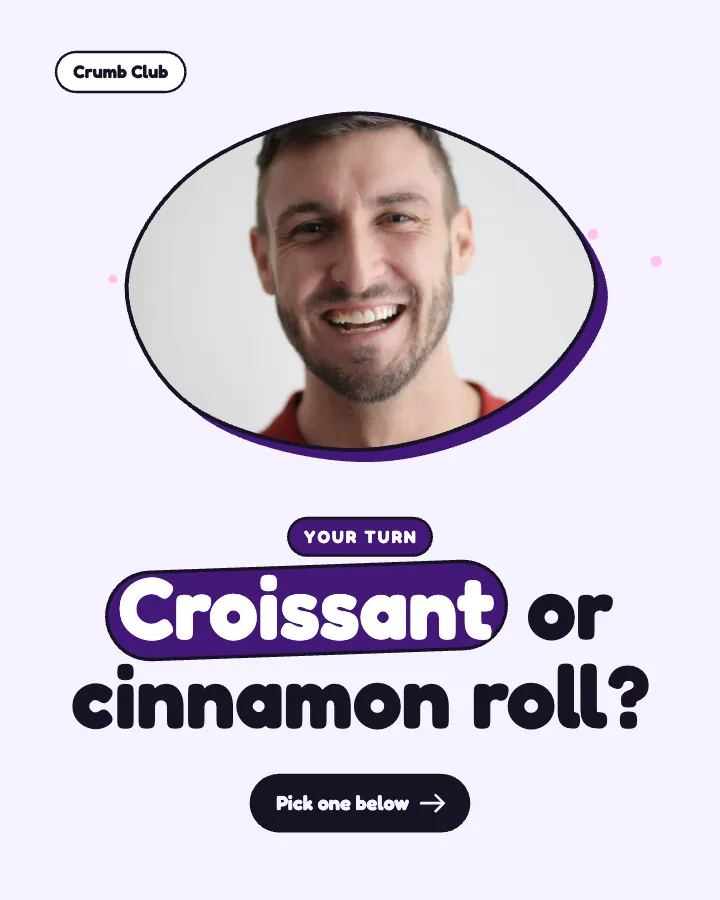
The first slides of Crumb Club's carousel, a fictional business.
Social media posting schedule
Pick how often you want to post. Creobee plans, writes and designs every day of your week, each post with its time, and on Autopilot schedules it in one confirm.
No card for the free posts7-day money-back guaranteeSee plans
How it works
Crumb Club is a fictional bakery. This is the week Creobee made for it.
Describe it onceYour website, or a few words.
Get the weekEvery post written and designed in your colors.
Approve, then postScheduled for you on Autopilot and Pro, or downloaded.
BriefNeighborhood sourdough bakery with weekend delivery. Playful voice.
Regular · 16 a week
Crumb Club's week is ready@crumbclub.bakery
8 networks, one schedule
Each post goes out on its day, after your OK.
Example week for a fictional bakery, made with Creobee. Stories go to Instagram; animated posts only if you want them.
About 70 posts a month, stories included. Autopilot's 100 posts cover it.
$39 a month · about $0.39 a post
Your first 3: a post, a carousel and a story.
4 to 8 slides, every one readable alone. 2 to 4 in a planned week.
The first slides of Crumb Club's carousel, a fictional business.
Animated from the post's own design, with sound effects you can turn off.
Your brand
Crumb Club uses the Playful style, the diagonal grid pattern and its own colors. No AI-generated images.
On Autopilot and Pro, each post goes out at its time to the accounts you connect, and stories go to Instagram. On the other plans you download the week.
The usual way to keep a posting schedule is two tools: a design app such as Canva to make each post, and a scheduler to post it. As of October 9, 2026, Buffer's pricing page lists a no-cost plan with 10 scheduled posts per channel on up to 3 channels, and its Instagram page says it schedules Instagram Stories. A scheduler is still the better choice for filmed video, analytics and a shared inbox, which Creobee does not have.
Facts about other tools read on their own pages, checked . Sources: Buffer pricing, Buffer for Instagram.
Pricing
Every plan designs your feed. Pick how many posts, and whether we post them too.
Not sure yet? First 3 posts free, no card neededFor making your posts and posting them yourself
$19/month
7-day money-back guarantee. Cancel anytime.
For handing the whole job over
$39/month
7-day money-back guarantee. Cancel anytime.
For posting every day across several accounts
$79/month
7-day money-back guarantee. Cancel anytime.
For comparison: freelancers usually charge $300 to $1,500 a month for 8 to 16 posts.
Straight answers on pricing, posts, and what Creobee does and does not do.
The days and times you post, and what goes out in each slot. Creobee's is made from a pace: Light (9 a week), Regular (16) or Full (21), stories included, and every slot comes back as a finished post with its day and time.
Yes. When you schedule the week you can give any post another time, skip a post, or start the whole week on another day. The planned times (10:00 and 17:00 for feed posts, 12:30 for stories) are where it starts, and you can switch to another pace for the next week.
No. Stories go to Instagram. The other networks you connect skip the stories and still get the week's feed posts.
Yes. Creobee asks once, before your first week, and you can change the answer later. Without animated posts, those days get still posts and the week keeps its size. Creobee makes designed 4:5 posts, 9:16 stories, still carousels and short animated versions of single posts with sound effects you can turn off: no filmed or AI video, no voice or music, no replies to comments or DMs and no analytics.
Yes, one post each, like a feed post, a carousel or an animated post. That is why a Regular week of 9 feed posts and 7 stories counts as 16. Scheduling never uses posts.
The posting schedule makes one week at a time from your pace, with posts, carousels, animated posts and stories on their days and times. A custom batch makes up to 30 posts of the kind you pick, with every setting yours, and places them one per posting day when you schedule them. Use whichever suits the week.
Solo is $19 a month for 40 designed posts, Autopilot is $39 for 100 posts and posts them for you on Instagram, Facebook Page, LinkedIn, Threads, Pinterest, Bluesky, TikTok and X, and Pro is $79 for 300 posts and up to 15 connected accounts. Solo covers the Light pace and downloads the week; Regular and Full need Autopilot or Pro, which also schedule it.
Partly. Every new account gets 3 finished posts free, a post, a carousel and a story from its first week, with no card and no watermark, so you can see your own brand on real posts before paying anything. After that, plans start at $19 a month for 40 posts, with a 7-day money-back guarantee. The starter posts make the first posts of a week, so you see your own days in your own colors.
Pick a pace, and Creobee writes and designs every post and story of your week. First 3 posts free, no card needed.
Make 3 posts freeYour first 3: a post, a carousel and a story.
The guide
Creobee turns a social media posting schedule into the week itself. Pick how often you want to show up (9, 16 or 21 posts a week, stories included) and one button plans, writes and designs all seven days: feed posts, carousels, animated posts if you want them, and a 9:16 story on the days that have one, each with its day and time. On Autopilot and Pro you schedule the whole week in one confirm; on Solo you download it.
8 chapters · 8 min read
1. Pick your pace
Light is 9 a week, Regular 16 and Full 21, stories included. You see the seven days before anything is made, with what goes out on each one and when.
2. Answer once about animated posts
Creobee asks once whether to include animated posts. Say yes and some of the week's posts come as short animated versions with sound effects you can turn off; say no and those days get still posts. You can change the answer later.
3. Get the week, schedule it in one confirm
One button writes and designs the whole week in your style and colors. Look through it day by day, then schedule it in one confirm on Autopilot or Pro, or download it on Solo.
A posting schedule decides four things for every slot: the day, the time, the kind of post and where it goes. Creobee decides all four from your pace, so the week arrives already laid out.
Light is 5 feed posts (2 animated, 2 carousels and 1 still post) and 4 stories. Regular is 9 feed posts (4 animated, 3 carousels and 2 still posts) and 7 stories. Full is 14 feed posts (7 animated, 4 carousels and 3 still posts) and 7 stories. With animated posts left out, the animated days get still posts instead, and the count stays the same.
A Regular week, day by day:
Feed posts go out at 10:00, a second one on busier days at 17:00, and stories at 12:30. Those are starting times, not rules: when you schedule the week you can give any post another time, skip one, or move the whole week to start on another day, and every post moves with it.
The order is planned as well as the times. Two carousels never sit next to each other in the feed, a day holds at most one story, and the feed posts take their places in your grid pattern in the order they go out, so the week keeps your profile looking designed. Next week continues the pattern where this one ended.
Every post is written for its slot from your business and your goal, across 7 content pillars, in your post language. A carousel is 4 to 8 slides that connect as you swipe and counts as one post.
Each story is its own 1080 by 1920 still image, designed for the tall screen in the same style as your feed, not a feed post stretched to fit. Its words are written for a story: short, about the day, and asking people to reply.
A scheduled story goes out as the image itself. Polls, links, music and other stickers are added in the Instagram app, so if a story needs one, post that one by hand and add it there.
Your posts and stories play different parts: feed posts are found by new people and stay on your profile, stories keep the people who already follow you close. A week of Instagram posts and stories covers both without a second plan.
On Autopilot and Pro, "Schedule this week" opens one sheet with every post on its planned day and time. Confirm it and the week is scheduled: each post keeps its slot, and if a time is already taken by a post you scheduled before, that one post moves to the next free time and says so.
Each kind goes where it fits. Stories go to Instagram as stories, and the other networks skip them while still getting the feed posts. A carousel goes to Instagram with every slide and to Facebook Page, LinkedIn, Threads, Pinterest, Bluesky, TikTok and X as a single-image version of the same post. An animated post can go to Instagram as a Reel that stays in your grid, with the still post as its cover.
On Solo, "Download this week" gives you every file named for its day and time, so posting by hand still follows the schedule.
A month at Light is about 39 posts, at Regular about 70 and at Full about 91, stories included: each story counts as one post, the same as a feed post, and a carousel or an animated post costs one post too.
Solo makes 40 posts a month for $19, which covers Light. Regular and Full need Autopilot (100 posts and 300 scheduled posts a month for $39) or Pro (300 posts for $79). Scheduling never uses your posts.
If your plan covers less than a whole week, Creobee says so before anything is made and makes the first posts of the week your posts allow.
Buffer's study of 2.1 million Instagram posts, published on August 13, 2025, recommends three to five feed posts a week, and it counted feed posts only, not stories. Most small businesses never fail at the number. They fail in the third week, when the posts have to be made again.
That is the part Creobee takes off you. The Instagram posting schedule is the same every week, and each week arrives finished: you look through it, schedule it or download it, and make next week's when this one is out. Light gives you 5 feed posts a week, inside that range, and Regular and Full add more for businesses that have more to say.
A social media posting schedule template for small business: three weekly paces, times that fit a working day, and where carousels and stories go.
10 min read
How to schedule Instagram stories in the app, in Meta Business Suite or with a scheduler, what each way keeps and drops, and how to plan them with your posts.
10 min read
Seven Instagram story ideas for small business, one a day: questions, this or that, behind the scenes, a tip, the offer. Designed 9:16 stills plus stickers.
9 min read
A weekly Instagram content mix for small business: what posts, carousels, animated posts and stories each do, a mix for three paces, and a steady grid.
10 min read
How often should you post on Instagram in 2026? A cadence ladder that starts at three feed posts a week plus Stories, and how batching keeps it easy.
8 min read