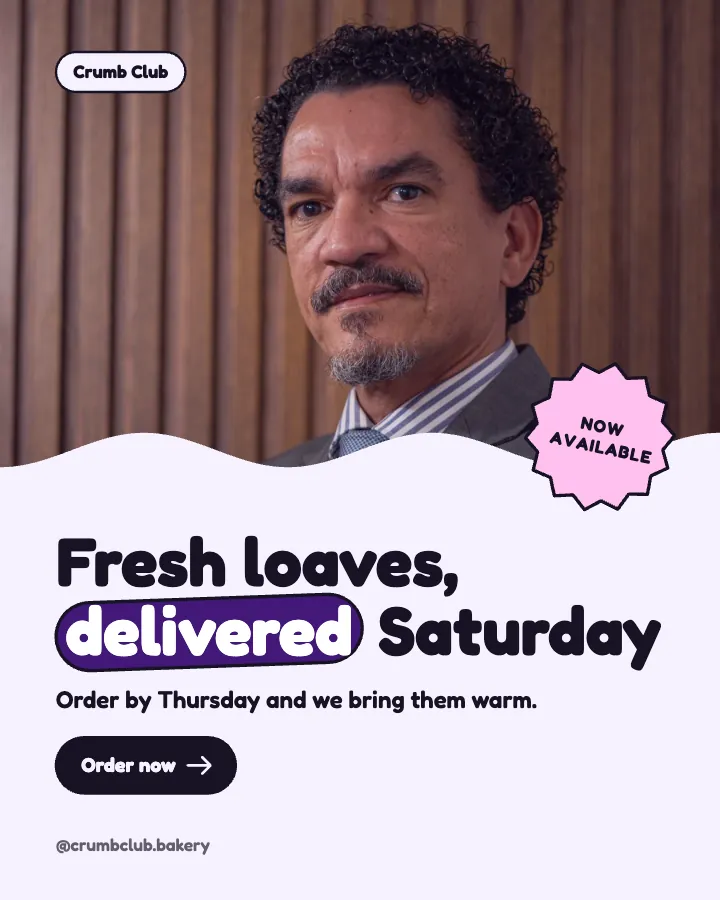
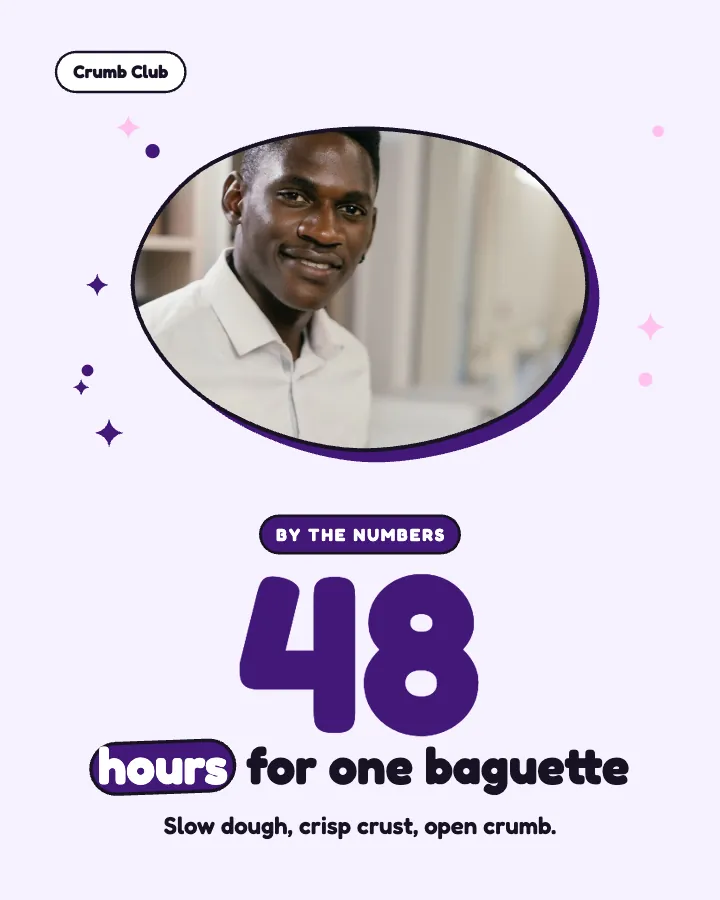
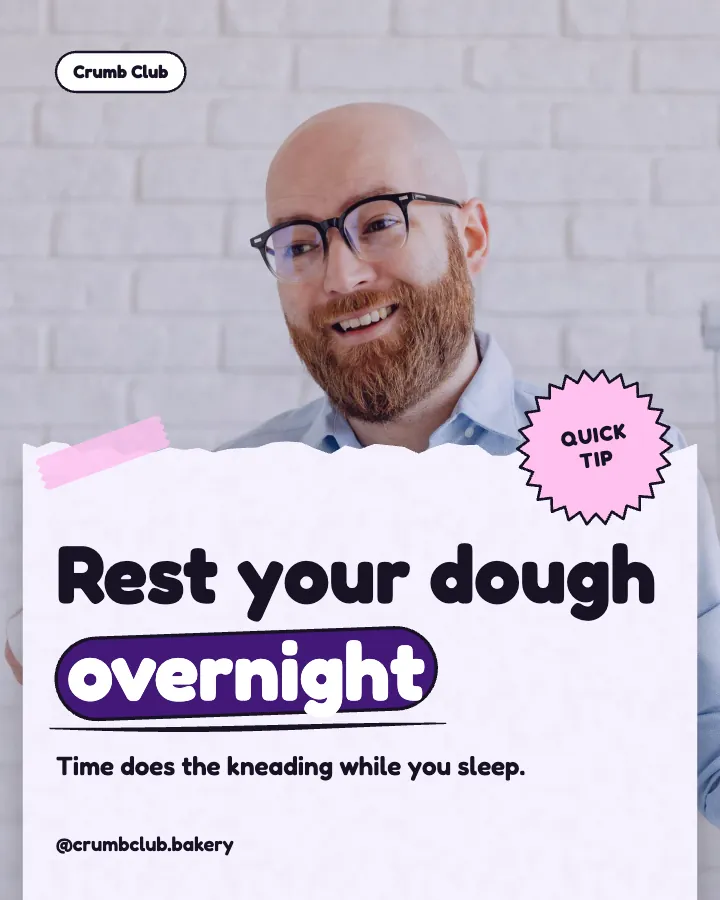
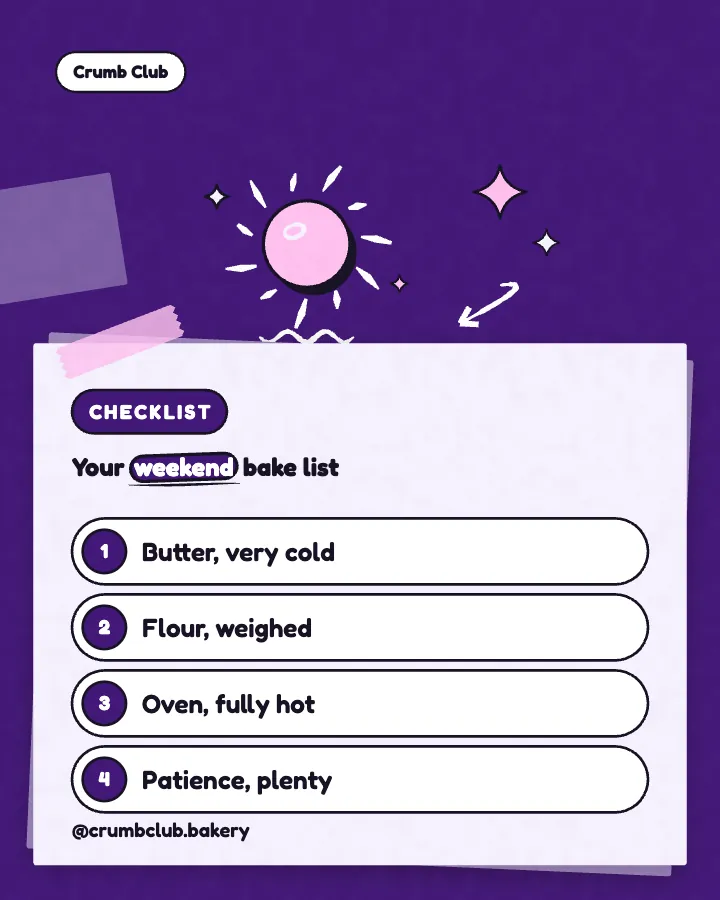
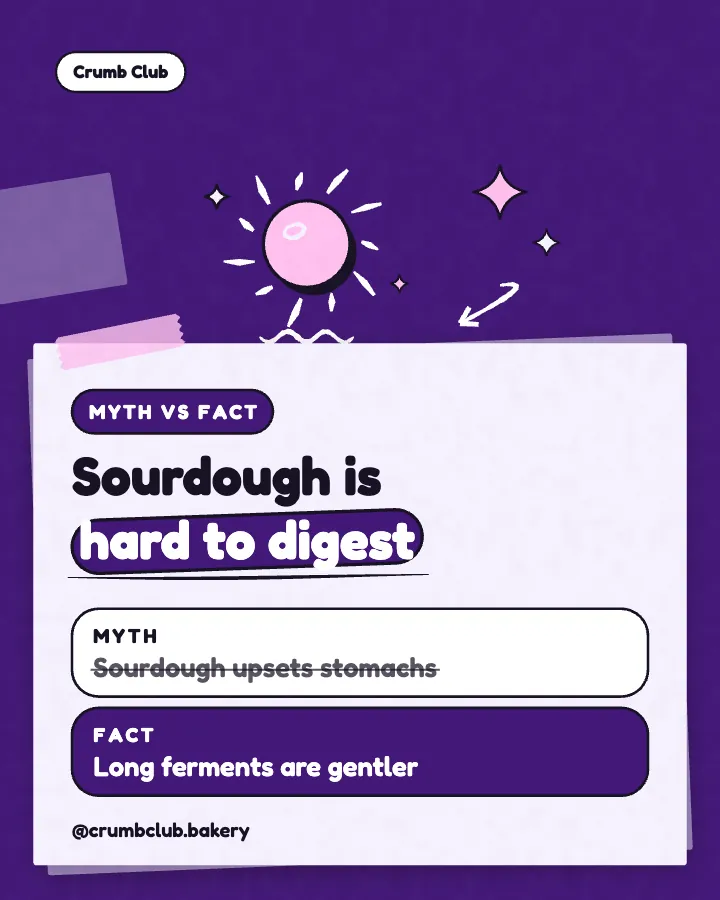
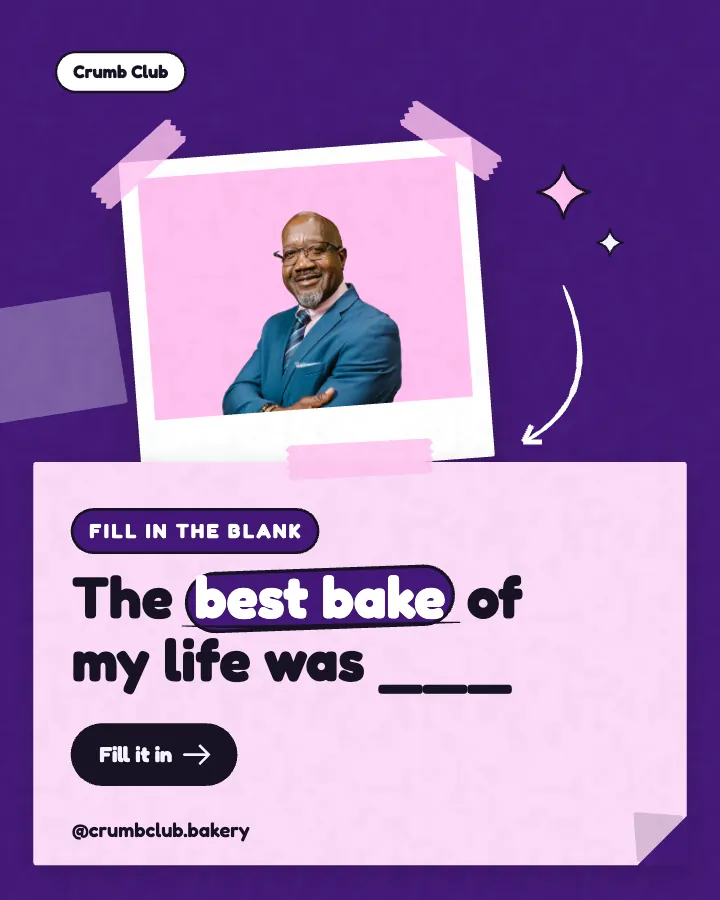
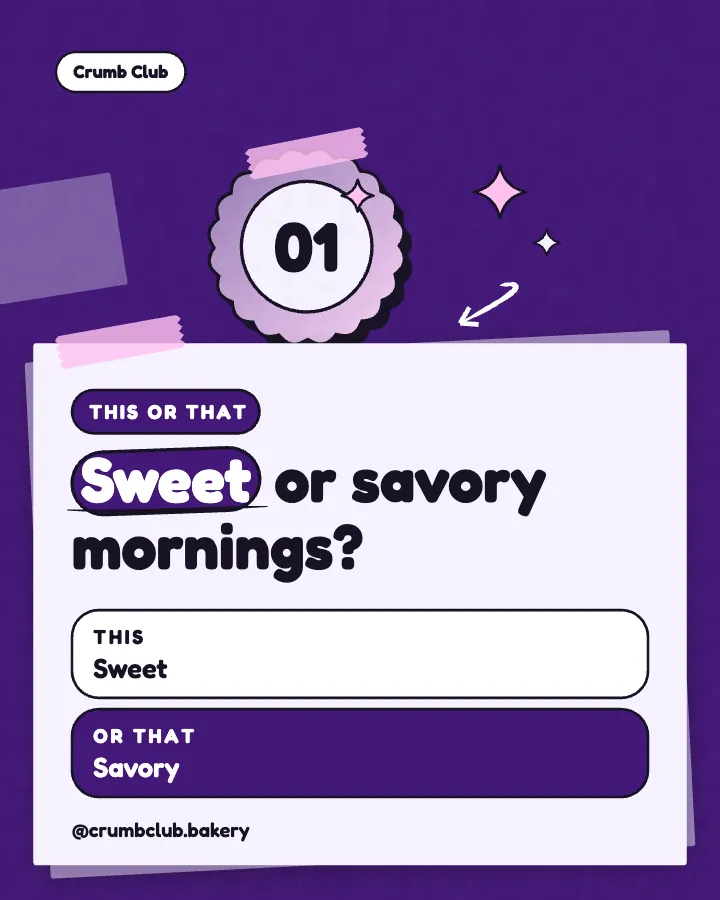
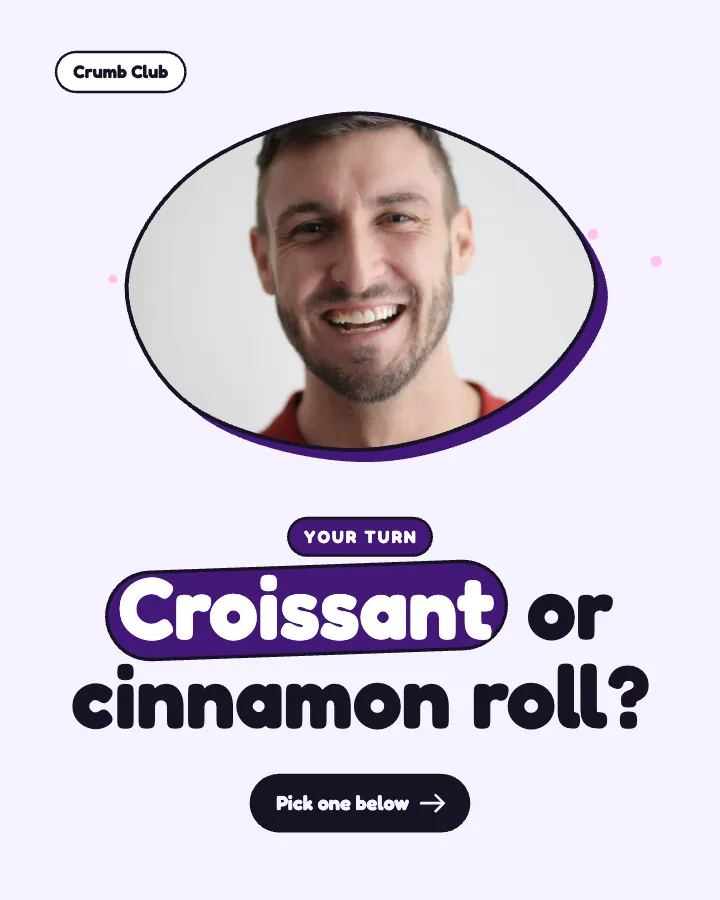
Carousels that connect as you swipe
4 to 8 slides, every one readable alone. 2 to 4 in a planned week.

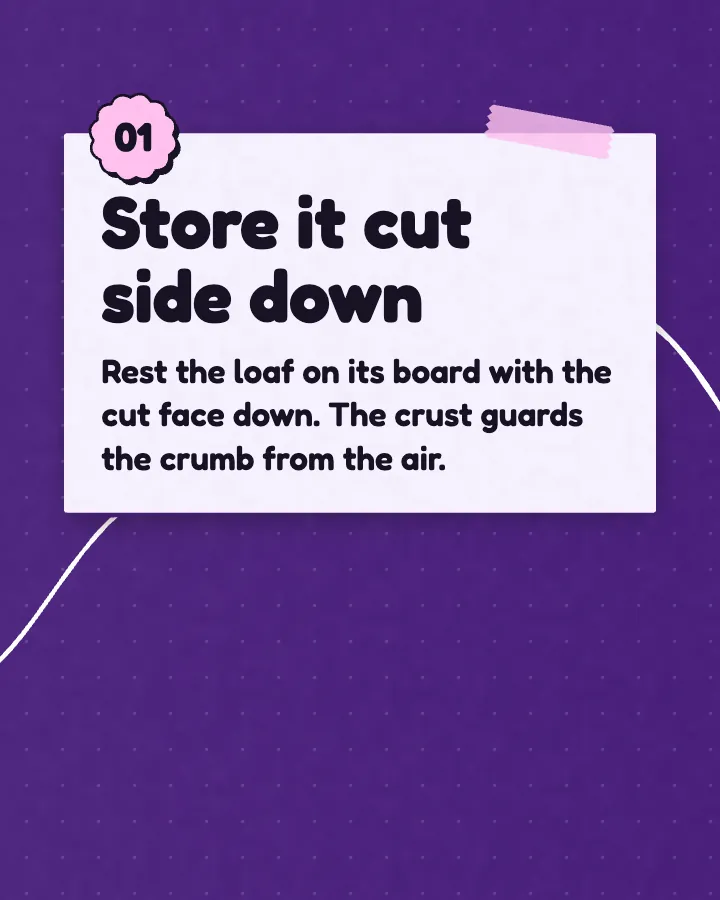
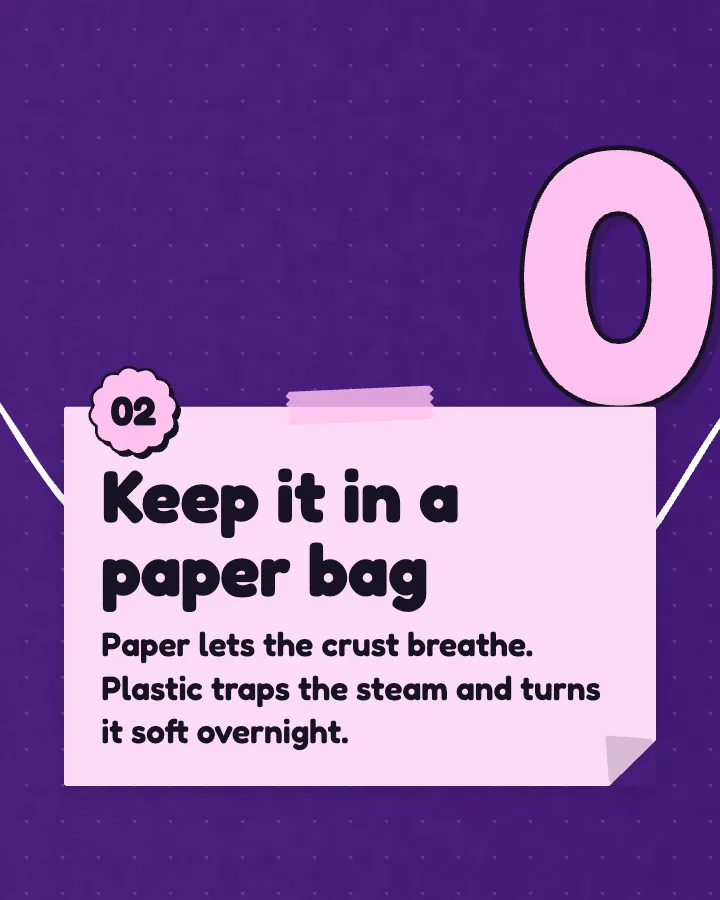
The first slides of Crumb Club's carousel, a fictional business.
AI social media post generator
Finished posts, not a caption and a blank design: every image designed and every caption written, in your logo and colors, for every network you use.
No card for the free posts7-day money-back guaranteeSee plans
How it works
Crumb Club is a fictional bakery. This is the week Creobee made for it.
Describe it onceYour website, or a few words.
Get the weekEvery post written and designed in your colors.
Approve, then postScheduled for you on Autopilot and Pro, or downloaded.
BriefNeighborhood sourdough bakery with weekend delivery. Playful voice.
Regular · 16 a week
Crumb Club's week is ready@crumbclub.bakery
8 networks, one schedule
Each post goes out on its day, after your OK.
Example week for a fictional bakery, made with Creobee. Stories go to Instagram; animated posts only if you want them.
About 70 posts a month, stories included. Autopilot's 100 posts cover it.
$39 a month · about $0.39 a post
Your first 3: a post, a carousel and a story.
4 to 8 slides, every one readable alone. 2 to 4 in a planned week.
The first slides of Crumb Club's carousel, a fictional business.
Animated from the post's own design, with sound effects you can turn off.
Your brand
Crumb Club uses the Playful style, the diagonal grid pattern and its own colors. No AI-generated images.
On Autopilot and Pro, each post goes out at its time to the accounts you connect, and stories go to Instagram. On the other plans you download the week.
Both have a place. This is what each one leaves you to do.
Pricing
Every plan designs your feed. Pick how many posts, and whether we post them too.
Not sure yet? First 3 posts free, no card neededFor making your posts and posting them yourself
$19/month
7-day money-back guarantee. Cancel anytime.
For handing the whole job over
$39/month
7-day money-back guarantee. Cancel anytime.
For posting every day across several accounts
$79/month
7-day money-back guarantee. Cancel anytime.
For comparison: freelancers usually charge $300 to $1,500 a month for 8 to 16 posts.
Straight answers on pricing, posts, and what Creobee does and does not do.
Every post is a 1080 by 1350 image with a caption, or a carousel of 4 to 8 such slides, which works on Instagram, Facebook Page, LinkedIn, Threads, Pinterest, Bluesky, TikTok and X. A carousel goes to Instagram as a carousel and to the other networks as a single-image version of the same post. Autopilot publishes directly to all 8; Instagram needs a business or creator account, with no Facebook Page needed. An animated post can go to each of them as a video or as its image, your choice per post (X always gets the image).
Both, for every post: a designed image with the headline on it and a full caption to go with it. The images are designed as one set in your colors with your logo on each, and none of the pictures are AI-generated.
Yes. When you sign up, paste your website and Creobee reads your home page: the kind of business, what you offer, your name and language, plus your brand color, logo and photos when it finds them. You check every answer, then your first 3 posts are written about what it read. It does not read social media profiles or Linktree pages, and a site that blocks visitors cannot be read; then you tap your kind of business instead.
Yes, on Autopilot and Pro. Connect your accounts, schedule the batch in grid order up to 45 days ahead (90 on Pro), and edit captions as you go. Autopilot includes 300 scheduled posts a month across 10 accounts. On Solo you download the posts and schedule them with your own tool.
Partly. Every new account gets 3 finished posts free, a post, a carousel and a story from its first week, with no card and no watermark, so you can see your own brand on real posts before paying anything. After that, plans start at $19 a month for 40 posts, with a 7-day money-back guarantee. The free tools under /tools, such as the image resizer, need no account but do not make posts.
Yes, both. Every planned week includes 2 to 4 carousels of 4 to 8 slides, and in a custom batch the posts that suit one come as carousels once you switch Carousels on. Animated posts are off until you switch them on; then single posts can also come as videos of 6 to 12 seconds, animated from their own design, with sound effects you can turn off. A carousel counts as one post and an animated version costs nothing extra, on every plan.
Creobee makes designed 4:5 posts, 9:16 stories, still carousels and short animated versions of single posts with sound effects you can turn off: no filmed or AI video, no voice or music, no replies to comments or DMs and no analytics. It never generates pictures with AI, it writes one caption per post rather than one per network, and one account holds one business. It writes posts in English, Spanish, Portuguese, French, German and Turkish, and no other languages.
Yes. Every post comes back to you first, one by one and as your profile grid, and nothing is published until you download it or schedule it on Autopilot or Pro. Leave out what is not right. When you schedule a week you can change each post's time or skip it; when you schedule a single post or a batch you can also change its caption.
Solo is $19 a month for 40 designed posts, Autopilot is $39 for 100 posts and posts them for you on Instagram, Facebook Page, LinkedIn, Threads, Pinterest, Bluesky, TikTok and X, and Pro is $79 for 300 posts and up to 15 connected accounts. Plan holders can add 30 extra posts for $15. Billing is monthly, cancel whenever you like, and there is a 7-day money-back guarantee. For comparison, done-for-you services such as Feedbird start at $99 a month for 10 posts (its pricing page, October 8, 2026).
Yes. Pick one of 5 voices (friendly, professional, bold, playful and calm), which also picks the design style, and one of 4 content mixes: steady presence, grow audience, build authority and sell and launch. Grow audience is mostly teaching and conversation with almost no selling; Sell and launch puts offers, answered objections and proof up front.
Yes. As between you and Creobee, you own the posts you create, to the extent the law allows anyone to own them, and you can use them for your business. Preset backgrounds and library photos may be used only as part of your posts, not on their own. Never present the people in the library as your customers or staff.
Describe your business once and get finished posts, images and captions included, designed as one set. First 3 posts free, no card needed.
Make 3 posts freeYour first 3: a post, a carousel and a story.
The guide
Creobee is an AI social media post generator for business owners who want finished posts, not a caption and a blank design. Start from your website or a few words, and it plans up to 30 posts, writes every caption, and designs every image as one set in your logo and colors, sized 1080 by 1350 for Instagram, Facebook, LinkedIn and more, with carousels of 4 to 8 slides in every planned week and short animated versions when you switch them on. On Autopilot it also schedules and posts them to 8 networks.
12 chapters · 13 min read
1. Start from your website, or a few words
Paste your website and Creobee reads what you sell, your name, language, brand color, logo and photos, and you check each answer. No website? Tap your kind of business and pick a few topics. Your voice and goal are picked for your kind of business, and you can change both in Settings.
2. Set the look once
A style picked from your voice, your brand color used exactly, your logo on every post and a grid pattern that keeps the set looking planned. A preview shows your next nine posts before you make them.
3. Download or schedule
Up to 30 finished posts with captions. Download the ZIP, or on Autopilot schedule the batch to 8 networks. Nothing goes out without your OK.
Search for an AI social media post generator and page one is mostly quick widgets from big design and scheduling brands. They are built to turn one prompt into one draft: a caption to paste, or a design to finish yourself. If you need a single caption in the next minute, a widget or a chatbot is the faster choice.
Creobee is for the other job: a business that has to show up every week and wants the posts done. You describe the business once. It plans up to 30 posts, writes every caption, and designs every image as part of one set, in your logo and colors. You leave with files to upload and captions to paste, or, on Autopilot, with the posts already scheduled.
The generator makes more than single posts. Pick a pace and it makes your week: 9 feed posts (4 animated, 3 carousels and 2 still posts) and 7 stories in a Regular week, 16 posts in all, each with its day and time. The animated posts are in it only if you say yes to them (otherwise those days are still posts), and each story is a 9:16 still made with your week that counts as one post.
Every carousel is 4 to 8 slides that connect as you swipe, every animated post starts and ends on its still, and every story is designed for the tall screen in the same style as the feed. On Autopilot and Pro the week is scheduled in one confirm, with the stories going to Instagram.
Posts designed one at a time usually look it. Creobee designs the batch the way an agency builds a feed. One of 5 styles (Poster, Block, Studio, Playful and Editorial) is picked from your voice, and the palette comes from your brand color, used exactly, or from your background. Each post then takes a look (the picture full size, a block of your color, or a light surface) in a pattern that keeps the whole set looking planned, on your profile and in the feed.
The layout follows the kind of post: a checklist becomes numbered rows, a myth versus fact shows both sides, an offer gets a button, a number is set big. Every word meets the WCAG AA contrast standard, your logo sits on every post, and long headlines still fit.
Most AI post tools make their pictures with image models, and people have noticed. In a Gartner survey published in March 2026, half of US consumers said they prefer brands that avoid generative AI in consumer-facing content. Creobee makes no AI pictures. The art is your own photo, one of 124 preset backgrounds, or real people from a curated library of 30, tinted in your colors, and the words on the image are always spelled right.
The AI does the writing: headlines and captions from your brief, in your voice, with no invented numbers, client names or reviews. That split keeps what customers see trustworthy and takes the writing off your plate.
Every post, and every slide of a carousel, is 1080 by 1350 pixels, the 4:5 portrait shape. Instagram, Facebook, LinkedIn and Threads all show a single 4:5 image uncropped in the feed, where it takes more of a phone screen than a square or a landscape image, and Pinterest, Bluesky, TikTok and X accept the same 1080x1350 file. A carousel goes out whole on Instagram, and every other network gets a single-image version of the same post in the same style. Each post comes with one caption written for it, used wherever you send it. Creobee does not rewrite the caption for each network, so a network-specific version is yours to write. On Autopilot and Pro, an animated post can go out as a Reel shared to your grid on Instagram, a timeline video on Facebook and Threads, and a video post on LinkedIn, Pinterest, Bluesky and TikTok, while X gets the still post.
Posting everywhere matters less than posting every week where your customers already are. Pick the two networks they use and keep those going; the same batch covers both.
A post generator with a scheduler saves the last, dullest step: getting a month of posts into the calendar. On Autopilot, connect up to 10 accounts across Instagram, Facebook Page, LinkedIn, Threads, Pinterest, Bluesky, TikTok and X, then schedule the whole batch in one go, up to 45 days ahead (90 on Pro). Posts go out in the order they were made, so the pattern you saw in the preview is the pattern on your profile. You can edit a caption while you schedule, and nothing is published until you say so.
Autopilot includes 100 posts and 300 scheduled posts a month, each account a post goes to counting as one (a post sent to Instagram and LinkedIn counts as two). On Solo you download the ZIP and use the scheduler you already have.
A dedicated scheduler is the better choice if you need analytics, a shared inbox for comments and messages, or filmed Stories and filmed video. As of October 8, 2026, Buffer's pricing page lists a no-cost plan with up to 10 scheduled posts per channel on 3 channels, and its AI Assistant writes and rewrites text rather than designing images. Plenty of businesses run a scheduler like that for everything else and Creobee for the posts themselves.
Creobee suits businesses that sell what they know or run a local service: accountants, dentists, clinics, real estate agents, consultants, coaches, trainers, studios, salons, cafes, bakeries and trades. Someone in the business is the marketing team, the budget is modest, and the job is to show up every week looking like a real business.
Every post gets its own job and post type, so a month of posts does not read like one post repeated. Six examples for an imaginary family dental practice, with the headline that goes on the image and the caption that goes with it.
Educate / Tip
Brush before breakfast, not right after
Orange juice, coffee and fruit soften enamel for a while after you eat. Brushing straight away scrubs at it while it is weak. Brush before breakfast instead, or wait half an hour and rinse with water in the meantime. It is a small change your enamel will thank you for in twenty years.
Educate / FAQ
How often do I need a checkup?
For most adults with healthy teeth, every six to twelve months, and your dentist will tell you which end of that you sit at. Gum problems, lots of fillings or braces can mean more often. The point of a checkup is catching small things while they are still small and cheap to fix.
Engage / This or that
Electric or manual toothbrush?
Patients ask us this every week. An electric brush makes good technique easier, especially at the back. A manual brush works just as well if you give it two full minutes and a gentle hand. The best one is the one you actually use twice a day. Which camp are you in, and what made you pick it?
Behind the scenes / Day in the life
7:30am, before the first patient
The team is in half an hour before the doors open. Instruments come out of the sterilizer, the day's notes get read twice, and someone checks who is nervous so we can give them extra time. By the first appointment the coffee is gone and the quiet music is on. That half hour is why the day runs on time.
Social proof / Client voice
The word nervous patients use most
When anxious patients talk to us after a visit, the word that comes up most is gentle. Not fast, not modern, gentle. We take that seriously: we explain before we start, agree on a hand signal to pause, and never rush a first appointment. Of everything people could say about a visit, it is the word we most want to keep hearing.
Promote / Offer
New patient checkups open this month
We have opened extra new patient appointments this month, including early mornings and Saturdays. A first visit is a full checkup, a cleaning and a plain-English plan with prices before any treatment, and no pressure to book anything else on the day. Call the practice or use the booking link in our bio to find a time.
Content pillars for small business: pick 3 to 5 from audience problems, your offer and proof, see two worked examples, and fill months of posts with a matrix.
6 min read
Cross-posting on social media without looking lazy: keep one branded graphic, rewrite the caption for Instagram, LinkedIn, Pinterest and Facebook in 20 minutes.
6 min read
Brand consistency on social media: which colors, type, logo spot and layout to lock, what to vary, and a 20-minute audit that shows where your feed drifts.
7 min read
Content batching as a weekly sprint: ideas Monday, scripts Tuesday, design Wednesday, scheduling Thursday, plus clean handoffs and five numbers to track.
3 min read