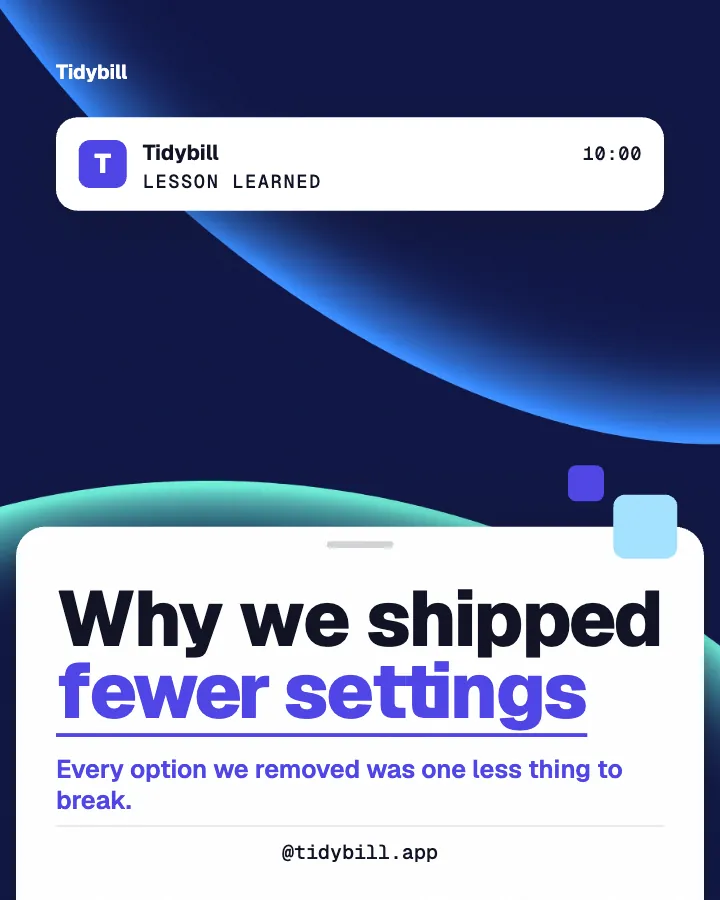
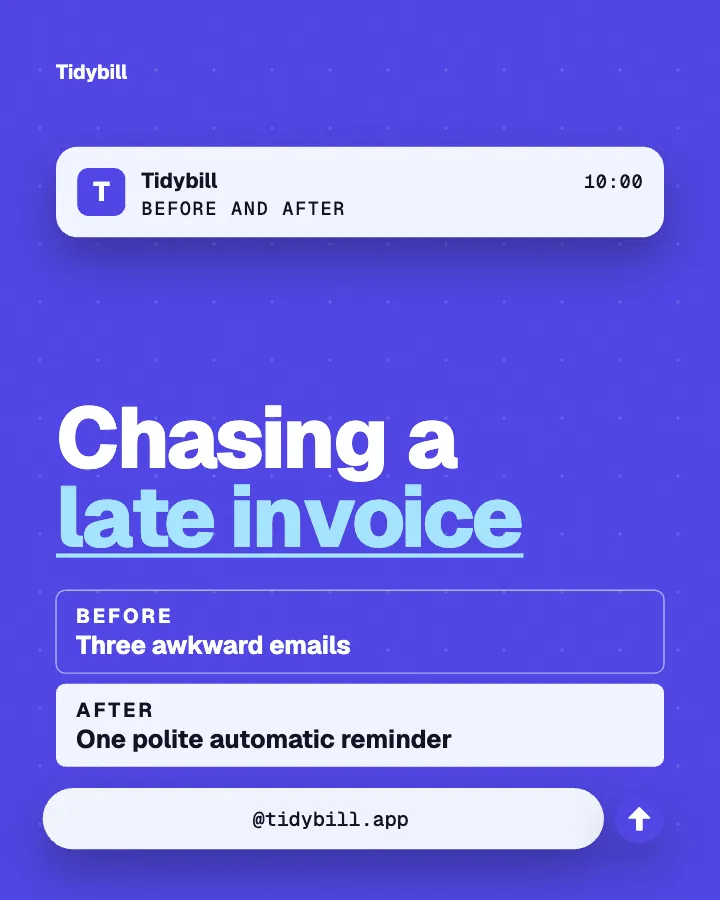
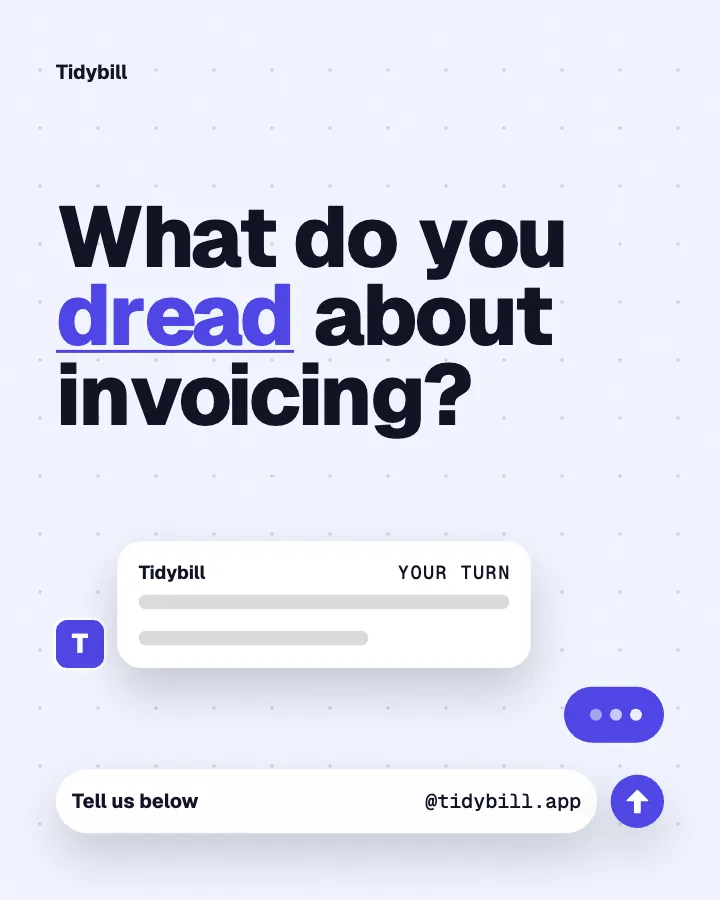
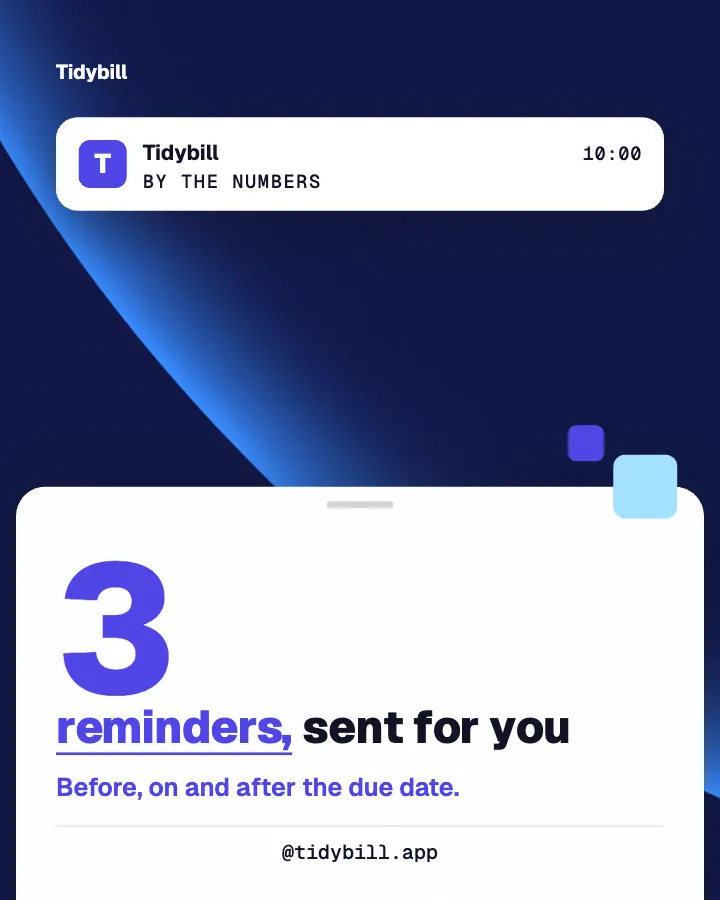
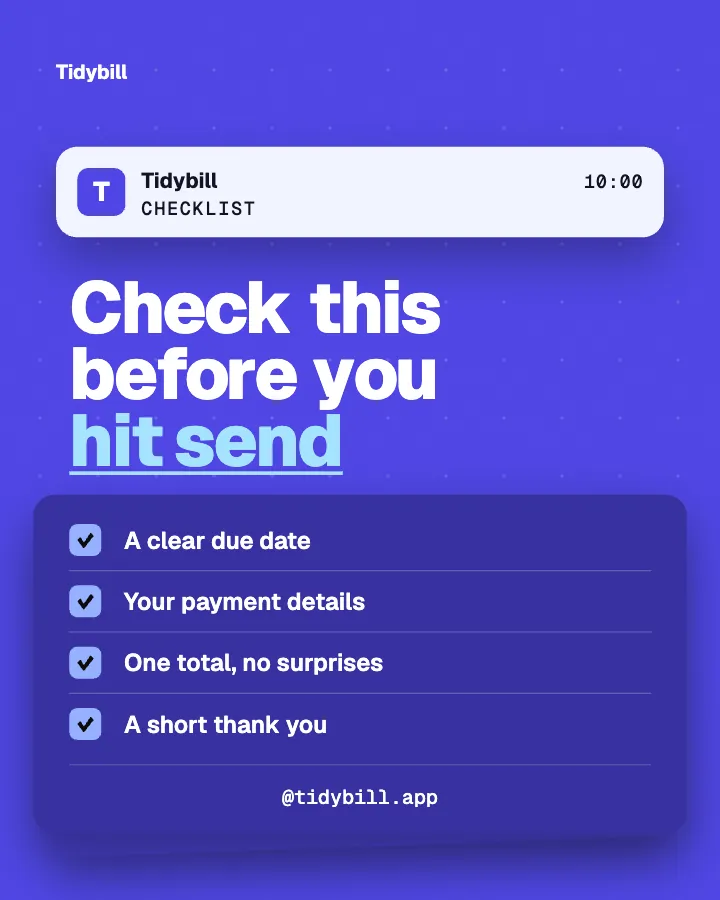
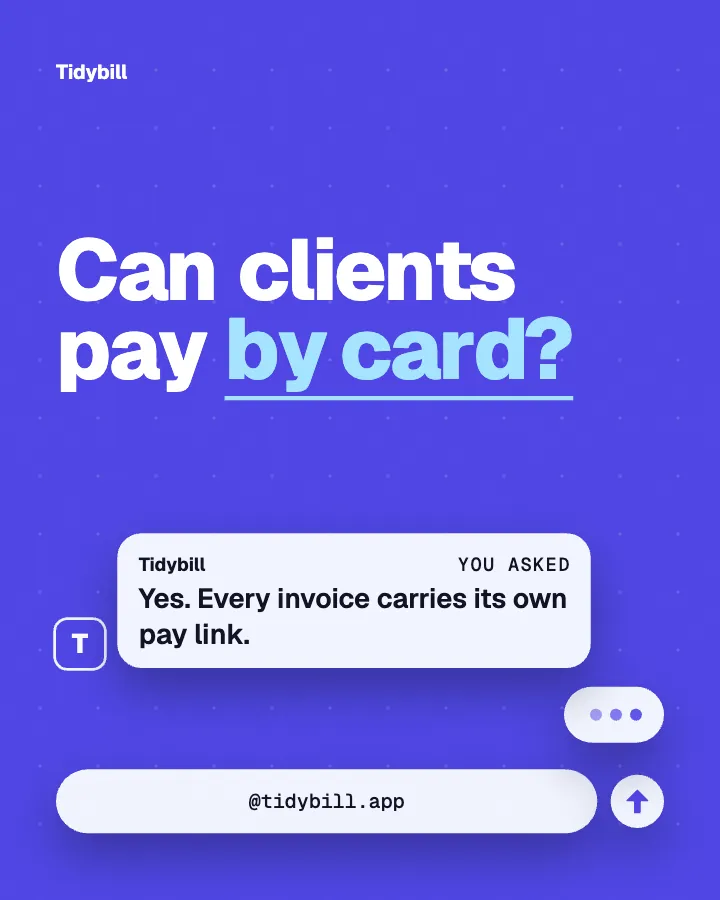
Carousels that connect as you swipe
4 to 8 slides, every one readable alone. 2 to 4 in a planned week.
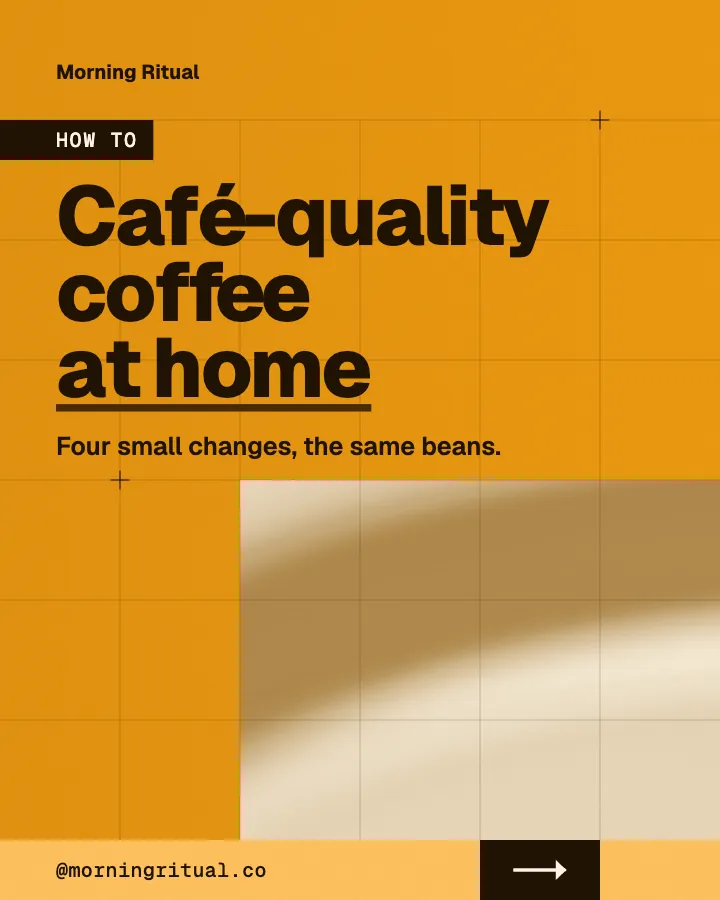

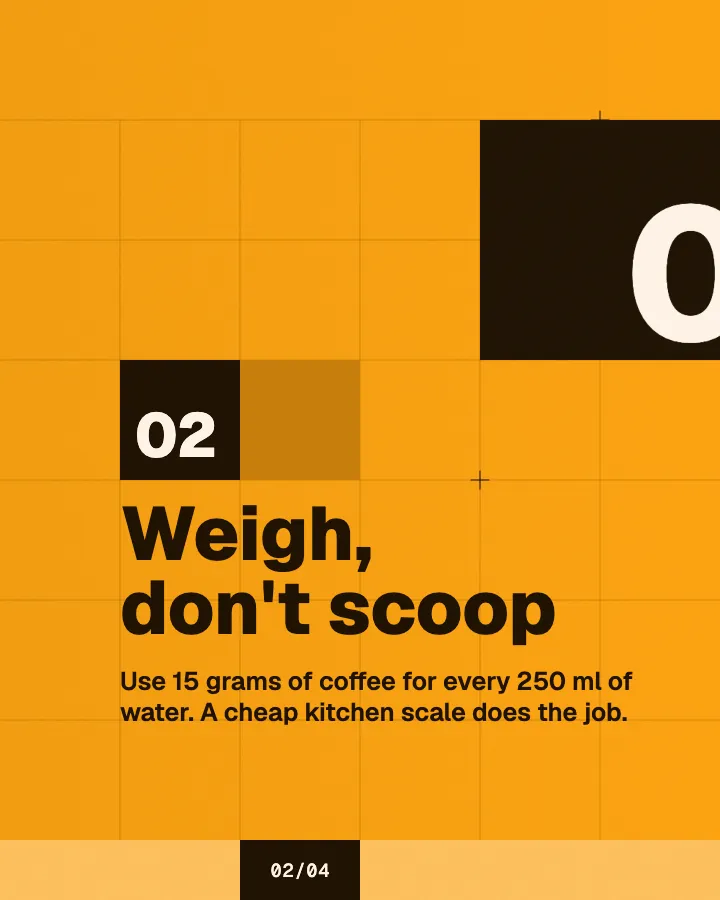
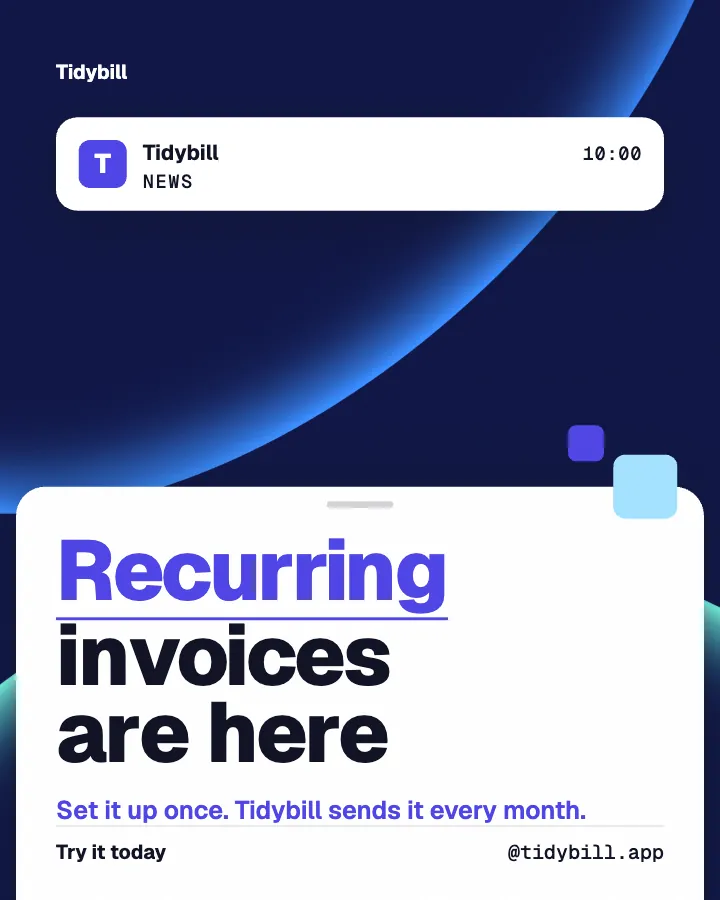
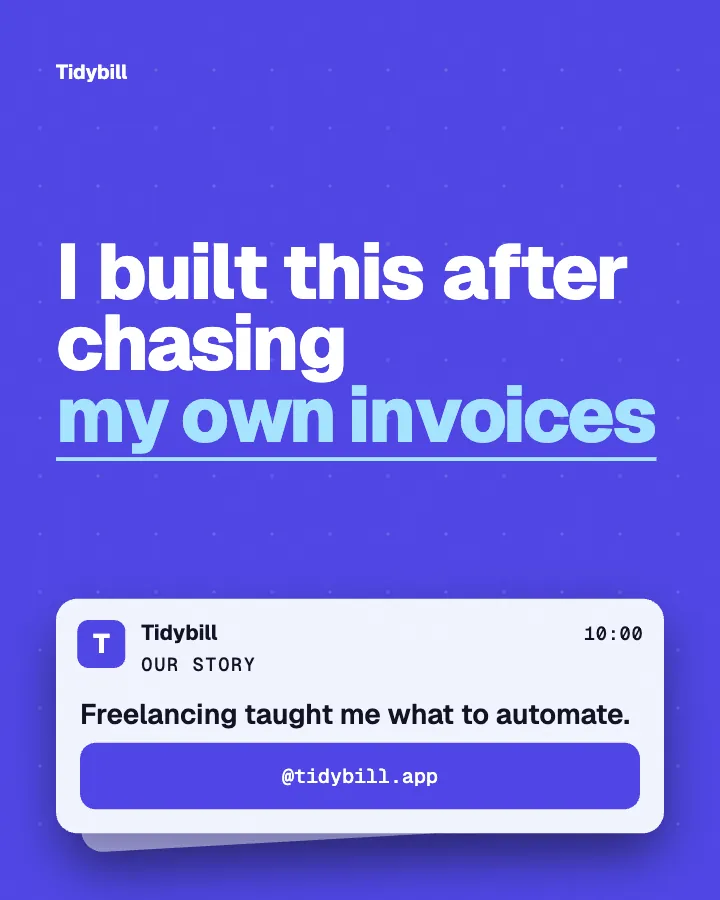
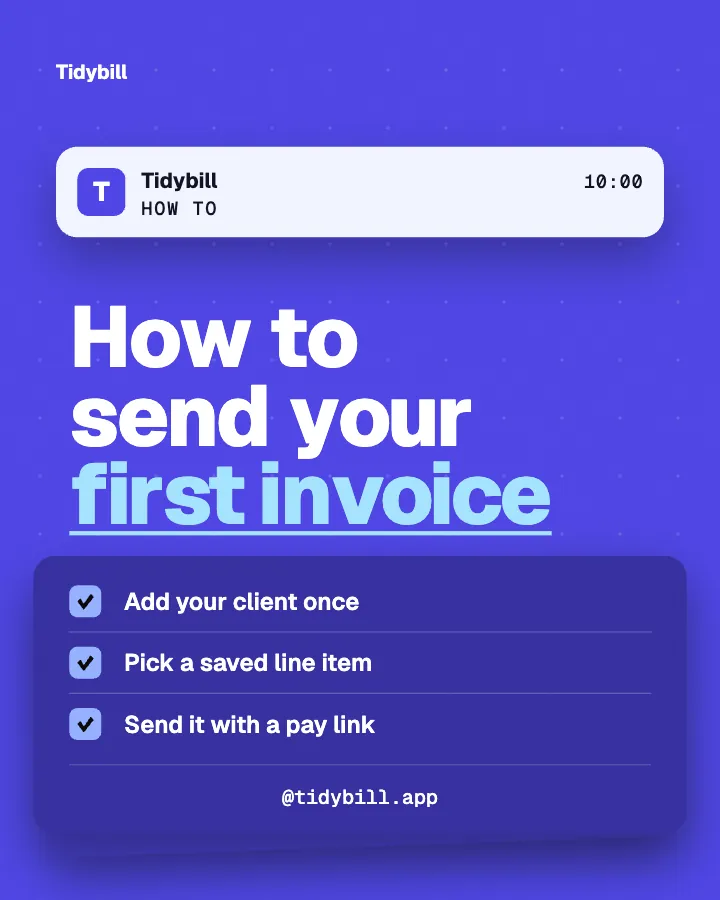
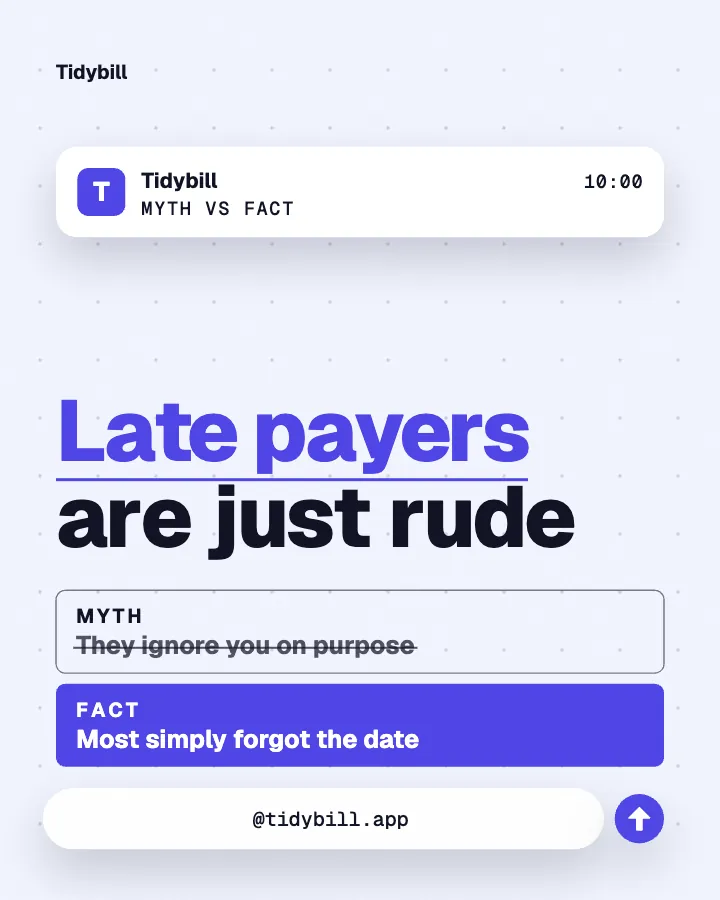
The first slides of Morning Ritual's carousel, a fictional business.
Social media posts for SaaS
SaaS social media posts about what you shipped: release notes and how-tos, written and designed as one feed for Instagram and your LinkedIn page.
No card for the free posts7-day money-back guaranteeSee plans
How it works
Tidybill is a fictional one-person SaaS. This is the week Creobee made for it.
Describe it onceYour website, or a few words.
Get the weekEvery post written and designed in your colors.
Approve, then postScheduled for you on Autopilot and Pro, or downloaded.
BriefInvoicing app for freelancers, built and run by one founder. Clear, professional voice.
Regular · 16 a week
Tidybill's week is ready@tidybill.app
8 networks, one schedule
Each post goes out on its day, after your OK.
Example week for a fictional one-person SaaS, made with Creobee. Stories go to Instagram; animated posts only if you want them.
About 70 posts a month, stories included. Autopilot's 100 posts cover it.
$39 a month · about $0.39 a post
Your first 3: a post, a carousel and a story.
4 to 8 slides, every one readable alone. 2 to 4 in a planned week.
The first slides of Morning Ritual's carousel, a fictional business.
Animated from the post's own design, with sound effects you can turn off.
Your brand
Tidybill uses the Block style, the diagonal grid pattern and its own colors. No AI-generated images.
On Autopilot and Pro, each post goes out at its time to the accounts you connect, and stories go to Instagram. On the other plans you download the week.
Templates are a fair choice if you enjoy designing. This is what each one leaves you to do every week.
Pricing
Every plan designs your feed. Pick how many posts, and whether we post them too.
Not sure yet? First 3 posts free, no card neededFor making your posts and posting them yourself
$19/month
7-day money-back guarantee. Cancel anytime.
For handing the whole job over
$39/month
7-day money-back guarantee. Cancel anytime.
For posting every day across several accounts
$79/month
7-day money-back guarantee. Cancel anytime.
For comparison: freelancers usually charge $300 to $1,500 a month for 8 to 16 posts.
Straight answers on pricing, posts, and what Creobee does and does not do.
A steady mix of useful and personal: how-tos for the first steps, release notes, myths about the problem you solve, checklists, questions for your audience and the occasional founder note on why you built something. The useful posts earn the follow, and the release notes remind people the product is alive.
No. LinkedIn connects as a company page, so on Autopilot and Pro the posts go to your product's page. If you also post from your own profile, download the posts and share them there yourself.
A single-image version of the same post, made with the carousel. Instagram gets the carousel itself. LinkedIn never gets a PDF or document carousel, and the post still counts as one.
Yes, for a software business. Pick App or software, or Solo founder or SaaS, as your kind of business (you can change it in Settings later), and posts can talk in the first person about what you built and what changed. Creobee is built not to invent a user count, a revenue number or a customer, so those appear only when you have put them in your description, and you read every post before it goes out.
No. Every post comes back to you first, and nothing is published until you download it or schedule it on Autopilot or Pro. Leave out any post you would not ship. When you schedule a week you can change each post's time or skip it; when you schedule a single post or a batch you can also change its caption.
One account holds one business, with one brand and one description, so a second product needs an account of its own. Pro adds posts and connected accounts, not brands.
Solo is $19 a month for 40 designed posts, Autopilot is $39 for 100 posts and posts them for you on Instagram, Facebook Page, LinkedIn, Threads, Pinterest, Bluesky, TikTok and X, and Pro is $79 for 300 posts and up to 15 connected accounts. Billing is monthly, with a 7-day money-back guarantee.
Partly. Every new account gets 3 finished posts free, a post, a carousel and a story from its first week, with no card and no watermark, so you can see your own brand on real posts before paying anything. After that, plans start at $19 a month for 40 posts, with a 7-day money-back guarantee. They are made from your own product's description, so you judge real posts for it, not a demo.
Describe your product once. Creobee plans, writes and designs the week in your colors, and you approve every post. First 3 posts free, no card needed.
Make 3 posts freeYour first 3: a post, a carousel and a story.
The guide
Creobee makes social media posts for one-person software businesses: SaaS and app founders, and small teams where the person who ships the product also does the marketing. Start from your product's website or a few words about it, and it plans the week (release notes, how-tos, myths your users believe, a checklist, a before and after, a question for your audience and what you shipped and why), writes each headline and caption, and designs them as one feed in your logo and colors. You approve every post before it goes anywhere.
7 chapters · 7 min read
1. Describe your product
Paste your product's website and Creobee reads what it does, or pick App or software, or Solo founder or SaaS, as your kind of business and say who it is for, what it does for them and what you are shipping next. Mention a free trial, a new feature or an integration, and the posts can use it.
2. Pick a look that fits your brand
Creobee picks a style from your voice, and you can pick another. The Tidybill feed above uses Block: notched color blocks, an accent subtitle and a footer bar with your call to action on every post. Your brand color is used exactly and your logo sits on each one. A preview shows your next nine posts.
3. Approve the week, then post it
Read each post, leave out anything you would not ship, then download the week or schedule it on Autopilot or Pro.
When one person builds the product, answers support and ships the next release, posting is the job that slips. A feed that shows what the product does, answers the questions people ask before they sign up and says what changed this month does that work in the weeks you spend building. The posts that work for a small SaaS tend to be the same few kinds:
Every post is a 1080 by 1350 image with a caption, which Instagram, LinkedIn and your Facebook Page all show uncropped in the feed. On Autopilot and Pro, Creobee publishes to Instagram, Facebook Page, LinkedIn, Threads, Pinterest, Bluesky, TikTok and X. LinkedIn connects as a company page, so the posts go to your product's page, not your personal profile. X connects too, and gets each post's image with its caption cut at a sentence (or a word) to fit X's 280 characters.
Switch Carousels on in a custom batch, or let a planned week carry them, and some posts become carousels of 4 to 8 slides that connect as you swipe. Instagram gets the carousel; LinkedIn and every other network get a single-image version of the same post, and a carousel counts as one post. Stories made with your week are 9:16 stills, posted to Instagram on Autopilot and Pro.
A pack of SaaS social media post templates gives you layouts to fill in yourself, every week. Creobee hands back finished posts: Solo is 19 a month for 40 posts (about 0.48 each) that you download and post yourself, and Autopilot is 39 for 100 posts plus publishing to 8 networks. Creobee makes designed 4:5 posts, 9:16 stories, still carousels and short animated versions of single posts with sound effects you can turn off: no filmed or AI video, no voice or music, no replies to comments or DMs and no analytics.
Product launch social media posts for 14 days: tease, problem, story, proof, open cart, objections, urgency and close, with the post format for each day.
7 min read
Product launch hooks that introduce a new product or feature with clarity, borrowed authority and specific urgency, plus how to make launch posts worth sharing.
3 min read
LinkedIn image posts for founders: the 4:5 size that works, the file types LinkedIn accepts, text-first writing with one graphic, and a calmer palette.
7 min read
Behind-the-scenes content ideas for solopreneurs: five things worth showing, what to skip, how to brand the post, and five prompts to reuse every month.
7 min read
Seven social media tools for solopreneurs compared: what each makes, where it posts, its price and free plan, checked on each vendor site in October 2026.
11 min read