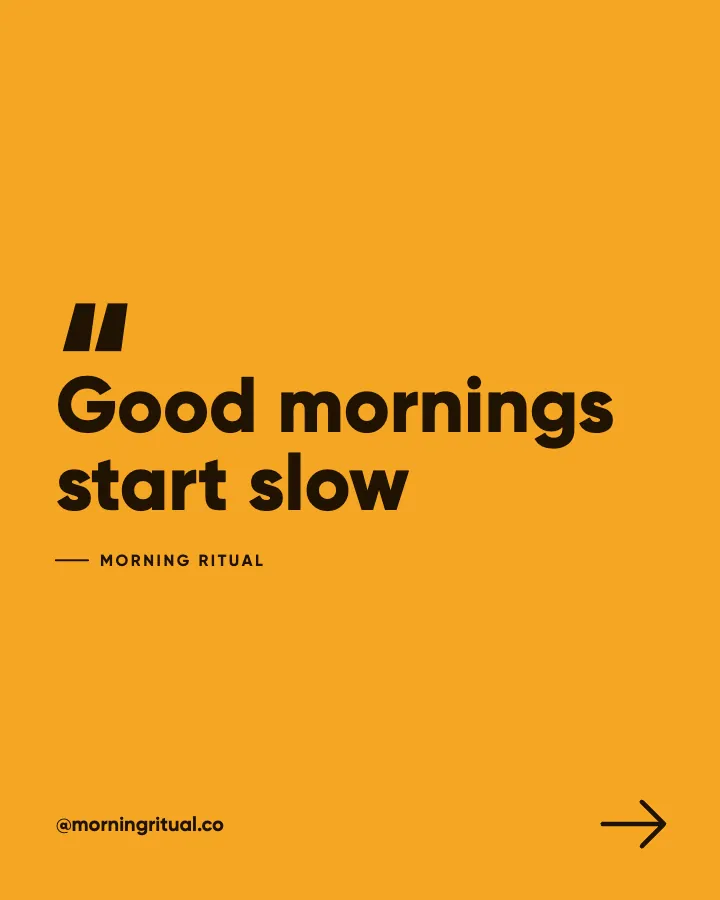
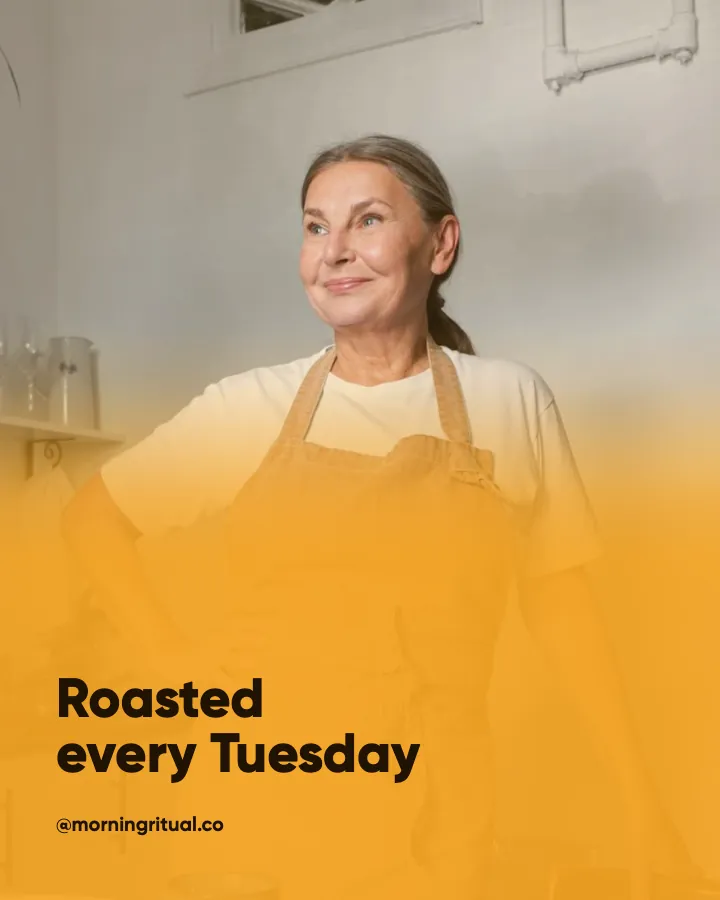

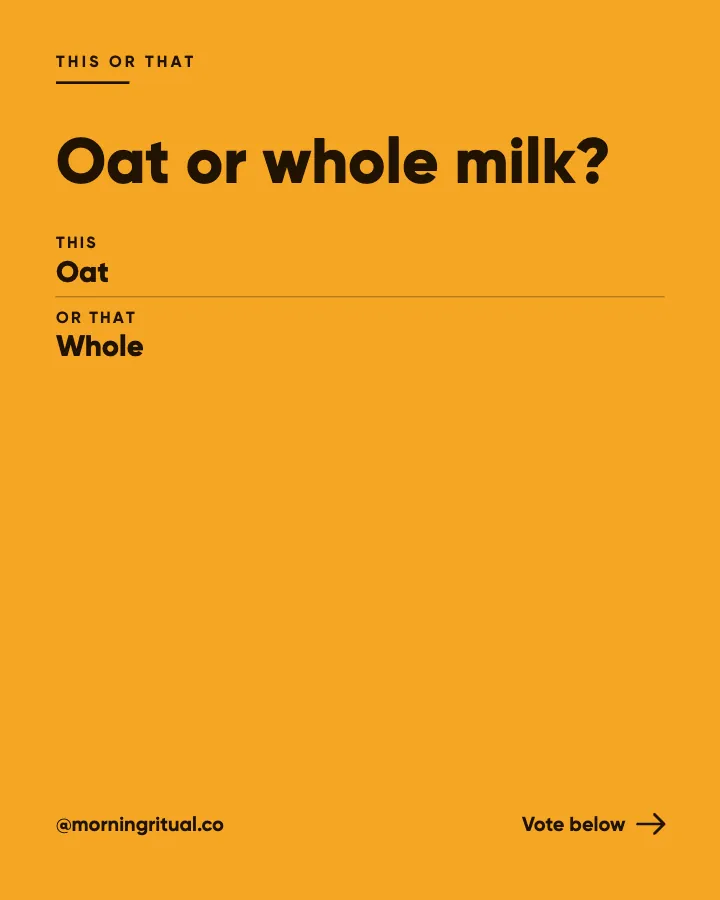
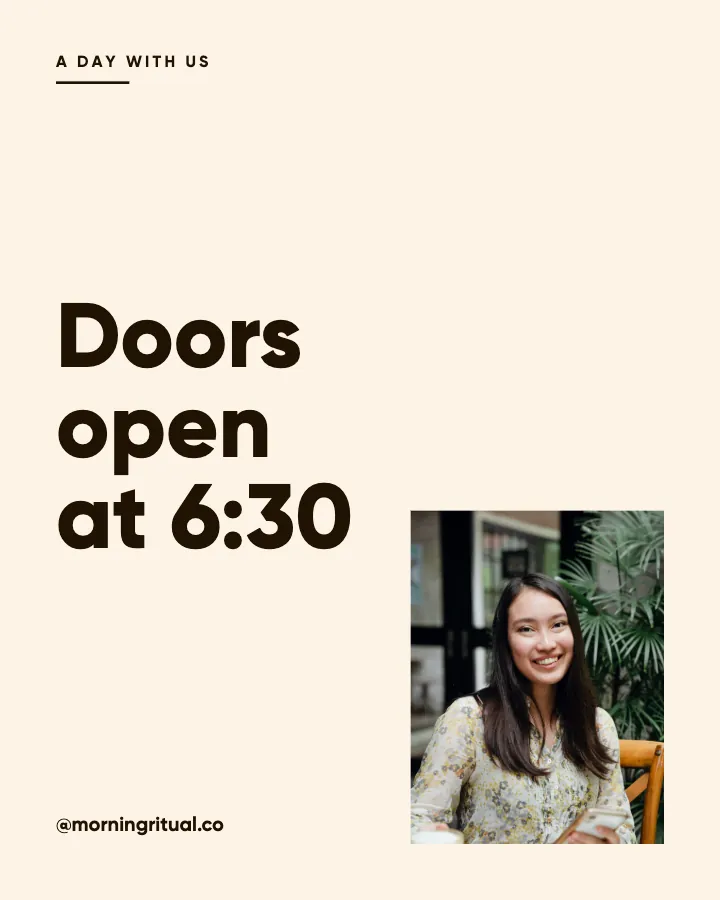
Carousels that connect as you swipe
4 to 8 slides, every one readable alone. 2 to 4 in a planned week.
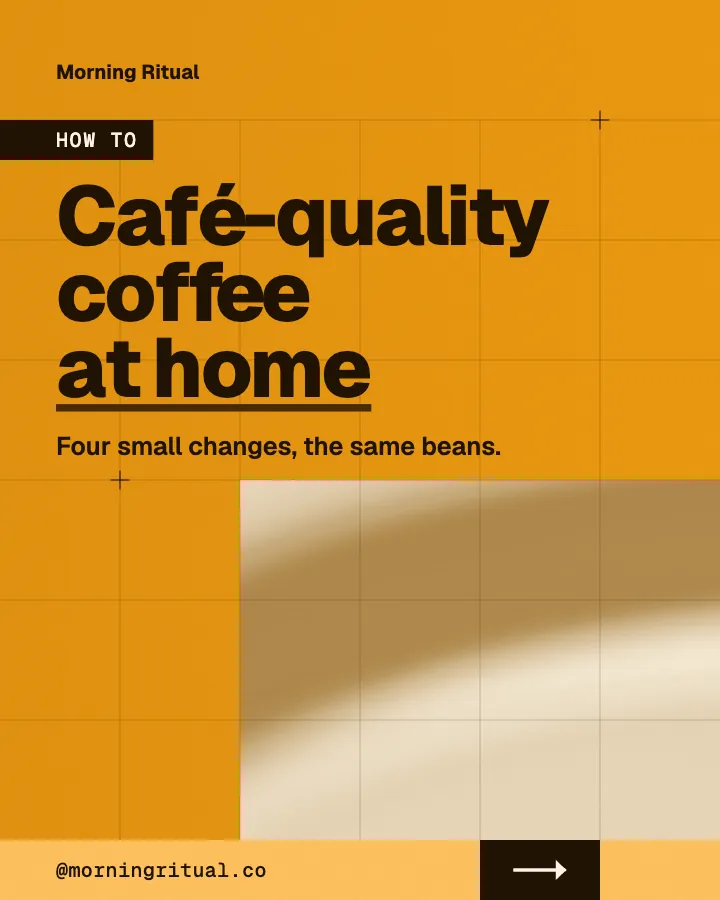
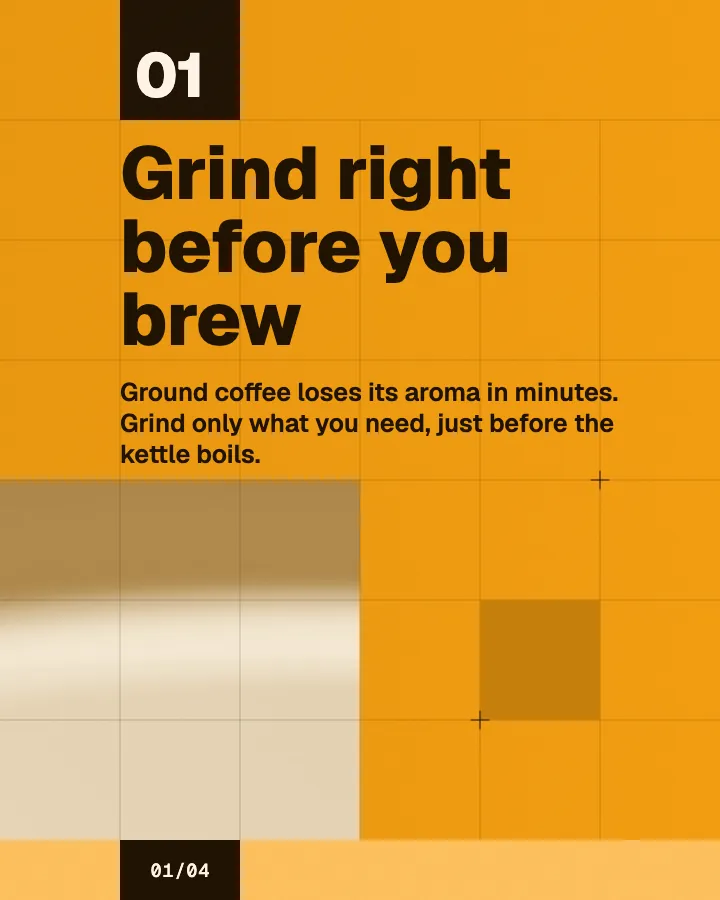
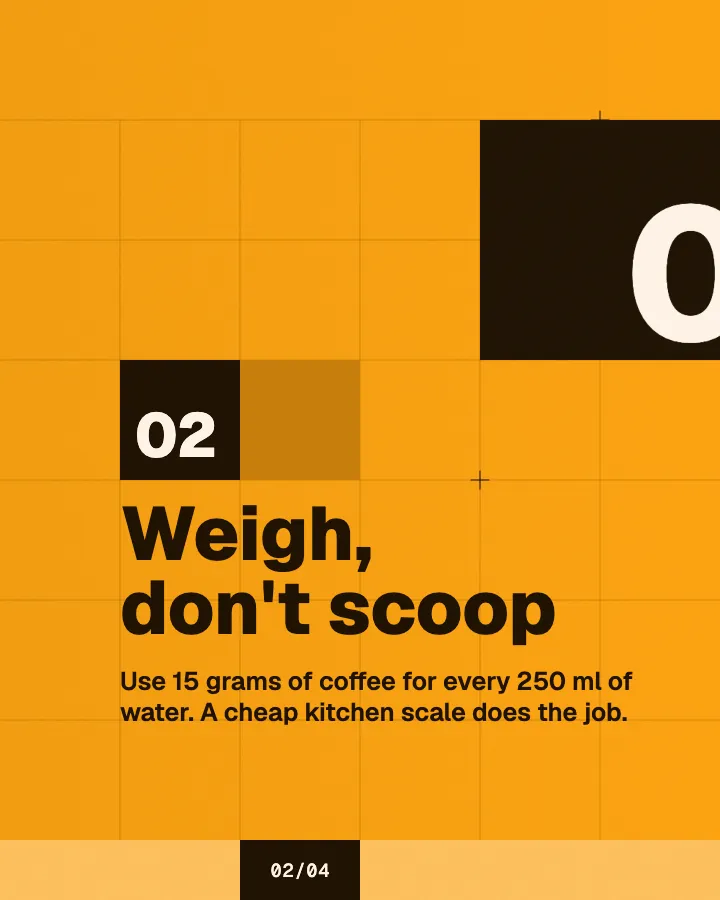
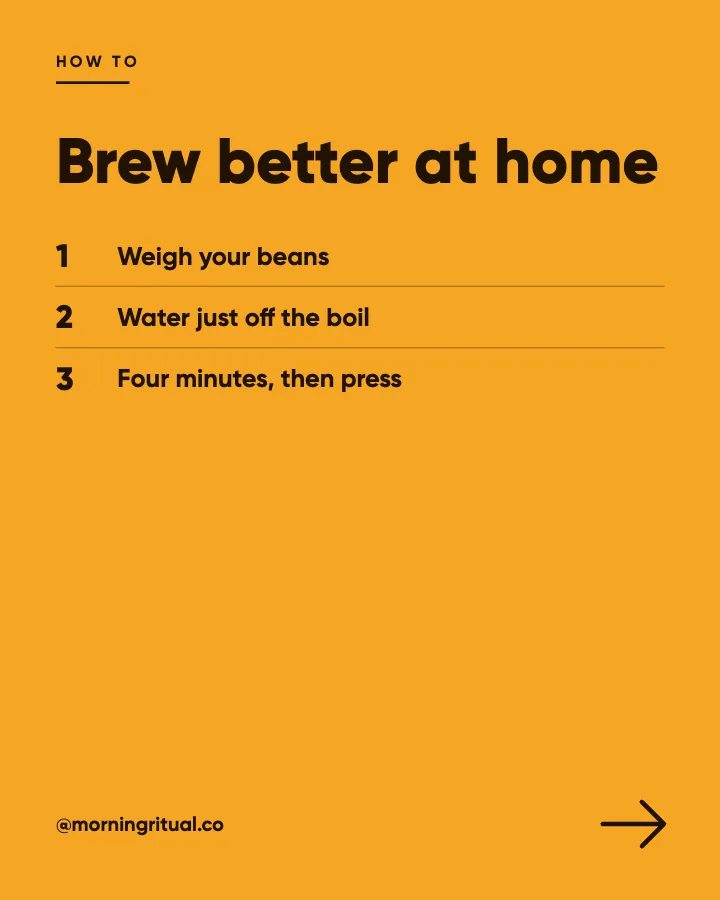
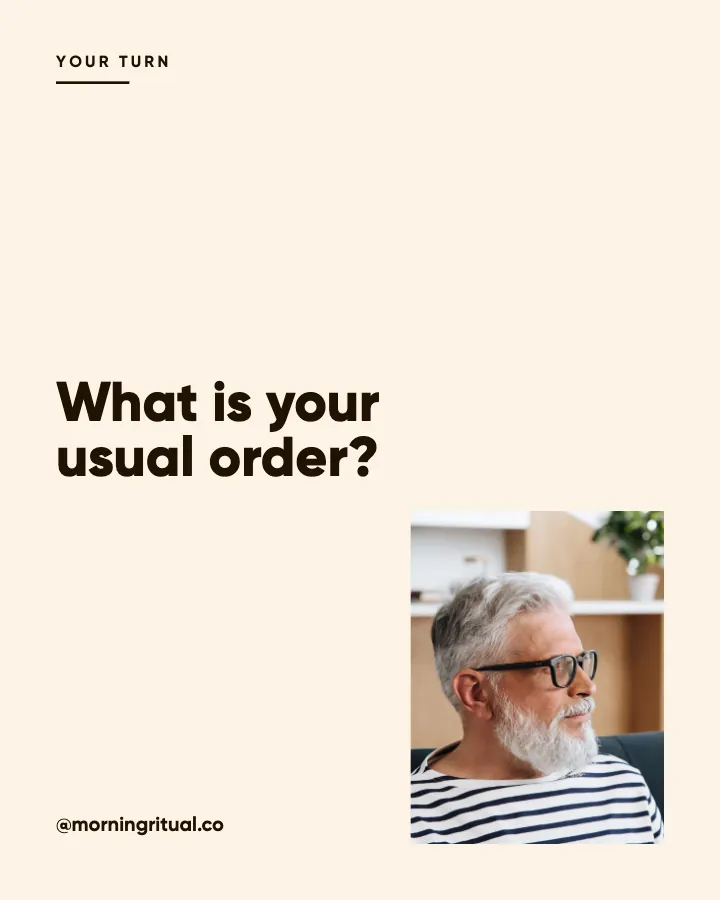
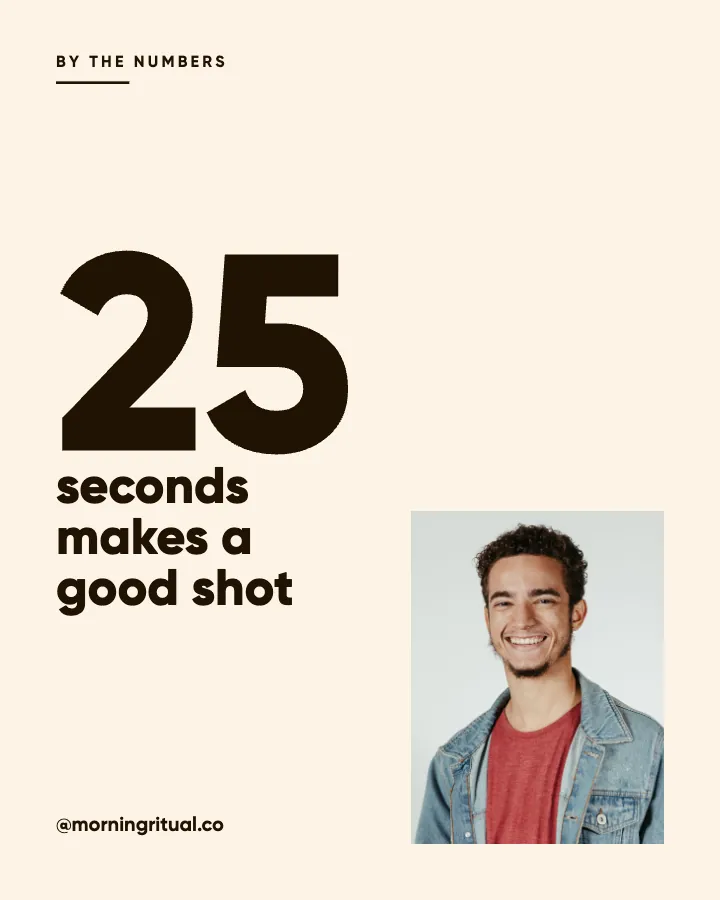
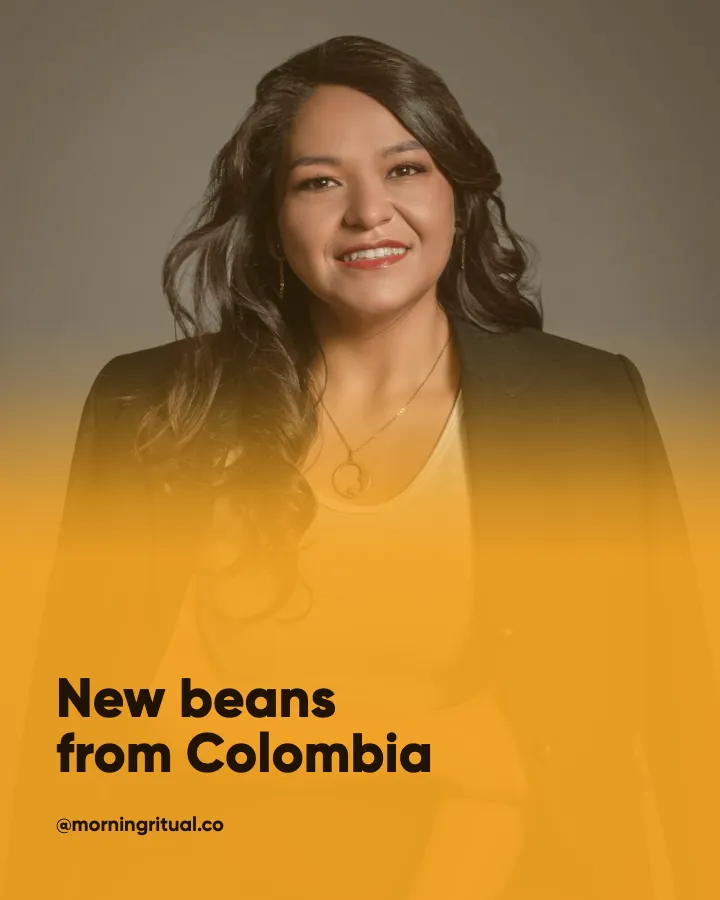
The first slides of Morning Ritual's carousel, a fictional business.
Canva alternative for Instagram posts
Skip the editor: describe your business once and get the month's posts written and designed as one feed in your colors, ready to post.
No card for the free posts7-day money-back guaranteeSee plans
How it works
Morning Ritual is a fictional café and coffee roaster. This is the week Creobee made for it.
Describe it onceYour website, or a few words.
Get the weekEvery post written and designed in your colors.
Approve, then postScheduled for you on Autopilot and Pro, or downloaded.
BriefCoffee shop that roasts its own beans. Friendly voice.
Regular · 16 a week
Morning Ritual's week is ready@morningritual.co
8 networks, one schedule
Each post goes out on its day, after your OK.
Example week for a fictional café and coffee roaster, made with Creobee. Stories go to Instagram; animated posts only if you want them.
About 70 posts a month, stories included. Autopilot's 100 posts cover it.
$39 a month · about $0.39 a post
Your first 3: a post, a carousel and a story.
Canva facts as of September 2026. The rows where Canva wins are real, and so are the ones where it does not.
4 to 8 slides, every one readable alone. 2 to 4 in a planned week.
The first slides of Morning Ritual's carousel, a fictional business.
Animated from the post's own design, with sound effects you can turn off.
Your brand
Morning Ritual uses the Studio style, the columns grid pattern and its own colors. No AI-generated images.
On Autopilot and Pro, each post goes out at its time to the accounts you connect, and stories go to Instagram. On the other plans you download the week.
Pricing
Every plan designs your feed. Pick how many posts, and whether we post them too.
Not sure yet? First 3 posts free, no card neededFor making your posts and posting them yourself
$19/month
7-day money-back guarantee. Cancel anytime.
For handing the whole job over
$39/month
7-day money-back guarantee. Cancel anytime.
For posting every day across several accounts
$79/month
7-day money-back guarantee. Cancel anytime.
For comparison: freelancers usually charge $300 to $1,500 a month for 8 to 16 posts.
Straight answers on pricing, posts, and what Creobee does and does not do.
Partly. Every new account gets 3 finished posts free, a post, a carousel and a story from its first week, with no card and no watermark, so you can see your own brand on real posts before paying anything. After that, plans start at $19 a month for 40 posts, with a 7-day money-back guarantee. If you want a no-cost editor to make posts by hand, Canva's free version is hard to beat. The free tools at /tools (resizer, compressor, crop preview) need no account.
It uses AI to help plan the month and to write the words (headlines, on-image words and captions). No image is AI-generated. The pictures are your own photo, one of 124 preset backgrounds or, if you switch on "Add people", real photos from a curated library of 30 people. If you want a Canva alternative with no AI at all, a manual editor is the better pick.
No. There is no per-post editor. You choose the style, grid pattern, colors, background, logo and people before a batch is made, and they apply to the whole set; the layout of each post follows its kind. Captions can be copied from the results and changed when you schedule on Autopilot. If you need to place every element yourself, Canva is the better tool.
Not templates. Creobee designs every post itself, which is what keeps a batch consistent. You can upload your logo, set your exact brand color and use one of your own photos as the background for a batch, including an image you exported from Canva.
Yes. With Carousels switched on, carousels are written and designed in the batch's style, for the price of one post. The trade-off against an editor: Creobee picks which posts become carousels and how many slides they have, and you cannot rearrange a slide. If you want to lay out every slide yourself, Canva is the better tool.
Creobee makes designed 4:5 posts, 9:16 stories, still carousels and short animated versions of single posts with sound effects you can turn off: no filmed or AI video, no voice or music, no replies to comments or DMs and no analytics. It also makes no print, presentations or documents, offers no custom fonts and holds one business per account. For all of those, Canva is the tool.
Solo is $19 a month for 40 designed posts, Autopilot is $39 for 100 posts and posts them for you on Instagram, Facebook Page, LinkedIn, Threads, Pinterest, Bluesky, TikTok and X, and Pro is $79 for 300 posts and up to 15 connected accounts. Canva Pro is a paid plan for the editor and its tools; check canva.com for today's price where you are. Every Creobee plan includes every style, pattern, brand color and "Add people". Solo has no publishing; Autopilot adds posting for up to 10 accounts and 300 scheduled posts a month; Pro raises that to 15 accounts and 1,000 scheduled posts.
On Autopilot and Pro, yes: connect your accounts and schedule to Instagram, Facebook Page, LinkedIn, Threads, Pinterest, Bluesky, TikTok and X. A batch goes out in grid order, so the pattern holds on your profile, and nothing is posted without your OK. On Solo, you download the posts and use your own scheduler.
It depends on where you want your time to go. If you like designing, want control of every detail, or need print or filmed Reels, use Canva. If you want the posts planned, written and designed for you and laid out as one feed with a grid pattern, use Creobee. Many small businesses use both.
Describe your business once and Creobee plans, writes and designs your posts as one feed in your colors. First 3 posts free, no card needed.
Make 3 posts freeYour first 3: a post, a carousel and a story.
The guide
Creobee is a Canva alternative for Instagram posts and other social media, made for businesses that need posts but do not want to design them. You start from your website or a few words about your business; it plans the month, writes every post and its caption, and designs the batch as one Instagram feed in your colors, with your logo. AI writes the words, and there are no AI-generated images. If you want control of every element, or video and print, Canva is still the better tool.
11 chapters · 13 min read
1. Describe your business, not a design
Paste your website, or tap a few answers about what you do, who it is for and how you talk. No template gallery to scroll and no layout to choose. That one step is the whole setup.
2. Keep the look it picks, or change it
Creobee picks one of 5 styles from your voice and a grid pattern for your profile. Add your brand color and logo, choose one of 124 backgrounds or your own photo, and switch on "Add people" if you like. A live preview shows your next nine posts the way your profile will.
3. Get the week or the month, then post it
Pick a pace and the week comes back designed, or make one batch of up to 30 for the month. Download them as a ZIP, or on Autopilot schedule them to 8 networks in grid order. Nothing goes out without your OK.
Canva is a design editor. You pick a template or start from an empty page, write the words, place them, choose the photo and export, one post at a time. Its AI helpers speed up parts of that, and it does far more than social media. What it leaves to you is the plan: what to post this week, and how thirty posts sit together on your profile.
Creobee starts at the other end. You describe your business once. It plans the month across 7 content pillars and dozens of post types, mixed around your goal, writes each post's on-image words and its caption in your voice, and designs the batch as one feed. You review finished posts instead of building them. The trade is control: you choose the style, pattern, colors and background for the whole set, not the position of each element.
Canva is moving toward batches too. Canva AI 2.0, announced at Canva Create on April 16, 2026 as a research preview, can run recurring tasks such as a weekly batch of social content, CMSWire reported at the time, and the results land in the editor as drafts for you to finish. That suits you if you like to finish every post by hand. If you would rather not open an editor at all, a tool that hands you finished posts fits better; the comparison of the best AI Instagram post generators shows which tools do that. Other editors work much like Canva here; the pages on Adobe Express and PosterMyWall compare them with Creobee the same way.
A template gives you one good-looking post. A feed needs more than that: posts that take turns so the grid does not look like one post repeated, layouts that fit what each post is saying, and colors that stay readable on every one. Creobee makes those decisions for you.
Many people looking for a Canva alternative want to get away from AI, so here is exactly where it sits in Creobee. AI helps plan the month and writes the words: each headline, the few words that go on the image, and the caption. It never makes a picture. There are no generated photos, no AI people, no invented products and no warped letters, so there are no AI-generated images to spot.
The pictures are your own photo, one of 124 preset backgrounds or, if you switch on "Add people", photos from a curated library of 30 real people in real places, tinted in your colors or standing in a frame. The words are set in proper typefaces, so they are always spelled right, and the writing is built not to invent reviews, client names, prices or statistics.
If you want no AI anywhere in your process, Creobee is not the right tool: its words are written by AI, and you should read them before they go out. If your worry is posts that look machine-made, that is the problem it was built to avoid.
Should you disclose AI-made content? Labels, rules and trust
Choose Creobee when making the posts is not the part you enjoy:
Canva is the better tool for a lot of jobs, and many owners should keep it. Choose Canva when:
Canva's Bulk Create fills one template from a spreadsheet, one row per post. It is excellent for price cards and event dates. For a month of Instagram posts, someone still writes every row, and every post comes out in the same layout.
Creobee replaces the spreadsheet with a description of your business. It writes every row for you, the on-image words and the caption, and gives each kind of post its own layout, so 30 posts read as one feed rather than one post repeated. If your posts really are one layout with changing data, Bulk Create is the quicker tool.
Plenty of owners will keep both. Creobee covers the everyday feed, the tips, questions, offers and quotes that keep a profile alive, and Canva stays open for the one-off pieces: an event flyer, a Reel cover, a printed menu. A photo you edited anywhere, Canva included, can be uploaded as the background for a batch (one photo per batch).
What does not move between them: Creobee does not import Canva templates, and it does not export editable design files. You get finished 1080 by 1350 posts and carousel slides as images in a ZIP, animated posts as MP4 videos, and each caption ready to copy. Your gallery keeps every saved post exactly as it was made, so you can download it again later.
Solo is $19 a month for 40 designed posts, Autopilot is $39 for 100 posts and posts them for you on Instagram, Facebook Page, LinkedIn, Threads, Pinterest, Bluesky, TikTok and X, and Pro is $79 for 300 posts and up to 15 connected accounts. Every plan includes every style, grid pattern, brand color, "Add people", your logo and captions; the plans differ in how many posts you get and whether Creobee posts them for you. First 3 posts free, no card needed, and paid plans come with a 7-day money-back guarantee. Billing is monthly.
Canva Pro, which includes the Brand Kit that keeps your fonts and colors to hand, is a paid monthly plan that gives you the tools; check canva.com for today's price in your country. Solo gives you 40 finished posts a month, about $0.48 each. The fair comparison is not the subscription price. It is whether you would rather pay for an editor and spend your evenings in it, or pay for the posts.
In an editor, each of these would be its own small design job. In Creobee they arrive planned, written and laid out for their kind of post: the checklist as a numbered list, the myth with both sides, the offer with a button, the original line as a quote. The studio is fictional; your posts come from your business.
Educate / Checklist
Before your first reformer class
Grip socks, a water bottle and ten minutes to spare. Tell your instructor about any injury before class starts, even an old one, not halfway through. Eat something light an hour before. And expect the springs to feel strange: they do for everyone the first time, and that is exactly how it should feel.
Educate / Myth vs fact
Pilates is only for flexible people
Most people who walk in for their first class cannot touch their toes, and that is often why they came. Flexibility is something pilates builds over weeks, not something you need on day one. Every exercise has an easier version, and your instructor will show it to you without making a fuss.
Engage / Question
What made you book your first class?
A sore back, a friend who would not stop talking about it, or plain curiosity? We hear a different answer every week and we like every one of them. Tell us yours in the comments. And if you have not booked yet, tell us what is holding you back. We will answer honestly.
Educate / Number
2 classes a week is plenty to start
You do not need to be here every day to feel a difference. Two classes a week gives your body time to learn the movements and to recover between sessions. Once that feels easy, add a third if you want to. Showing up for a few months matters far more than a heroic first two weeks.
Promote / Offer
New here? Start with three classes
Three reformer classes to use within a month, with a short one-to-one before the first so we know about your body and what you want from pilates. It is the easiest way to find out whether it suits you before you think about a membership. The booking link is in our bio.
Inspire / Original line
Slow is where the strength is
The hardest part of a class is rarely the fast bit. It is the slow lowering, the pause at the bottom, the moment you want to rush and do not. That is where control comes from, and control is what your back will thank you for later.
Canva vs AI post generators for social media: which fits your volume, skill, time and need for control, where each falls down, and how to use both together.
7 min read
The best AI Instagram post generators of 2026 compared: which design finished branded posts, which are free, with prices checked on each vendor's own site.
21 min read
Canva Bulk Create for Instagram, step by step: a 1080x1350 template, a CSV with a row per post, connected fields, its limits and when an alternative is faster.
11 min read
How to create a cohesive Instagram feed with a small system instead of perfectionism: two or three template families, one fixed palette and a posting rhythm.
7 min read
AI vs graphic designer, priced per post: illustrative math for daily posts with a freelance designer, a DIY tool and an AI batch generator, and when each wins.
7 min read