

Carousels that connect as you swipe
4 to 8 slides, every one readable alone. 2 to 4 in a planned week.
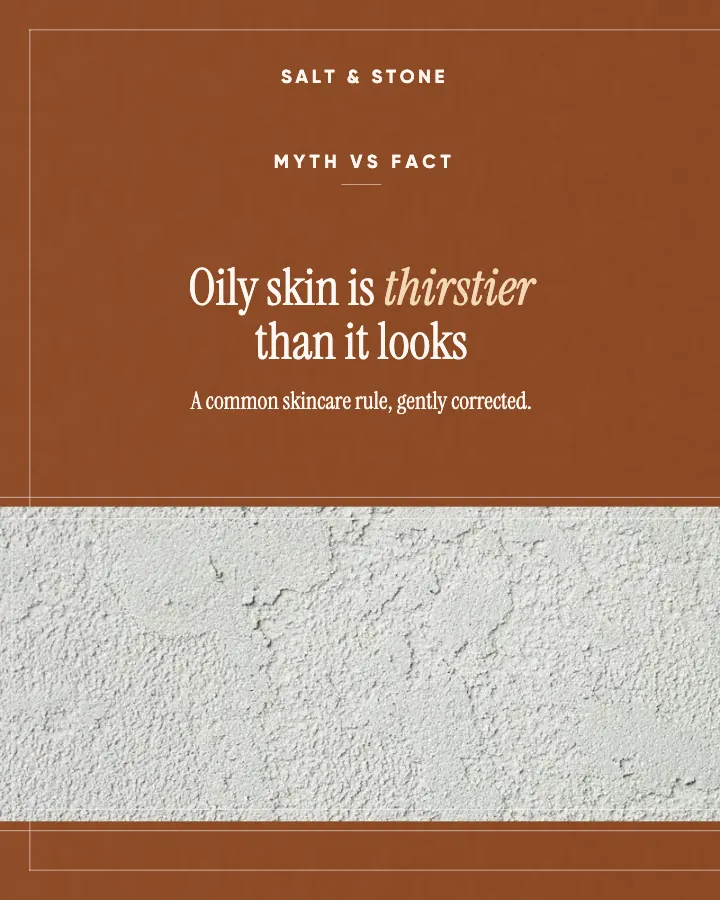
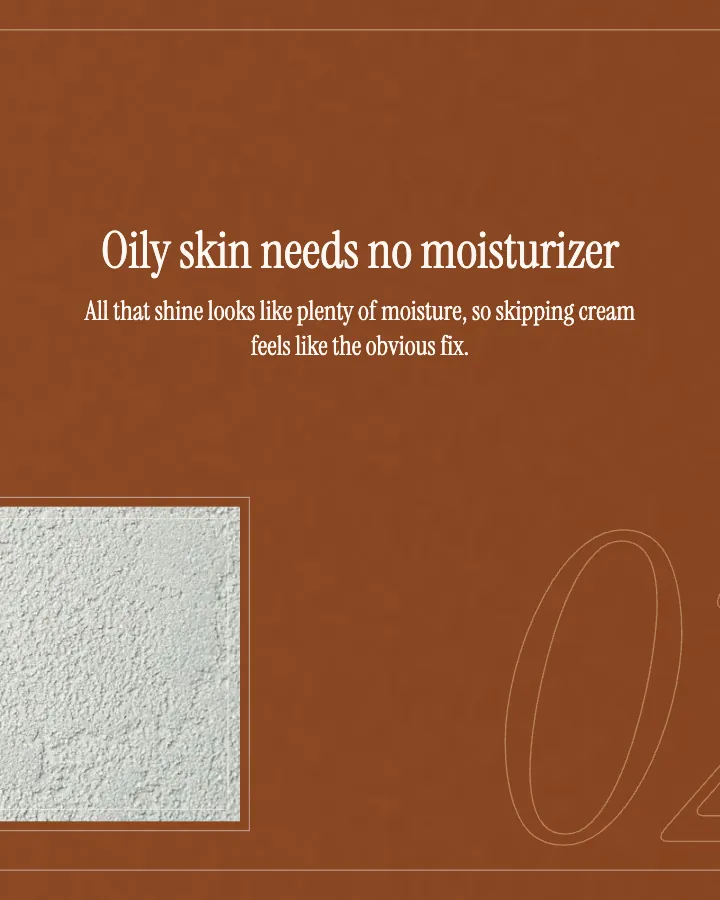
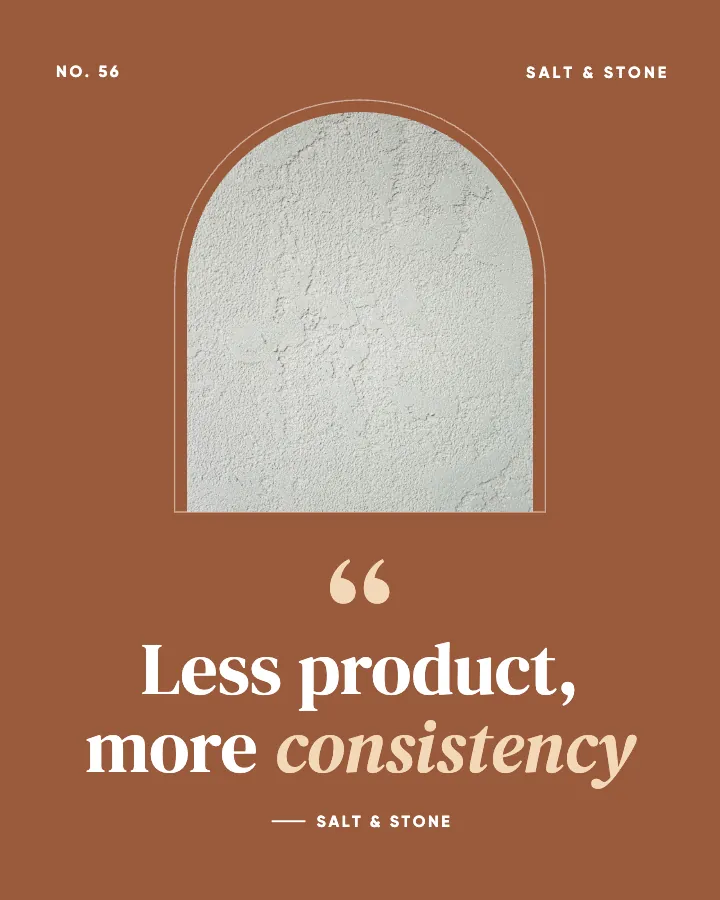
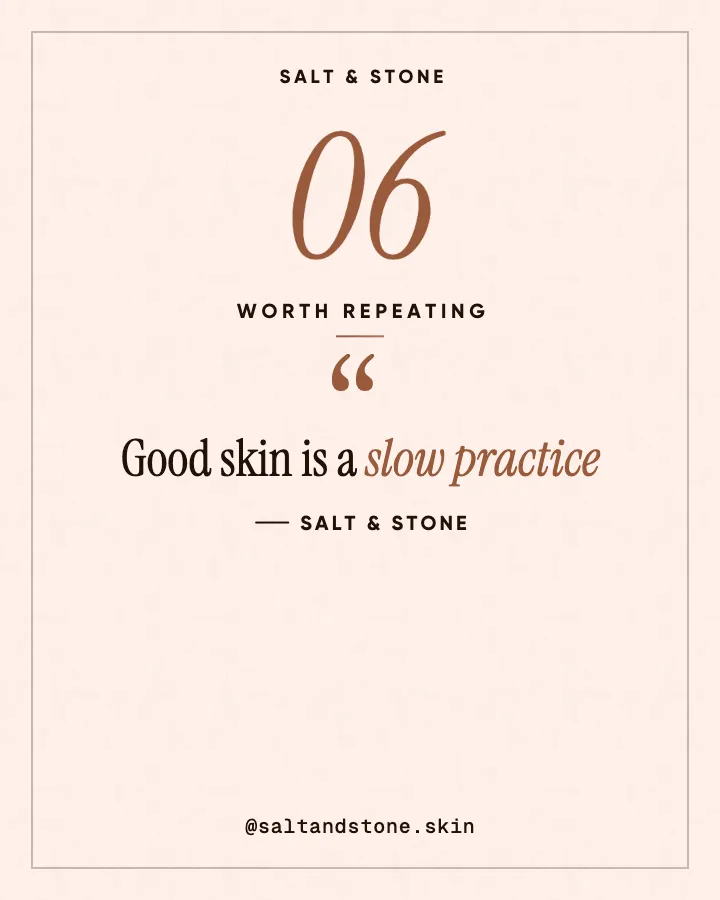
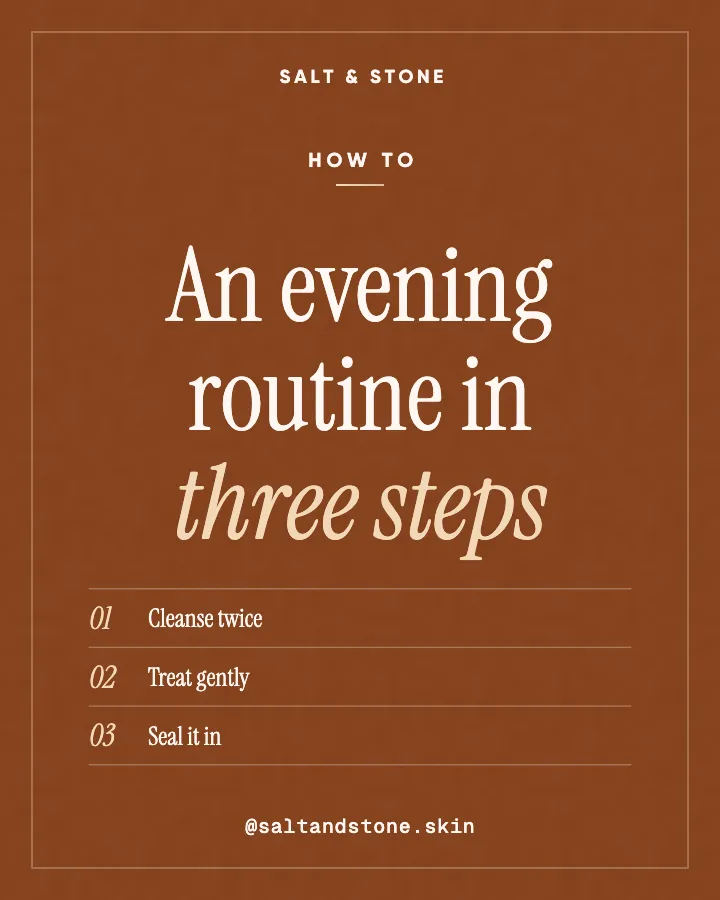
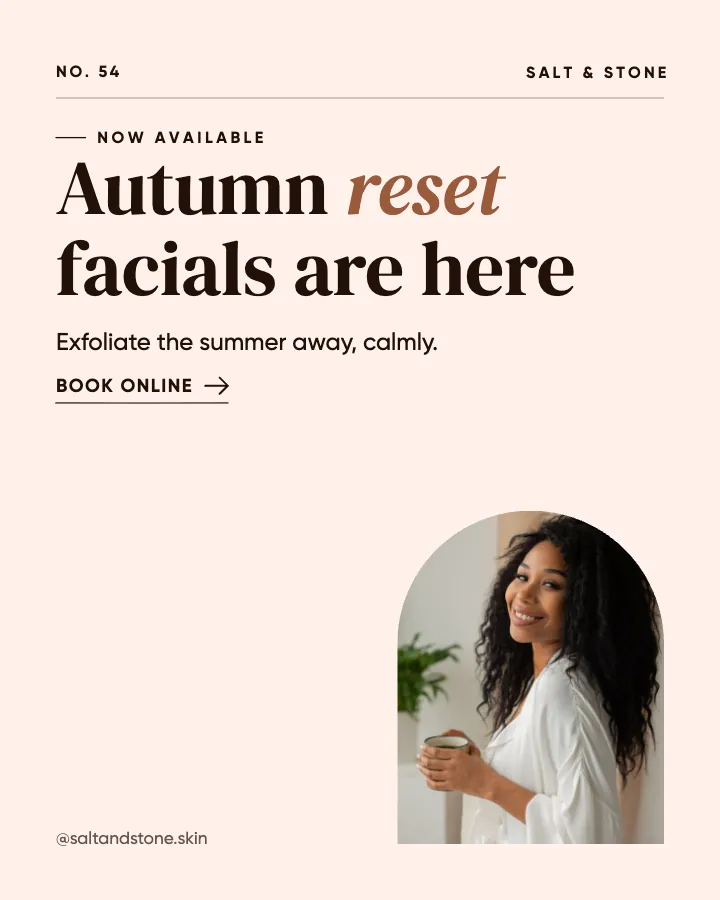
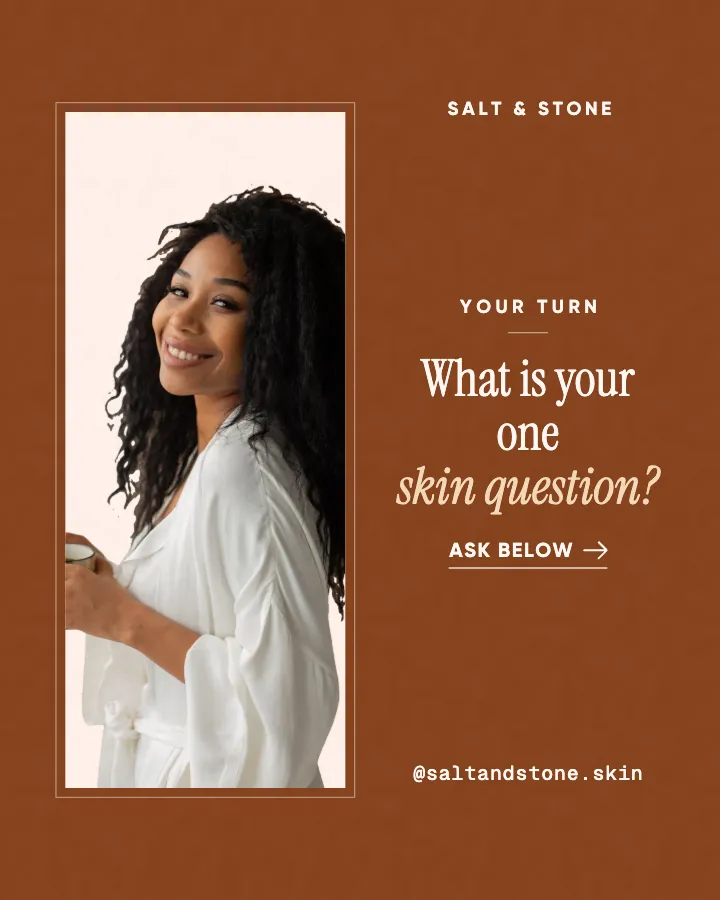
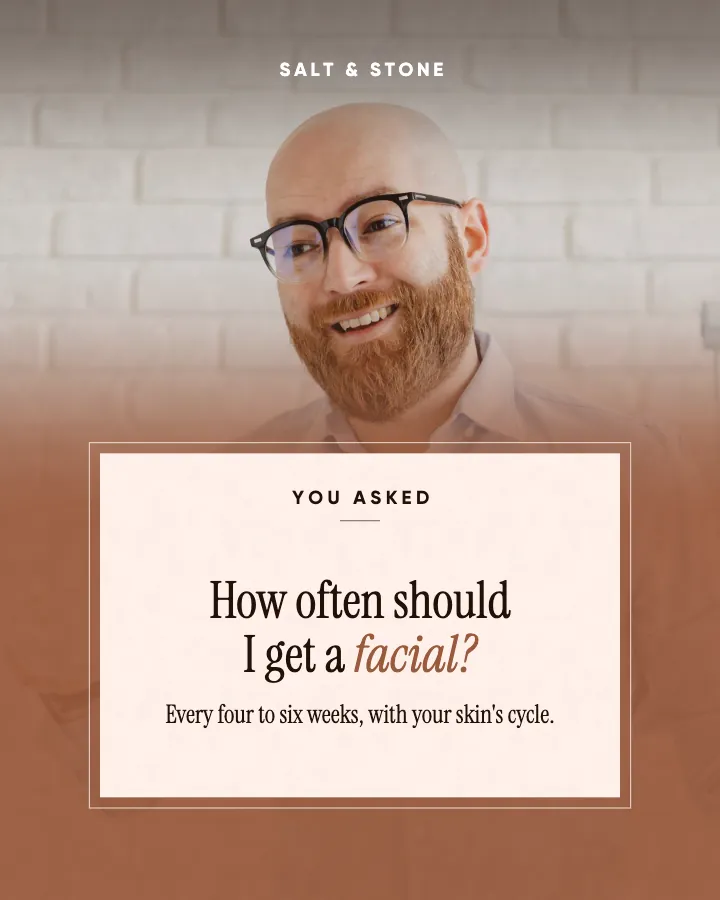
The first slides of Salt & Stone's carousel, a fictional business.
Instagram quote maker
Original lines in your voice, designed as quote posts in your colors and signed with your name, inside a planned week of posts.
No card for the free posts7-day money-back guaranteeSee plans
How it works
Salt & Stone is a fictional skin studio and esthetician. This is the week Creobee made for it.
Describe it onceYour website, or a few words.
Get the weekEvery post written and designed in your colors.
Approve, then postScheduled for you on Autopilot and Pro, or downloaded.
BriefSkin studio for facials and consultations. Calm voice.
Regular · 16 a week
Salt & Stone's week is ready@saltandstone.skin
8 networks, one schedule
Each post goes out on its day, after your OK.
Example week for a fictional skin studio and esthetician, made with Creobee. Stories go to Instagram; animated posts only if you want them.
About 70 posts a month, stories included. Autopilot's 100 posts cover it.
$39 a month · about $0.39 a post
Your first 3: a post, a carousel and a story.
4 to 8 slides, every one readable alone. 2 to 4 in a planned week.
The first slides of Salt & Stone's carousel, a fictional business.
Animated from the post's own design, with sound effects you can turn off.
Your brand
Salt & Stone uses the Editorial style, the columns grid pattern and its own colors. No AI-generated images.
On Autopilot and Pro, each post goes out at its time to the accounts you connect, and stories go to Instagram. On the other plans you download the week.
Neither is better in general. They do different jobs, and it is worth knowing which one you need.
Pricing
Every plan designs your feed. Pick how many posts, and whether we post them too.
Not sure yet? First 3 posts free, no card neededFor making your posts and posting them yourself
$19/month
7-day money-back guarantee. Cancel anytime.
For handing the whole job over
$39/month
7-day money-back guarantee. Cancel anytime.
For posting every day across several accounts
$79/month
7-day money-back guarantee. Cancel anytime.
For comparison: freelancers usually charge $300 to $1,500 a month for 8 to 16 posts.
Straight answers on pricing, posts, and what Creobee does and does not do.
Not onto a single post. There is no field for a particular line: Creobee writes the lines from your business description. Put the things you often say to clients into that description, and the writing can draw on them. If you need one image with your exact words today, a general design tool is the quicker route.
Partly. Every new account gets 3 finished posts free, a post, a carousel and a story from its first week, with no card and no watermark, so you can see your own brand on real posts before paying anything. After that, plans start at $19 a month for 40 posts, with a 7-day money-back guarantee. If you only need to check or resize a quote graphic you already made, the free tools at /tools do that without an account.
No. It writes original lines for your business and signs them with your business name. Famous quotes are what every other account posts, and they say nothing about your business. If you want a famous line on your feed, make that post yourself in another tool, with the author credited.
No. Quote posts come inside a planned month, next to tips, questions, stories and offers. A month-sized batch usually includes a couple of them, fewer if you choose a mix focused on authority or selling. The mix is what keeps a text-led feed from reading like a quote account.
Yes, if you switch on animated posts. A quote post then also comes as a short video, usually with the Quote motion template: a large quote mark sets the stage and your line arrives at reading pace, animated from the post's own design with sound effects you can turn off. The Quote template lasts about 7 to 9 seconds and ends on the still quote, so your grid looks the same.
No. Creobee never puts a client's words in quotation marks, and it is built not to invent a testimonial. Posts about what clients tell you are written as paraphrased themes without quote marks, and no library person ever appears on a client story or a quote.
Creobee makes designed 4:5 posts, 9:16 stories, still carousels and short animated versions of single posts with sound effects you can turn off: no filmed or AI video, no voice or music, no replies to comments or DMs and no analytics. It also offers no custom fonts (each style brings its own typefaces), no way to type your own line onto a post and one business per account. It writes posts in English, Spanish, Portuguese, French, German and Turkish, and no other languages.
The same as any other post: each finished post, quote or not, counts as one of your month's posts. Solo is $19 a month for 40 designed posts, Autopilot is $39 for 100 posts and posts them for you on Instagram, Facebook Page, LinkedIn, Threads, Pinterest, Bluesky, TikTok and X, and Pro is $79 for 300 posts and up to 15 connected accounts. Every plan includes every style and its quote layout.
On Autopilot and Pro, yes: connect your accounts and schedule to Instagram, Facebook Page, LinkedIn, Threads, Pinterest, Bluesky, TikTok and X, in grid order, with nothing posted until you approve it. On Solo, download the ZIP and post with your usual tool.
Describe your business and Creobee writes and designs your first 3 posts in your colors. No card needed.
Make 3 posts freeYour first 3: a post, a carousel and a story.
The guide
Creobee is an Instagram quote maker for businesses that writes the quotes too: original lines in your voice, designed as quote posts in your colors and signed with your business name. They arrive inside a planned week, between tips, questions and offers in one designed feed, so it is not an app for typing one line onto one image. It suits coaches, studios and service businesses with a point of view and no time to design.
8 chapters · 9 min read
1. Describe your business and how you talk
Your website, or a few words about what you do and who it is for, plus your voice. Mention the things you find yourself saying to clients every week; that is where the best lines come from.
2. Pick the look of your feed
Creobee picks one of 5 styles from your voice, and every style has its own quote layout. Add your brand color and logo, a background from 124 presets or your own photo, and a grid pattern for your profile.
3. Get the week, quotes included
Your week of posts, or a custom batch of up to 30, with captions: original lines designed as quotes, mixed with tips, questions and offers. Download the ZIP, or schedule on Autopilot to 8 networks in grid order.
Most quote posts get scrolled past because both the words and the design are borrowed: a famous line on a stock background, the same one plenty of other accounts posted this week. The ones worth saving and sending to a friend tend to be original: short, making one specific point, and sounding like the person who runs the business.
That is what Creobee writes. It does not pull from a library of famous quotes. It writes lines from your business description, in your voice: a principle you stand by, a reframe that changes how someone sees a problem, something you wish every customer knew. Each line comes with a full caption, so the image carries the thought and the caption carries the context and the next step.
Every one of the 5 styles has a quote layout. A large opening quotation mark sits in the style's display typeface, the line is set big with one phrase highlighted, and the post is signed with your business name in capitals after a short line, the way a quote is credited. The exception is Studio's photo posts, where the line stands alone on the picture. There is no stock photo of a smiling stranger, because a face next to a quote reads as the person who said it: "Add people" never puts anyone on a quote post.
Whatever the style, your brand color is used exactly or a palette comes from your background, every word meets the WCAG AA contrast standard, and nothing important sits in the strip Instagram's 3:4 profile grid crops off each side.
The style sets the voice of the type:
A quotation mark is a promise that someone said those words, and Creobee keeps it. Its quote posts are your own lines, signed with your business name. It never puts a client's words in quotation marks: posts about what clients tell you are written as paraphrased themes without quote marks, and client stories never carry a stock face.
The writing is also built not to invent reviews, client names, statistics or prices. If you want to share a real testimonial, post it yourself with the client's permission; Creobee will not make one up for you.
To be clear about what this is: Creobee is not a quote-image app where you type a line and download one picture. Quote posts arrive as part of a planned month, next to tips, questions, stories and offers, all in the same style and grid pattern. A month-sized batch usually includes a couple of quote posts, fewer if you choose a mix focused on authority or selling, and there is no quotes-only batch. There is also no field to type a particular quote onto a post.
That is deliberate. A feed of nothing but quotes reads as a quote account, not a business. A couple of strong lines a month, between posts that teach and posts that sell, is what makes them land.
If you need one quote image today with your exact words, a general design tool will be quicker. If you are checking a quote graphic you made elsewhere, the free tools at /tools include a text contrast checker and an Instagram crop preview.
If you are looking for a text post maker for Instagram, most of what Creobee makes is exactly that: designed posts where the words are the point. The layout follows the kind of post. A tip or a hot take is one strong line; a checklist or how-to becomes a numbered list; myth vs fact puts both sides on the post with the myth struck through; a question gets a reply prompt; a number gets a big figure; an offer gets a button.
A feed of text posts can easily look like a wall of words. Creobee avoids that with a grid pattern (columns, checkerboard and diagonal): posts take turns between the art full size, a block of your color and a light surface, so the profile has rhythm even when every post is words. The live preview shows your next nine posts as your grid before you make them.
With Carousels switched on, a how-to or a checklist can also come as a carousel of 4 to 8 slides, and Creobee picks which ones. Quotes, questions and offers always stay single posts, because one strong line belongs on one image.
The first four would be designed as quote posts: in most looks, a large quotation mark, the line, and the studio's name signed underneath. The last two are text posts in the same style. In a real month, a couple of quotes sit among tips, questions and offers. The studio is fictional; your lines come from your business.
Inspire / Original line
Wobbly bowls still hold soup
Your first bowl will lean, and the walls will be thicker on one side. It will still hold soup, and you will still be proud of it. Every potter in this studio has a shelf of early pieces like that. They are the reason the later ones look the way they do.
Inspire / Original line
The wheel rewards patience, not force
Most beginners press harder when the clay wobbles, and the clay only wobbles more. Slow the wheel, rest your elbows on your knees and let your hands follow rather than push. Centering is the first thing we teach, and the thing you will keep relearning for years.
Inspire / Reframe
Cracks are notes, not failures
A crack tells you something: the clay dried too fast, the base was too thick, the handle went on too late. Write down what happened and try again next week. The pieces that went wrong teach you more than the ones that worked the first time.
Inspire / Reframe
Not bad at it. Just new.
Nobody throws a tall cylinder in their first month, and nobody expects you to. The difference between you and the person at the next wheel is mostly hours. Come back next week, and the week after. Your hands are learning even when the pots are not showing it yet.
Inspire / Reminder
Wedge your clay before you sit down
Two minutes of wedging pushes out the air bubbles that make pots collapse on the wheel or crack in the kiln. It is the least exciting part of a session and the one that saves the most work. Consider this your reminder before Thursday's class.
Engage / Hot take
Glaze is not where the magic happens
Everyone loves glaze day, and the colors are lovely. But a beautiful glaze on a heavy, uneven pot is still a heavy, uneven pot. The magic is in the form: even walls, a good foot, a rim that feels right on the lips. Spend your practice there first.
Instagram quote posts get scrolled past when the words and design are borrowed. How to write a short line of your own and design a 4:5 post people save.
6 min read
Font size for social media posts: headlines about 70px, support lines 36px on a 1080x1350 canvas, plus the two-font pairing and hierarchy rules I follow.
7 min read
Saves and shares are the Instagram interactions that extend reach beyond your followers. Here is which content earns each, and how to design a post for them.
6 min read
Text over images stays readable with 9 rules: 4.5:1 contrast, scrims, calm backgrounds, size floors, margins and a thumbnail test. One fix covers most.
7 min read
Text contrast checker for social media graphics: WCAG ratio, AA and AAA results and a live 4:5 post preview at feed size.
Instagram italic font generator: type a line and copy italic, italic serif or bold italic text into your bio, name, captions and comments.