How to Bulk Create Social Media Posts: 3 Methods
How to bulk create social media posts three ways: bulk scheduling, spreadsheet templates or brief-based generation, and what each costs you for 30 posts.
There are three real ways to bulk create social media posts: bulk scheduling posts you already designed, filling one template from a spreadsheet (the Canva Bulk Create approach), or generating a batch from a short brief about your business. They solve different problems. Scheduling saves posting time, templating saves layout time, and brief-based generation also saves the writing, which is usually where the hours go.
I build Creobee, which is the third kind, so weigh my view of it accordingly. I have done the first two for my own accounts too, and each is the right answer for somebody. Below: what each method does, my time estimates for 30 posts, where each one breaks, and the monthly routine I use.
Three things "bulk create" can mean
Search for a way to create multiple social media posts at once and the results mix three workflows under one phrase. Picking the wrong one is how people end up with a scheduler full of empty slots.
1. Bulk scheduling: posts you already made
A scheduler lets you queue many finished posts in one sitting and spreads them across the calendar. This is the most common meaning of "bulk" in social media tools, and it is genuinely useful: posting by hand every day is how consistency dies.
But it assumes the 30 posts already exist, designed and written somewhere else, one at a time. Bulk scheduling is bulk distribution, not bulk creation.
Good for: teams or freelancers who already produce content and need it to go out on time.
2. Data merge: one template, one row per post
Data merge, or spreadsheet templating, is the method behind Canva's Bulk Create. You design one template, prepare a CSV or Excel file with one row per post (a headline column, maybe a subline and an image column), connect each column to an element on the template, and the tool produces one design per row. According to Canva's help center as of September 2026, it handles up to 300 rows per run and is available on paid plans only, not the free plan.
For some jobs it is unbeatable: price cards for 80 products, event badges, a quote series where the layout must never change. I walk through the full Canva process, including the mistakes that cost the most time, in how to bulk create Instagram posts in Canva.
The catch is the spreadsheet. Every row is a post you still wrote yourself. You moved the work from the canvas into cells, you did not remove it.
Good for: fixed designs where only the words or photos change, and for people who already know exactly what each post should say.
3. Brief-based generation: describe the business once
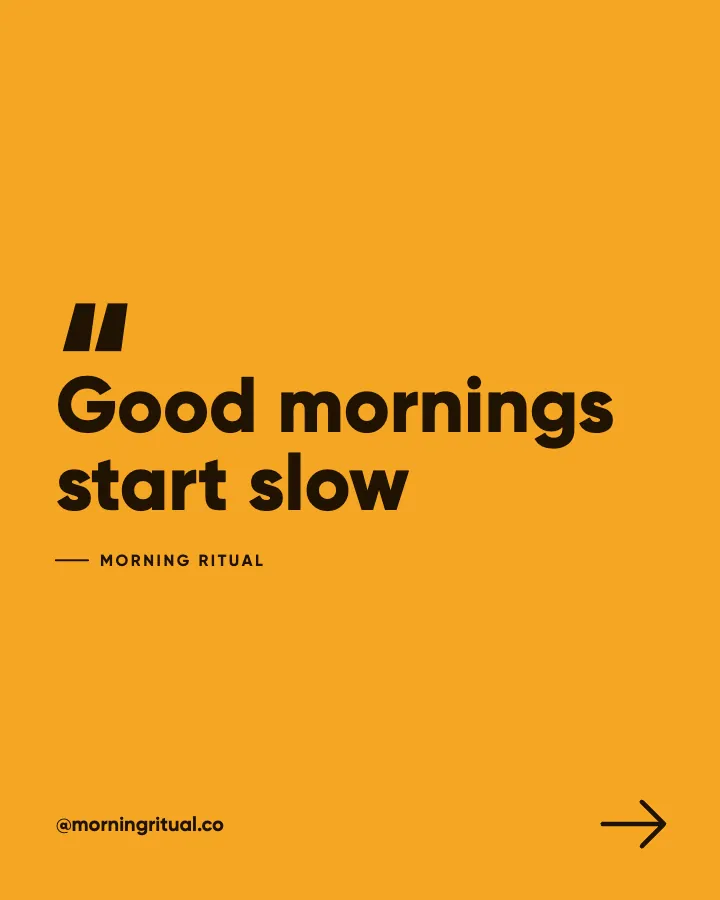
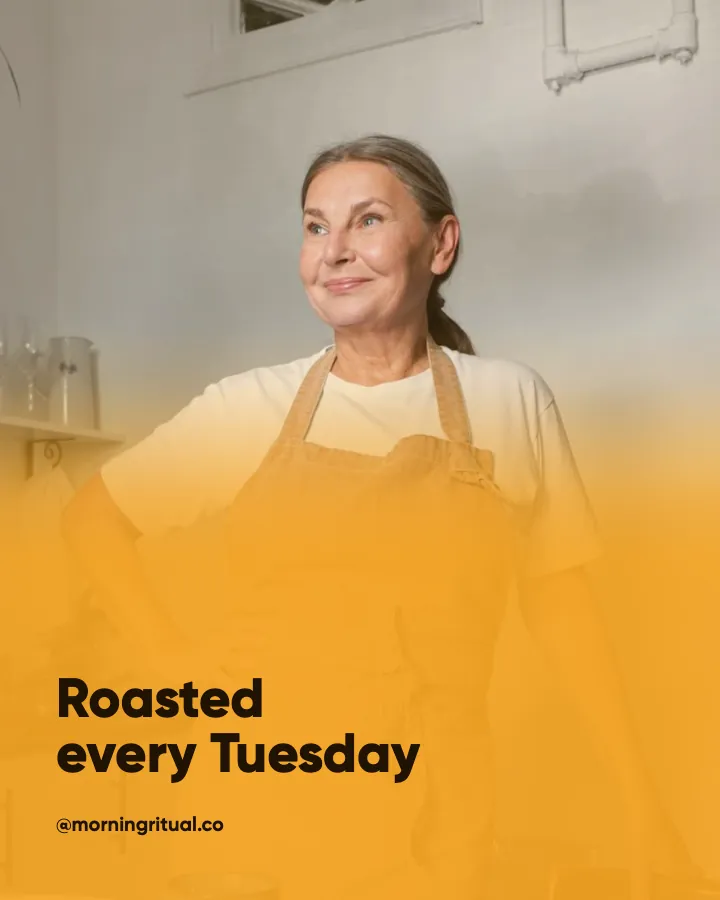
The third method replaces the rows with a brief. You describe your business, who it serves and how it talks, and the tool plans the batch, writes every headline and caption, and designs the images in your branding. In Creobee that is up to 30 posts per batch, each a 1080x1350 portrait image with your logo and a caption ready to paste. The AI content calendar generator page shows what a batch looks like if you want to see what comes out.
The trade is control. You do not design the layouts: the batch is designed as one feed on purpose, in one style and your colors, with each post laid out around what it says. Creobee makes single-image 4:5 posts only, no carousels, Reels or Stories.
Good for: solopreneurs whose bottleneck is deciding what to say, three or more times a week, every week.
The three methods side by side
| Bulk scheduling | Data merge (spreadsheet) | Brief-based generation | |
|---|---|---|---|
| What you bring | Finished images and captions | A template plus one row per post | A short description of your business |
| Who writes the words | You, before you start | You, in the spreadsheet | The tool, then you edit |
| Who designs each post | You, before you start | The template, identical per row | The tool, one locked brand look |
| Captions | You paste them | Not generated; you keep them separately | Written for every post |
| Main risk | Nothing to schedule | Sameness, and writing 30 rows | Generic lines if the brief is thin |
| Best for | Distributing content you have | Fixed layouts: price cards, badges, quote series | A month of feed posts for one business |
The methods combine: most people use method 2 or 3 to create, then method 1 to distribute.
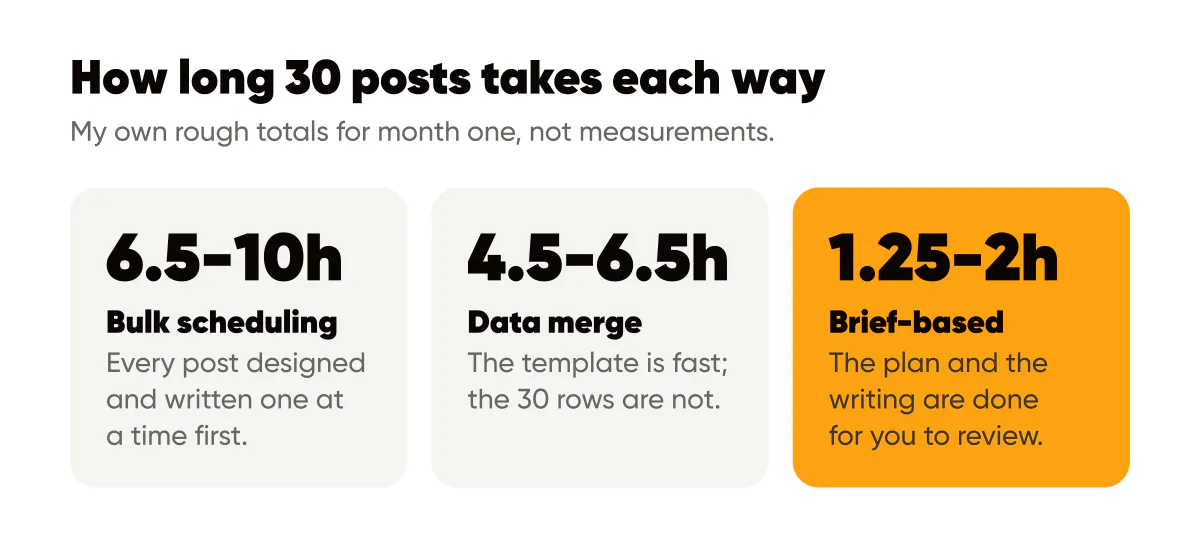
How long 30 posts takes each way
These are my own estimates for one person making 30 feed posts, from doing each route myself. They are not measurements, and yours will differ; use them to compare where the time goes.
| Step | Bulk scheduling | Data merge | Brief-based |
|---|---|---|---|
| Setup | None | 45 to 60 min to design and test a template (first month only) | 10 to 15 min to write the brief (first month only) |
| Deciding what each post says | 60 to 90 min | 60 to 90 min | Done by the plan; you review it |
| Writing headlines and captions | 2 to 3 hours | 2 to 3 hours | Minutes of generation |
| Making the images | 3 to 5 hours, one at a time | A few minutes of generation | Made during generation |
| Review and fixes | 20 min | 30 min, mostly text overflow | 45 to 60 min, keep, fix or cut |
| Scheduling | 20 to 30 min | 20 to 30 min | 20 to 30 min, or a planner |
| Rough total, month one | 6.5 to 10 hours | 4.5 to 6.5 hours | 1.25 to 2 hours |
The pattern matters more than the figures. Writing is the largest block in both manual routes, and it barely speeds up with practice, because you need 30 new ideas every month. Template setup is paid once; the ideas are not.
Where each method breaks
Sameness
A batch made from one template or one prompt drifts toward one post repeated 30 times. With data merge the layout is identical by design, so all the variety has to come from your rows, and by row 22 most people are writing tip after tip. Ask a general chat model for 30 posts and you often get variations of three ideas.
The fix is to decide what each slot is for before writing anything. I use content pillars for this, the handful of themes you rotate through (the content pillars guide shows how to pick them). Creobee plans each batch this way for you, so the posts cover different themes and formats instead of repeating one idea. You can do the same by hand with a spreadsheet column called "pillar" and another called "format".
Writing 30 captions yourself
This is where data merge quietly fails for most solopreneurs. The template is fun to build; the spreadsheet with 30 empty caption cells is not. People fill ten rows, stall, post the ten and go quiet for three weeks. If writing is the reason you are searching for bulk tools, a template does not help.
Brief-based tools fail differently: thin briefs produce plausible, forgettable captions. One concrete detail per post (a price, a question a client asked, a number from last month) still has to come from you.
Brand drift
When posts are made one at a time, the logo creeps between corners, the font changes, and by week three the feed looks like three businesses. As I wrote in brand consistency for small business, consistency rarely dies in one big decision; it leaks out through small ones.
Data merge is strong here, since the template is fixed. So is brief-based generation, since your logo, colors and background stay the same across the whole batch. Hand-made posts are the weakest, because every post is a new chance to drift.
A 5-step monthly bulk routine
This is the routine I recommend for one person posting three to seven times a week. It works with any of the three methods; only step 3 changes.
- Pick the month's goal and cadence (10 minutes). Get found, look like the expert, sell something, or simply stay consistent. Then set a realistic number of posts a week. Three is enough for most small businesses, as I argue in how often to post on Instagram. Three a week for a month is 12 to 13 posts; daily is 30.
- List the month's raw material (15 minutes). Questions customers asked, what you are launching, a seasonal moment, one thing you changed your mind about, one result you can describe honestly. These are the receipts that make generated or templated posts specific.
- Create the batch in one sitting (15 to 90 minutes). Fill the spreadsheet and run the template, or write the brief and generate. Generate a few more than you need; having choices makes the next step fast.
- Review every post: keep, fix or cut (30 to 60 minutes). Is it true, is it something you would say, is the text readable at thumbnail size? Fix the wording where your tool lets you, and drop what you cannot fix. Cut duplicates without regret. Then drop the keepers into the Instagram grid planner and look at them as a profile before anything goes live.
- Schedule the whole month (20 to 30 minutes). Alternate pillars so two offers never sit side by side, and space promotions about a week apart. Load everything into your scheduler of choice. On Creobee's Autopilot and Pro plans, the month planner places a batch one post per posting day, in grid order, and you drag to move; on Solo you download a ZIP and use any scheduler.
The deeper version of step 3 for AI tools, with a timer on each block, is in how to batch create 30 Instagram posts in one hour.
Which method should you use?
Use bulk scheduling alone if the posts already exist: you need a calendar, not a creation tool.
Use data merge if the design must stay fixed and the words already exist as data: product names and prices, event speakers, testimonials you have permission to use. Canva is excellent at this, and it is a better choice than Creobee when you need custom layouts, several formats, or a design only you can make.
Use brief-based generation if the empty spreadsheet is the problem. If the hard part is deciding what to say every week, a tool that plans and writes the month from one description removes the largest block of time in the table above. That is what I built Creobee to do: an AI content calendar generator that plans, writes and designs up to 30 posts from one brief, each a designed 4:5 image, each with a caption. Plans start at 19 dollars a month for 30 posts, and your first 3 posts are free, no card needed, so you can see a batch for your own business before deciding.
Whatever you pick, measure one thing after the first month: how many posts you published without major edits. Under half means you should fix the input (the brief, the rows, the pillars) before changing the tool.
Frequently asked questions
Can I bulk create posts and captions at the same time?
Only with brief-based generation. Bulk scheduling expects captions you wrote, and data merge fills a template with words you supplied, so captions stay your job.
Is it bad for reach to create a month of posts at once?
Creating in bulk is not the issue; posting in bursts is. Make the month in one sitting, then publish on a steady rhythm through the month. The audience only sees the schedule, never the day you made the batch.
How many posts should one bulk batch be?
Match it to your cadence for one month: about 12 to 13 at three a week, 30 at one a day. Bigger batches age badly, because timely posts go stale and you lose the chance to react to what the last month taught you.
Do bulk-created posts all look the same?
They share a look, which is the point of a brand. What should differ is the content: the pillar, the format and the angle of each post. If every post in your batch is a tip, the problem is the plan, not the template.
Put it into practice
Turn this into posts designed for your feed
Paste your website. Creobee reads what you sell, then plans, writes and designs your posts about it as one feed in your logo and colors, captions included, and on Autopilot it posts them for you.
How the AI content calendar generator works