Can ChatGPT Make Instagram Posts? An Honest Guide
Can ChatGPT make Instagram posts? Yes: captions, plans and images. Where it falls short for a business feed, prompts to copy, and how Claude and Gemini compare.
Can ChatGPT make Instagram posts? Yes. ChatGPT writes captions, plans a month of topics, and with its built-in image model makes a finished picture with words on it, in one chat. What it does not do on its own is keep thirty posts looking like one brand, use your exact fonts, arrange a grid, or post to your account. This guide covers what it does well today, where a small business feed runs into its limits, the prompts I would copy, how Claude and Gemini compare, and when a feed tool is the better fit.
A note before the details. I build Creobee, an AI Instagram post generator that also uses a language model to write, so it competes with the do-it-yourself chat route. I have kept its section short and listed its limits. What ChatGPT, Claude and Gemini can do comes from OpenAI, Anthropic and Google's own pages as I read them on October 1, 2026, linked where I quote them. I did not run a scored test of the three, so there are no ratings here. Features in chat apps change every few months; check before you plan around one.
What ChatGPT does well for social media posts
Words are where a chat assistant earns its place. Used with a good brief, ChatGPT is fast and useful for:
- Captions. Three variants in a few seconds, in the length and tone you ask for. The first draft is rarely the one to post, but editing is quicker than a blank page.
- Ideas and a month plan. Give it your business, your customers and what you sell, and it will list thirty topics sorted by purpose: teach, show the work, prove, sell.
- Rewrites. Shorter, warmer, plainer, or for a different network. Paste a caption that did well and ask for five more in the same shape.
- Other languages. It writes directly in Spanish, German or Turkish, which reads better than a translated English caption if you ask it to write natively.
- Headlines for an image. Ask for six words or fewer and you get lines that fit on a post.
The quality depends almost entirely on what you tell it. "Write an Instagram post for my bakery" gets a caption any bakery could post. "Write for parents in Leeds who order birthday cakes two weeks ahead, and mention our Saturday tasting slots" gets something only you could post. The brand voice guide for AI shows how to write that brief once and reuse it.
Can ChatGPT make the image too?
Yes. ChatGPT has image generation built in. OpenAI announced its latest model, ChatGPT Images 2.5, on September 8, 2026, on its developer forum, with faster generation, "consistent details across multiple edits" and "comment-based edits to change only what you want", rolling out to all ChatGPT users. You can ask for a picture with a headline on it and get a usable image in about a minute.
OpenAI is also clear about what the model still finds hard. Its image generation guide lists these limitations:
- Text: "the model can still struggle with precise text placement and clarity."
- Consistency: it "may occasionally struggle to maintain visual consistency for recurring characters or brand elements across multiple generations."
- Layout: it "may have difficulty placing elements precisely in structured or layout-sensitive compositions."
Those three lines are, almost word for word, what a business feed needs most: readable text, the same brand on every post, and elements where you expect them. The same guide lists 1024 by 1536 as the recommended portrait size, which is 2:3, while an Instagram feed post is 1080 by 1350, a 4:5 portrait. Ask for 4:5 by name and check what you get, because a 2:3 image is cropped in the feed.
Where a chat assistant falls short for a business feed
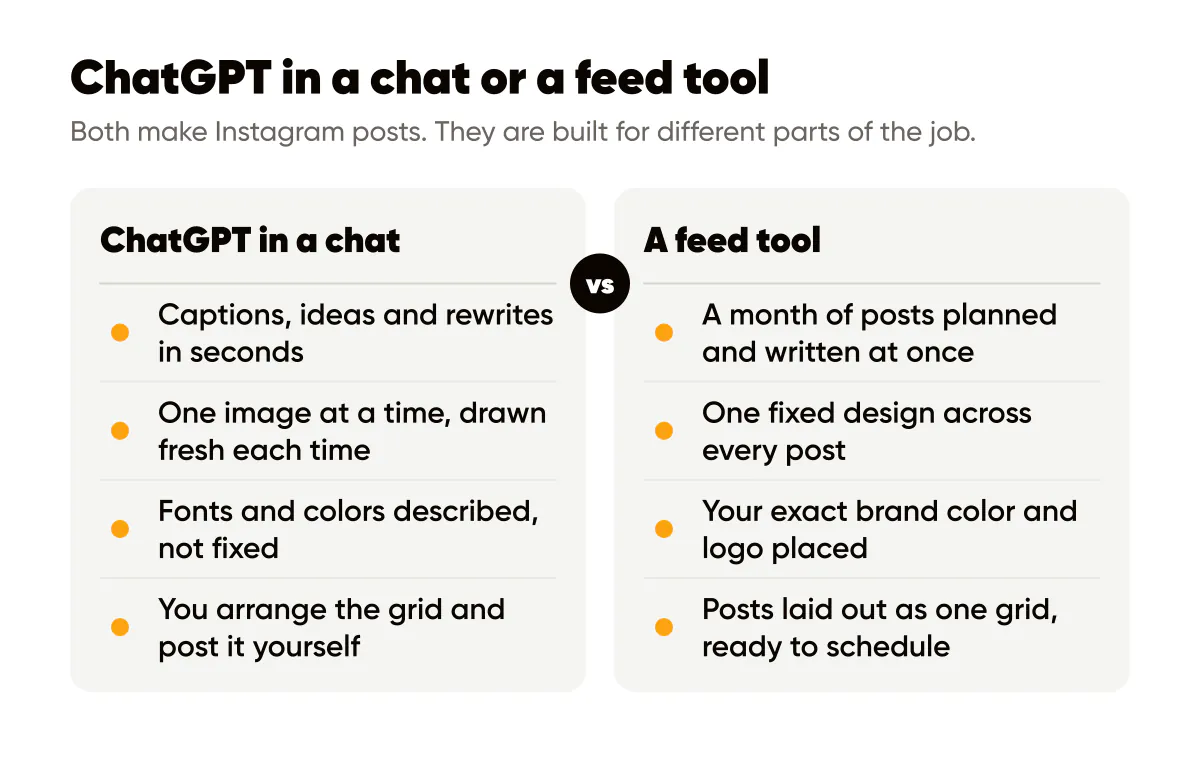
None of this makes ChatGPT bad at Instagram. It makes it good at one post at a time. A feed is thirty posts that have to look like they belong together, and that is a different job.
| What a business feed needs | ChatGPT in a chat | What to watch |
|---|---|---|
| The same fonts and colors on every post | You describe them; each image is drawn fresh | Fonts drift, colors shift a shade, your logo gets redrawn rather than placed |
| Readable text on the image | Good, and improving | Check spelling, prices and dates on every image; OpenAI's guide says text placement and clarity can still slip |
| A month that does not repeat itself | Good at a list of topics | In a long chat, early posts drop out of view; keep your own list and paste it back |
| A grid that looks planned | Not something it sees | You arrange the nine tiles yourself, in a grid planner or on your phone |
| Photos of real people | It generates people | Generated faces and hands can look off, and some audiences mind AI images |
| Posting at the right time | A plain chat does not post | You download and upload, or use a scheduling tool that connects to it |
The consistency row is the one that costs the most time. Getting one great image takes a minute. Getting the twelfth image to match the first eleven can take twenty, because every generation starts again from the words. If you have used a chat for a month of posts, you know the loop: regenerate, compare, regenerate.
How to use ChatGPT for Instagram posts: prompts to copy
These are the prompts I would use, in order. Replace the capitalized words with your own details and keep the whole thing in one chat, so the brief stays in view.
1. The brief, once, at the top of the chat.
You are writing Instagram posts for BUSINESS, a SHORT DESCRIPTION in CITY. Our customers are AUDIENCE. They come to us for WHAT YOU SELL. Our voice is TONE WORDS. Never use these words: game changer, elevate, unlock, journey. Keep every caption under 120 words and end with one clear next step. Confirm you understand, then wait.
2. The month plan.
Plan 12 Instagram posts for the next four weeks. Mix them: 5 that teach something useful, 3 that show how we work, 2 that share a customer result or review, 2 that promote OFFER. For each, give a working headline of six words or fewer and one line on what the post says. Do not repeat a topic.
3. The captions, a few at a time.
Write the captions for posts 1 to 4. For each, give the headline, the caption, and one line of alt text describing the image. Use this real detail where it fits: DETAIL.
Three or four at a time keeps quality up. Twelve at once tends to blur into one template.
4. The image, if you want ChatGPT to make it.
Make a 4:5 portrait Instagram post, 1080 by 1350. Background: DESCRIBE, in COLOR 1 and COLOR 2. Put this headline in large, bold, sans-serif type across the top third: "HEADLINE". No other text. Leave the bottom right corner empty for a logo.
Add the logo yourself afterwards, in an editor, rather than asking the model to draw it. A redrawn logo is never quite your logo. The guide to adding a logo to Instagram posts covers where it goes.
5. The review, before anything goes out.
Read these four captions as a customer who has never heard of us. Which one would you scroll past, and why? Which sentence sounds like AI? Suggest one fix for each.
Then do the last pass yourself: facts, prices, dates and anything that promises a result. The AI content quality checklist is the list I use. For more prompts by post type, see AI prompts for social media captions.
ChatGPT vs Claude vs Gemini for social posts
All three write good captions from a good brief, and which voice you prefer is a matter of taste, so try your own brief in each. Where they differ for Instagram is the image, going by each company's own pages on October 1, 2026:
- ChatGPT generates images in the chat with ChatGPT Images 2.5, described above.
- Claude does not. Anthropic's help article Can Claude produce images? says "Claude doesn't generate photos or illustrations the way image-generation tools do", and that it can "build diagrams, charts, and interactive visuals directly in your conversation". For posts, that means Claude writes the words and you design the image elsewhere, or you ask it for a simple graphic built as code.
- Gemini generates images in the Gemini app with Nano Banana 2. Google's Workspace announcement of February 26, 2026 says it can "generate accurate, legible text for infographics or marketing mockups", with control over aspect ratios, at 1K for free users and 2K for paid ones.
What none of the three pages describes is keeping a set of posts in one fixed design across a month. That is the gap between an assistant that makes images and a tool that designs a feed, and it is the same gap for all three.
Where a feed tool like Creobee fits
If you enjoy the chat and have an hour a week, the prompts above are enough, and a chat subscription you already pay for is the cheapest route. A feed tool is worth it when the time goes into making the posts match rather than into writing them.
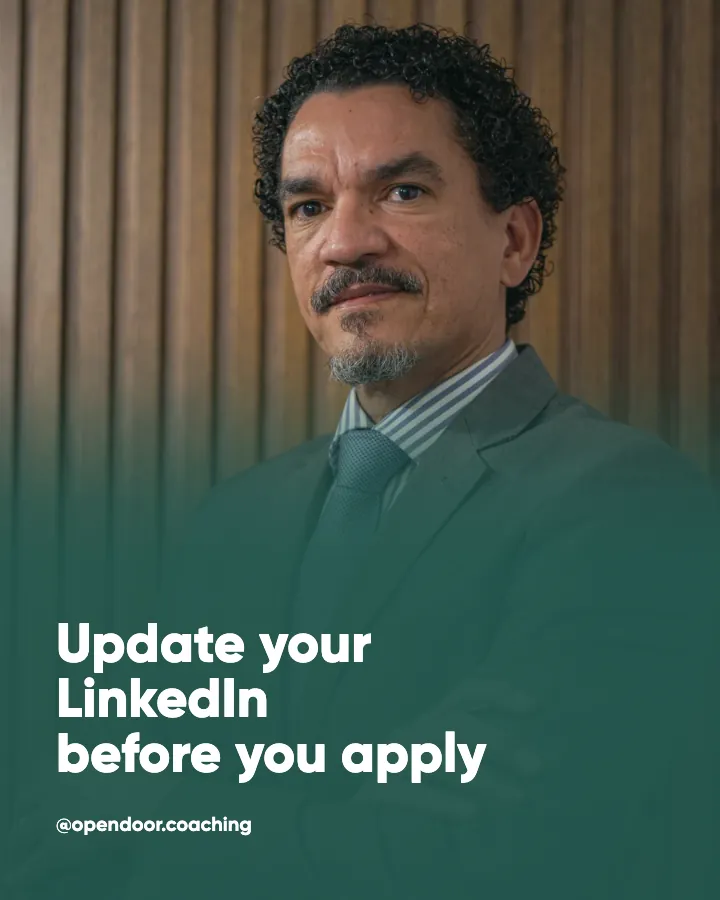
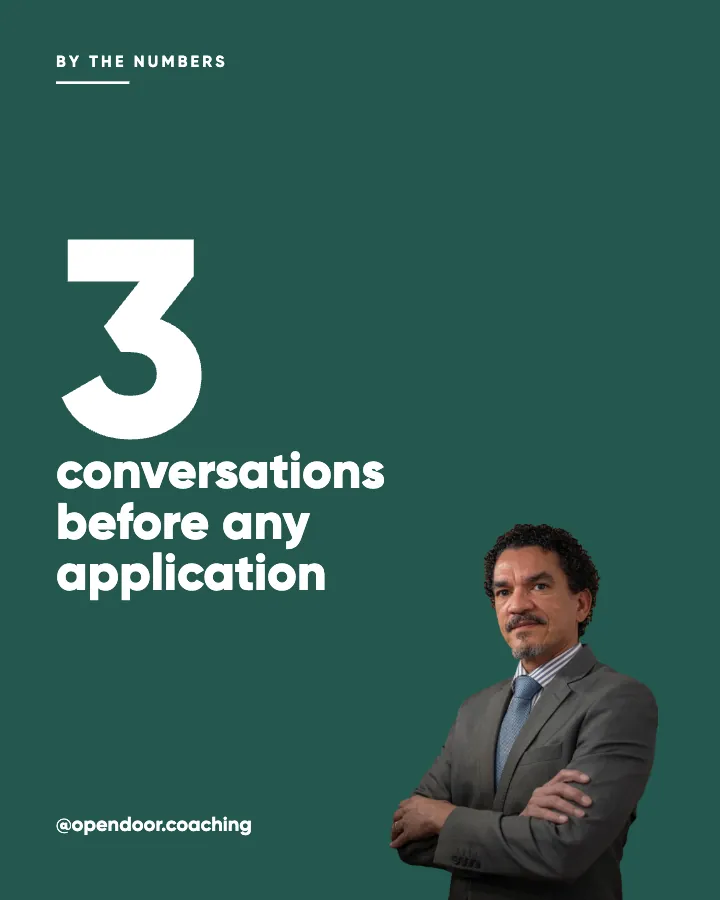
That is the job Creobee does. You describe your business once. It plans a month of posts across content pillars and post formats, writes each one, and designs it as a finished 1080 by 1350 image, as one feed: one of five styles, your brand color and logo placed exactly, a grid pattern the posts take turns in, and a layout for each kind of post, so a checklist becomes numbered rows and an offer gets a button. The art is a preset background or your own photo, with optional stock photos of real people. There are no AI-generated images. The Instagram feed design page shows what the grid looks like.
Its limits, plainly:
- Every post is one still 4:5 image. No video, Reels, Stories or carousels.
- No analytics, no replies to comments or messages, and no hashtag research.
- Publishing is only on the Autopilot and Pro plans, and it posts what you made and scheduled. It does not make new posts by itself.
- It is not free. Every new account gets its first 3 posts free, no card needed; after that, Solo is $19 a month for 30 posts.
Many people will use both: a chat assistant to think out loud about the month, and a feed tool to turn it into posts that look like one business. If you want the month plan without the chat, the AI content calendar generator page explains how Creobee builds it.
Frequently asked questions
Can ChatGPT post to Instagram for me?
Not from a plain chat. You download the image, copy the caption and post it in the Instagram app, or through a scheduling tool. Some scheduling tools now connect to chat assistants, so check whether yours does; the scheduling tool is still what publishes.
Is it OK to post AI-generated images on Instagram?
Instagram allows them, and Meta may label content it detects as AI-made. Whether your customers mind is a separate question: a bakery that shows generated cakes invites the question of what the real ones look like. AI content disclosure labels covers the rules.
Is ChatGPT free for Instagram posts?
ChatGPT has a free tier, and OpenAI says the new image model is rolling out to all users. Free use comes with limits that change over time, so check OpenAI's own plan page before you plan a month around it.
Should I use ChatGPT, Claude or Gemini for captions?
Whichever you already pay for. Paste the same brief into each and keep the one whose first draft needs the least editing. For images, ChatGPT and Gemini make them in the chat; Claude does not.
How do I stop ChatGPT captions sounding like AI?
Give it a real detail for every post, ban the words you never say, ask for shorter than you think, and cut the first sentence if it could open anyone's post. The AI caption generator guide goes through the edit.
Try it on one week first
Before committing a month to any route, make one week. Write the brief, run the plan prompt, make three images and put them next to your last three posts in a grid planner. If they look like one business and it took under an hour, the chat route works for you. If they do not, that hour is the cost to compare with a feed tool.
Put it into practice
Turn this into posts designed for your feed
Paste your website. Creobee reads what you sell, then plans, writes and designs your posts about it as one feed in your logo and colors, captions included, and on Autopilot it posts them for you.
How the AI Instagram post generator works