Dental Instagram Post Ideas and the HIPAA Rules
How Creobee's planner splits a dental practice's week of posts, what to put in each slot, and the HIPAA, ADA and FTC rules for patient photos and reviews.
 KutayOctober 17
Channel-specific tactics to grow on Instagram, LinkedIn and TikTok without burning out: hashtags, saves and shares, collabs, bios and posting rhythm.
This category covers the platform side of posting for a small account: what Instagram says it looks at, how Reels and stories behave on a profile, bios, keywords and hashtags, and notes for LinkedIn company pages and local businesses. Platform facts are checked on each network's own help pages, with the date they were checked.
The size guides at /sizes give the pixel dimensions and safe zones for each placement, and the free grid and crop previews at /tools show how a post will look before you publish it.
What Instagram says about saves and shares, which posts earn each, how to design a post for one of them, and how to measure it in a 90-day Insights window.
Open the Reel, tap Options, then Manage and take it off your profile grid. It stays in your Reels tab with its likes. How to put it back, or move it instead.
Instagram SEO keywords: the fields Instagram search matches, the 5 hashtag limit, why words on the image do not count, and what fancy fonts do to a keyword.
Instagram image sizes for 2026, checked on Instagram's own help pages: 1080x1350 and 1080x1440 portrait, square, landscape, Stories, Reels and carousels.
Instagram for local businesses: three posts a week in 30 minutes, words people search for, reusing the posts on Google Business Profile, and Collab posts.
How Creobee's planner splits a dental practice's week of posts, what to put in each slot, and the HIPAA, ADA and FTC rules for patient photos and reviews.
KutayOctober 17
Which mortgage post ideas trigger Regulation Z disclosures, how Creobee plans a loan officer's week, and the NMLS, fair lending and review rules to check.
KutayOctober 17
The FTC, FDA and HIPAA rules for med spa before-and-after photos, reviews and product posts, and how Creobee plans a med spa's week of posts.
KutayOctober 17
Listing caption words checked against HUD's own guidance, how Creobee plans an agent's week of posts, and the NAR and Meta rules to check before posting.
KutayOctober 17
SaaS social media post ideas for a one-person product: changelog, how-tos, pre-signup questions, launches, and your LinkedIn page and X, checked November 2026.
KutayOctober 17
How to schedule Instagram stories in the app, in Meta Business Suite or via a scheduler, what each way drops (stickers, links, music) and a safe zone in pixels.
KutayOctober 9
How many Instagram stories a small business needs, a job for each day, type sizes that read in two seconds, stickers, and Highlights that keep the best ones.
KutayOctober 9
A weekly social media posting schedule template: three paces, fixed slots that fit a working day, where carousels and stories go, and a planning hour.
KutayOctober 9
Open the Reel, tap Options, then Manage and take it off your profile grid. It stays in your Reels tab with its likes. How to put it back, or move it instead.
KutayOctober 6
How to make animated Instagram posts: the size and length to use, animating in Canva, sound, and the first and last frame rule that keeps the grid planned.
KutayOctober 6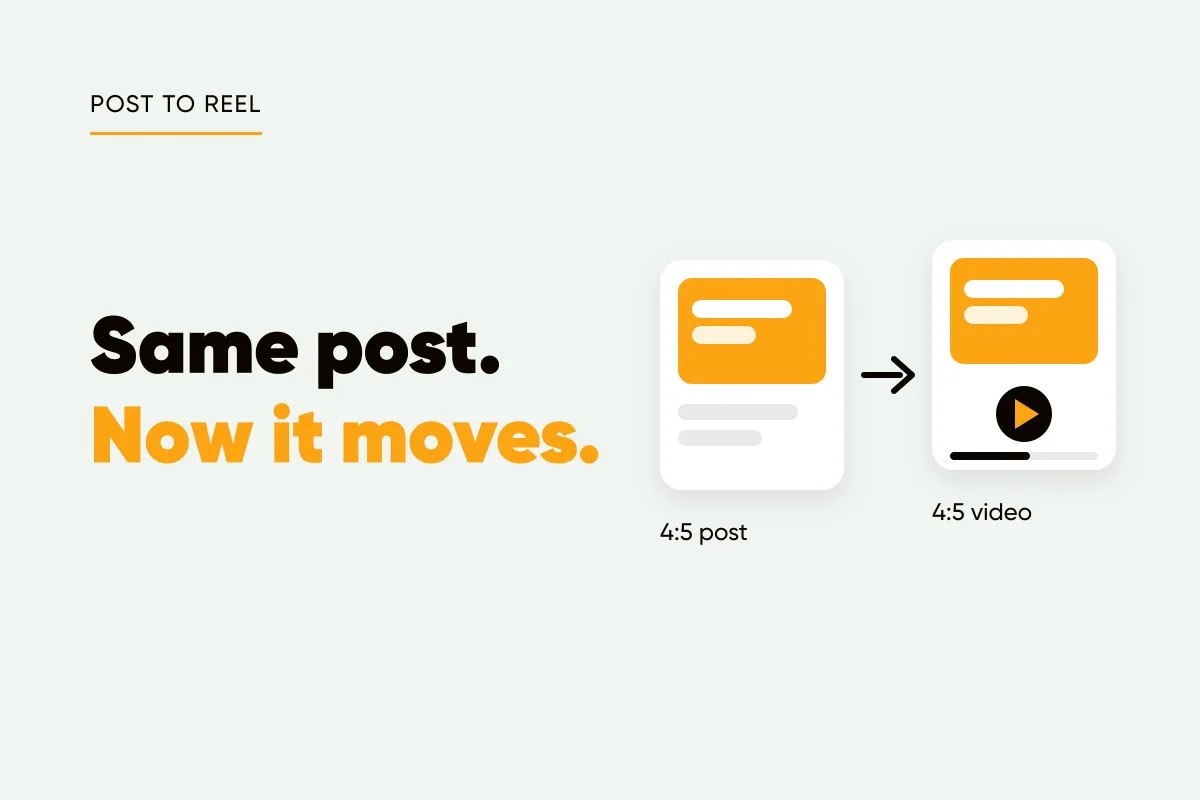
Turn an Instagram post into a Reel: the carousel menu option, rebuilding a single post by hand, and the cover and crop numbers that keep your grid tile intact.
KutayOctober 6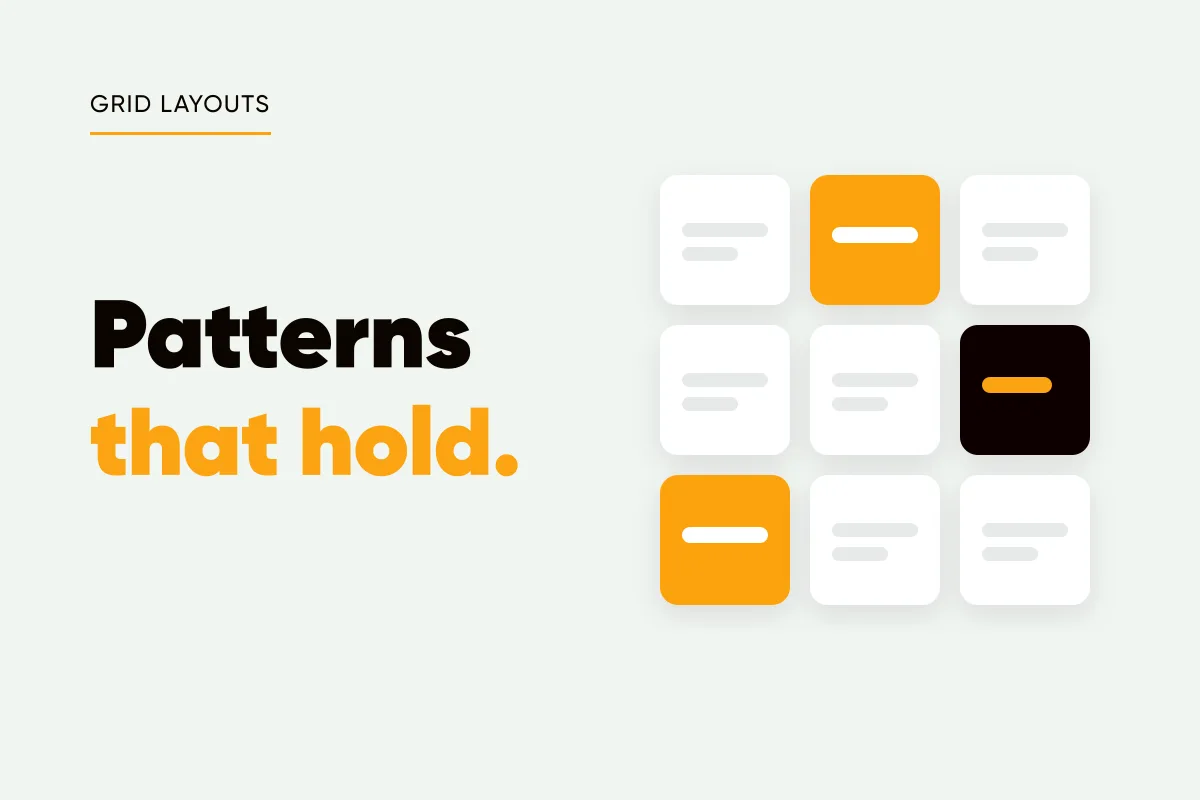
Instagram grid layout ideas for a business feed: checkerboard, columns, diagonal and one look, why row and puzzle layouts break, and where Reels fit.
KutayOctober 6
Reel ideas for small business that need no camera, sorted by the kind of motion each one uses, with seconds per kind, plus a few filmed ideas worth the effort.
KutayOctober 6
Small Business Saturday is November 28, 2026. A five-post plan for the week, ideas for before, on and after the day, and the other dates worth a post.
KutayOctober 1
Bakery Instagram post ideas built around the preorder week, allergen and gluten-free claims, the baking calendar, and what Creobee plans for a bakery account.
KutaySeptember 23
Coffee shop Instagram post ideas from what customers ask at the counter, the cafe year and Instagram's cafe features, plus what Creobee plans for a cafe.
KutaySeptember 23
Hair salon Instagram post ideas for empty chairs, rebooking, prices and aftercare, the Book now button and patch tests, and what Creobee plans for a salon.
KutaySeptember 23
Social media posts for insurance agents: coverage terms explained, life events, open enrollment dates and the advertising rules to check before you post.
KutaySeptember 23
How to bold text on Instagram with no bold button: copy Unicode bold into your bio or captions, pick a style, and keep it out of names, hashtags and prices.
KutaySeptember 12
Instagram italic text is really maths symbols: where it shows (bio, captions, comments) and where it breaks: hashtags, search, digits, accents, screen readers.
KutaySeptember 12
Instagram line breaks vanish when a blank line holds only spaces or a line ends in one. Three fixes that hold, and what our line break tool changes.
KutaySeptember 12
Where to add Instagram alt text, what to write for a text graphic, 20 examples to copy, and the contrast and caption habits that make posts readable to all.
KutaySeptember 3
Instagram bio optimization in 150 characters: the name field search reads, a bio that names who you help, one call to action, and up to five links to match.
KutaySeptember 3
Instagram for local businesses: three posts a week in 30 minutes, words people search for, reusing the posts on Google Business Profile, and Collab posts.
KutaySeptember 3
Instagram image sizes for 2026, checked on Instagram's own help pages: 1080x1350 and 1080x1440 portrait, square, landscape, Stories, Reels and carousels.
KutaySeptember 3
What Instagram says about saves and shares, which posts earn each, how to design a post for one of them, and how to measure it in a 90-day Insights window.
KutaySeptember 3
Instagram SEO keywords: the fields Instagram search matches, the 5 hashtag limit, why words on the image do not count, and what fancy fonts do to a keyword.
KutaySeptember 3
LinkedIn image posts for founders: the sizes and file types LinkedIn's help pages give, what a 4:5 image does in the feed, and how to keep the text first.
KutaySeptember 3