Can ChatGPT Make Instagram Posts? An Honest Guide
Can ChatGPT make Instagram posts? Yes: captions, plans and images. Where it falls short for a business feed, prompts to copy, and how Claude and Gemini compare.
 KutayOctober 1
Frameworks, playbooks, and calendars to ship better content faster with Creobee.
Most one-person brands do not have a content problem, they have a decision problem. Every morning starts with the same question: what do I post today? The articles in this category exist to remove that question. They cover content pillars, a weekly planning routine, repurposing systems and the seasonal calendars I use to run Creobee's own accounts, so posting becomes a Tuesday habit instead of a daily scramble.
If you are new here, read the pillars piece first, then pick a planning cadence you can keep for three months. When you need raw material, the free character counter and caption tools at /tools turn a rough idea into a first draft, and the post generator turns a week of drafts into finished 4:5 images with your logo in place. Strategy only counts when it survives a busy week.
Content pillars for small business: pick 3 to 5 from audience problems, your offer and proof, see two worked examples, and fill months of posts with a matrix.
Social media content planning in one 90-minute weekly block: 15 minutes review, 15 angles, 30 draft, 20 edit, 10 schedule. A whole week of posts, done.
Build a 30-day content calendar with AI in one afternoon: one narrative, four weekly themes, a reusable brief and one batching session for a month of posts.
What to post when you have nothing to post: ten post types that need no news, from FAQs and myths to reposted winners, and how to keep a bank of 20 posts ready.
How to repurpose content: turn one idea into eight assets across channels, from a thread to a carousel to an email, all built from one source document.
Can ChatGPT make Instagram posts? Yes: captions, plans and images. Where it falls short for a business feed, prompts to copy, and how Claude and Gemini compare.
KutayOctober 1
Small Business Saturday is November 28, 2026. Instagram post ideas for the week before, the day and after, by type of business, plus a five-post timeline.
KutayOctober 1
The best AI social media managers for small business, compared: what each makes, whether it posts for you, entry prices as of September 2026 and where it wins.
KutaySeptember 30
How much does a social media manager cost in 2026? Freelancers $300 to $7,000 a month, agencies $1,000 to $5,000, in-house $65,623 a year. Per post, sourced.
KutaySeptember 30
39 bakery Instagram post ideas beyond bread photos, six captions written out, a 4-week plan around preorders and real designed posts from a bakery feed.
KutaySeptember 23
35 coffee shop Instagram post ideas that are not latte art, six captions written out, a 4-week posting plan and real designed posts from a cafe feed.
KutaySeptember 23
38 hair salon Instagram post ideas by content pillar, six written examples, a four-week plan that fills gaps and rebooks clients, and the mistakes to avoid.
KutaySeptember 23
How to bulk create social media posts three ways: bulk scheduling, spreadsheet templates or brief-based generation, and what each costs you for 30 posts.
KutaySeptember 23
The best Predis AI alternative depends on why you are leaving: price, annual billing, unused video or a scheduler. Seven options, one table, honest trade-offs.
KutaySeptember 23
Social media posts for insurance agents: 62 ideas by pillar, for life, home, auto and health, and for open enrollment, plus six examples and a compliance check.
KutaySeptember 23
The best AI Instagram post generators for small business, compared: what each makes, which have a free plan, prices as of September 2026 and where each wins.
KutaySeptember 19
Instagram line breaks vanish when a line ends in a space or a blank line holds only spaces. What gets stripped, why the web differs, and three fixes that hold.
KutaySeptember 11
Repurpose a blog post for Instagram as seven posts: a headline post, three key points, a carousel, a quote card and a CTA post, batched in one template family.
KutaySeptember 3
Product launch social media posts for 14 days: tease, problem, story, proof, open cart, objections, urgency and close, with the post format for each day.
KutaySeptember 2
Personal brand vs business brand: five criteria for choosing as a solopreneur, the hybrid most one-person companies should use, and what it means for your logo.
KutayAugust 31
A one-hour social media content audit: export insights, sort by saves and shares, tag by pillar and format, keep the top tenth, cut the bottom fifth.
KutayAugust 31
Educational content marketing for small accounts: why teaching posts earn trust and saves, the teach-to-offer ratio I run, and the bridge from lesson to sale.
KutayAugust 30
A holiday marketing calendar for Q4 2026: the six dates worth a post, October to December, evergreen-to-seasonal remixes, and when to batch each month's posts.
KutayAugust 30
Content ideas for service businesses: 60 post ideas for coaches, consultants and freelancers in six pillars, and a two-minute way to turn each into a post.
KutayAugust 29
How often should you post on Instagram in 2026? A cadence ladder that starts at three feed posts a week plus Stories, and how batching keeps it easy.
KutayAugust 29
Content pillars for small business: pick 3 to 5 from audience problems, your offer and proof, see two worked examples, and fill months of posts with a matrix.
KutayAugust 28
Social media content planning in one 90-minute weekly block: 15 minutes review, 15 angles, 30 draft, 20 edit, 10 schedule. A whole week of posts, done.
KutayAugust 28
An AI content quality checklist: 12 checks that catch invented claims, hype words, weak contrast and off-brand captions before a post goes live.
KutayAugust 27
AI-generated content labels for small brands: what Meta's AI labels cover, what the FTC requires, Google's stance, and a 10-minute disclosure policy.
KutayAugust 25
Batch create Instagram posts with AI in one timed hour: a brief, 30 angles, captions and branded 4:5 images in one run, a human edit pass, then scheduling.
KutayAugust 25
Social media caption prompts to copy: 25 fill-in-the-blank AI templates for ChatGPT or any tool, grouped by goal: educate, story, proof, offer and engage.
KutayAugust 24
How to rebrand your Instagram without confusing followers: keep one anchor, announce the change, re-template evergreen posts. A two-week plan and a checklist.
KutayAugust 23
One-page brand guidelines you can build in an hour: three colors, two fonts, logo rules, three layouts and tone words to reuse in every tool and AI prompt.
KutayAugust 22
Stock photo licensing for social media, in plain language: copyright, fair use, Creative Commons, what free stock sites allow, reposts and AI images.
KutayAugust 22
Brand consistency on social media: which colors, type, logo spot and layout to lock, what to vary, and a 20-minute audit that shows where your feed drifts.
KutayAugust 19
Instagram for local businesses in 30 minutes a week: location tags, neighborhood keywords, three batched posts and a Google Business Profile that reuses them.
KutayAugust 15
Instagram Stories vs feed posts: feed posts bring discovery and last, Stories turn followers into buyers. A weekly split for a small business and a reuse trick.
KutayAugust 15
Saves and shares are the Instagram interactions that extend reach beyond your followers. Here is which content earns each, and how to design a post for them.
KutayAugust 14
How to create a cohesive Instagram feed with a small system instead of perfectionism: two or three template families, one fixed palette and a posting rhythm.
KutayAugust 13
Turn customer questions into posts: collect them from DMs, emails, calls and reviews, group them into themes, answer one per post. 30 starter questions inside.
KutayAugust 8
What to post when you have nothing to post: ten post types that need no news, from FAQs and myths to reposted winners, and how to keep a bank of 20 posts ready.
KutayAugust 6
Evergreen vs trending content for small accounts: why evergreen is the base, the 80/20 split I run, how to spot a trend worth joining, and a worked month.
KutayAugust 4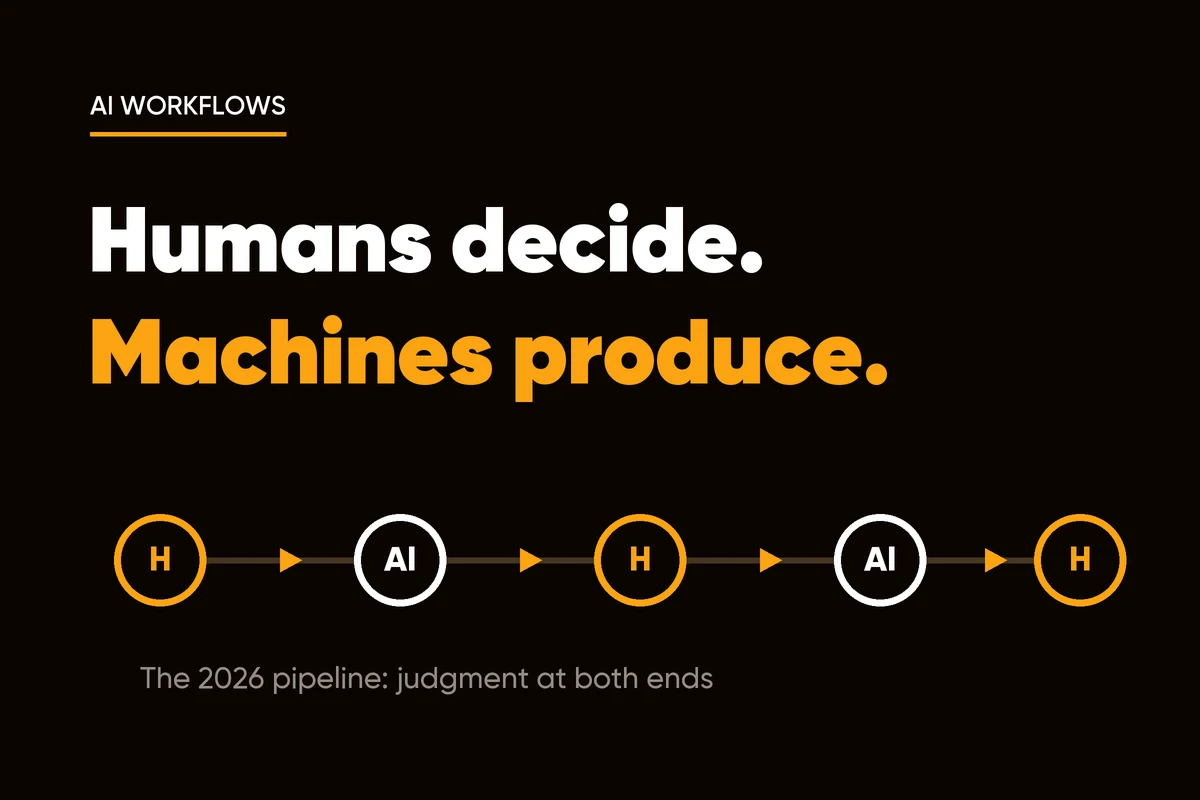
How to use AI for social media content without sounding generic: where AI belongs, where it quietly hurts, and the weekly routine I run for Creobee.
KutayAugust 3
Content ideas for boring industries like accounting, plumbing and insurance: five pillars, 20 post ideas and why plain text posts beat stock photos.
KutayAugust 1
Behind-the-scenes content ideas for solopreneurs: five things worth showing, what to skip, how to brand the post, and five prompts to reuse every month.
KutayJuly 30
An AI content brief template on one page: audience, offer, pillars, voice, banned words, proof bank, visual rules and CTAs. Paste it into any tool once.
KutayJuly 28
E-E-A-T SEO for a small business or solo brand: how to show experience, expertise and trust with proof of your work, not credentials or a PR team, week by week.
KutayJuly 27
AI-generated content copyright in plain language: what the US Copyright Office says, who owns AI-written captions and templated images, and the records to keep.
KutayJuly 25
The 9 AI content mistakes small businesses make, from generic prompts to invented facts and hype words, with a one-paragraph fix for each and a worked example.
KutayJuly 21
Should you post prices on social media? The case for and against, the starting-at middle path, a clean pricing graphic, and how to announce a price rise.
KutayJuly 16
Instagram lead magnet posts that grow your email list: which freebies fit a one-person business, the 3-part post, comment-to-DM delivery and the first email.
KutayJuly 14
Content marketing trends 2026: AI answers now sit between you and your audience. What that did to distribution, what still works and what to fix this quarter.
KutayJuly 6
Font licensing explained for social media graphics: desktop vs web licenses, Google Fonts commercial use, what bundled fonts allow, and how to keep a record.
KutayJuly 2
Blog vs social media for a one-person business: which topics deserve a blog post, how hub and spoke works, what zero-click changes, and a weekly rhythm.
KutayJune 20
Cross-posting on social media without looking lazy: keep one branded graphic, rewrite the caption for Instagram, LinkedIn, Pinterest and Facebook in 20 minutes.
KutayJune 11
Facebook for small business, honestly: when a Page is worth posting to, when to skip it, and how to keep one alive in ten minutes a week with cross-posts.
KutayJune 9
Customer retention strategies that beat discounts: a first-10-minutes playbook, public milestone posts, new value when usage dips, and a retention system.
KutayDecember 4
Social media engagement questions that get real replies: micro-confession prompts, how to reward the best answers, and how to turn comments into product ideas.
KutayDecember 2
Build an evergreen content library: tag posts by problem, archive them with performance notes, refresh visuals quarterly, and never run out of ideas to publish.
KutayDecember 2
SEO for social media posts: front-load keywords in the first 160 characters, publish posts on fast pages, interlink them, and build topical authority on Google.
KutayNovember 28
Turn social media followers into email subscribers with one lead magnet, comments as capture points and a three-email welcome sequence, step by step.
KutayNovember 27
Content batching as a weekly sprint: ideas Monday, scripts Tuesday, design Wednesday, scheduling Thursday, plus clean handoffs and five numbers to track.
KutayNovember 26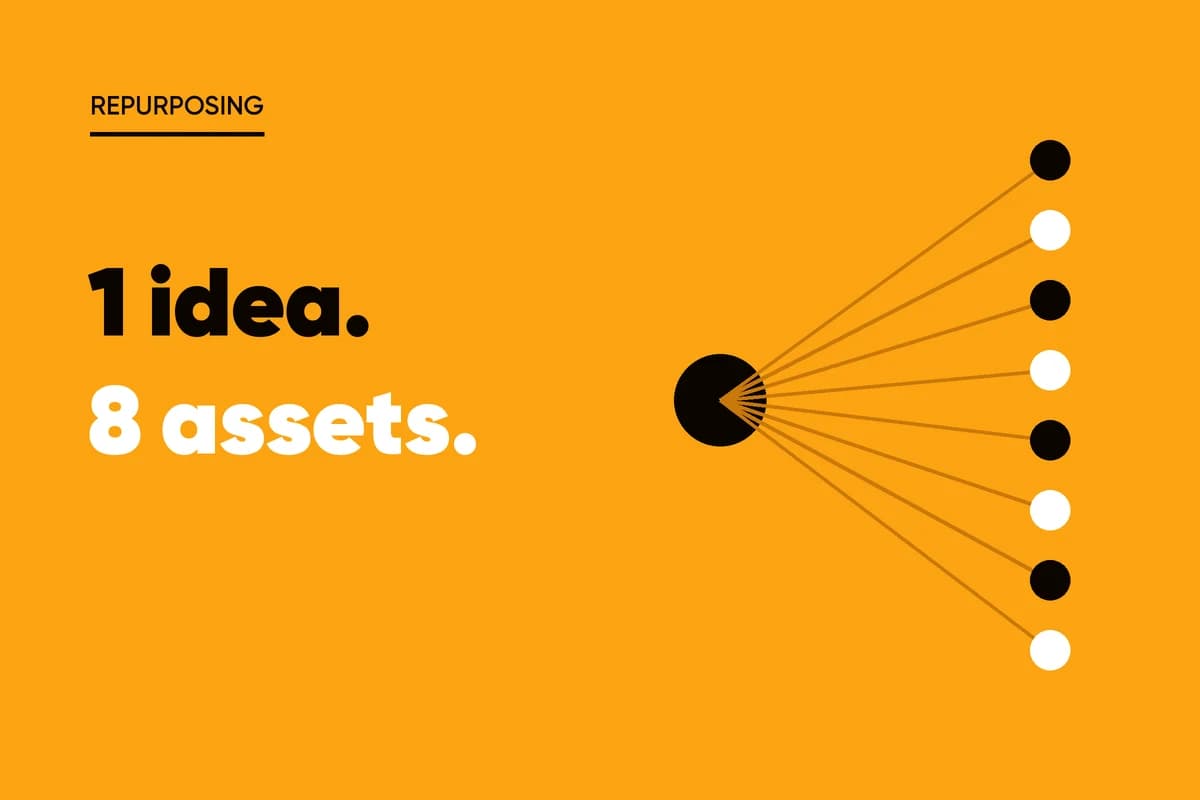
How to repurpose content: turn one idea into eight assets across channels, from a thread to a carousel to an email, all built from one source document.
KutayNovember 24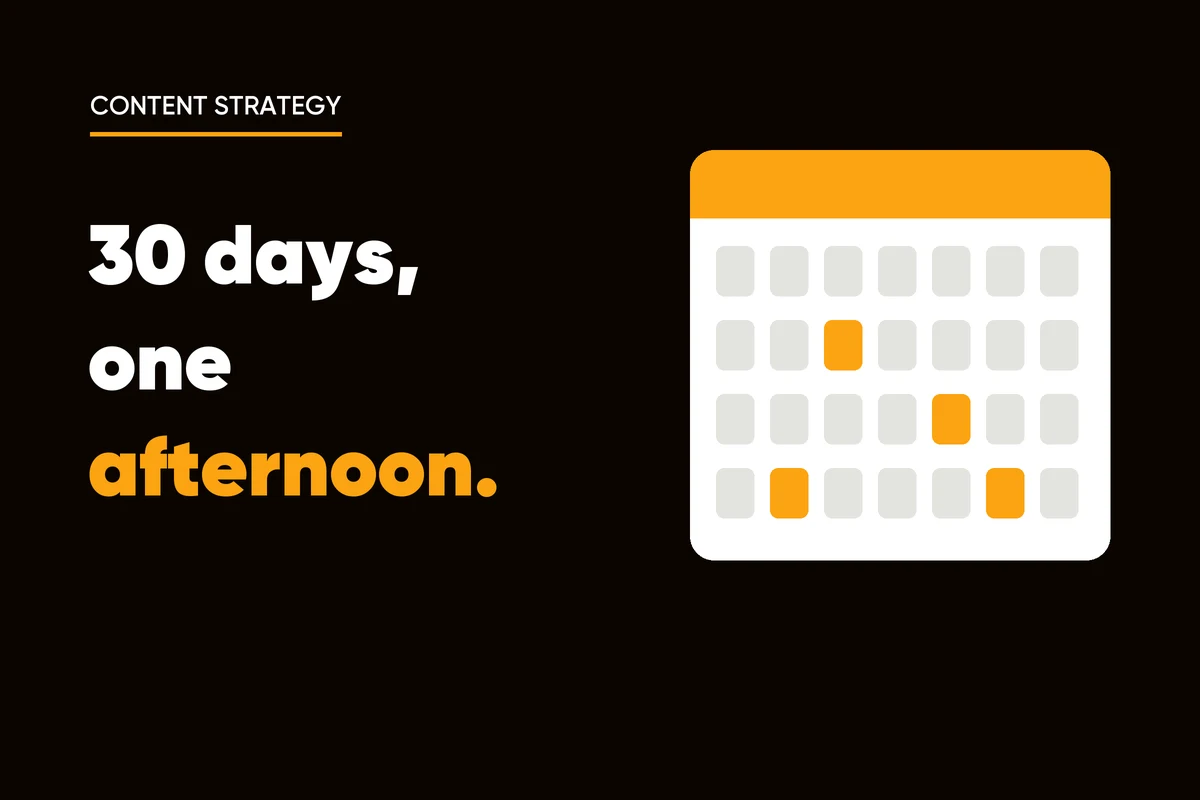
Build a 30-day content calendar with AI in one afternoon: one narrative, four weekly themes, a reusable brief and one batching session for a month of posts.
KutayNovember 23