
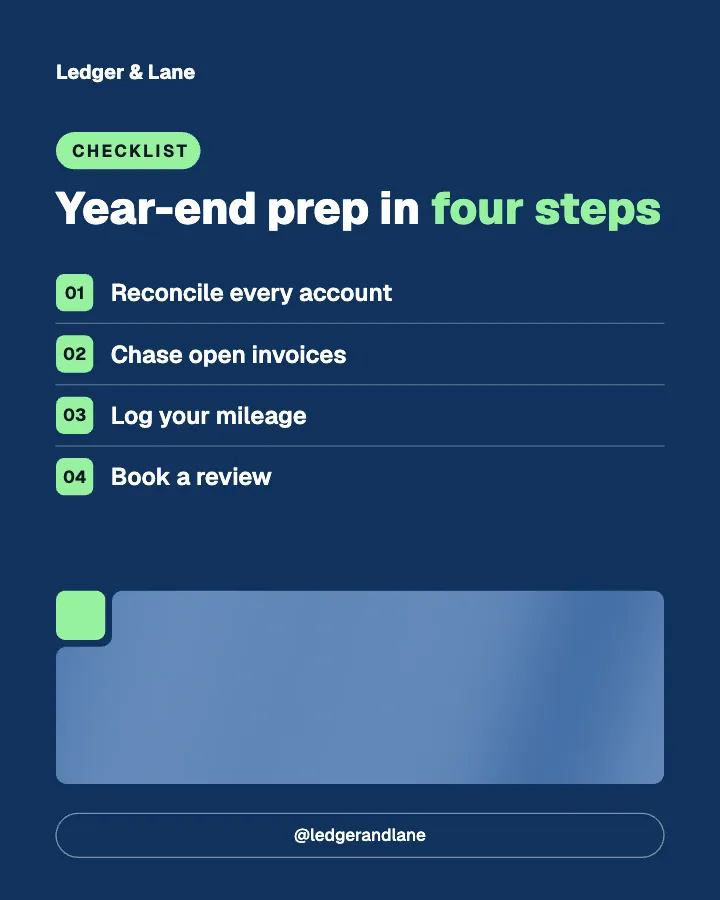

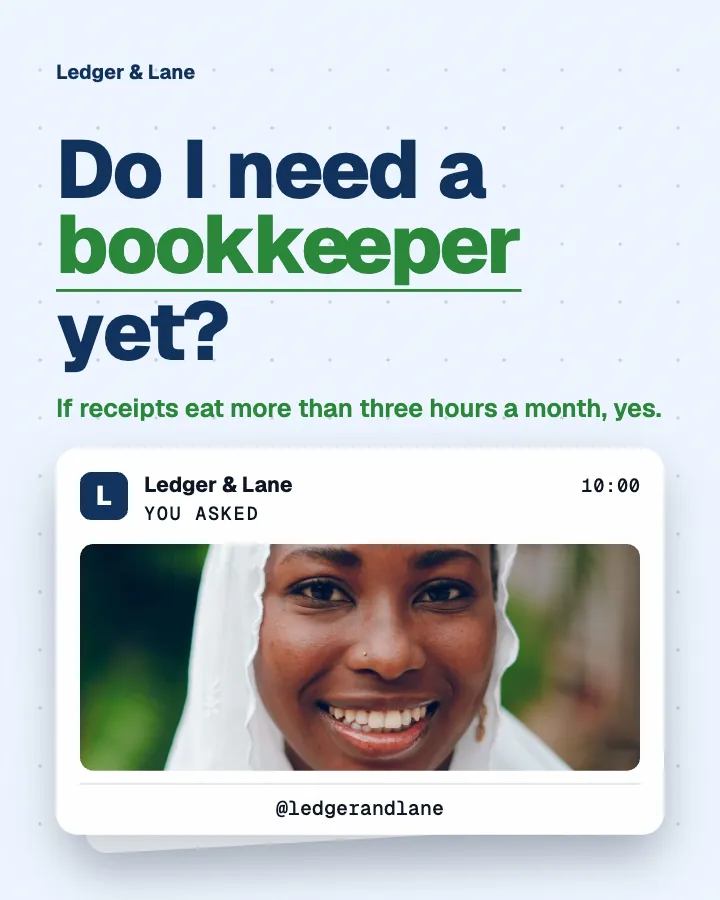
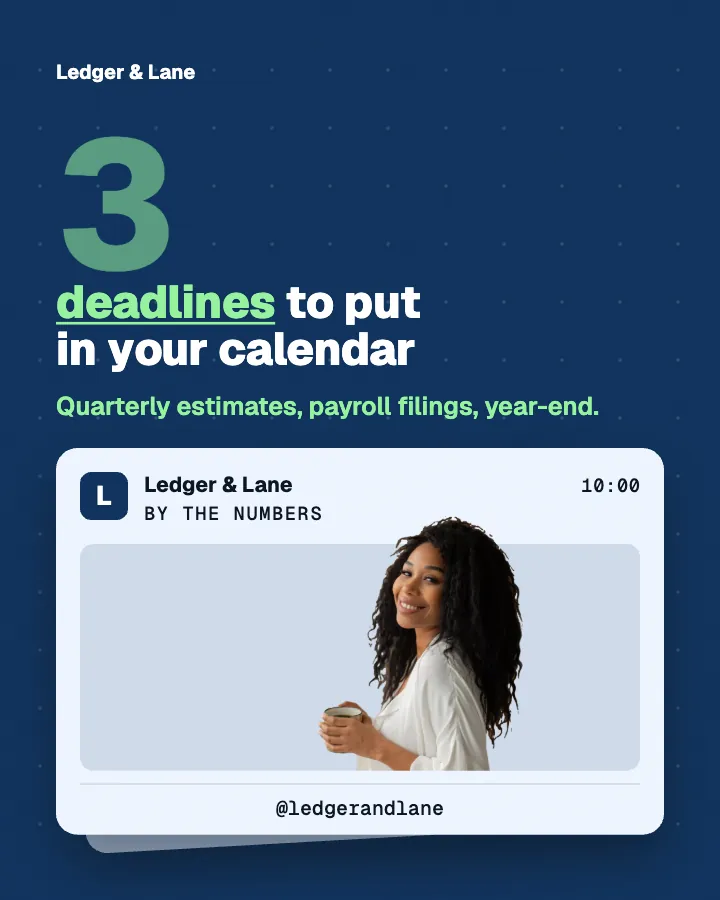
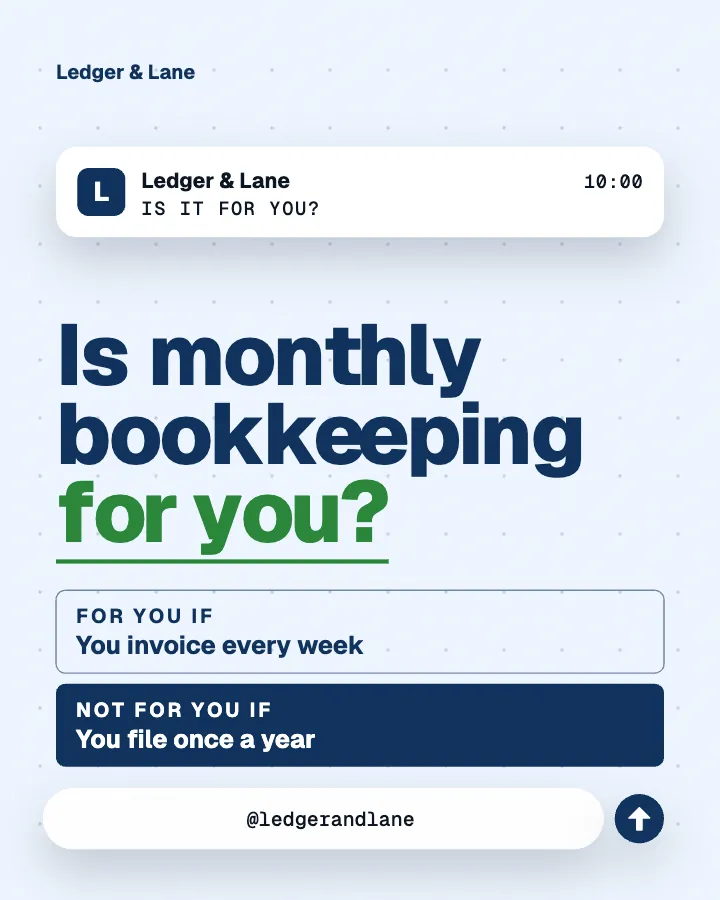
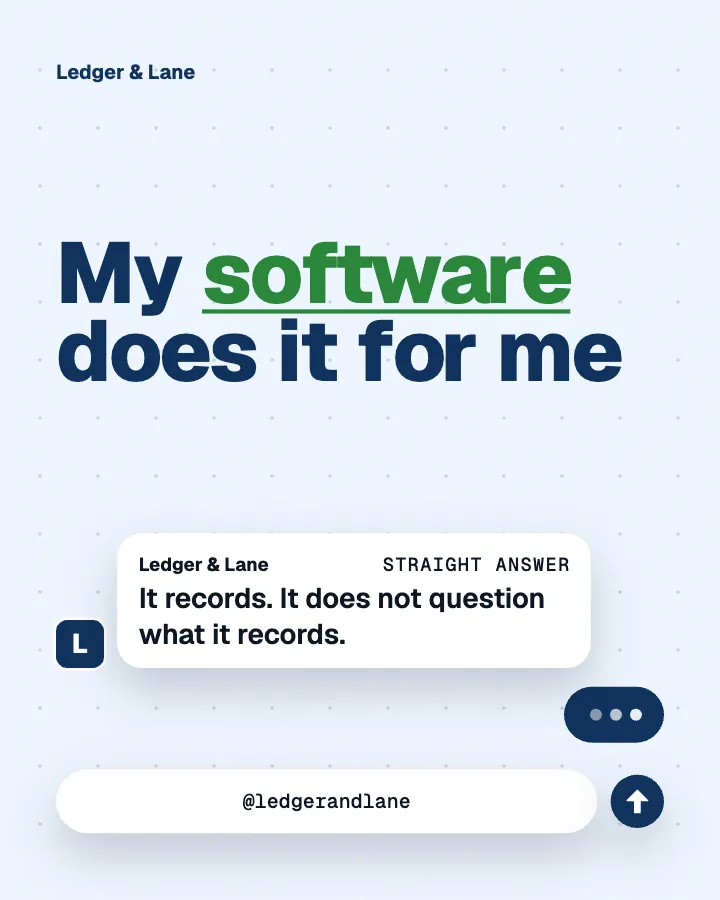

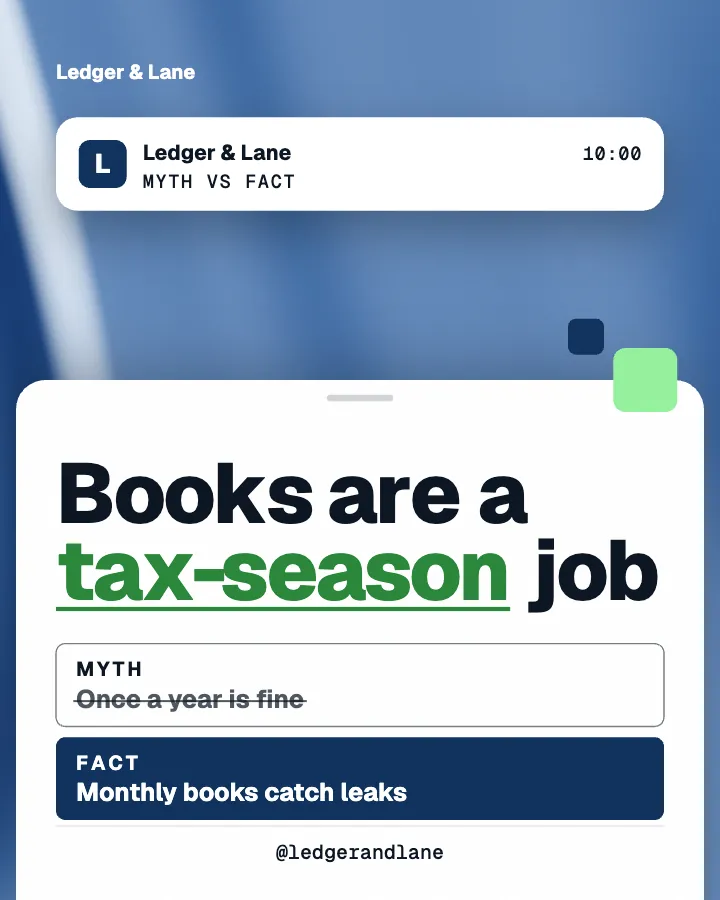
Carousels that connect as you swipe
4 to 8 slides, every one readable alone. 2 to 4 in a planned week.
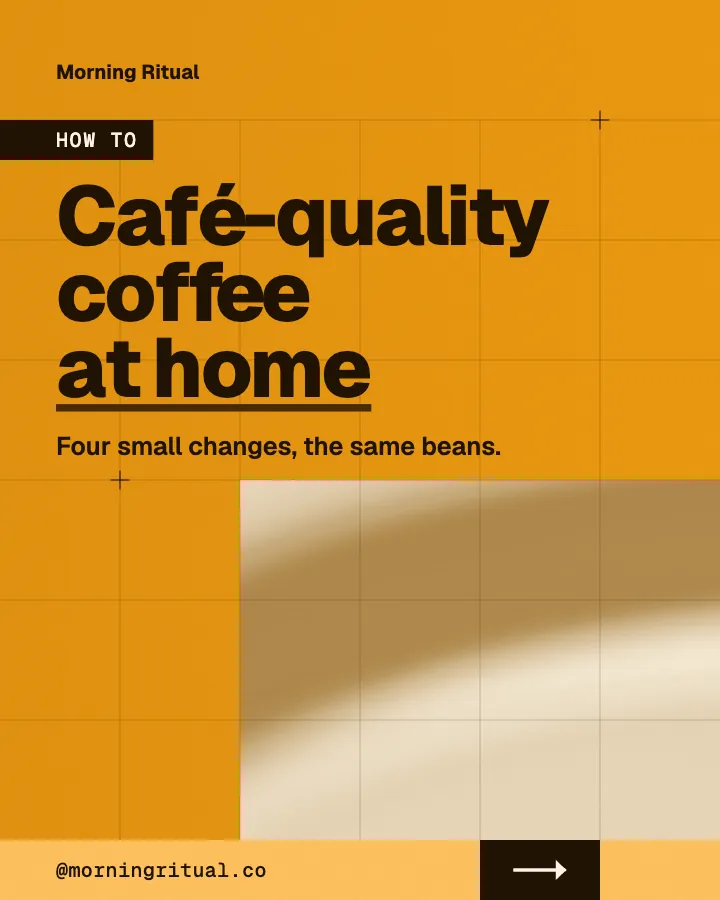

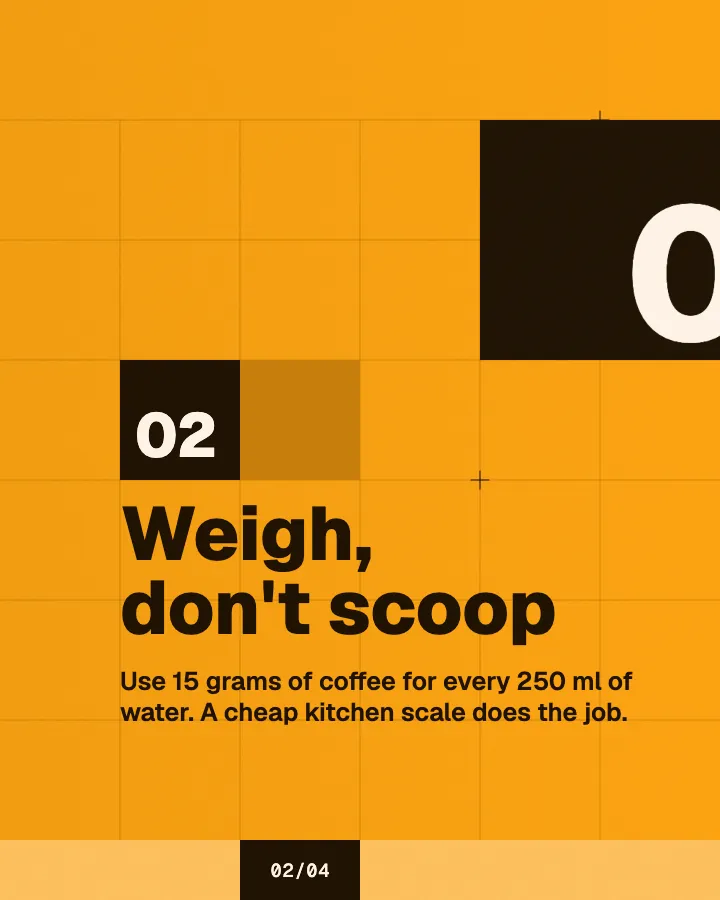
The first slides of Morning Ritual's carousel, a fictional business.
Google Pomelli alternative
More than a campaign: your week planned, written natively in your language, designed as one feed and, on Autopilot, scheduled for you.
No card for the free posts7-day money-back guaranteeSee plans
How it works
Ledger & Lane is a fictional bookkeeping and accounting firm. This is the week Creobee made for it.
Describe it onceYour website, or a few words.
Get the weekEvery post written and designed in your colors.
Approve, then postScheduled for you on Autopilot and Pro, or downloaded.
BriefBookkeeping for small businesses. Clear, professional voice.
Regular · 16 a week
Ledger & Lane's week is ready@ledgerandlane
8 networks, one schedule
Each post goes out on its day, after your OK.
Example week for a fictional bookkeeping and accounting firm, made with Creobee. Stories go to Instagram; animated posts only if you want them.
About 70 posts a month, stories included. Autopilot's 100 posts cover it.
$39 a month · about $0.39 a post
Your first 3: a post, a carousel and a story.
Pomelli's details come from Google's own help pages and blog, read on October 3, 2026; the no-charge terms were re-checked on October 8, 2026. Pomelli is a Labs experiment and changes often, so check there before you choose.
Facts about other tools read on their own pages, checked . Sources: Pomelli help, Google blog: Pomelli Photoshoot, Google blog: Pomelli agentic capabilities.
4 to 8 slides, every one readable alone. 2 to 4 in a planned week.
The first slides of Morning Ritual's carousel, a fictional business.
Animated from the post's own design, with sound effects you can turn off.
Your brand
Ledger & Lane uses the Block style, the columns grid pattern and its own colors. No AI-generated images.
On Autopilot and Pro, each post goes out at its time to the accounts you connect, and stories go to Instagram. On the other plans you download the week.
Pricing
Every plan designs your feed. Pick how many posts, and whether we post them too.
Not sure yet? First 3 posts free, no card neededFor making your posts and posting them yourself
$19/month
7-day money-back guarantee. Cancel anytime.
For handing the whole job over
$39/month
7-day money-back guarantee. Cancel anytime.
For posting every day across several accounts
$79/month
7-day money-back guarantee. Cancel anytime.
For comparison: freelancers usually charge $300 to $1,500 a month for 8 to 16 posts.
Straight answers on pricing, posts, and what Creobee does and does not do.
It depends on why you are looking. If Pomelli works for you and you post in English, its price is hard to beat. Businesses usually look elsewhere for three reasons: they post in another language, they want posts scheduled weeks ahead instead of posted one at a time, or they want a whole month planned and designed as one feed without AI-made pictures. Those are the jobs Creobee does, from $19 a month after 3 free posts.
As of October 8, 2026, yes: Google's help page says you can currently use Pomelli at no charge, with several hundred image and video generations. It is a Labs experiment, and Google has not published a price. Creobee is not free: every new account gets 3 posts free with no card, then plans start at $19 a month.
Google's availability page, read on October 3, 2026, lists a long list of countries, from Algeria to Zimbabwe, for users 18 and over. It names English as the only supported language, so wherever you are, Pomelli works in English. Check that page for your country before you sign up.
They do different jobs. Canva is a design editor with templates and AI helpers, and you make each post yourself; it suits people who like designing or need print and presentations. Pomelli starts from your website and makes a campaign of AI-made assets for you to edit, at no cost for now, in English. If you need a month of posts decided, written and designed as one feed, then scheduled, that is the job Creobee does.
Its help pages, read on October 3, 2026, describe "Post now" to a professional Instagram account and no scheduling for later. Creobee schedules on Autopilot and Pro: drop a batch onto the calendar and each post publishes on its day to Instagram, Facebook Page, LinkedIn, Threads, Pinterest, Bluesky, TikTok and X, up to 45 days ahead on Autopilot.
Yes. When you sign up, paste your website and Creobee reads your home page for what you do, what you offer, your business name and language, plus your brand color, logo and photos when it finds them. You check every answer before anything is made. If your site cannot be read, or you have none, tap your kind of business and pick what your posts are about.
No AI images and no AI video, by design. Creobee's animated posts bring in the parts of a designed post one after another, the words, the shapes and your photo, so nothing in them is generated. Creobee makes designed 4:5 posts, 9:16 stories, still carousels and short animated versions of single posts with sound effects you can turn off: no filmed or AI video, no voice or music, no replies to comments or DMs and no analytics. If AI product photos or AI animations are what you need, Pomelli does that and Creobee does not.
Yes, in its own format. Google's help pages, read on October 3, 2026, describe Pomelli's Animate as making 9:16 animations. Creobee's animated posts are 4:5 and 6 to 12 seconds long: each single post gets the one of 19 motion templates that fits it, animated from the post's own design with sound effects you can turn off. Every video starts and ends on the still post, so your Instagram grid keeps its pattern, and on Autopilot it goes to Instagram as a Reel shared to your grid. Animation is off until you switch it on, costs no extra posts and is on every plan.
No. Pomelli is a Google Labs product, and its name is used here only to compare the two tools. Its details were read from Google's own help pages and blog on October 3, 2026.
Paste your website or say what you do, and Creobee makes your first 3 posts in your colors and your language. No card needed.
Make 3 posts freeYour first 3: a post, a carousel and a story.
The guide
Pomelli makes posts and can post one now; Creobee also schedules your week. It is a Pomelli alternative for businesses that want more than a campaign: posts planned, written in English, Spanish, Portuguese, French, German and Turkish, and designed as one feed in your colors, then scheduled on Autopilot. Pomelli, from Google Labs, currently costs nothing and makes AI product photos and animations; Creobee makes no AI-generated images and is paid after your first 3 posts. Pomelli's details below come from Google's own pages, read on October 3, 2026, with its no-charge terms re-checked on October 8, 2026.
12 chapters · 13 min read
1. Start from your website, or a few words
Paste your website and Creobee reads your home page for what you do, what you offer, your name, language, brand color, logo and photos, and you check every answer. No website? Tap your kind of business and pick what your posts are about.
2. Choose the feed's look
One of 5 styles, picked from your voice; a grid pattern (columns, checkerboard and diagonal); your brand color, logo and a photo from your site or a preset background. A preview shows your next nine posts the way your profile will.
3. Get the month, then schedule it
Up to 30 designed posts with captions in one batch, written in the language you pick. Download them, or on Autopilot schedule them up to 45 days ahead and each one publishes on its day. Nothing goes out without your OK.
Pomelli is an experiment from Google Labs, launched as a public beta in October 2025 to help small and medium-sized businesses make on-brand content. You enter your website, or upload up to 20 files, and it builds a "Business DNA" profile of your tone of voice, fonts, images and colors (its help pages now call it your Business Profile). It then suggests campaign ideas and makes branded marketing assets, which you can edit and download for your channels. Photoshoot turns product photos into studio shots with Google's Nano Banana image model, Animate turns a creative into a 9:16 animation, and since May 2026 it can also make brand books and a website.
Creobee is an AI social media manager for business, built around a feed that keeps going rather than a single campaign. It reads your website or a few words about the business, plans the month across 7 content pillars and dozens of post types, writes every headline and caption in your voice, and designs the batch as one feed in your colors, with a grid pattern that holds as you post. With Carousels on, about one in three posts becomes a still carousel of 4 to 8 slides; with animated posts on, each single post can also come as a 6 to 12 seconds video in 4:5. On Autopilot it schedules the batch and publishes each post on its day to Instagram, Facebook Page, LinkedIn, Threads, Pinterest, Bluesky, TikTok and X, with Instagram getting each carousel and the other networks a single-image version of it.
Google's help pages, re-checked on October 8, 2026, say you can currently use Pomelli at no charge, and that users can create "several hundred image and video generations". Its availability page lists a long list of countries, from Algeria to Zimbabwe, for people aged 18 and over, and names English as the only supported language. Pomelli is a Labs experiment, and Google has not published a price for it.
Creobee's plans, for comparison: Solo is $19 a month for 40 designed posts, Autopilot is $39 for 100 posts and posts them for you on Instagram, Facebook Page, LinkedIn, Threads, Pinterest, Bluesky, TikTok and X, and Pro is $79 for 300 posts and up to 15 connected accounts. First 3 posts free, no card needed, and paid plans come with a 7-day money-back guarantee. If spending nothing matters most and you post in English, Pomelli is the cheaper choice.
Pomelli names English as its only supported language, even in the many countries outside the English-speaking world where it is available. Creobee writes posts natively in English, Spanish, Portuguese, French, German and Turkish. Pick the language when you set up or later in Settings, and every batch is written in it.
Natively means written in that language from the start, not translated from English. A batch keeps one form of address (tú in Spanish, você in Portuguese), uses the language's own punctuation and leaves out its stock phrases. The words on the image follow the language's own casing, so a Turkish post gets its dotted capital İ.
Pomelli can share to a professional Instagram account with "Post now", as a 4:5 or 1:1 post or a 9:16 Story or Reel, and it can send assets to Google Ads without launching a campaign. Its help pages, read on October 3, 2026, describe no scheduling for later.
On Autopilot, Creobee schedules a whole batch at once: one post per posting day at your default time, up to 45 days ahead (90 on Pro), to up to 10 accounts on Instagram, Facebook Page, LinkedIn, Threads, Pinterest, Bluesky, TikTok and X. Posts go out in the order they were made, so your grid pattern holds, and nothing publishes that you did not schedule.
Pick a pace and the whole week is planned for you. A Regular week, for example, is 16 posts: 9 feed posts (4 animated, 3 carousels and 2 still posts) and 7 stories, each with its own day and time. The animated posts are in it only if you say yes to them (otherwise those days are still posts), and each story is a 9:16 still made with your week that counts as one post. You schedule it in one confirm: feed posts to the accounts you connect, stories to Instagram.
People comparing Pomelli with Canva are usually choosing between two kinds of work. Canva is an editor, with templates, AI helpers and a free version, and you make each design yourself. Pomelli starts from your website and hands you a campaign of AI-made assets to edit. Creobee does a third job: it decides what to post for the month, writes it, and designs every post as part of one feed, so there is nothing left to lay out.
The best AI Instagram post generators for small business, compared
Pomelli makes its pictures with generative models, and Google's own help page warns that "AI can sometimes modify fine details of your products, like colors, logos, or textures", so it recommends reviewing every image before you publish. Creobee makes no AI-generated images. The art is your own photo, one of 124 preset backgrounds or real people from a library of 30, the words are set on the post so they are always spelled right, and your logo is your own file.
Pomelli currently costs nothing and does things Creobee does not. Pick Pomelli when:
Creobee is the better fit when you need the feed to keep going:
Nothing needs migrating. Paste the same website you gave Pomelli into Creobee when you sign up, check what it read, add your logo if it did not find it, and make your first 3 posts. Put them next to your Pomelli campaign before you decide. Assets you made in Pomelli stay there; Creobee does not import from other tools.
The best AI social media managers for small business, compared
A service business has no product to photograph. Its feed is tips, answers, myths put right and clear offers, so each kind of post gets its own layout: the checklist as numbered steps, the myth beside the fact, the this-or-that with two sides. The center is fictional; your posts come from your business.
Educate / Checklist
A calmer homework hour in four steps
Same time every day, phone in another room, hardest subject first while energy is high, and a five-minute break after each task. None of it needs a tutor. If homework still ends in tears after two weeks of this, that is useful to know, and a first session with us is a good place to find out why.
Educate / Myth vs fact
Some kids are just not math people
Most children who say they hate math are missing one step from a year or two back, and everything built on it feels impossible. Find that step, fill it, and confidence usually follows. That is what our first session looks for, before any extra practice.
Engage / This or that
Homework before dinner or after?
Before dinner, while the school day is fresh, or after, once everyone has eaten and calmed down? Families swear by both, and we have seen both work. Which one wins in your house? Tell us in the comments.
Behind the scenes / Process
What happens in a first session
Your child meets their tutor, works through a short, low-pressure check in the subject you are worried about, and does one real piece of homework together. You get a plain summary of what we saw and a suggested plan. No contract and no hard sell, just a clear next step if you want one.
Promote / Availability
Four after-school spots left this term
Our Tuesday and Thursday after-school groups have four places left this term, for ages 9 to 14. Groups stay small, so every child gets a tutor's attention in every session. If you have been meaning to ask, now is the time. The booking link is in our bio.
Timely / Plan ahead
Book exam prep before spring break
Every year the weeks before exams fill up fast, and the families who start early get the steadiest run-up. Book a short block of sessions before spring break and your child walks into exam season with a plan, not a panic.
The best AI social media managers for small business, compared: what each makes, whether it posts for you, entry prices as of September 2026 and where it wins.
15 min read
The best AI Instagram post generators of 2026 compared: which design finished branded posts, which are free, with prices checked on each vendor's own site.
21 min read
Need an AI image generator with correct text? Generate the picture with no words in it and typeset the words on top. How to do it, and when to use both.
8 min read
Content ideas for service businesses: 60 post ideas for coaches, consultants and freelancers in six pillars, and a two-minute way to turn each into a post.
7 min read