Carousels that connect as you swipe
4 to 8 slides, every one readable alone. 2 to 4 in a planned week.
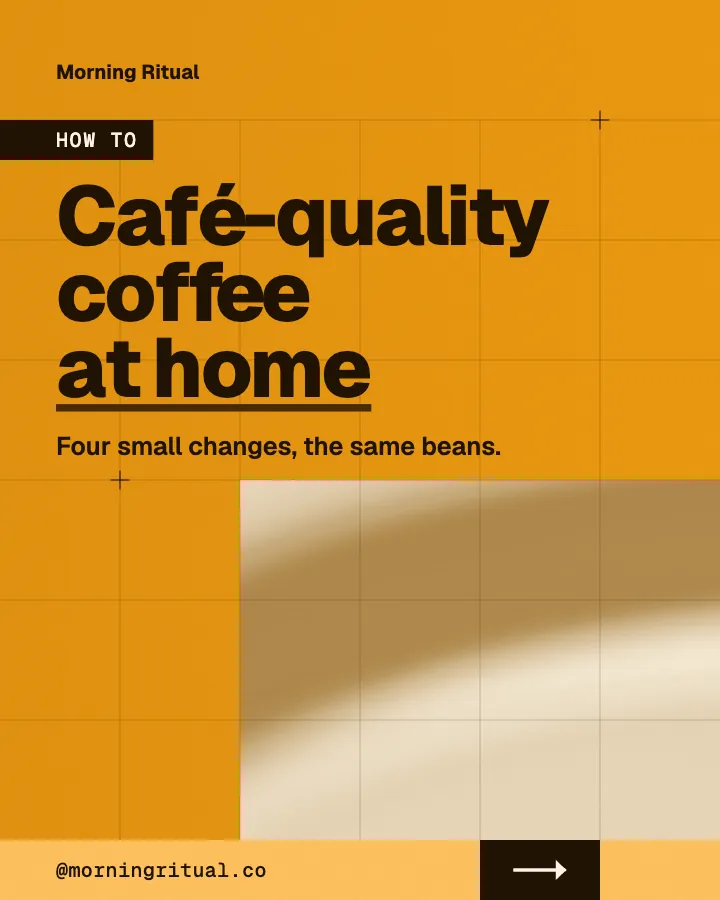
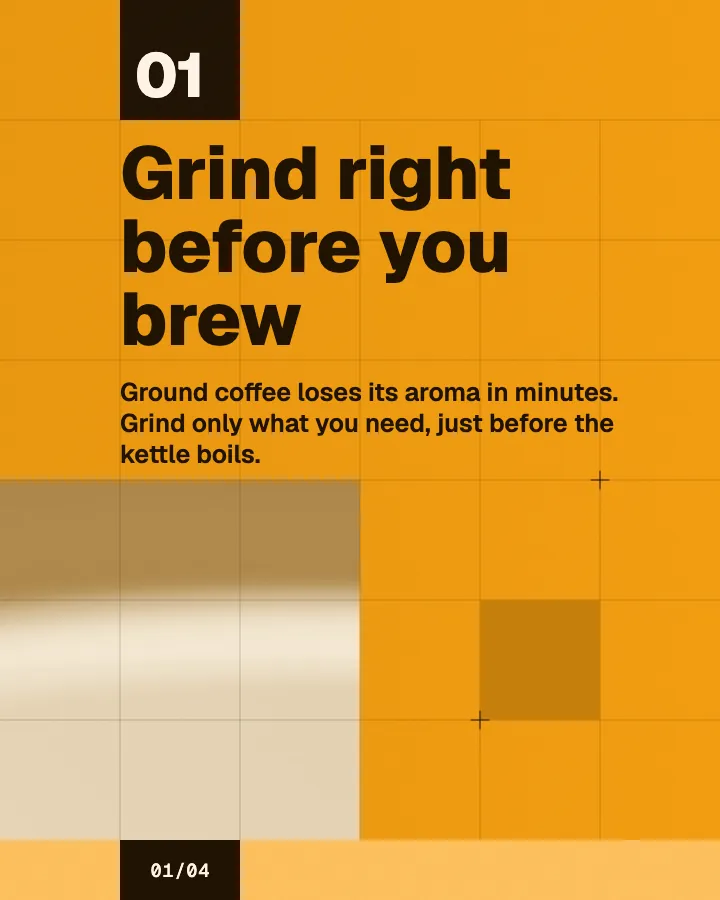
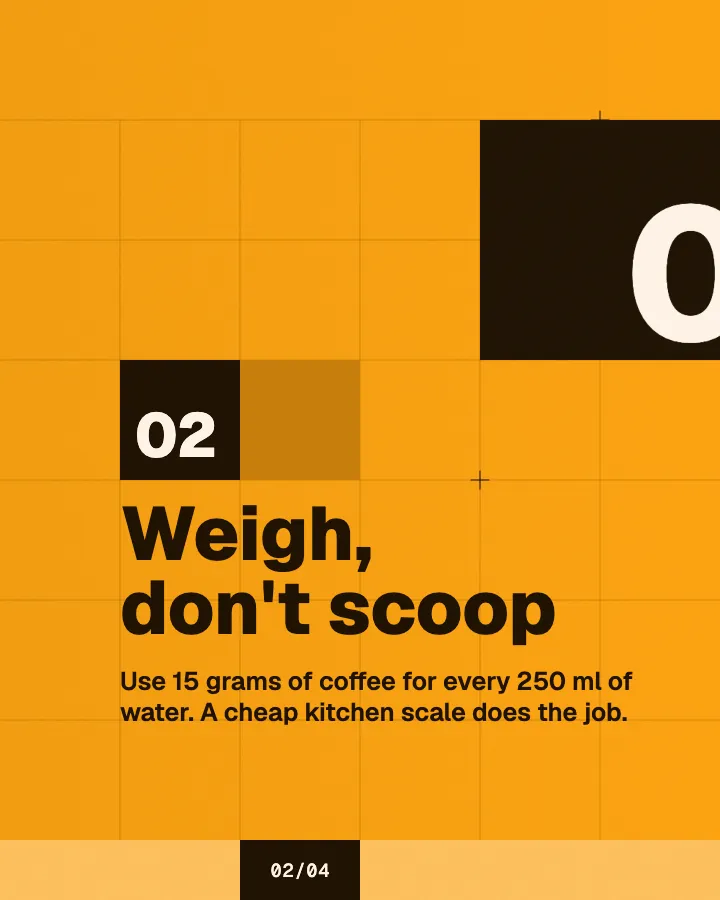
The first slides of Morning Ritual's carousel, a fictional business.
PosterMyWall alternative for social posts
No template to pick and fill: your social posts written and designed for your business, in your colors, ready to post.
No card for the free posts7-day money-back guaranteeSee plans


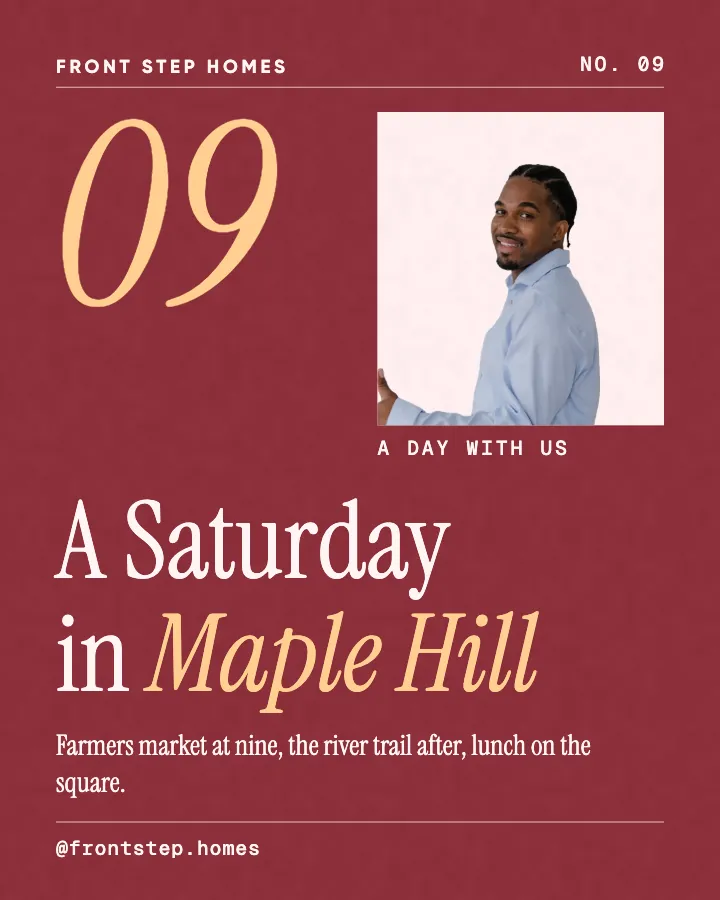
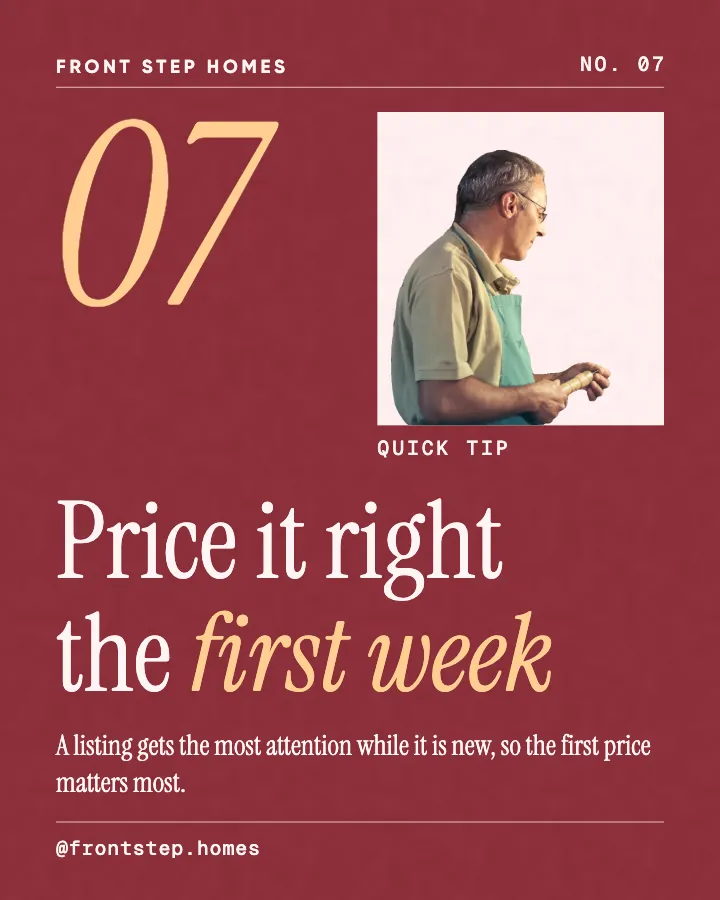
Example posts for a fictional real estate agent, made with Creobee.
How it works
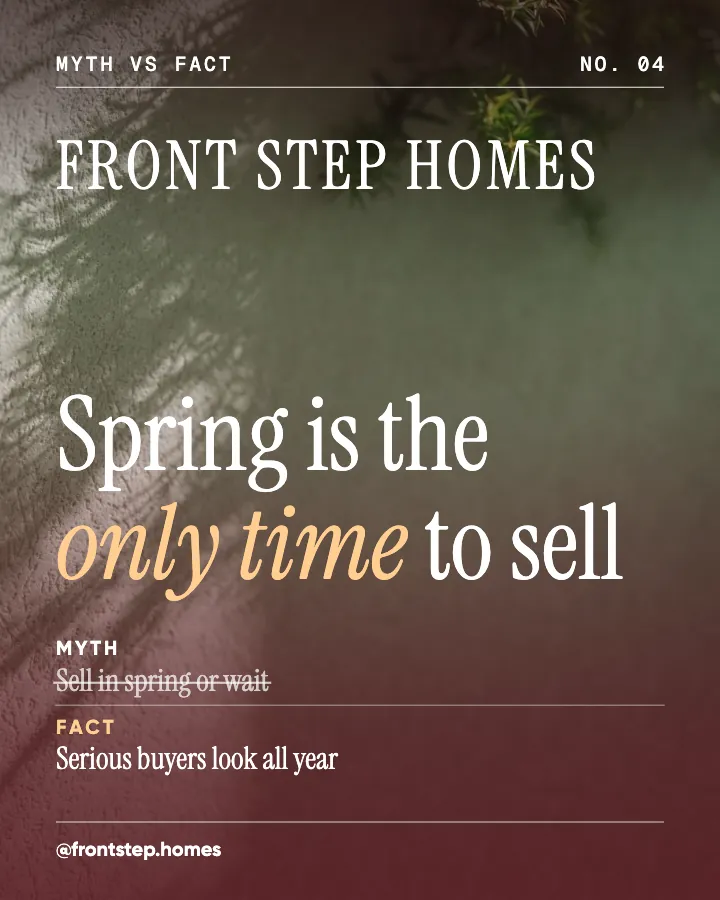
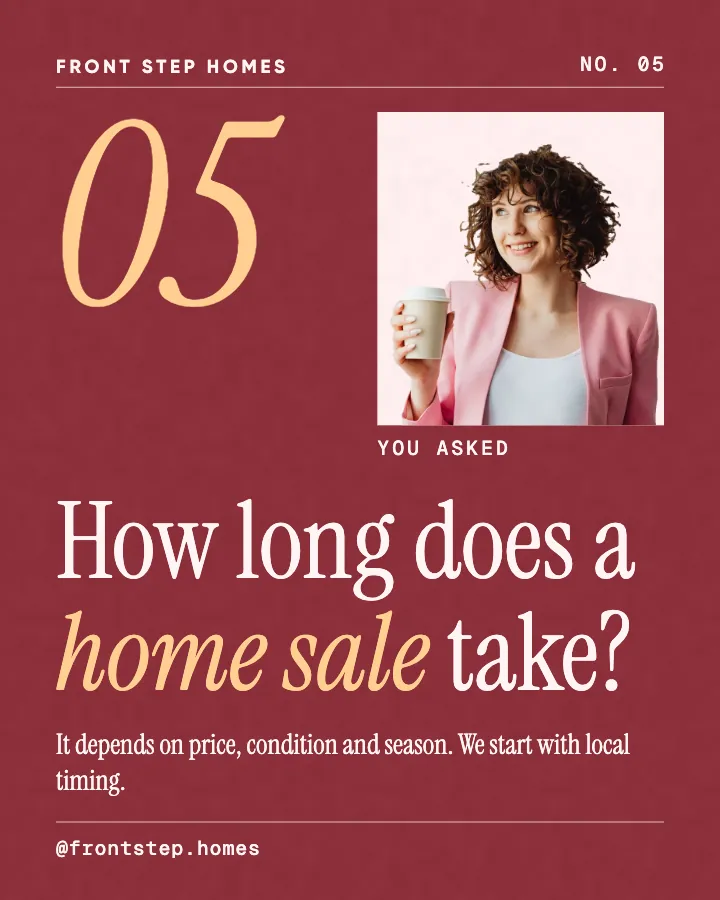
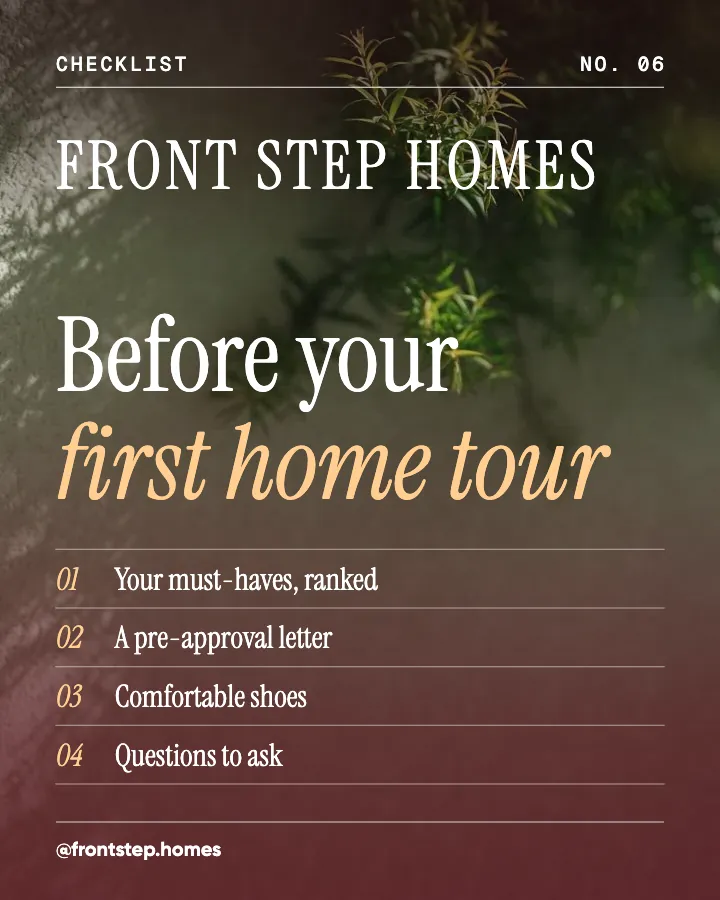
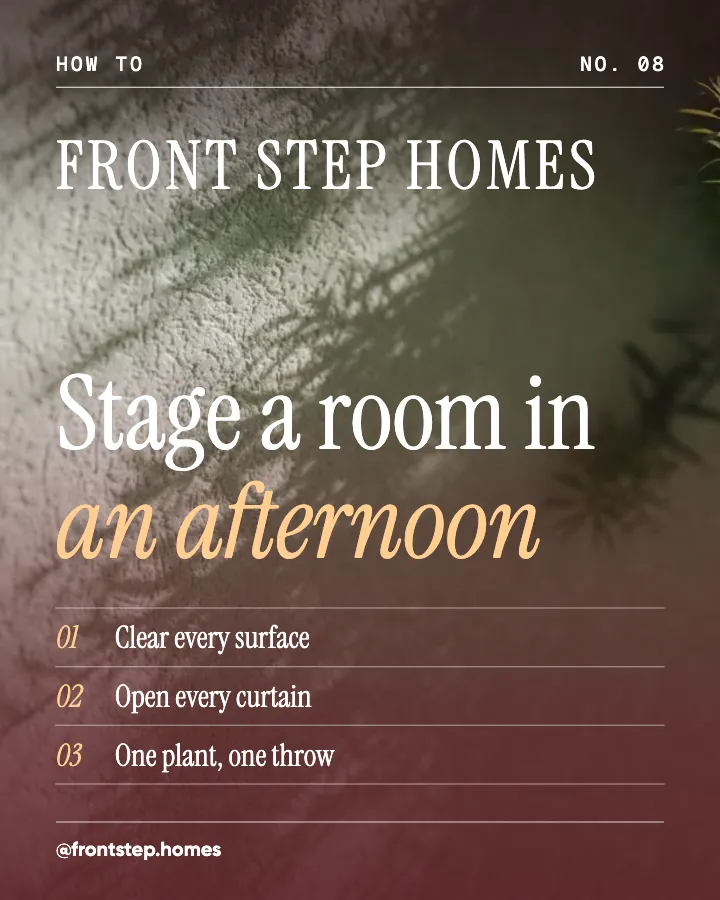
Front Step Homes is a fictional real estate agent. This is the week Creobee made for it.
Describe it onceYour website, or a few words.
Get the weekEvery post written and designed in your colors.
Approve, then postScheduled for you on Autopilot and Pro, or downloaded.
BriefIndependent real estate agent helping people buy and sell homes in town. Calm, warm voice.
Regular · 16 a week
Front Step Homes's week is ready@frontstep.homes
8 networks, one schedule
Each post goes out on its day, after your OK.
Example week for a fictional real estate agent, made with Creobee. Stories go to Instagram; animated posts only if you want them.
About 70 posts a month, stories included. Autopilot's 100 posts cover it.
$39 a month · about $0.39 a post
Your first 3: a post, a carousel and a story.
PosterMyWall details come from its own pricing page and FAQ, read on October 6, 2026 and re-checked on October 8, 2026 (US dollars, monthly billing). Check there for today's price where you are.
Facts about other tools read on their own pages, checked . Sources: PosterMyWall pricing.
4 to 8 slides, every one readable alone. 2 to 4 in a planned week.
The first slides of Morning Ritual's carousel, a fictional business.
Your brand
Front Step Homes uses the Editorial style, the checkerboard grid pattern and its own colors. No AI-generated images.
On Autopilot and Pro, each post goes out at its time to the accounts you connect, and stories go to Instagram. On the other plans you download the week.
An offer, a sale and a number, each the animated version of an example post for a fictional business. The motion comes from the post's own design, and every video ends on the post.
On every plan, at no extra cost. Sound effects you can turn off.
Animated versions of example posts for fictional businesses, made with Creobee.
Pricing
Every plan designs your feed. Pick how many posts, and whether we post them too.
Not sure yet? First 3 posts free, no card neededFor making your posts and posting them yourself
$19/month
7-day money-back guarantee. Cancel anytime.
For handing the whole job over
$39/month
7-day money-back guarantee. Cancel anytime.
For posting every day across several accounts
$79/month
7-day money-back guarantee. Cancel anytime.
For comparison: freelancers usually charge $300 to $1,500 a month for 8 to 16 posts.
Straight answers on pricing, posts, and what Creobee does and does not do.
No. You never pick or fill in a template. You describe your business once, and Creobee plans the month, writes every post and caption and designs each one for its kind of post, in one style and your colors. You choose the look for the whole batch; the layout of each post follows what it says. If you want to choose a template and place every element, PosterMyWall is the better fit.
Partly. Every new account gets 3 finished posts free, a post, a carousel and a story from its first week, with no card and no watermark, so you can see your own brand on real posts before paying anything. After that, plans start at $19 a month for 40 posts, with a 7-day money-back guarantee. If you want to spend nothing and are happy to design by hand, PosterMyWall's own free plan and Canva's free version are the usual picks. Creobee's free browser tools at /tools (resizer, compressor, crop preview) need no account.
No. Creobee makes designed 4:5 posts, 9:16 stories, still carousels and short animated versions of single posts with sound effects you can turn off: no filmed or AI video, no voice or music, no replies to comments or DMs and no analytics. It makes no print, emails or event pages either. Keep PosterMyWall for flyers and posters, and let Creobee carry the everyday social feed.
No music and no voice. Each animated post has sound effects timed to its motion: a soft click as a row lands, a note as a highlight appears, one short note at the end. One switch turns them off for every post, and you can also turn them off for a single scheduled post. If you want a song on a Reel you post yourself, add it in Instagram when you post.
Template libraries are shared, so the same design can turn up on many profiles. Creobee designs each batch from your brief, in your brand color, with your logo and your photo or one of 124 backgrounds, in one of 5 styles and a grid pattern. The words are written for your business, and the animated versions move from those same designs.
On Autopilot and Pro, yes: connect your accounts and schedule a whole batch to Instagram, Facebook Page, LinkedIn, Threads, Pinterest, Bluesky, TikTok and X, in grid order, only after you approve it. An animated post goes to Instagram as a Reel that stays in your grid, and as a video post to the other networks except X, which gets its picture; a carousel goes to Instagram as a carousel and to the other networks as a single-image version of the same post. On Solo, you download the posts and use your own scheduler.
Canva and Adobe Express work the same way PosterMyWall does: a template editor where you make each design yourself, with print and video. Creobee is a different kind of tool. It writes and designs your social posts as one feed, adds animated versions if you turn them on, and schedules them on Autopilot. Many small businesses keep a template editor for print and use Creobee for the feed.
Paste your website or say what you do, and Creobee makes your first 3 posts in your colors: a post, a carousel and a story. Animated posts are on every plan, off until you turn them on. No card needed.
Make 3 posts freeYour first 3: a post, a carousel and a story.
The guide
Creobee is a PosterMyWall alternative for businesses that want their social posts written and designed for them, not filled in from a template. From your website or a few words, it plans the month, writes every post and caption, and designs the batch as one Instagram feed in your colors, with short animated versions if you switch them on and no AI-generated images. For print flyers and posters, PosterMyWall is still the better tool.
12 chapters · 13 min read
1. Describe your business, not a design
Paste your website, or tap your kind of business and pick what your posts are about. No template gallery to search, no placeholder text to replace and no photo to swap in. That one step is the whole setup.
2. Choose the feed's look once
One of 5 styles, picked from your voice; a grid pattern for your profile; your brand color, logo and a photo or one of 124 backgrounds. Switch on animated posts if you want them. A preview shows your next nine posts the way your profile will.
3. Get the month, then post it
Up to 30 designed posts with captions in one batch. Download them, or on Autopilot schedule them to 8 networks in grid order, where an animated post can go to Instagram as a Reel that stays in your grid. Nothing goes out without your OK.
PosterMyWall is a design tool with a huge template library: its FAQ counts more than 3.3 million design and email templates. You pick a design, type your words over the placeholder text, swap in your photo and export it, or let its AI make a design from a prompt. It covers far more than social media, from flyers and posters to emails, event pages and digital signage.
In Creobee there is no library to search. You describe your business once, and it plans the month across 7 content pillars and dozens of post types, so you never hunt for a tip template on Monday and an offer template on Thursday. It writes each post's on-image words and caption in your voice, and every design is made for one place: a 4:5 post in your Instagram feed, with its words clear of the strips your profile grid crops off, not a poster cut down to fit a phone. The trade is range and control: PosterMyWall covers print and much more, and here you choose the look for the whole month, not where each word sits.
A template makes one good post. A month of posts picked from different templates rarely looks like one business on your profile: each one brings its own fonts, colors and layout, and the grid ends up looking like a collage. A Brand Kit helps, but you still decide what goes next to what, thirty times a month.
Creobee designs the batch as a set. One style carries the type and shapes, your palette runs through every post, and a grid pattern takes turns between your art full size, a block of your color and a light surface. Because the pattern repeats every two, three or four posts, it keeps its shape as new posts push the old ones along, and next month's batch carries on where this one stopped.
PosterMyWall animates the way an editor does. You pick a video template, or add entrance and exit effects such as slide, fade or bounce to each element, line them up on a timeline, choose music or sound effects from its stock library, and download an MP4 or a GIF. You get full control, and every post is a small editing job.
In Creobee, animation is a switch. Turn on animated posts and each single post can also come as a 6 to 12 second 4:5 video, animated from that post's own design by a library of 19 motion templates, one chosen for each kind of post: a checklist's rows arrive one after another, a number counts up, an offer is revealed, a myth gives way to its fact. You never pick or fill a template. The words, shapes and colors are the ones on your post, and your own photo never zooms or pans.
Every video starts and ends on the exact still post, so it loops cleanly and its cover is the post itself. On your profile it looks like the post you planned. Sound effects are timed to the motion, a soft click as a row lands or a note as a highlight appears, with no music and no voice, and you can turn them off. Animated posts are opt-in, on every plan, and cost no extra posts.
Video often breaks a planned grid: unless you design a cover, a Reel shows a frame Instagram picks, and its tile on your profile stops matching its neighbors. Creobee's animated posts avoid that by design, because the video begins and ends on the still post and its cover is that still, so the tile is the same crop a still post would show.
On Autopilot and Pro, an animated post is scheduled as a video by default. It goes to Instagram as a Reel shared to your grid, and as a video post to Facebook Page, LinkedIn, Threads, Pinterest, Bluesky and TikTok, while X gets its picture. You can still send any post as an image instead. Carousels stay still: Instagram gets the slides, and the other networks a single-image version of the same post. On Solo, you download the videos and post them yourself.
People comparing PosterMyWall with Canva are choosing between two template editors. Both give you a large library, a free version, animation, stock audio and print, and both leave you to write the words and arrange each design. PosterMyWall leans toward events, flyers and promotion, with event pages, emails and digital signage built in. Canva leans toward everything else, from presentations to team design work.
Creobee is a different kind of tool. It does not hand you an editor. It decides what to post for the month, writes it, and designs every post as part of one feed, so there is nothing left to lay out.
PosterMyWall does plenty that Creobee does not. Choose PosterMyWall when:
Choose Creobee when filling in templates is the part of the week you want gone:
Nothing needs moving. Sign up, paste your website or say what you do, check what Creobee read, add your logo and make your first 3 posts. Put them next to your last month of PosterMyWall posts before you decide.
Keep PosterMyWall for the flyers and the event posters. Creobee does not import PosterMyWall designs, and it does not export editable design files. A photo you edited anywhere can be uploaded as the background for a batch, and every saved post stays in your gallery to download again later.
In a template library, each of these starts as a search: a tip template, a poll template, an offer template, and then you type every word. In Creobee they arrive planned, written and laid out for their kind of post, in one style and one palette, and with animated posts turned on each one can also move from its own design. The pizzeria is fictional; your posts come from your business.
Educate / Tip
Reheat a slice in a pan, not the microwave
Medium heat, no oil, lid on for the last minute. The base crisps up again and the cheese melts through, so day-old pizza tastes close to the night it came out of the oven. The microwave is faster, but it turns the crust soft and chewy. Two extra minutes is worth it.
Engage / This or that
Thin and crisp, or thick and soft?
Some of you fold every slice in half. Some of you want a crust you can hold like a sandwich. We make both every night and we will never take sides in public. Tell us which camp you are in, and the topping you would put on it.
Behind the scenes / Number
48 hours from dough to oven
Every batch of our dough rests for two days before it meets the oven. That slow rest is where the flavor comes from, and it is why the crust is light with big airy bubbles at the edge. It takes planning, which is why we sometimes sell out on busy nights.
Educate / Myth vs fact
Great pizza needs a wood oven
A wood oven is lovely, but it is not the secret. Good dough, given time, and an oven that is properly hot matter far more than what fuels it. Plenty of the best slices you have eaten came out of a plain deck oven. The rest of the work happens a long time before the pizza goes in.
Promote / Offer
Feeding a team? Order a party tray
Office lunch, a birthday or the whole soccer team after the match. Our party trays come cut into squares, so everyone can grab a piece without plates or knives. Order a day ahead and tell us about any allergies. The order link is in our bio.
Inspire / Original line
Good dough cannot be rushed
It is true of pizza and of most things worth making. The quick version is always there, and it is always a little worse. We would rather plan two days ahead than serve you something we are not proud of.
Canva vs AI post generators for social media: which fits your volume, skill, time and need for control, where each falls down, and how to use both together.
7 min read
How to create a cohesive Instagram feed with a small system instead of perfectionism: two or three template families, one fixed palette and a posting rhythm.
7 min read
The best AI Instagram post generators of 2026 compared: which design finished branded posts, which are free, with prices checked on each vendor's own site.
21 min read
Branded social media templates that convert: design modular layouts once, use conversion cues on purpose, measure which templates sell and build a library.
4 min read