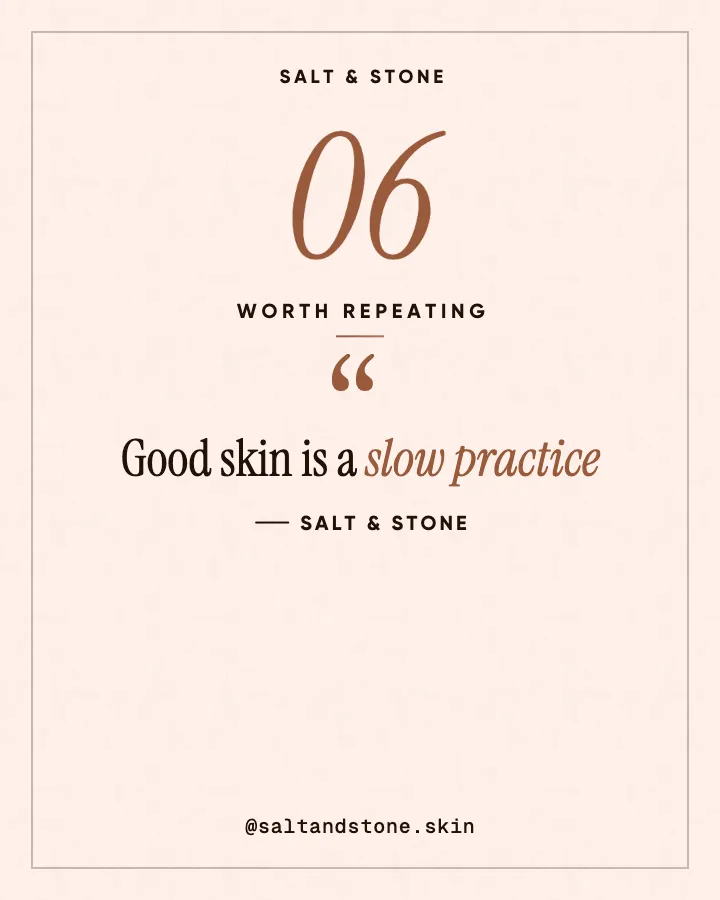
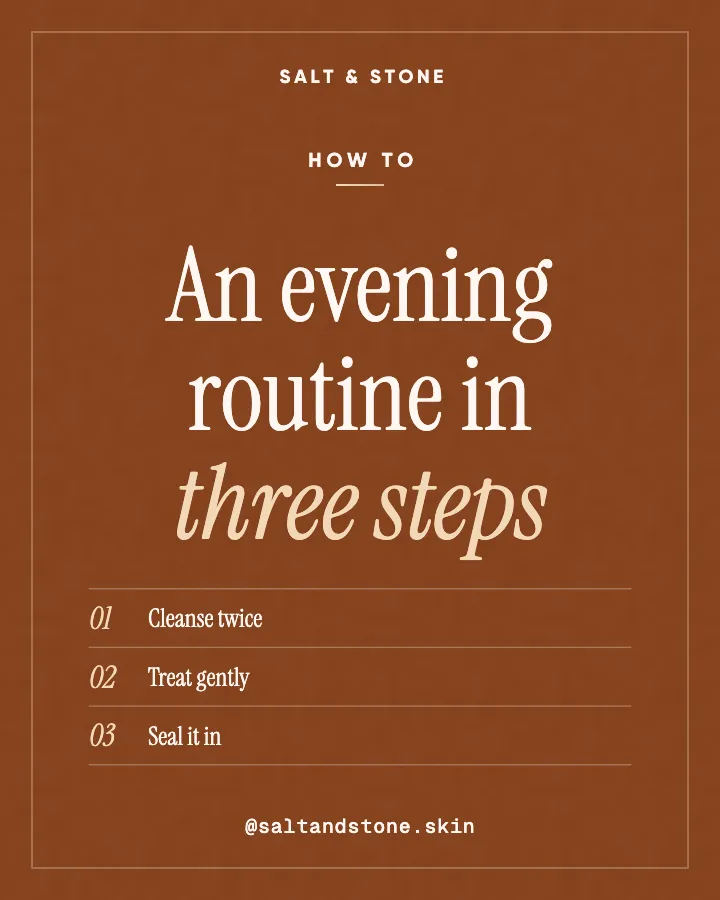




Carousels that connect as you swipe
4 to 8 slides, every one readable alone. 2 to 4 in a planned week.
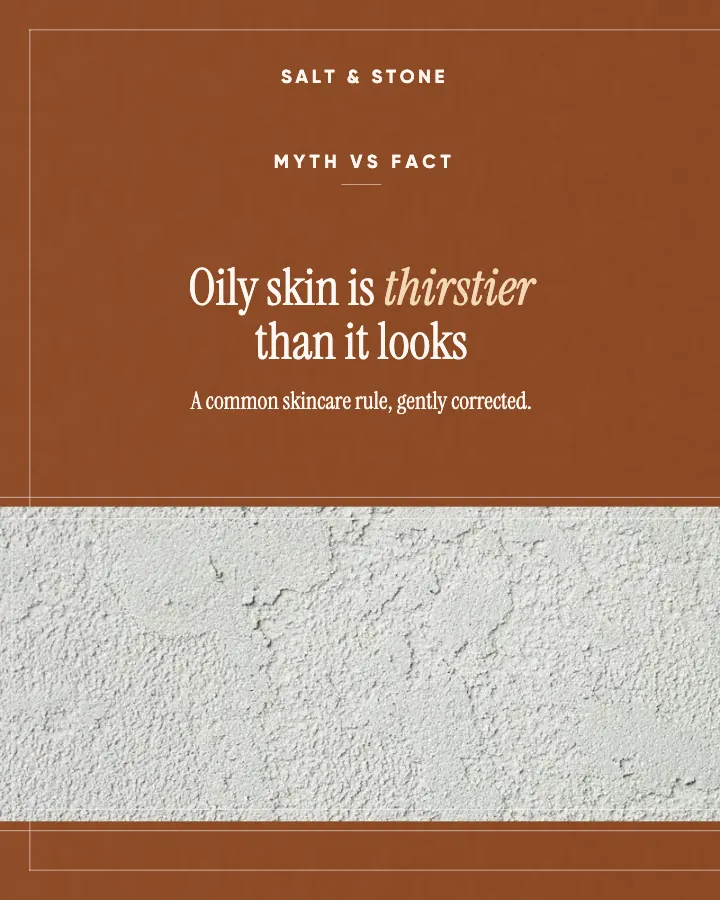

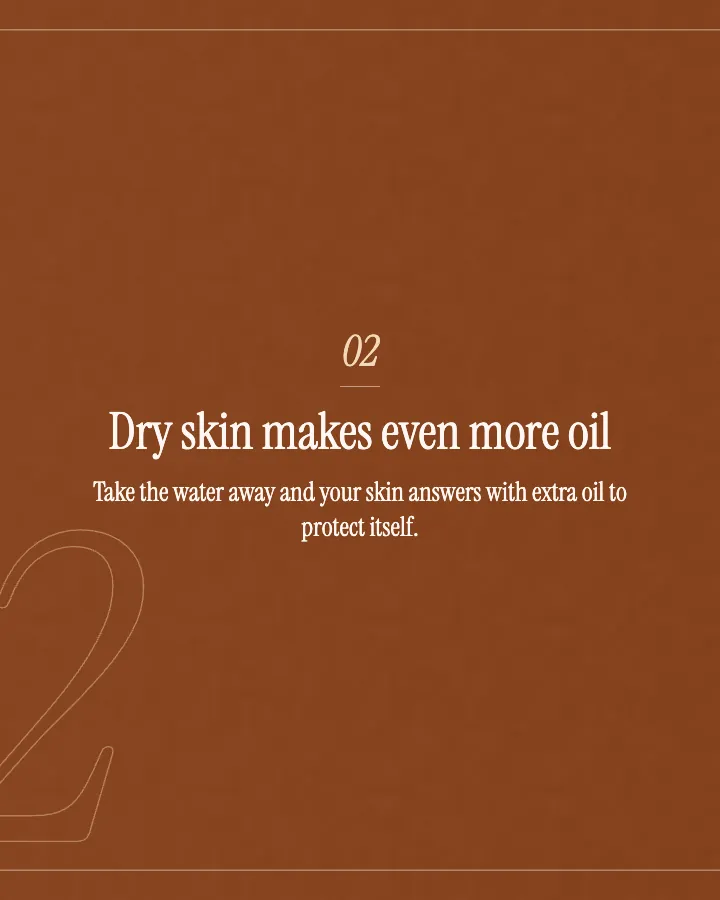
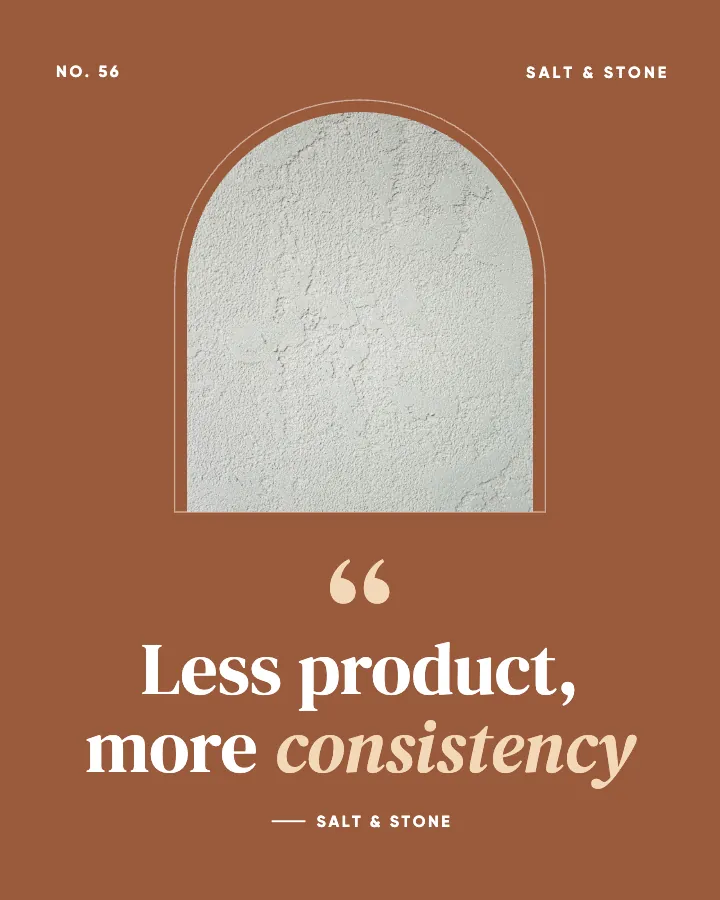
The first slides of Salt & Stone's carousel, a fictional business.
Adobe Express alternative
The posts, not another editor: planned, written and designed as one feed in your colors, with animated versions if you want them.
No card for the free posts7-day money-back guaranteeSee plans

Example posts for a fictional skin studio and esthetician, made with Creobee.
How it works
Salt & Stone is a fictional skin studio and esthetician. This is the week Creobee made for it.
Describe it onceYour website, or a few words.
Get the weekEvery post written and designed in your colors.
Approve, then postScheduled for you on Autopilot and Pro, or downloaded.
BriefSkin studio for facials and consultations. Calm voice.
Regular · 16 a week
Salt & Stone's week is ready@saltandstone.skin
8 networks, one schedule
Each post goes out on its day, after your OK.
Example week for a fictional skin studio and esthetician, made with Creobee. Stories go to Instagram; animated posts only if you want them.
About 70 posts a month, stories included. Autopilot's 100 posts cover it.
$39 a month · about $0.39 a post
Your first 3: a post, a carousel and a story.
Adobe Express facts come from Adobe's own pages, read on October 6, 2026, except the US price, which came from search results that day because Adobe shows each visitor the local price. Adobe changes plans and features often, so check there before you choose.
Facts about other tools read on their own pages, checked . Sources: Adobe Express pricing, Adobe Express.
4 to 8 slides, every one readable alone. 2 to 4 in a planned week.
The first slides of Salt & Stone's carousel, a fictional business.
Your brand
Salt & Stone uses the Editorial style, the columns grid pattern and its own colors. No AI-generated images.
On Autopilot and Pro, each post goes out at its time to the accounts you connect, and stories go to Instagram. On the other plans you download the week.
A how-to that builds step by step, a myth struck through before the fact lands, and an offer revealed. Each is the animated version of an example post, moved from its own design, starting and ending on the post.
On every plan, at no extra cost. Sound effects you can turn off.
Animated versions of example posts for fictional businesses, made with Creobee.
Pricing
Every plan designs your feed. Pick how many posts, and whether we post them too.
Not sure yet? First 3 posts free, no card neededFor making your posts and posting them yourself
$19/month
7-day money-back guarantee. Cancel anytime.
For handing the whole job over
$39/month
7-day money-back guarantee. Cancel anytime.
For posting every day across several accounts
$79/month
7-day money-back guarantee. Cancel anytime.
For comparison: freelancers usually charge $300 to $1,500 a month for 8 to 16 posts.
Straight answers on pricing, posts, and what Creobee does and does not do.
It depends on what you want to stop doing. If you like designing but want different templates, another editor such as Canva does the same job. If you want to stop making posts one by one, look for a tool that plans, writes and designs them for you. That is the job Creobee does: a month of posts as one feed in your colors, with animated versions if you want them, from $19 a month after 3 free posts.
No. There is no editor and no per-post canvas. Creobee is a social media manager: it decides what to post, writes the words and designs the posts for you. You choose the style, pattern, colors, logo and background for the whole batch, and each post's layout follows what it says. If you need to place every element yourself, Adobe Express is the better tool.
Yes, in a different way. Turn on animated posts and each single post gets a motion template that fits it (carousels stay still), from a library of 19: lists build step by step, numbers count up, offers are revealed. The motion comes from the post's own design and ends on the still post. There is no timeline to edit; you can switch one post to another template that fits it, or to none.
No. Animated posts come with sound effects timed to the motion, like a soft click as each row appears and one short chime as the post settles, and you can turn them off. Creobee makes designed 4:5 posts, 9:16 stories, still carousels and short animated versions of single posts with sound effects you can turn off: no filmed or AI video, no voice or music, no replies to comments or DMs and no analytics. If you want music under your posts, add it in Instagram or use an editor.
Yes, and many owners will. Download Creobee's posts and their animated versions for your feed, and keep Adobe Express for Stories, flyers and Reels made from your own footage. A photo you edited in Adobe Express can also be the background of a Creobee batch.
Adobe Express, if you only count the subscription. It has a free plan, and Premium is US$9.99 a month in the US, the price search results showed on October 6, 2026 (Adobe's own page shows each visitor the local price). Creobee gives 3 posts free with no card, then Solo is $19 a month for 40 finished posts, animated versions included. The real question is whether you would rather pay for the tools and make the posts, or pay for the posts.
Yes. With Carousels switched on, Creobee turns the posts that suit one into carousels of 4 to 8 slides in the feed's style. On Autopilot and Pro, Instagram gets the carousel and the other networks a single-image version of the same post. Creobee makes designed 4:5 posts, 9:16 stories, still carousels and short animated versions of single posts with sound effects you can turn off: no filmed or AI video, no voice or music, no replies to comments or DMs and no analytics. For a carousel you lay out slide by slide, an editor such as Adobe Express is the better tool, and it works fine next to Creobee.
Paste your website or say what you do, and Creobee plans, writes and designs your posts as one feed in your colors. For animated versions, turn on animated posts for your weeks. First 3 posts free, no card needed.
Make 3 posts freeYour first 3: a post, a carousel and a story.
The guide
Creobee is an Adobe Express alternative for businesses that want the posts, not another editor. From your website or a few words, it plans the month, writes every post and caption, and designs the batch as one Instagram feed in your colors, with your logo, plus short animated versions if you switch them on. If you want to design and edit every piece yourself, Adobe Express is still the better tool.
13 chapters · 14 min read
1. Start from your website, or a few words
Paste your website and Creobee reads what you do, what you offer, your brand color, logo and photos, and you check every answer. No website? Tap your kind of business and pick what your posts are about. No template to choose and no blank page.
2. Pick the feed's look, and turn on animation
One of 5 styles picked from your voice, a grid pattern (columns, checkerboard and diagonal), your color and logo, and your own photo or one of 124 backgrounds. Turn on animated posts and each single post gets a motion template that fits it. A preview shows your next nine posts the way your profile will.
3. Get the month, still or animated
Up to 30 designed posts with captions in one batch. Download each post as an image or a short 4:5 video, or on Autopilot schedule the batch to 8 networks in grid order. Nothing goes out without your OK.
A month of posts in Adobe Express is a month of small jobs, and the tools help with each one without taking it off your plate:
Creobee takes those jobs as one. You describe your business once, from your website or a few words, and every batch starts from it.
Adobe Express animates the pieces of a design. You select a text box, a photo or a shape and give it an animation coming in, looping or going out, or animate everything at once. Its effects include Spin, Pop, Jitter and Slide, Zoom and Pan, and physics effects like Wobble and Wind, which Adobe lists under Premium as Dynamic Animations. An animated design downloads as an MP4. It is flexible, and you make every choice, one element and one post at a time.
Creobee animates the post as a whole. Its library of 19 motion templates was built for kinds of posts: a list builds step by step, a myth is struck through before the fact lands, a number counts up, an offer is revealed. With animated posts on, each post gets the template that fits it, moved from its own design: its words, highlight, shapes, photo, logo and colors. Each video runs 6 to 12 seconds in 4:5, with sound effects timed to the motion that you can turn off. If you want a different one, open the post and pick another template that fits it, or none.
The part that matters most for Instagram: every animated post starts and ends on the exact still post. Its cover is the still, so your profile grid shows the same tile it would for an image, and the pattern you planned stays in place. In an editor, the cover of a Reel is one more thing to get right by hand.
Animated posts are on every plan, Solo included, and an animated post costs the same as a still: one post. On Solo, download each one as a 1080 by 1350 video or as the image. On Autopilot and Pro, an animated post can be scheduled as a video: it goes to Instagram as a Reel that stays in your grid, and as a video post to Facebook Page, LinkedIn, Threads, Pinterest, Bluesky and TikTok, while X gets its picture. You can still choose to post the image instead, post by post. A carousel is never animated: Instagram gets its slides, and the other networks a single-image version of the same post.
Animation is off until you switch it on, so a feed of still posts stays exactly that. Turn it on for a batch and turn the sound effects off if you prefer the motion alone.
Adobe Express does a lot that Creobee does not, and many owners should keep it. Choose Adobe Express when:
Choose Creobee when making the posts is the part you want off your list:
People comparing Adobe Express vs Canva for Instagram are choosing between two editors. As of October 2026, both give you templates, brand kits, AI helpers, animation and a scheduler, and both leave the making of each post to you. Pick the one whose templates and tools you like more. PosterMyWall works the same way, with more print and event formats.
Creobee is a different kind of tool, so it is not a third editor to compare. It decides what to post, writes it, designs every post as part of one feed and animates it if you want, so there is nothing left to lay out. Plenty of owners keep an editor for one-off pieces and let Creobee carry the everyday feed.
Nothing stops you using both. Let Creobee make the month's feed posts and their animated versions, and open Adobe Express for a Story, an event flyer or a Reel built from your own footage. A photo you edited in Adobe Express can be the background of a Creobee batch.
What does not move between them: Creobee does not import Adobe templates and does not export editable design files. You get finished 1080 by 1350 posts and videos, each with its caption ready to copy, and your gallery keeps every saved post so you can download it again.
In an editor, each of these is its own design job, and animating it is another. In Creobee they arrive planned, written and laid out for their kind of post. With animated posts on, each one moves in its own way: the how-to builds step by step, the myth gets struck through before the fact lands, the number counts up, the two sides slide in next to each other and the offer is revealed. The shop is fictional; your posts come from your business.
Educate / How-to
Make your bouquet last a week longer
Trim the stems at an angle as soon as you get home, and again every two days. Strip any leaves that sit under the water. Change the water rather than topping it up, and keep the vase away from the fruit bowl and the radiator. Small habits, and most bouquets will thank you with a few extra days.
Educate / Myth vs fact
A drop of bleach keeps flowers fresh
It is one of the most shared flower tips, and it does more harm than good at home. The real enemy is dirty water and a dirty vase. Wash the vase with hot soapy water, use the flower food that came with your bouquet and change the water every two days. That is all the chemistry you need.
Educate / Number
3 days is when most bouquets need fresh water
Around the third day, the water starts to cloud and the stems drink less. That is the moment to rinse the vase, refill it and give each stem a fresh cut. Do it once and your flowers usually look better on day five than they did on day two.
Engage / This or that
Wild and loose or neat and round?
Some people love a bouquet that looks freshly picked from a garden. Others want every stem in its place. We make both every day, and we never get tired of either. Which one is yours? Tell us in the comments and we will make your next one that way.
Promote / Offer
Fresh flowers every Friday, delivered
Our weekly subscription brings a seasonal bouquet to your door every Friday, chosen from what came in that week. Pause or skip a week whenever you like. It is the easiest way to always have something fresh on the table. The link to sign up is in our bio.
Inspire / Reframe
Flowers are not a luxury on a Tuesday
Nobody needs a reason to buy flowers. A bunch on the kitchen table changes how a room feels every time you walk past it, and it costs less than most of the small treats we never think twice about. No birthday required.
How to make animated Instagram posts: the size and length to use, how to animate one in Canva step by step, and how to keep your grid looking planned.
12 min read
How to turn an Instagram post into a Reel: what Instagram does for carousels, the manual way for single posts, and how to keep your grid tile intact.
11 min read
Canva vs AI post generators for social media: which fits your volume, skill, time and need for control, where each falls down, and how to use both together.
7 min read
The best AI social media managers for small business, compared: what each makes, whether it posts for you, entry prices as of September 2026 and where it wins.
15 min read