Bakery Instagram Post Ideas Around Preorders
Bakery Instagram post ideas built around the preorder week, allergen and gluten-free claims, the baking calendar, and what Creobee plans for a bakery account.
A bakery sells something that runs out, and that shapes its whole Instagram account. Customers want to know what is on the shelf today, when the cut-off is for Saturday, whether the rye has seeds in it and how early to come for croissants. So a working bakery feed is roughly half bread and half logistics made to look good. The bread half is your photos and Reels. This guide is mostly about the other half, where most bakeries go quiet because writing "Preorders close Thursday at 6pm" for the fortieth time is dull.
At the end I describe what Creobee, the product I build, plans for an account that signs up as a bakery, read from its own planning code on November 4, 2026.
The preorder week is the backbone
If you take orders ahead, the week has a shape, and the posts follow it. Whatever your days are, the pattern is the same: say what is on the list, remind people before the cut-off, then show pickup day.
Early in the week: the list. What is bakeable this weekend, what is new, what is back. Name each bake and one detail that makes it yours: the flour, the length of the proof, the filling.
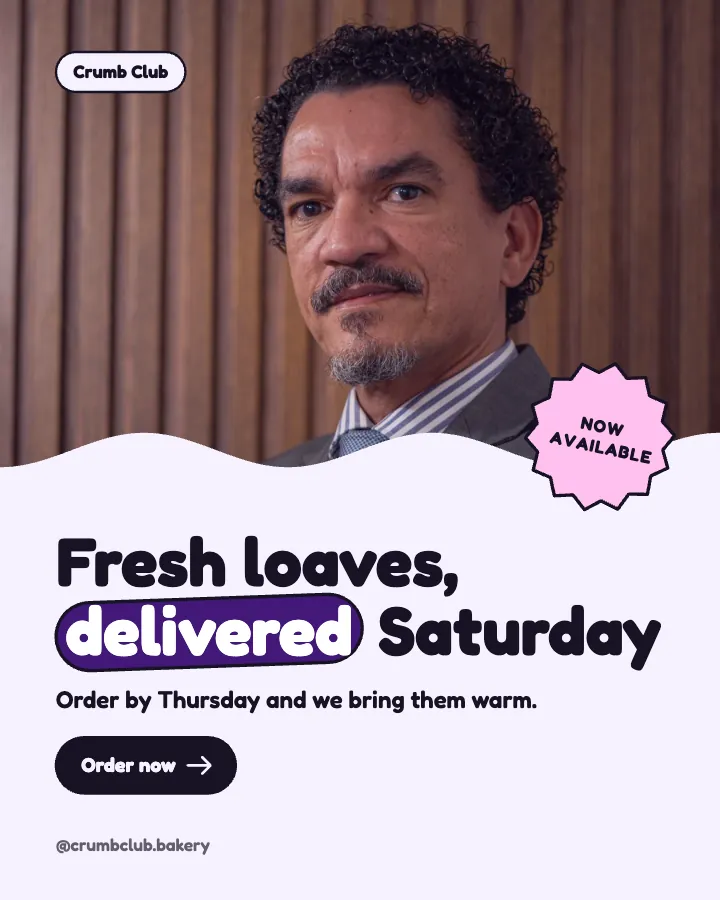
The day before the cut-off: the reminder. "Saturday preorders close Thursday at 6pm" as a designed post, with the pickup window in the caption. Repeat it more than feels comfortable. You have seen the announcement ten times; most of your followers saw it once, if at all.
In stories: the countdown and the link. Instagram's sticker list includes a Countdown sticker and a Link sticker (Using stickers on Instagram, checked November 4, 2026). A countdown to the cut-off and a link to the order form are the two that earn their place. Instagram's own page notes that not every sticker is available to everyone, so check yours.
Pickup day: what is left. A story of the rack at 2pm, and when the sold-out bake is back. "Sold out by 11!" reads as a brag if it stops there; add "back Friday, preorder to guarantee one" and it becomes a reason to order.
Pin the post that explains how ordering works. Instagram lets you pin up to 3 posts to the top of your profile (Pin a post to the top of your profile, checked November 4, 2026), so a new visitor sees the order form, the pickup days and the custom cake lead times before anything else.
Allergen and gluten-free posts
People with a serious allergy read your posts literally, so these are the ones to get exactly right. In the US, the FDA lists nine major food allergens: milk, eggs, fish, crustacean shellfish, tree nuts, peanuts, wheat, soybeans and sesame, with sesame added from January 1, 2023 (Food Allergies, checked November 4, 2026).
"Gluten-free" has a definition too. The FDA's rule says any unavoidable gluten in a food labelled gluten-free must be under 20 parts per million. The rule covers packaged food, and the FDA recommends that restaurants making a gluten-free claim on their menus stay consistent with that definition (Questions and Answers on the Gluten-Free Food Labeling Final Rule, checked November 4, 2026). If your gluten-free brownie is baked next to wheat flour, say so. Outside the US the rules are your country's, so check them.
The safest post states what is not in the recipe, says what your kitchen also handles, and invites questions: "Everything on the left shelf is made without nuts. Our kitchen handles nuts, so we cannot promise zero traces. Ask us what went into each bake."
The baking calendar
A bakery's year is a sequence of preorder windows. Each one needs the same three facts: when ordering opens, when it closes and the pickup days.
- Holiday preorders, with the closing date and a "closes in three days" reminder.
- Holiday hours and closures, a week ahead, on the feed and on Google. Google Business Profile has special hours for short changes of up to 6 days in a row (How to set special hours, checked November 4, 2026).
- Custom cake lead times, posted before the season that fills your book, whether that is weddings, graduations or birthdays.
- The seasonal menu, with what is new and what is leaving.
- Markets and pop-ups, with where, when and what you are bringing.
Small Business Saturday Instagram post ideas has a dated plan for one of these days.
How the bread is made, in true details
Behind-the-scenes posts work for bakeries because the work is invisible: the starter fed the night before, the long cold proof, the butter block going into the dough, the ovens on before dawn. Use the details that are true in your kitchen. If your sourdough takes three days, a post that explains what happens on each day also explains your price.
Storage and revival tips belong here too: how you would keep your own loaf (a paper bag, sliced in the freezer) and how to bring back a day-old one. They are the posts people save.
If you bake from home
A home bakery has no shop window, so the feed is the shop window: what you bake, which days, how many, how to order and where to collect. Keep your address off the feed and send pickup details after someone orders. State your batch limits ("20 loaves on Fridays"). Rules for selling food from a home kitchen differ by country, state and city, so check what applies to you before you advertise, and keep your posts consistent with it.
What Creobee plans for a bakery
I build Creobee, so here is what its planner does when an owner picks Bakery at sign-up, read from the code rather than remembered. The tiles offered to describe the bakery are Fresh bread, Pastries, Cakes to order, Wedding cakes, Gluten-free bakes and Baking classes. The plan it shows names one kind of post per theme:
- Baking tips people save for the weekend
- Sweet or savory? Polls your followers answer
- Small treats worth a pause in the day
- How your bread is made, from dough to oven
- The bakes customers order again and again
- What is fresh this week, with one clear next step
The first three posts follow fixed rules: a spotlight on one of the bakery's own bakes, named as the owner named it; a how-to carousel about choosing or using what it sells; and a story that asks the viewer to pick between two of its own bakes. The writer is told to use only the facts in the description and never to invent a date, a figure or a story. Two consequences for a bakery: a cut-off time or a pickup window appears only if you typed it, and if you tap "Gluten-free bakes", your posts will say you make them, so tap it only if that holds up against the definition above.
Your photos, and the posts around them
Steam coming off a split loaf, a lamination Reel and a story of the rack at 2pm come from you. Reel ideas for small business has formats that suit a bakery.
Creobee makes the logistics half: designed 4:5 posts, carousels and 9:16 stories in your colours, with captions, for the cut-off reminder, the lead times, the allergen notes and the seasonal menu, plus short animated versions of single posts if you switch them on. There is no filmed video, and it cannot photograph your bakes; you can use your own photo as the background. Solo is $19 for 40 posts that you download and post; Autopilot is $39 for 100 posts, and social media autopilot schedules the week you approved, posts and stories to Instagram, so the reminder goes out on the right day. Your first 3 posts are made and shown free, no card needed. For the local side, read Instagram for local businesses.
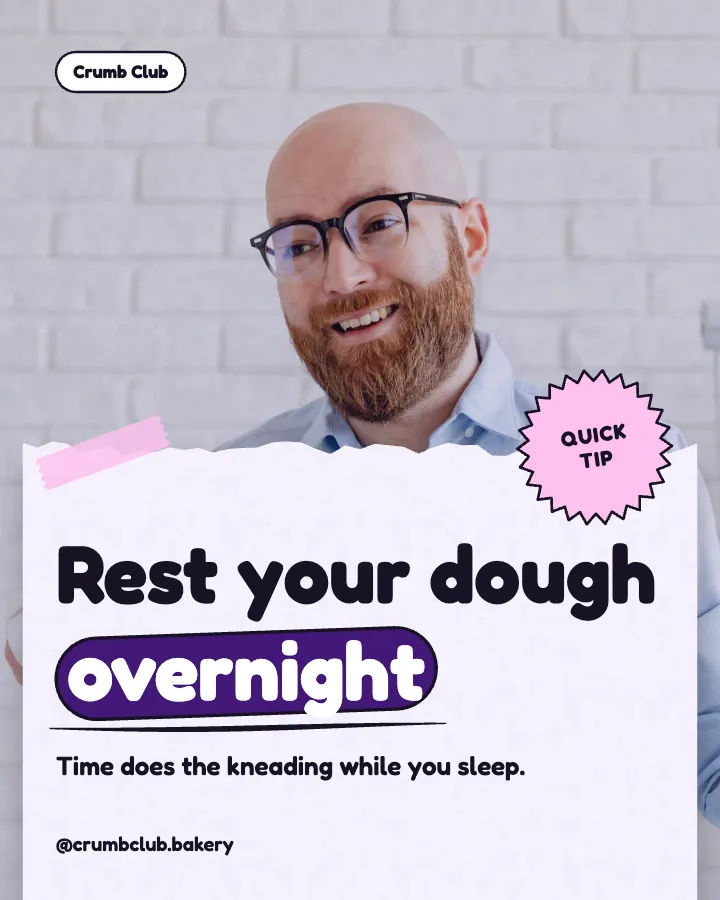
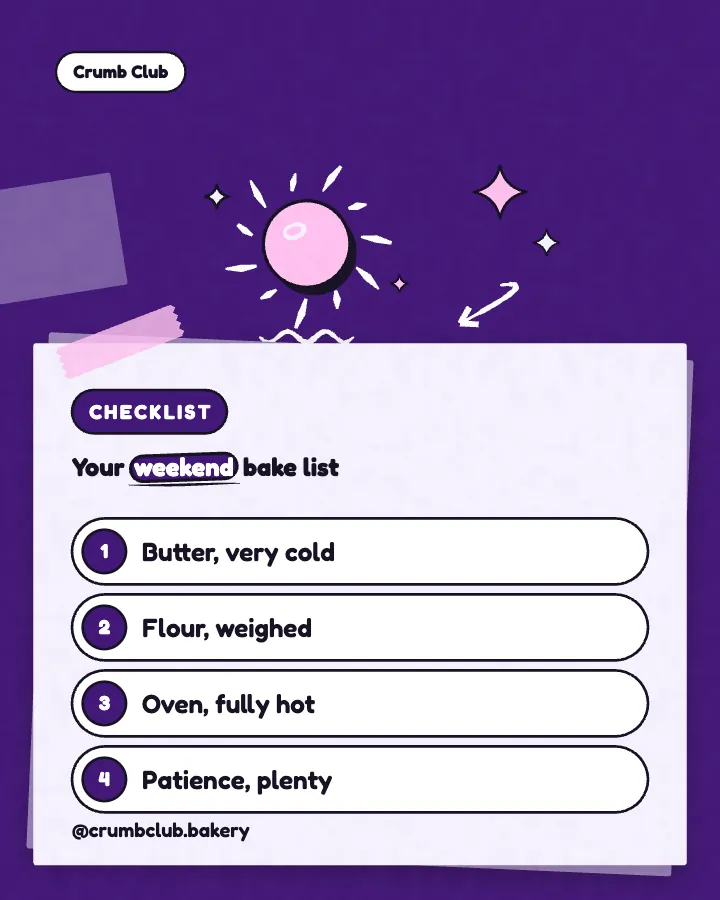
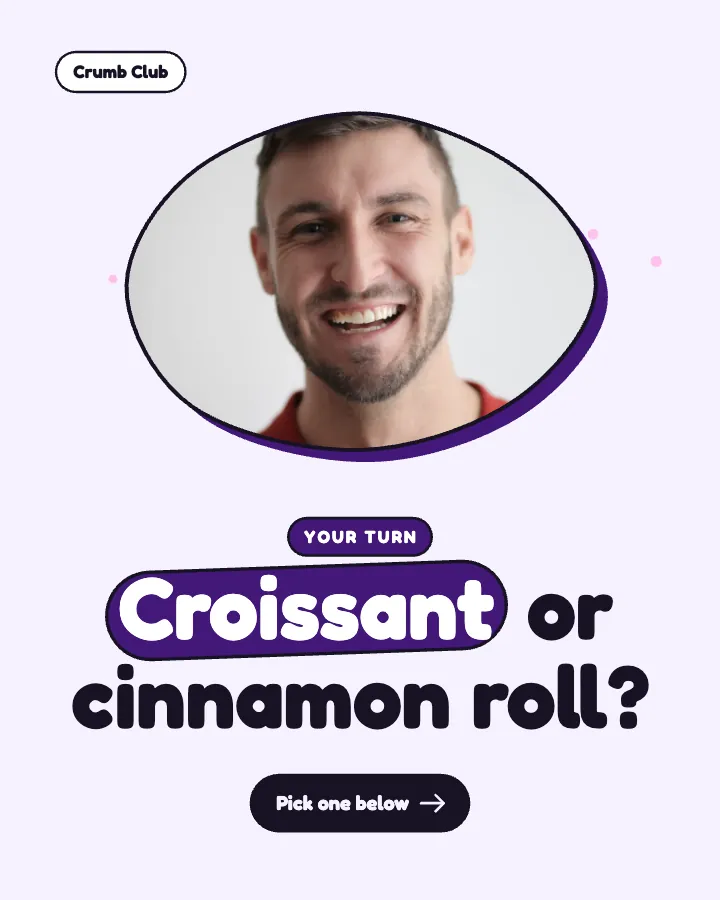
A dough tip, a weekend bake checklist and a question for the comments: three themes in one style and one set of colours, so the grid reads as one bakery. Planning that mix is what Instagram feed design is about. Want a month of posts like these for your own bakery? Type your website or one line about it, and your first 3 posts start from it.
Put it into practice
Turn this into posts designed for your feed
Paste your website or say what you do. Creobee plans, writes and designs your posts about it as one feed in your logo and colors, captions included, and on Autopilot it posts them for you.
How the AI Instagram post generator works