Coffee Shop Instagram Post Ideas Beyond Latte Art
Coffee shop Instagram post ideas from what customers ask at the counter, the cafe year and Instagram's cafe features, plus what Creobee plans for a cafe.
Every café already posts latte art, and a stranger deciding whether to walk over learns nothing from it. What they want to know is more ordinary: whether you have oat milk, whether they can open a laptop, whether you are open on the holiday, whether the beans on the shelf are for sale. A café's best posts are the answers your baristas give forty times a week, made to look as good as the coffee.
This guide works through where those posts come from: the counter, the café year and the Instagram features built for places like yours. Then it shows what Creobee, the product I build, plans for an account that signs up as a café, read from its own planning code on November 4, 2026.
Start with what the counter answers
Write down every question your team answered this week. In most cafés the list looks like this, and each line is a post.
Which milks you carry. Name them, say whether any cost extra, and say honestly how each one steams. A headline like "Which milk does what in your latte" gets saved by people who are switching.
The laptop policy. If you have one, post it kindly and with times: "Laptops welcome on weekdays. Weekends from 10 to 2, the tables go to people eating." It saves your staff an awkward conversation and tells remote workers when to come.
Beans to take home. Bag sizes, whether you grind to order, and for which brewers. Then a second post on how you brew those beans behind the bar, as a short recipe someone can follow at home.
Hours that change. Holidays, summer hours, the week your clocks change if they do. More on where to post these below, because a Story alone is not enough.
Decaf and the roast date. If your roaster tells you how the decaf is made, say so. If the bag carries a roast date, explain the window you like to drink it in.
Group orders. If you do batch brew boxes for offices, the notice you need and the minimum order are a post. So is how the loyalty card works.
None of these needs a photo shoot, which is why they are the posts that slip on a busy week.
The café year, month by month
A café's calendar is mostly drinks and hours. The seasonal drink deserves three posts, not one: the launch with the date it leaves the menu, a post of it being made, and a "last two weeks" reminder. Most of your followers will see only one of the three.
New beans from your roaster are a post too, and a better one when the roaster shares it. Instagram's Collabs let you co-author a post with another account: if they accept, the post shows on both profiles and goes to both sets of followers, with up to 5 collaborators per post. Collaborators cannot be added to stories, only mentioned (Create collaborative posts on Instagram, checked November 4, 2026). The bakery that supplies your pastries is the other obvious collaborator.
Events (a cupping night, an open mic, a book club) need a date, a time and how to get a seat. Local days matter as much: market day, a marathon closing your street, the first week of school.
For holidays, change your hours on Google the same day you post them. Google Business Profile has special hours for holidays and other short changes, for closures of up to 6 days in a row; anything longer should use "Temporarily closed" (How to set special hours, checked November 4, 2026). People check Maps before they walk over. Instagram for local businesses has the routine for keeping both in step.
Instagram features that fit a café
I checked each of these on Instagram's help center on November 4, 2026.
Pinned posts. You can pin up to 3 posts to the top of your profile (Pin a post to the top of your profile). For a café that is the hours, the laptop policy and the current seasonal drink: the three things a new visitor checks first.
An action button. A business account can show one action button on its profile, connected through a partner you already have an account with. Instagram lists "Order now" through food-ordering partners and "Reserve" through partners such as OpenTable, Resy, SevenRooms and Yelp. Instagram says the feature is being introduced gradually and the partner list varies by country (Add an action button, About action button partners).
Story Highlights. Stories you add to a highlight stay on your profile after the story itself disappears (Add a story to your Story Highlights). A "Menu" and an "Hours" highlight keep the answers one tap from your name. Instagram story ideas for business has more on what to put in stories.
What Creobee plans for a café
I build Creobee, so I read what its planner does for this kind of business rather than guess. When an owner picks Café at sign-up, the tiles offered to describe it are Specialty coffee, Pastries and cakes, Breakfast and brunch, Lunch, Beans to take home, and Events and live music. The plan it then shows names one kind of post for each theme:
- Coffee tips your regulars can try at home
- This or that questions, like flat white or latte
- Small moments that make a good morning
- Behind the counter: how your coffee is made
- What your regulars keep coming back for
- Your menu and offers, with one clear next step
The first three posts are fixed rather than drawn at random. One is a spotlight on one of the café's own products, named the way the owner named it. One is a carousel about choosing or using what the café sells. One is a story that asks the viewer to choose between two of the café's own things, never two vague categories.
We changed it to this on October 11, 2026, and on November 5 we counted what it has made since. Between October 12 and November 2, 38 businesses outside our team got their free first three posts, 114 in all (only one of them a café, so read this as the rule, not a café result). Every one of the 38 got a spotlight on its own offer, a carousel and a this-or-that story. The carousels were FAQs (13), how-tos (11), tips (10), checklists (3) and one myth-versus-fact, each 5 or 6 slides. On 37 of the 38 spotlights the small label above the headline named the business's own thing; one fell back to the generic "Featured". For comparison, the 39 first posts of the 13 accounts before the change, made between September 30 and October 10, held no post about what the business sells at all: 13 were questions and other reply prompts, and 11 were behind-the-scenes or result stories, the kind a writer can only invent when the owner has not told it the story.
The writer is told to use only the facts in the description, so it will not make up an opening time, a drink or a price. That cuts both ways: if you want the seasonal drink or the laptop policy in your posts, it has to be in what you type.
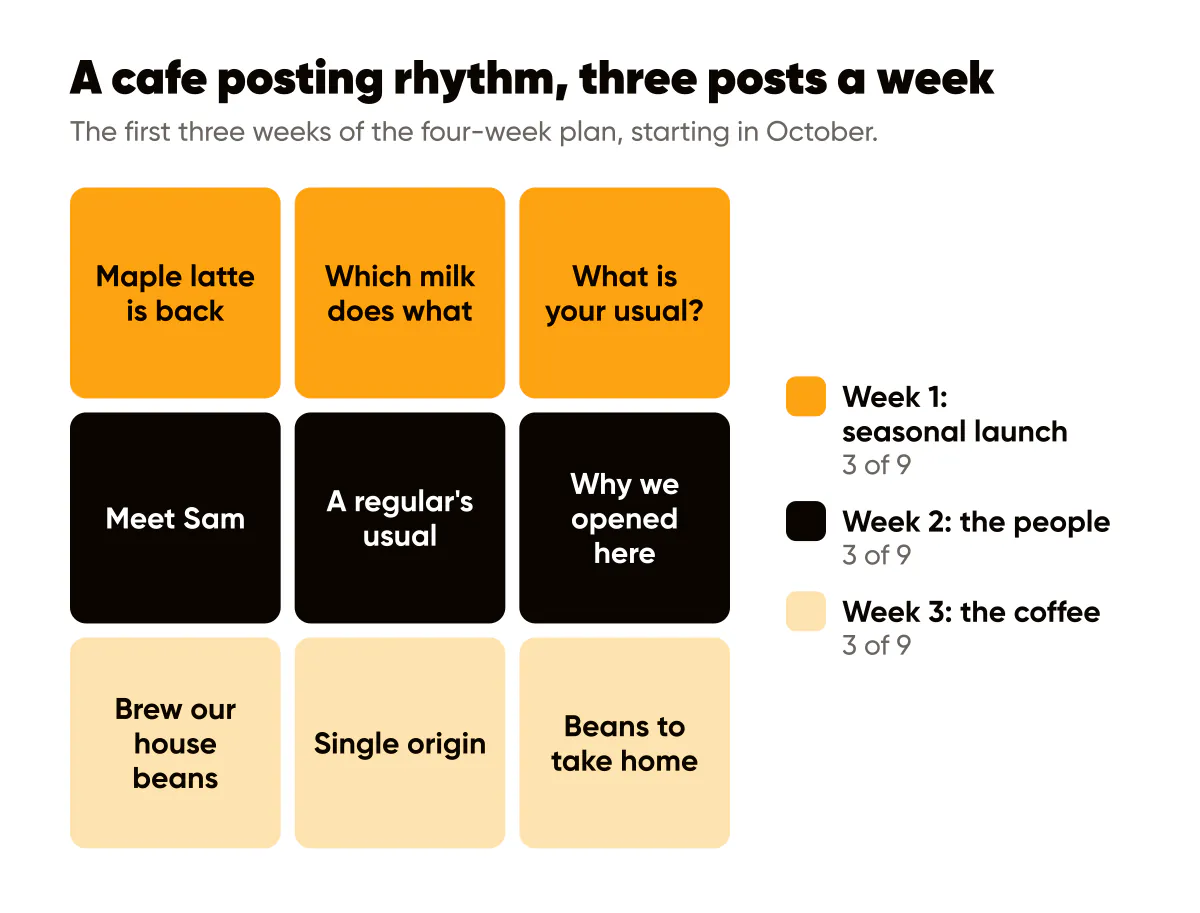
A four-week rhythm for a café
Three feed posts a week is enough for most cafés, with Stories whenever something happens on the day. Schedule the posts for quiet hours so nobody is posting mid-rush; your account's insights show when your own followers are active.
| Week | Theme | Three posts | Call to action |
|---|---|---|---|
| 1 | Seasonal launch | Seasonal drink is back, which milk does what, what is your usual? | Come in and try it, hours in the caption |
| 2 | The people | Meet a barista (with their consent), a regular's order (with their permission), why we opened here | Say hi at the counter |
| 3 | The coffee | Brew our beans at home, this month's origin, beans to take home | Buy a bag at the counter |
| 4 | Events and hours | An event announcement, the laptop policy, the hours for the next holiday | Reply to reserve a seat |
If you post more than three times a week, Creobee's Regular pace is the reference I know best: 9 feed posts and 7 stories a week, with default times of 10:00, 12:30 and 17:00. Those times are starting points you can change, not a claim about when your followers scroll.
What to leave out
Latte art with no information. Add the drink, the bean or the price, and one reason to come.
Hours changes only in Stories. A story is gone in 24 hours. Put the change on the feed, pin it, and update Google the same day.
Customers in the background. Cafés are full of people on dates, calls and laptops. Shoot the counter, the cups or the empty room, or ask. Ask each barista too; not everyone wants to be the face of the shop.
Claims your roaster cannot confirm. "Organic", "fair trade" and "direct trade" mean specific things. And if you call a drink dairy-free, remember the steam wand and jugs are usually shared.
Your camera, and the posts around it
The pour, the room at golden hour and a barista who likes the camera come from you, in photos, Reels and Stories. Nobody else can film your room. Reel ideas for small business has formats that suit a café.
Creobee makes the posts around them: designed 4:5 posts, carousels and 9:16 stories in your colours, with a headline and a full caption, for the laptop policy, the hours, the milk question and the seasonal launch, plus short animated versions of single posts if you switch them on. There is no filmed video, and it cannot photograph your drinks; you can use one of your own photos as the background. A split that works for many cafés is two posts a week from your own camera and one or two designed posts.
The AI Instagram post generator page shows what a month of those looks like. Solo is $19 for 40 posts and you post them yourself; on Autopilot, $39 for 100 posts, social media autopilot schedules the week you approved, posts and stories to Instagram. Your first 3 posts are made and shown free, no card needed.
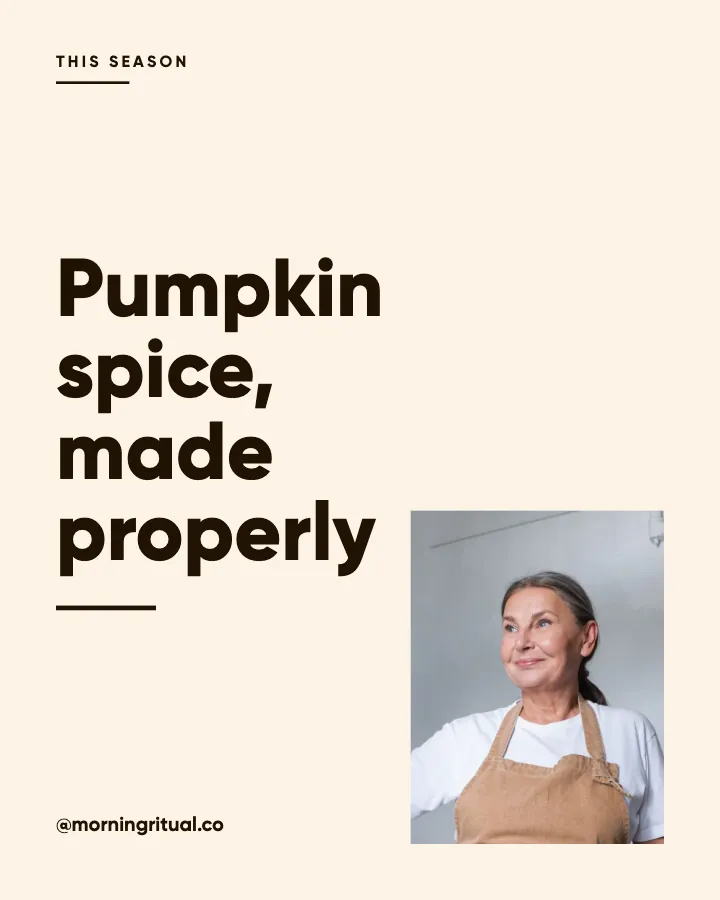
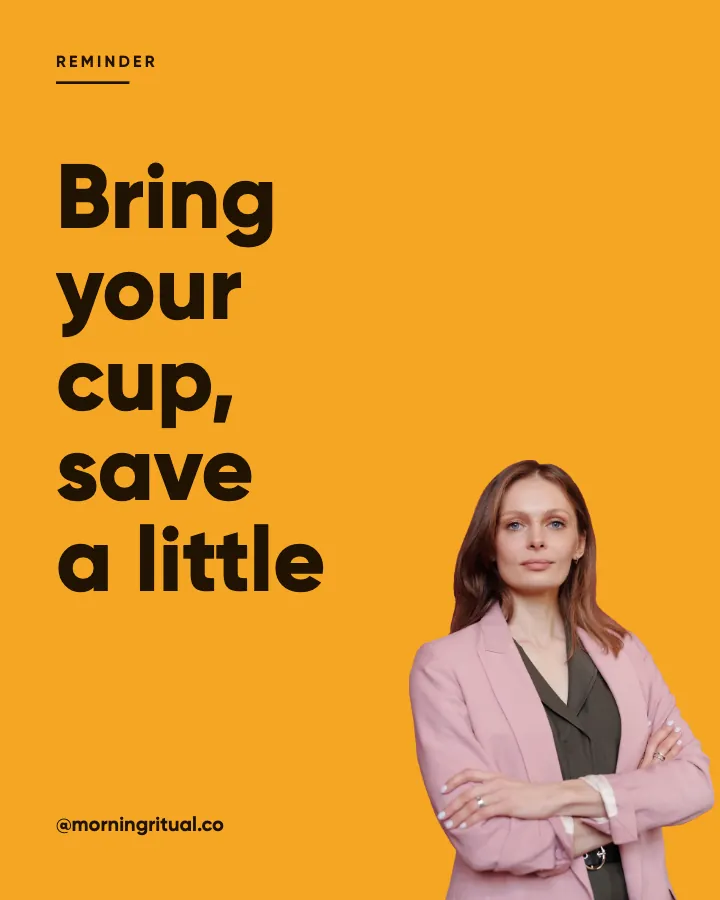
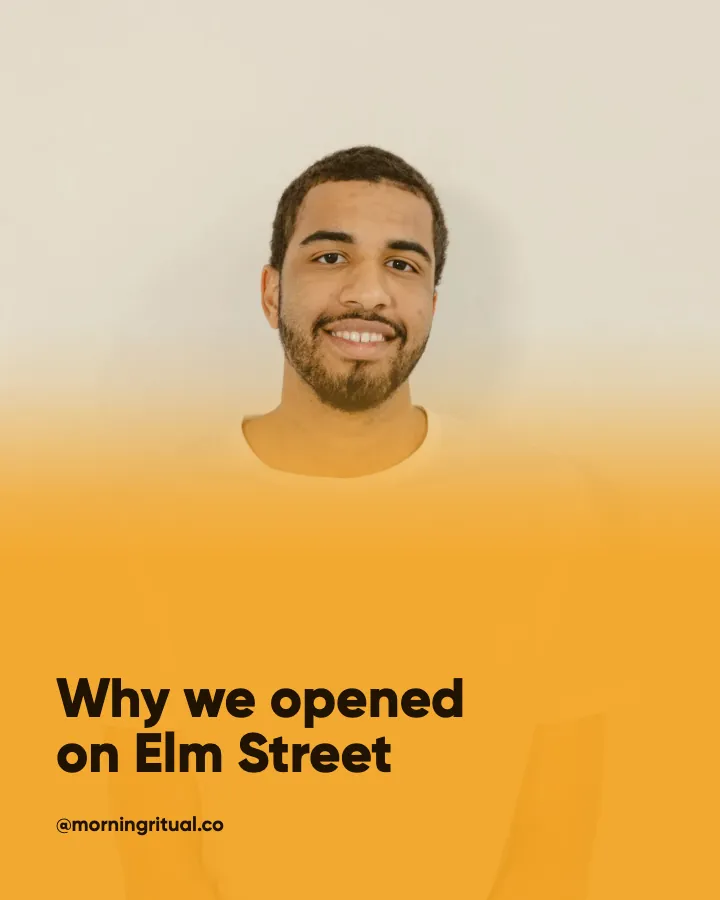
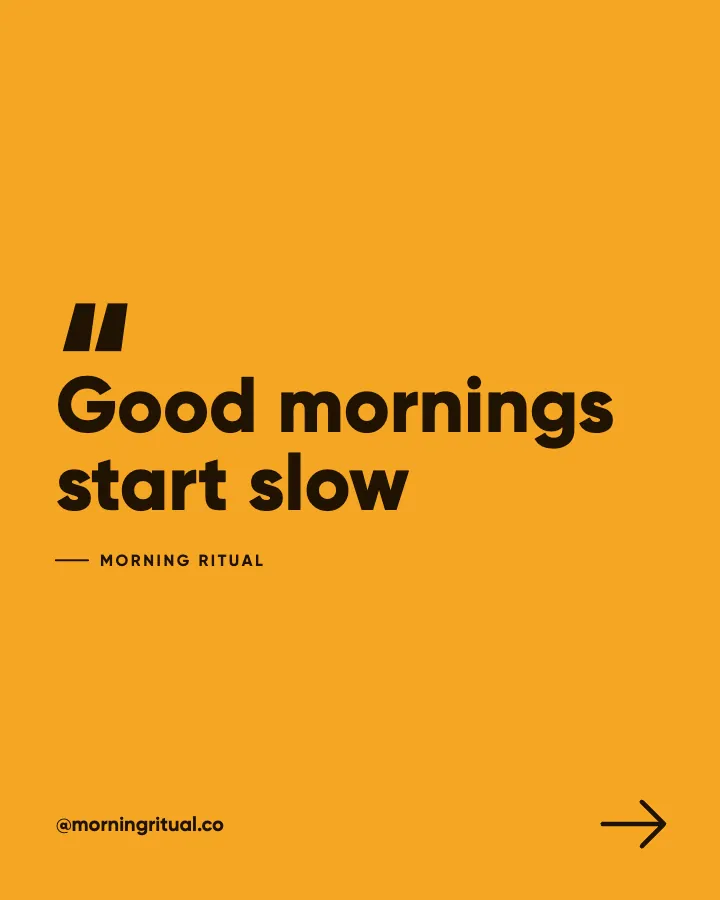
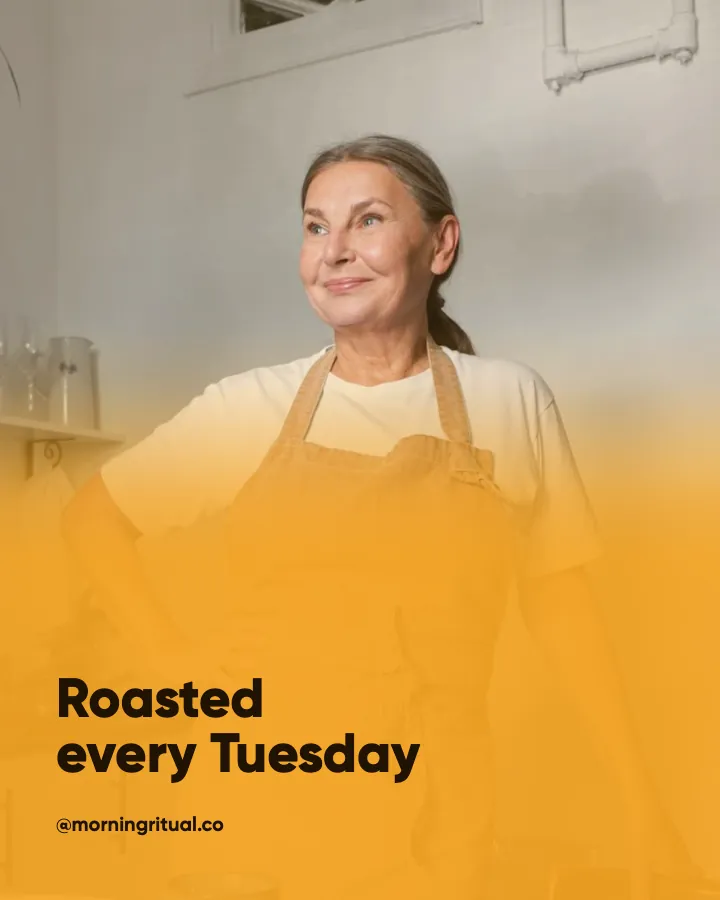
A seasonal drink, the bring-your-own-cup saving and why the shop opened: three themes in one row, each in its column's look, which is what Instagram feed design means in practice. Want a month of posts like these for your own café? Type your website or one line about it, and your first 3 posts start from it.
Put it into practice
Turn this into posts designed for your feed
Paste your website or say what you do. Creobee plans, writes and designs your posts about it as one feed in your logo and colors, captions included, and on Autopilot it posts them for you.
How the AI Instagram post generator works