Instagram Story Ideas for Small Business: A Week of Stories
Seven Instagram story ideas for small business, one a day: questions, this or that, behind the scenes, a tip, the offer. Designed 9:16 stills plus stickers.
The easiest week of Instagram stories for a small business is one story a day, each with a different job: a question on Monday, a this or that on Tuesday, a moment from the work on Wednesday, one tip on Thursday, the offer on Friday, a fill in the blank on Saturday and a small reminder on Sunday. Make each one a designed 9:16 still with one short line on it, then add the poll, question or link sticker in the Instagram app when it goes live.
That is the whole plan. The rest of this post is why it works, how much is enough, and how to keep the good ones.
How many stories a small business needs
Fewer than the advice you have probably read, and more regularly. Socialinsider's 2025 Instagram Stories benchmarks (published June 26, 2025, 161,180 stories from January to May of 2024 and 2025) found that accounts with 1,000 to 5,000 followers posted about 12 stories a month, and accounts with 10,000 to 50,000 followers about 35, roughly one a day. Those are observed habits, not targets, but they show that a small account posting three or four stories a week is normal, and a story a day is what the busier accounts do.
The same study is a good argument against long sequences for their own sake. The exit rate started at 23.8% on the first story and was 20.5% on the second, so every extra frame loses a slice of the people who were watching. One strong frame a day beats eight weak ones on a Tuesday.
There is a reason stories reward rhythm more than volume. Instagram's own ranking explainer (May 31, 2023) says the stories you see come from people you have chosen to follow, ranked by how often you view an account's stories, how often you engage with them and how close you are to the author. Stories do not find strangers. They keep you near the front of the tray for the followers who already like you, and showing up every day is what keeps you there. If you are still deciding how stories and the feed split the work, Instagram stories vs feed posts covers that first.
Do Instagram stories still work for business?
Yes, for a specific job: turning followers into customers. Instagram's stories guide is clear that a story lasts 24 hours and then disappears from your profile and from followers' feeds, which is exactly why people read them as the current, casual voice of a business. They are where replies, questions and bookings start.
A designed still story still works
You do not need video for a story. A still image on a 9:16 canvas, 1080 by 1920 pixels, with one short line on it, does the job a small business needs: it says one thing, in your colours, and asks for a reply. What a still needs is design discipline, because a story is read in two or three seconds.
- One idea per story, in a few words. If it needs a paragraph, it is a feed post.
- Big type, high contrast, your brand colours, so a follower knows it is you before reading.
- Words inside the safe area. The progress bar and your name cover the top of the screen and the reply field covers the bottom, so keep text and logos out of the top 250 pixels and the bottom 340 pixels. The Instagram story size guide has the full numbers, including the larger margins Meta asks for on story ads.
- Room for a sticker. Leave a calm band in the middle third where a poll or link sticker can sit without covering your words.
A designed still also has a practical advantage: you can make all seven on one day and they still look like one business, which a week of phone snapshots rarely does.
Seven story ideas, one a day
Most of the week should be conversation, because a reply to a story lands in your DMs and starts a real exchange. So four of the seven ideas ask the follower something, and only one sells.
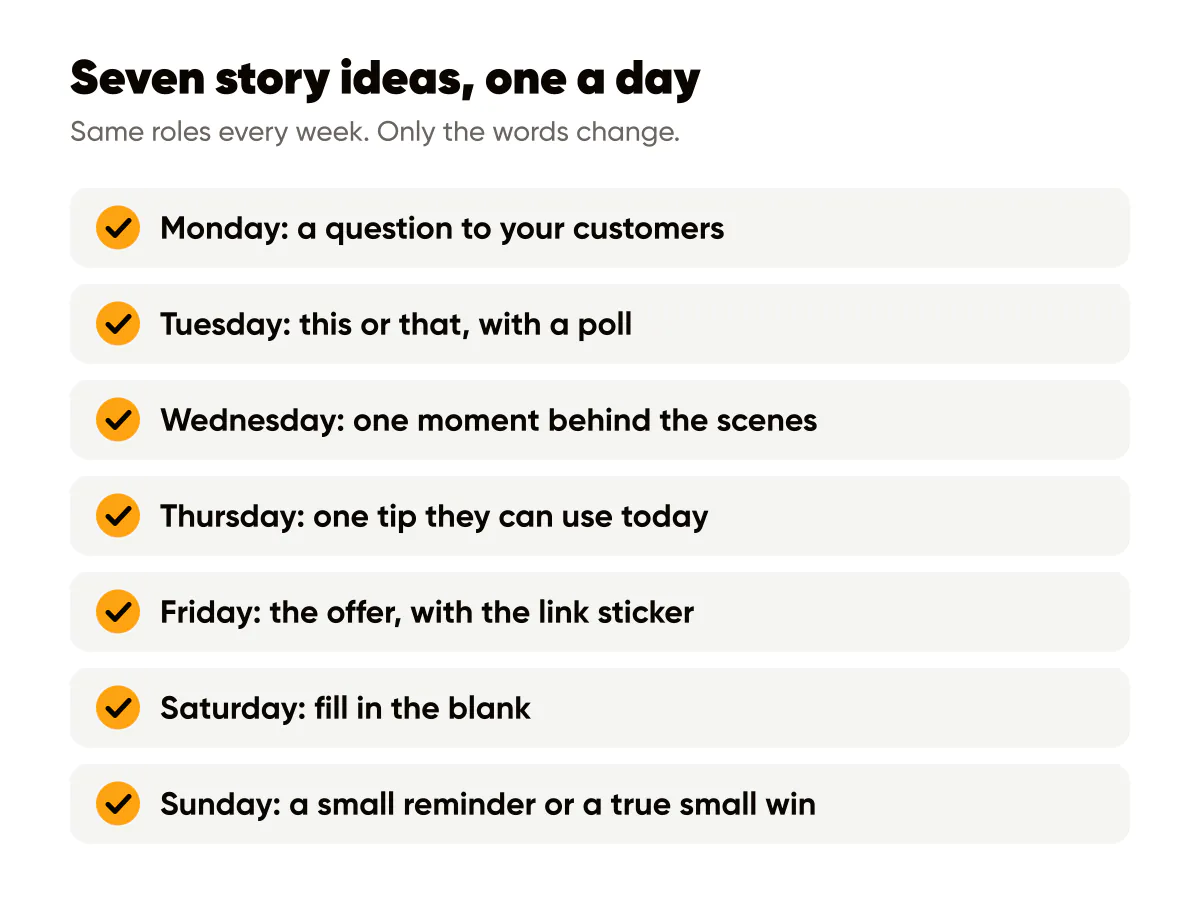
- Monday: a question to your customers. Ask something they can answer in one word or one line. "What's your go-to order on a Monday?" for a café, "What's the one task you keep putting off?" for a bookkeeper. Add the question sticker live.
- Tuesday: this or that. Two options from your own world: oat or whole milk, morning or evening class, gloss or matte. Put both words on the image and add a poll sticker over the middle. A poll is the lowest effort reply there is, which is why it works.
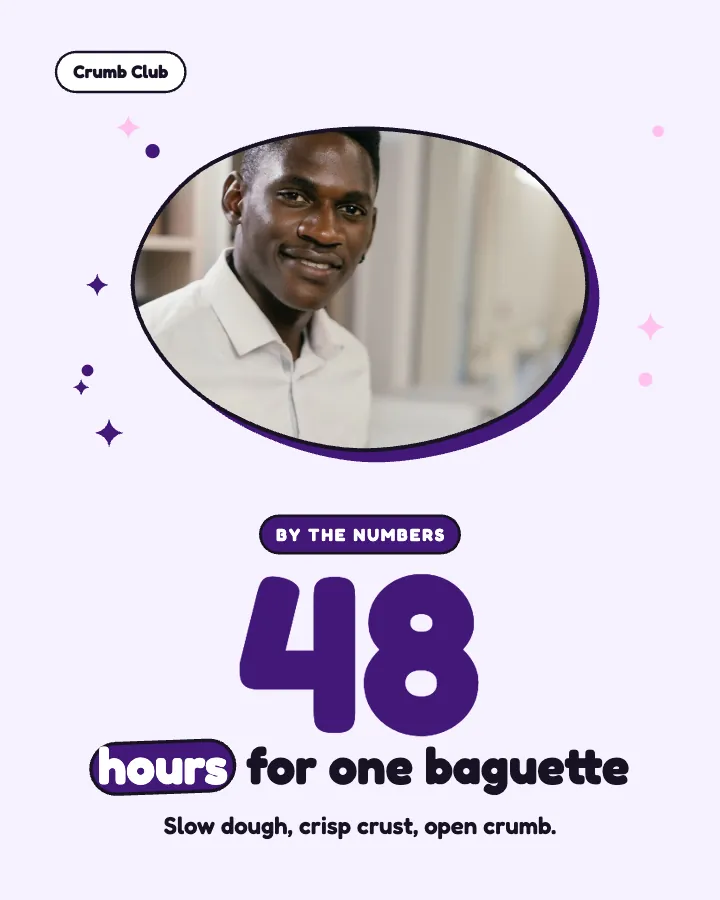
- Wednesday: behind the scenes. One moment from the work, written as a line: "Dough's been resting since 5 this morning." People buy from people, and a story is the right size for a small, true detail. Keep it about the process, not about you being busy.
- Thursday: one tip. A single, specific piece of advice a customer can use today, short enough to read in three seconds. "Book your trim six weeks out, not when it's already too long." If it needs steps, save it for a carousel on the feed.
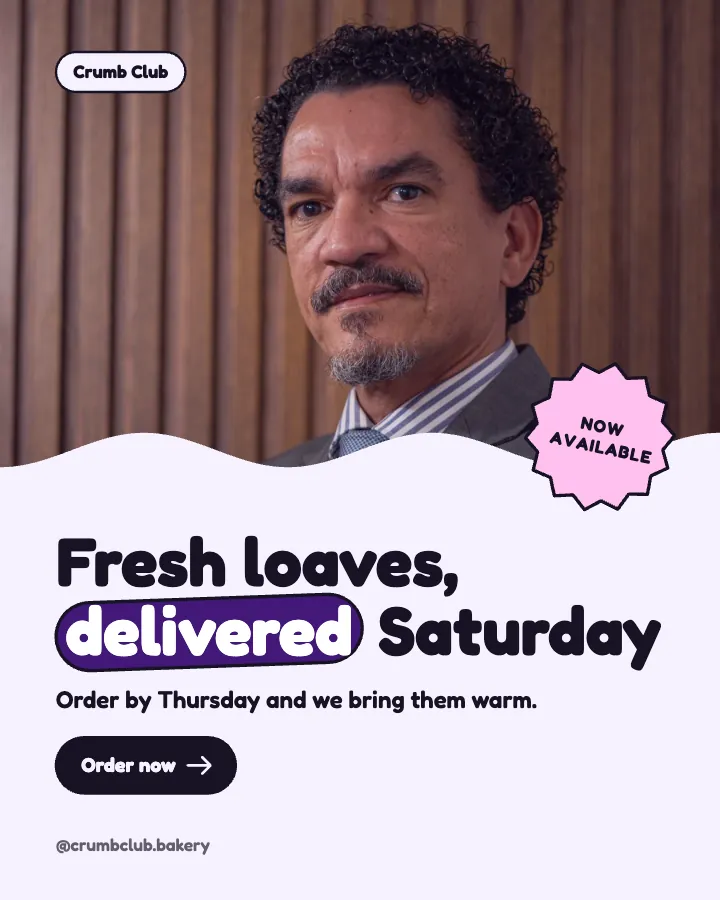
- Friday: the offer. What you sell, who it is for and why this week, in one line, with the link sticker added live. One offer story a week is plenty; the other six days are what make people willing to tap it.
- Saturday: fill in the blank. "My perfect Saturday starts with ____." It is playful, easy to answer and tells you something about your customers. The question sticker works here too.
- Sunday: a small reminder. A calm line for the week ahead or a small win from the week behind: "Ten new regulars this week. Thank you." Keep any number true; never invent one.
Run the same seven roles every week and change only the words. The pattern is what makes it sustainable: on Monday you already know Tuesday is a this or that, so the only question is which two things.
What should a small business post on Instagram stories every day?
One of the seven roles above, in rotation, so no two days in a row ask for the same thing. If you only have time for four stories a week, keep the question, the behind the scenes, the tip and the offer, in that order of priority.
Add stickers live
Instagram's stickers are the interactive part of a story: the stories guide lists the poll (two answers), the quiz (four answers), the questions sticker, the link sticker, the countdown and Add Yours. They are what turn a glance into a reply.
Stickers are added in the Instagram app, on the story itself, at the moment it goes out. A story scheduled ahead of time through Meta Business Suite or a scheduling tool goes out as the image you uploaded, without them (the ways to schedule Instagram stories are compared in their own post). That is fine as long as you plan for it:
- Write the story so it reads complete without a sticker. "Oat or whole milk?" works as a picture on its own; a reply works as the answer.
- When a sticker matters (the poll on Tuesday, the link on Friday), post that story yourself from the app instead of scheduling it. A published story can't be edited, so a sticker can't be added to it afterwards.
- Never write "vote below" or "tap the link" on the image itself. If the sticker is not there, the line becomes a broken promise.
Keep the best ones in Highlights
A story disappears after 24 hours unless you save it to a Highlight, where it stays on your profile until you remove it. That makes Highlights the place your week of stories pays off twice. Every Friday, look at the seven and keep the ones that earned replies:
- Strong tips go to a FAQ or Tips Highlight.
- Offers that are still current go to Services or Shop; remove them when they end.
- Behind the scenes moments go to About.
- Kind replies to your questions (screenshotted with permission) go to Results.
The order and naming of those circles is its own small project, covered in Instagram Highlights for business. The short version: five circles, one word each, covers in your brand colours.
Let the week write and design them
Creobee plans stories as part of the week. On its social media posting schedule you pick a pace and it writes and designs every day: the Light pace has four stories a week, Regular and Full one every day, each a designed 9:16 still in the same style as your feed posts, written for that day of the week (mostly questions and conversation, with one offer), with the words kept inside the safe area. A story counts as one post.
On the Autopilot and Pro plans the week is scheduled in one confirm, and stories go to Instagram; the other networks you connect get your feed posts only. On Solo you download the week and post it yourself. Either way, a scheduled story is the image only, the same as with any other scheduling tool, so on a day whose story needs a poll, a question or a link, download that story and post it from the Instagram app with the sticker.
Do this this week
Write the seven lines for next week on one page, Monday's question to Sunday's reminder, before you design anything. Make each one a 1080 by 1920 still in your brand colours with the words inside the safe area. Post one a day, add the sticker each day calls for, and answer every reply within a few hours. On Friday, save the two or three that earned the most replies to a Highlight, then write next week's seven lines in the same roles.
Put it into practice
Turn this into posts designed for your feed
Paste your website or say what you do. Creobee plans, writes and designs your posts about it as one feed in your logo and colors, captions included, and on Autopilot it posts them for you.
How the Social media posting schedule works