Google Business Profile Posts That Match Instagram
Google Business Profile posts and Instagram from one branded 4:5 image: Google's photo rules, when captions differ, and a monthly local visibility routine.
The local visibility stack is Google Business Profile plus Instagram, fed by the same branded visuals. Someone searching your category on Maps sees your profile; someone scrolling Instagram sees your feed; both should look like the same business. Post the same 4:5 image to both, follow Google's photo rules, and run it on a monthly routine.
Why Google Business Profile and Instagram belong together
For a local business, the two places a new customer meets you are Google (Search and Maps) and Instagram. Almost nobody manages both with the same care. Instagram gets the branded posts, Google gets a blurry storefront photo from 2021 and a review reply from last spring.
The stack idea is simple: every piece of local content you make goes to both. The image is already made. The caption already exists. The cost of the second post is the two minutes to upload it, and the payoff is that a person who found you on Maps and then checked Instagram, or the reverse, sees one consistent business instead of two strangers.
I run a software business, not a cafe, so my own evidence here comes from helping local Creobee customers set this up rather than from my own storefront. The pattern that works is the same each time: one visual, two destinations, one calendar.
What is a Google Business Profile update, exactly?
A short post that appears on your business listing in Search and Maps: an image, a few sentences and an optional button. Updates cover offers, events and general news, and they sit next to your reviews and hours where people are already deciding whether to visit. If you have not claimed your listing yet, Google's guide to adding or claiming your Business Profile is the place to start, and nothing else in this article works until that is done.
Using the same 4:5 visual on both platforms
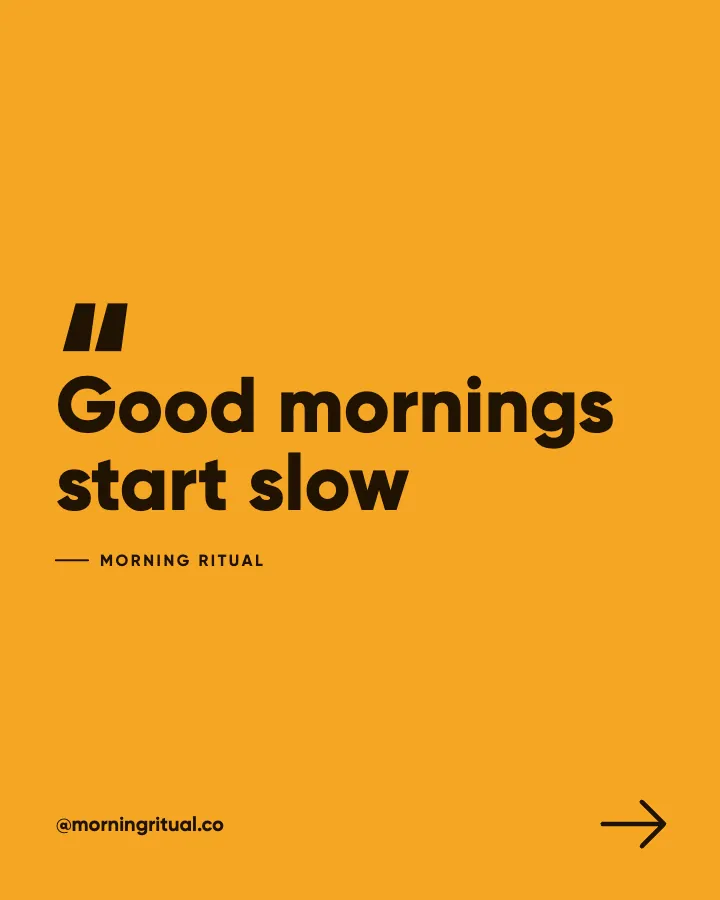
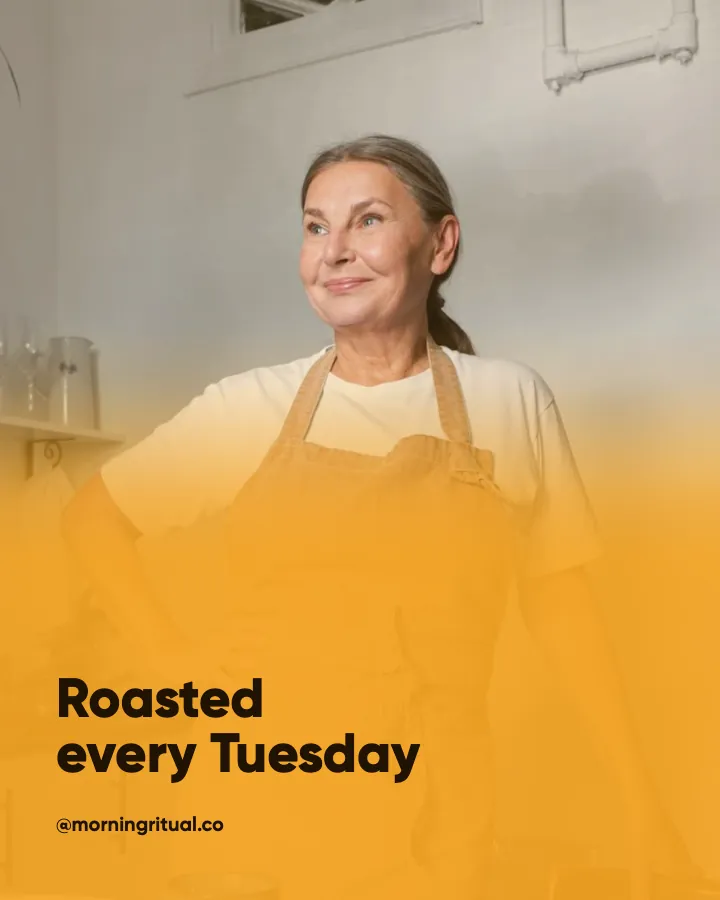
Instagram's feed format is 1080x1350 portrait, the 4:5 ratio, and it is what I design for first. Google's listing displays images in its own frames, which can crop, so the practical rule is to keep the headline and logo inside the centre of the image with generous margins. A 4:5 post designed with safe margins reads correctly on both.
Google's page on managing photos and videos for your Business Profile sets out the format, size and quality requirements and what kinds of images are accepted. Read it once and check the specifics there rather than trusting a summary, because those requirements change. In general terms, the guidance favours clear, well-lit, representative images and rejects heavily filtered or misleading ones, which happens to also be good Instagram advice.
- Design every local post at 1080x1350 with the headline in the central two thirds and the logo in one fixed corner, so a crop on either platform does not remove the message.
- Keep text on the image short, two to eight words, because Google's image frames are smaller than an Instagram feed post and long headlines become unreadable.
- Use the same background family, brand color and font on both platforms, so the listing and the feed are recognisably one business.
- Put the details, hours, prices and dates in the caption or update text, never only on the image, because neither platform reads text baked into pixels.
The size reference I keep open while designing is in the Instagram post size guide for 2026, and the margins that survive a crop are the same ones that keep text clear of Instagram's interface.
Should the caption be the same on both?
Almost. Instagram captions can be longer and conversational; a Business Profile update should be shorter and more direct, since the reader is often about to make a decision. My approach is to write the Instagram caption first, then cut it to the first two or three sentences plus a clear action for Google. Keep the local keywords in both: the neighbourhood, the service, the day. Someone searching "Saturday brunch Northern Quarter" is helped by those words being in your update, and the same words help on Instagram search, as covered in SEO for social posts.
Consistency across Maps, Search and Instagram
Recognition is the whole point of the stack. A person who sees your amber-and-charcoal update on Maps, then opens Instagram and sees the same amber-and-charcoal posts, has now encountered your brand twice in a way that felt like once. Two different looks and they may not connect the two at all.
The things to lock: brand color, headline font, logo position, background family. The things that can vary: the message, the photo, the offer. This is the same argument I make for social media alone in brand consistency for small businesses, and the local stack simply extends it to Google.
The profile photo and cover on your Business Profile should match your Instagram profile image and highlight covers too. It takes ten minutes once and removes the "is this the same place?" hesitation.
The monthly local routine
One sitting a month, about an hour, then a few minutes a week.
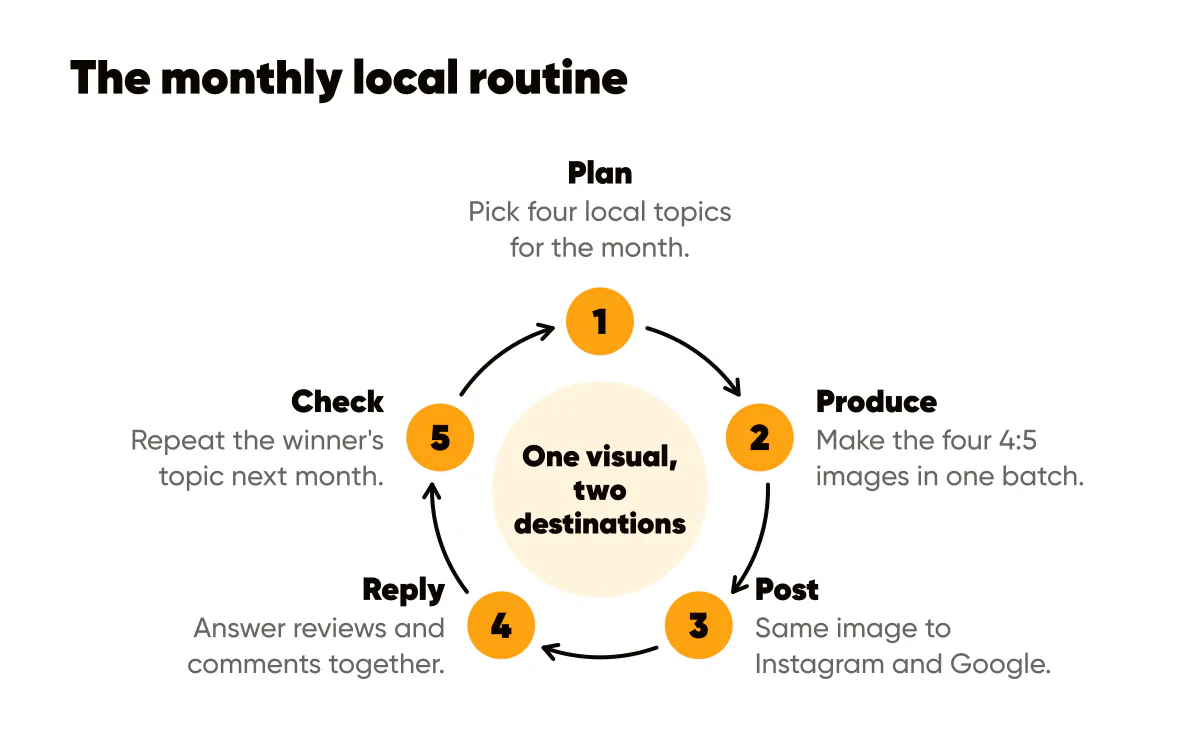
- Week one, plan: pick four local topics for the month, such as a seasonal item, a staff or process story, a customer-facing tip and an offer or event, and write one caption each.
- Week one, produce: generate the four 4:5 images in one template family in a single batch, with safe margins, so they are ready before anything is posted. A social media post generator can make the set from a few words about your business.
- Each week, post: publish one image to Instagram with the full caption and the same image to your Business Profile with the trimmed version and an action button.
- Each week, reply: answer new Google reviews and Instagram comments in the same sitting, because both are public and both are read by the next customer.
- End of month, check: look at which updates got calls, direction requests or website clicks in the Business Profile performance view, and which Instagram posts got saves and profile visits, then repeat the winner's topic next month.
For the Instagram half of that routine, including location tags and neighbourhood content pillars, the 30-minute-a-week playbook for local businesses is the companion piece.
A hypothetical month for a neighbourhood bakery
Say you run a bakery in a residential neighbourhood. Week one: a 4:5 image announcing the return of the autumn sourdough, headline "Pumpkin seed loaf is back," posted to both. Week two: a process post, "Every loaf starts at 4am," same template. Week three: a tip, "How to keep sourdough fresh for five days." Week four: an offer, "Pre-order Sunday loaves by Friday," with a Google action button to your order page. Four images, made in one batch, eight posts, one recognisable bakery on both platforms.
Do this this week
Claim or verify your Business Profile if you have not. Match its profile photo and cover to your Instagram. Then take your best-performing Instagram post from last month, trim the caption, and publish it as a Business Profile update with a button. That single repost costs five minutes and gives you a before-and-after: check next month whether the listing got more actions. If it did, and in my experience with local customers it usually does, set up the monthly routine above and stop treating Google as the platform you will get to later.
Put it into practice
Turn this into posts designed for your feed
Paste your website or say what you do. Creobee plans, writes and designs your posts about it as one feed in your logo and colors, captions included, and on Autopilot it posts them for you.
How the AI Facebook post generator works