SaaS Social Media Post Ideas for Solo Founders
SaaS social media post ideas for a one-person product: changelog, how-tos, pre-signup questions, launches, and your LinkedIn page and X, checked November 2026.
I build Creobee, a one-person SaaS, so every hour I spend on posts is an hour not spent on the product. A small software product's feed does not need to be clever. It has three jobs: show that the product is alive, teach the job the product does, and answer the questions that stop someone from signing up. Everything below serves one of those, then covers where each post goes (Instagram, your LinkedIn company page and X, each checked on November 4, 2026) and what Creobee's own planner plans for a solo SaaS account.
Your changelog is a post a week
The one thing a solo founder always has is a list of changes. Turn the ones a user would notice into posts:
- One feature, one post: what it does, who asked for it, how to turn it on.
- The fix nobody announces: "Exports no longer time out on large files" tells a prospect someone is watching.
- Something you removed, and why fewer options made the product easier.
- A new integration, with the one workflow it makes possible.
- A monthly roundup of the three changes that matter most, in plain words.
Post the direction of the roadmap, not dates you might miss. Post the date when it ships.
Posts that teach the job
People save posts that help them do the work your product does, whether or not they use it yet. The first five minutes after signup as three steps. A setting people miss and what it saves them. One use case per post ("How a freelance designer bills retainers"). A checklist for the moment before your user sends, publishes or launches. Anything with steps is a carousel: a cover, a slide per step and a last slide that says what to do next.
The questions that stop a signup
Every support email from someone who has not paid yet is a post. The common ones:
- "Can I import my data?"
- "Is there a free trial, and do I need a card?" State exactly how yours works.
- "Where is my data stored?" A short, honest answer and a link to your security page.
- "Does it work with the tool I already use?" One integration, one post.
- "What happens if I cancel?" People ask before they sign up, not after.
These posts also belong in your profile. On Instagram you can pin up to 3 posts to the top of your profile (Pin a post to the top of your profile, checked November 4, 2026): how it works, what it costs and the latest release are the three a visitor wants.
Building in public, without inventing
Founder posts are the ones a big company cannot copy: why you built it, a decision you made this month and the trade-off behind it, something you tried that did not work. Keep them to things that happened. A made-up customer story or a revenue figure you would not show an investor is the fastest way to lose trust.
A week one person can keep
Plan by the week, not the day: long enough to mix the jobs above, short enough to write in one sitting. The smallest plan I would recommend is three feed posts and three stories.
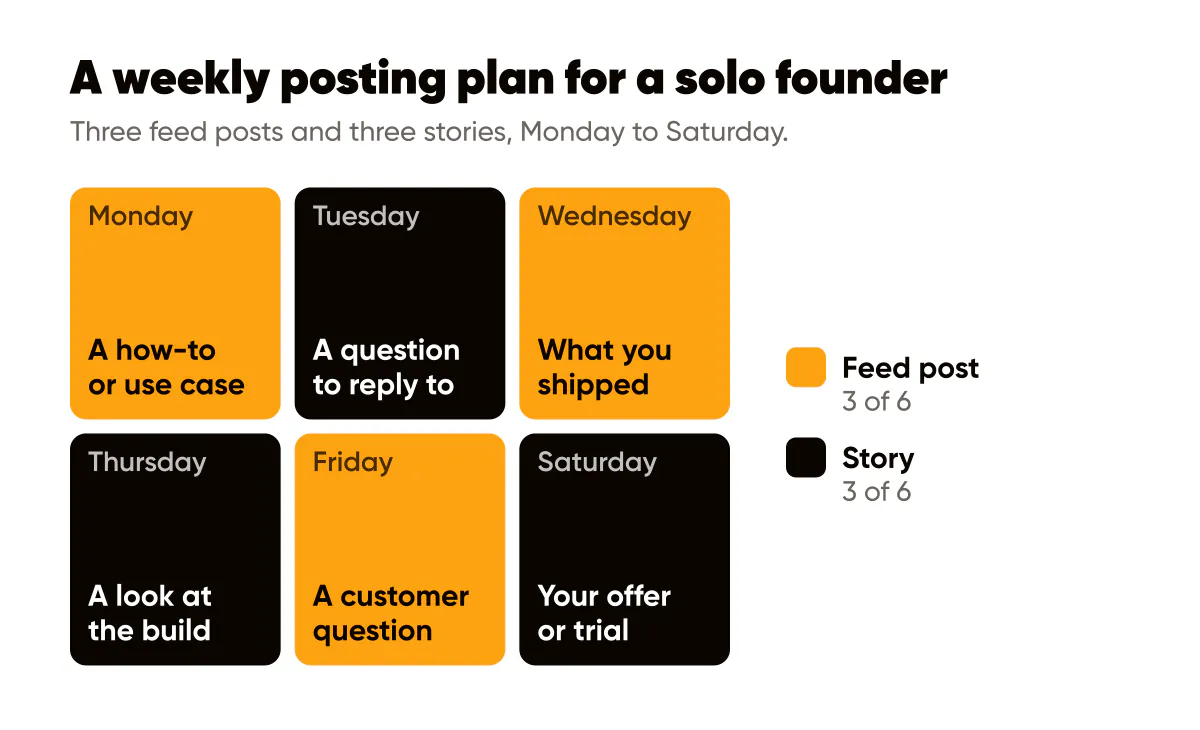
Monday a how-to or use case, Wednesday what you shipped, Friday a customer question answered; stories on the days between with a question to reply to, a look at the build and your trial in one line. Once that is easy, add a fourth feed post and make one a carousel. For spacing and times, see the social media posting schedule template.
Your LinkedIn company page
Buyers inside a company look you up on LinkedIn, and the company page is where the product's updates live. Post there, then share the posts you like from your own profile with a line of your own on top. LinkedIn's help on Page admin view features (checked November 4, 2026) lists what a Page admin can create: posts, events, job posts, featured posts, newsletters, Product Pages, Service Pages and Showcase Pages. Newsletters are only for Pages that meet LinkedIn's access criteria.
Product Pages fit a SaaS particularly well. LinkedIn's Create and publish a LinkedIn Product Page (checked November 4, 2026) says they are available to Pages in a few industries, business-to-business software among them, that a new Product Page is reviewed by LinkedIn before it can be published, that a company can create up to 35 additional Product Pages, and that only the ten most recently created are shown to visitors. If "Add a product" does not appear, your Page's industry may not be eligible.
On LinkedIn the text carries more weight than on Instagram; LinkedIn image posts for founders covers that. The free LinkedIn post preview shows where your caption gets cut at "see more".
X: one sentence and a link
X's developer documentation on counting characters (checked November 4, 2026) says a post can hold 280 characters, every link counts as 23 characters whatever its length, and each emoji counts as two. So the X version of a caption is the headline's idea in one sentence plus one link, not the Instagram caption cut short.
Launch day
If you launch on Product Hunt, its guide to preparing for launch (checked November 4, 2026) sets a 60-character tagline and a 500-character description, and suggests launching at 12:01am Pacific time unless your audience, a press embargo or your team's hours say otherwise. The free Product Hunt launch preview lets you check yours before the day. Around it, the posts are a countdown (what is coming and when), the launch post (what it is, who it is for, where to try it) and a thank-you that says what you learned.
Proof that holds up
The FTC's guide Endorsement Guides: What People Are Asking (checked November 4, 2026) covers what a SaaS needs:
- An endorsement must reflect the honest opinion of the person giving it. Never write a testimonial for someone.
- If you gave a reviewer something of value (a free plan, a discount, a payment) that your audience would not expect, disclose it clearly.
- You cannot make an incentive conditional on the review being positive.
- Asking only the users you expect to be happy for reviews can be misleading if it skews the picture.
- If a result is not typical, say what users can generally expect.
A user count is a claim too: post it only if it is true today and you can show it.
What Creobee plans for a one-person SaaS
Here is what Creobee's planner does when an owner picks "Solo founder or SaaS" at sign-up, read from its code on November 4, 2026. The tiles offered to describe the product are Product updates, New features, Free trial, How-to guides, Behind the build and Use cases. The plan it shows names one kind of post per theme:
- Quick how-tos that show your product at work
- Honest takes on how work in your field gets done
- Small wins your users can have this week
- What you built, shipped and learned along the way
- The workflow before and after your product
- New features and updates, announced as you ship
The first three posts follow fixed rules: a spotlight on one of the product's own features or offers, named as the owner named it; a how-to carousel; and a story that asks the viewer to choose between two of the product's own options. For this kind of business, and for "App or software" and "Coach or consultant", the writer may speak as the founder in the first person about building and shipping, and it is told never to invent a figure, a release, a feature or a date the description does not give. So a release appears in your posts only if you wrote it in.
On Autopilot and Pro, posts go to Instagram, your LinkedIn company page and X among other networks, after you approve them. Creobee posts to a LinkedIn company page, never to a personal profile. A carousel goes to Instagram as a carousel and to LinkedIn and X as a single-image version of the same post, X gets each post's image with its caption cut to fit 280 characters, and stories go to Instagram.
Demos are yours to make
Some of the best SaaS posts are a short screen recording of the product at work or a sharp screenshot of a new feature. Those come from you; Creobee does not record your screen or take screenshots. What it makes is the rest of the feed: designed 4:5 posts, carousels and 9:16 stories in your logo and colours, as one feed, plus short animated versions of single posts if you switch them on. AI writes the words; there are no AI-generated images, and no filmed video. On Solo, $19 for 40 posts, you download and post them yourself; on Autopilot, $39 for 100 posts, they are posted for you after your OK.
The mix I would run is one or two demos or screenshots of your own a week and the rest as designed posts. That is the split Creobee's SaaS social media posts are built around, and your first 3 posts are made and shown free, no card needed.
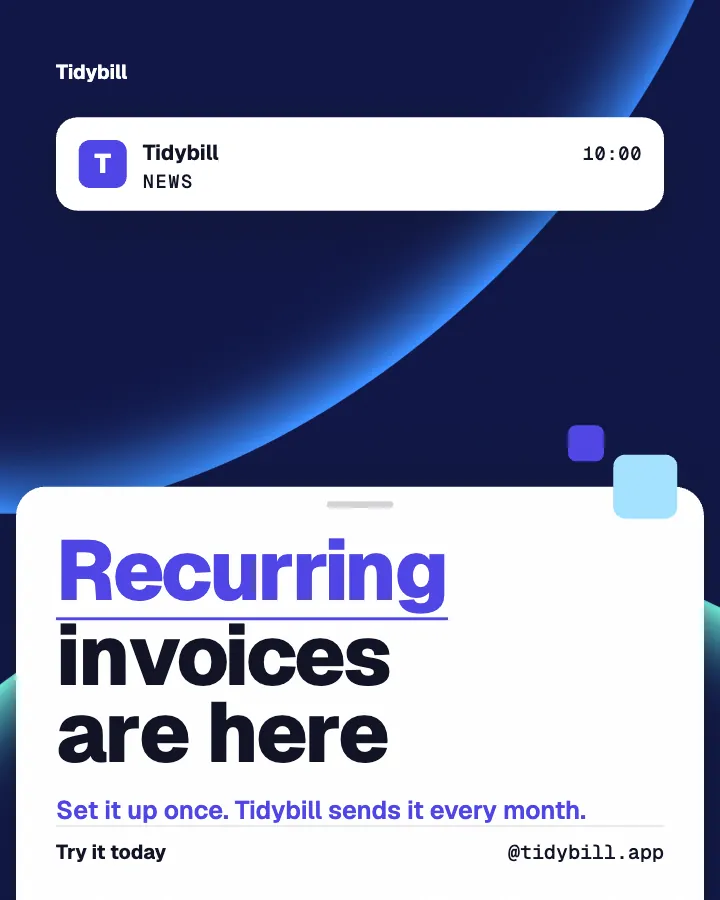
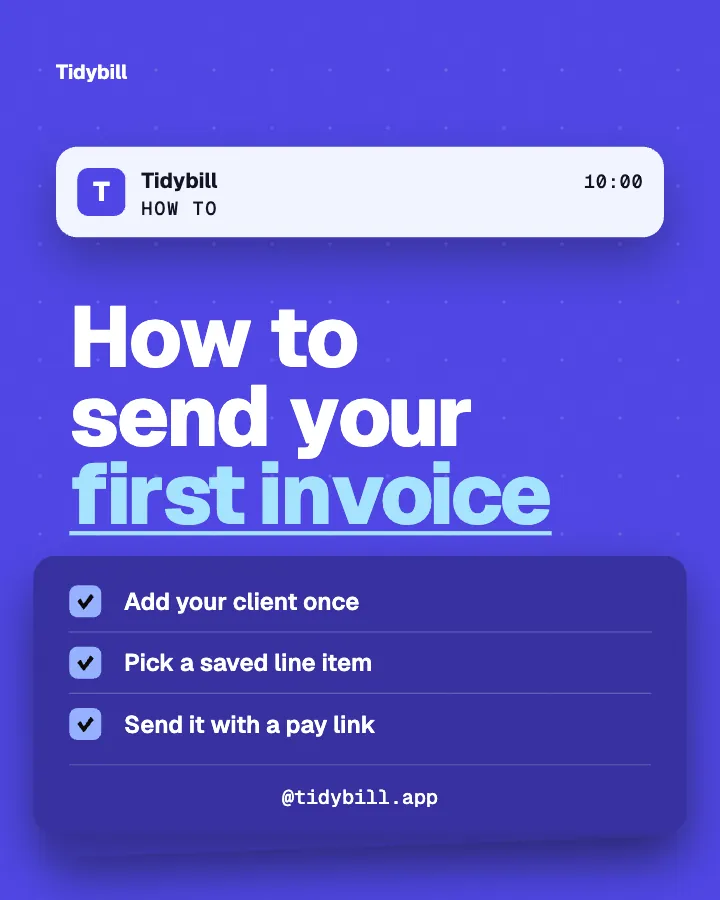
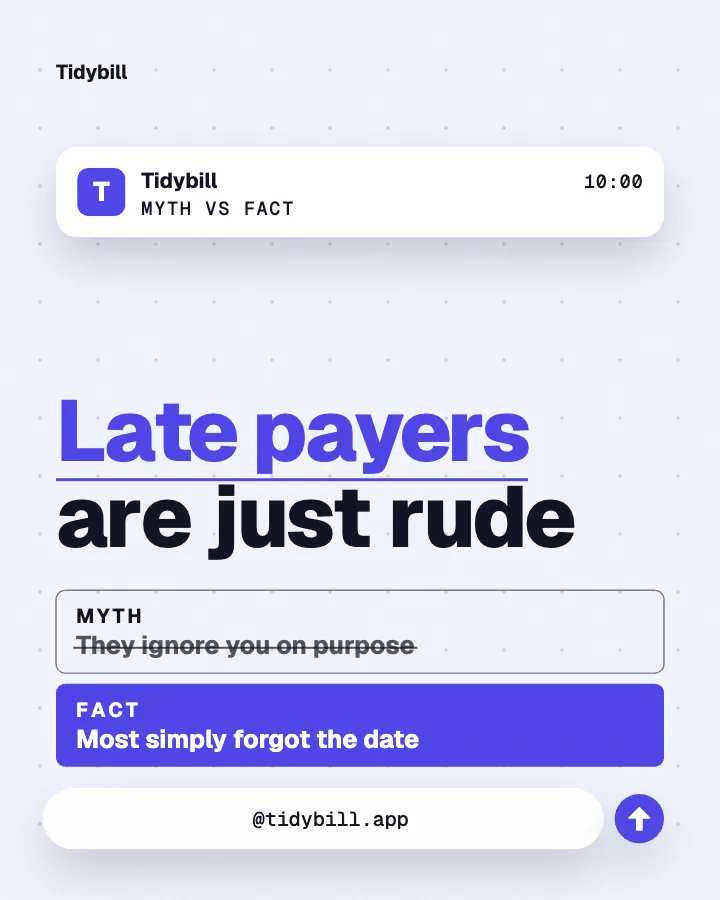
A release note, a how-to and a myth versus fact: three themes in one style and one set of colours, so the grid reads as one product. Want posts like these for your own product? Type one line about it, or paste its website, and your first 3 posts start from it.
Put it into practice
Turn this into posts designed for your feed
Paste your website or say what you do. Creobee plans, writes and designs your posts about it as one feed in your logo and colors, captions included, and on Autopilot it posts them for you.
How the AI content calendar generator works