AI Content Quality Checklist: 12 Checks per Post
An AI content quality checklist: 12 checks that catch invented claims, hype words, weak contrast and off-brand captions before a post goes live.
AI-generated social content is safe to publish when it passes twelve checks: no unverified claims, one specific idea, no hype words, matches your voice, has one clear call to action, readable contrast, consistent logo and template, alt text written, no typos on the image, fits the platform, and you would say it out loud. Two minutes per post.
Why a checklist beats a gut feeling
I review every post Creobee generates for my own account, and for the first few months I did it by feel. Feel missed things. A caption claimed "most small businesses" did something I had no evidence for. A headline was fine in the preview and unreadable at thumbnail size. A logo sat under the Instagram interface on a post I had checked "carefully."
Checklists exist because attention is unreliable, and a batch of 30 posts is exactly the situation where attention fails. Google's guidance on helpful, people-first content includes a list of self-assessment questions, and this checklist is my social-post equivalent: a fixed set of questions I ask regardless of how confident I feel. Here are the twelve, split into what the words say, how the post looks, and whether it fits where it is going.
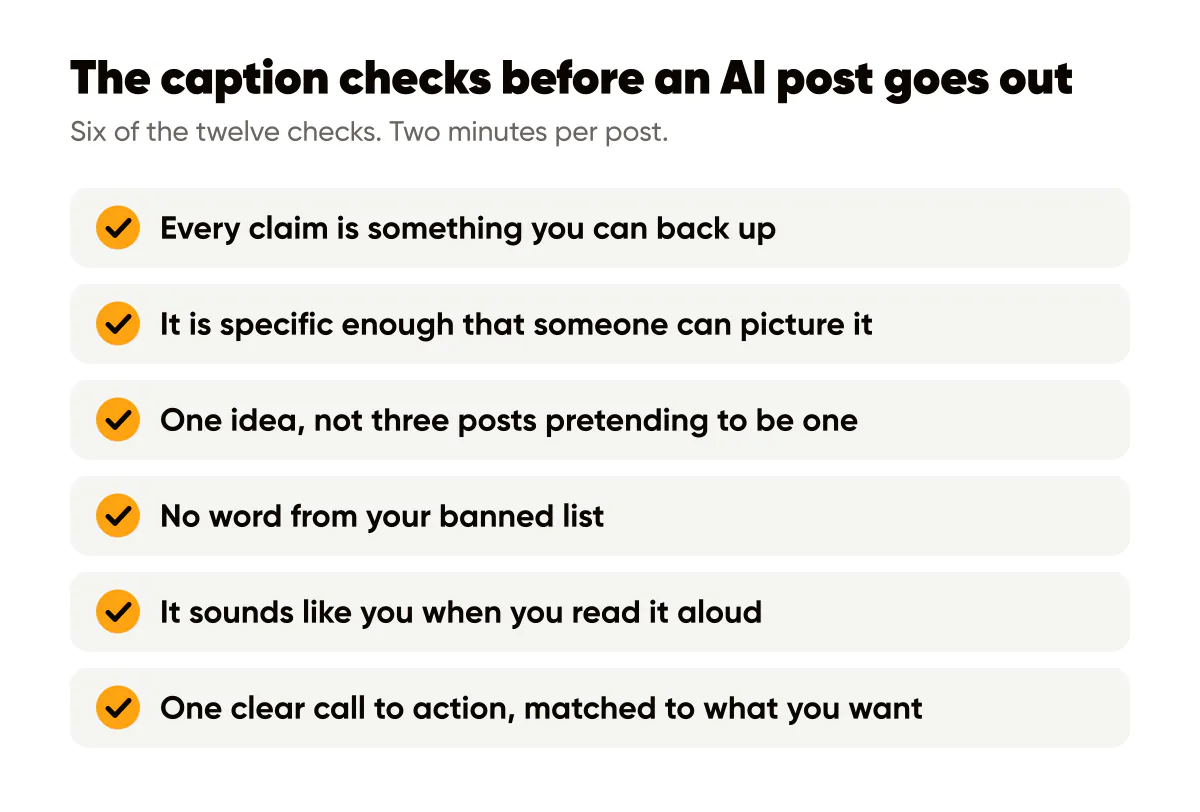
The caption checks
Is every claim in this caption something I can back up?
AI writes plausible statistics without flinching. "Studies show 80 percent of buyers" is the kind of sentence a model produces because it looks like a marketing caption, not because it knows anything. Cut every number you cannot source or observe yourself. Replace it with your own observation ("on my account", "with my last three clients") or delete it. A caption with no statistic is fine. A caption with a fake one is a liability, and it undercuts the experience signal that makes a solo brand trustworthy.
Check two: is it specific? "Save time on your content" is a placeholder. "Batch 20 posts on Monday and post nothing else all week" is a claim someone can picture. If a sentence could sit under any brand's logo, it is not finished.
Check three: one idea. AI loves to bundle. A caption that teaches a tip, tells a story and announces an offer is three posts pretending to be one. Pick the strongest and save the others for later in the week.
Check four: the hype-word scan. Search the caption for your banned list. Mine includes "game-changer," "unlock," "elevate," "supercharge" and "seamless." If you have not written a banned list yet, the brand voice guide explains how to build one in ten minutes and paste it into every prompt so the words stop appearing in the first place.
Check five: does it sound like me? Read one sentence aloud. If you would never say it to a customer standing in front of you, rewrite that sentence in the words you would use. Usually one sentence per caption fails this and it is almost always the opener or the call to action.
Check six: one clear call to action, matched to what you want. "Save this" for a reference post. "Comment your niche" for a conversation. "Link in bio" only when the link is worth the trip. Two calls to action compete and both lose.
The visual checks
Can I read the headline at thumbnail size?
Shrink the post until it is the size it will be in a profile grid, roughly a thumbnail on your phone. If the headline is not legible, nothing else matters. Common causes are a busy background behind the text, too many words, or a font weight that is too light. The text overlay readability rules cover the fixes; the fastest one is a darker background.
Check eight: contrast. Text on your brand color should meet the WCAG 2.2 minimum contrast ratio of 4.5 to 1 for normal text and 3 to 1 for large text. White text on a bright amber or yellow fails this routinely, which is why I never put white text straight onto our amber. Check once per template, not per post, because the template determines the pairing.
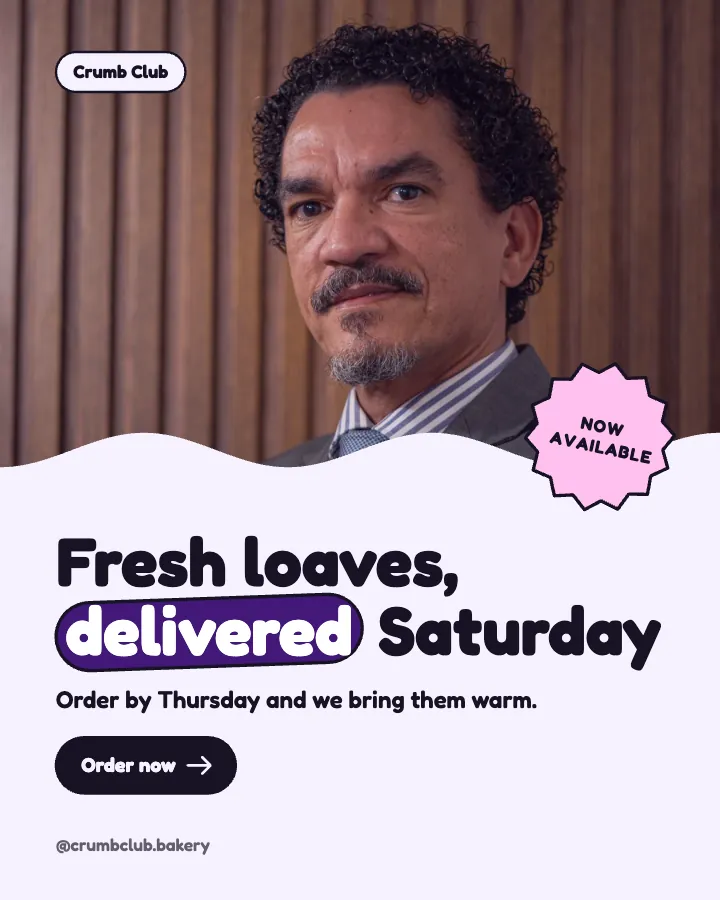
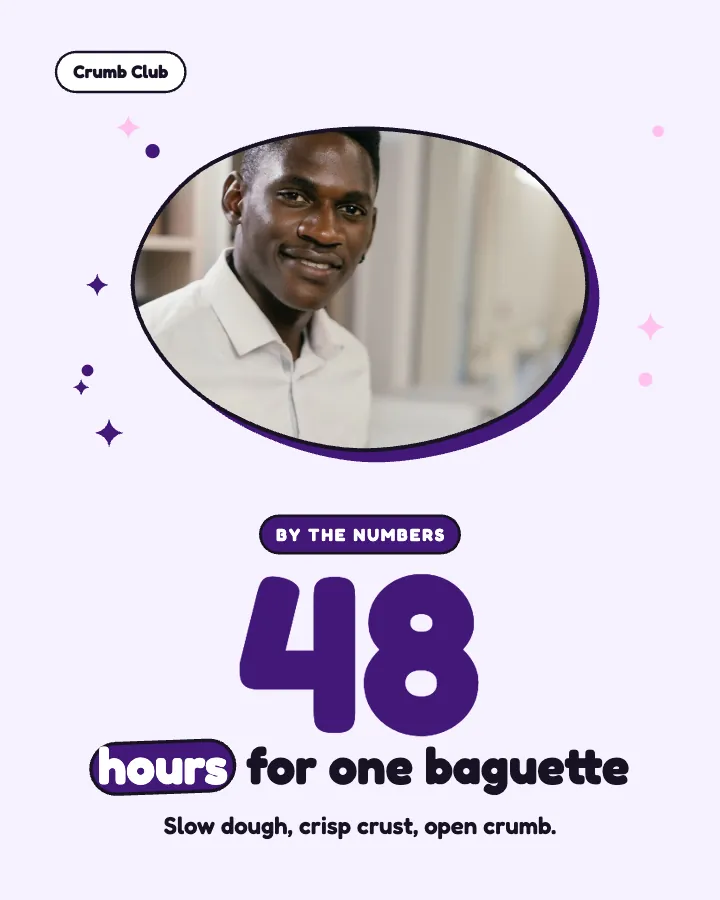
Check nine: logo and template consistency. Same logo position, same size, same template family as the rest of this week's posts. A batch generated in one session tends to pass automatically, which is the case for letting an AI content calendar generator plan and design the whole week in one go. Posts made across several sessions drift. Line up the week's posts side by side and look for the odd one out.
Check ten: spelling on the image itself. Caption typos are fixable after posting. Image typos are permanent unless you delete the post. AI text is usually spelled correctly, but a headline that was fine as text can break awkwardly across lines, or a proper noun from your brief can be altered. Read every word on every image, out loud if you can stand it.
Check eleven: alt text. Write it before you post, not after. For a branded text post, alt text should state the words on the image and the type of image, for example "Text post on a dark blue background reading: Batch on Monday, post all week. Creobee logo bottom right." The W3C alt text decision tree is the reference if you are unsure what to include; the Instagram alt text guide covers where to enter it.
The fit checks
Does this post belong on this platform?
Check twelve, in two parts. First, platform fit. A 4:5 portrait image with a two-line headline is right for the Instagram feed. The same image posted as a Story will have its top and bottom covered by interface elements. A LinkedIn version probably wants a longer caption and a less punchy headline. Check the format against the destination, not against your preview.
Second, the out-loud test. Read the caption and the headline together as if you were saying them to a real customer. If you would be slightly embarrassed, the post is not ready. This catches the things no other check catches: the joke that does not land, the claim that is technically true but feels like a stretch, the tone that is right for a competitor and wrong for you.
Once you have the twelve, do not run them on each post in sequence. Run one check across all posts, then the next. Scan every caption for hype words at once. Look at every image at thumbnail size in one grid. Read every headline for spelling in one pass. Batching the checks the way you batch the creation cuts the review time to a fraction, and you catch inconsistencies you would never notice one post at a time.
On my own batches of 20 to 30 posts, the pass takes about 15 minutes, and roughly a quarter of the captions need an edit, almost always for specificity or a claim I cannot support. That ratio is my observation, not a benchmark, but if your rejection rate is near zero you are probably not reading closely enough.
Do this this week
Copy the twelve checks into a note on your phone. Run your next batch through them one check at a time, and tally which checks fail most often. That tally is your prompt-improvement list: if specificity fails constantly, your brief lacks concrete details; if hype words fail, your banned list is incomplete. Fix the input, rerun, and watch the failure count drop. The brand voice file and the readability rules will fix the two most common failures for most people.
Put it into practice
Turn this into posts designed for your feed
Paste your website or say what you do. Creobee plans, writes and designs your posts about it as one feed in your logo and colors, captions included, and on Autopilot it posts them for you.
How the AI social media post generator works